



Interactive apps for teams and workshops.
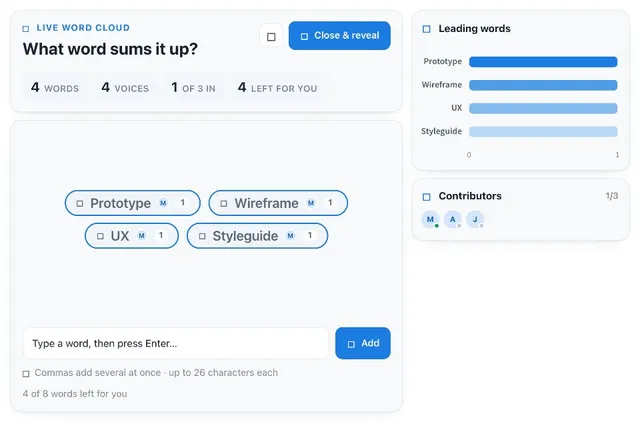
Mood check ins, speaker timers, word clouds, design votes and other interactive apps that fit no other shelf, ready to add to any MockFlow board in one click.
General

Collections for every session.
Hand-picked apps and games for the moment you need them.
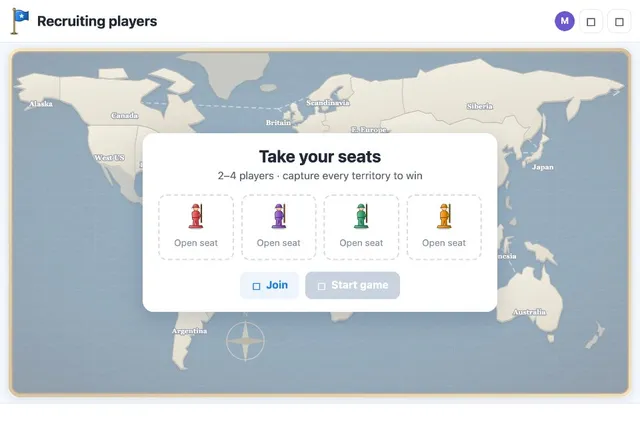
Two player games
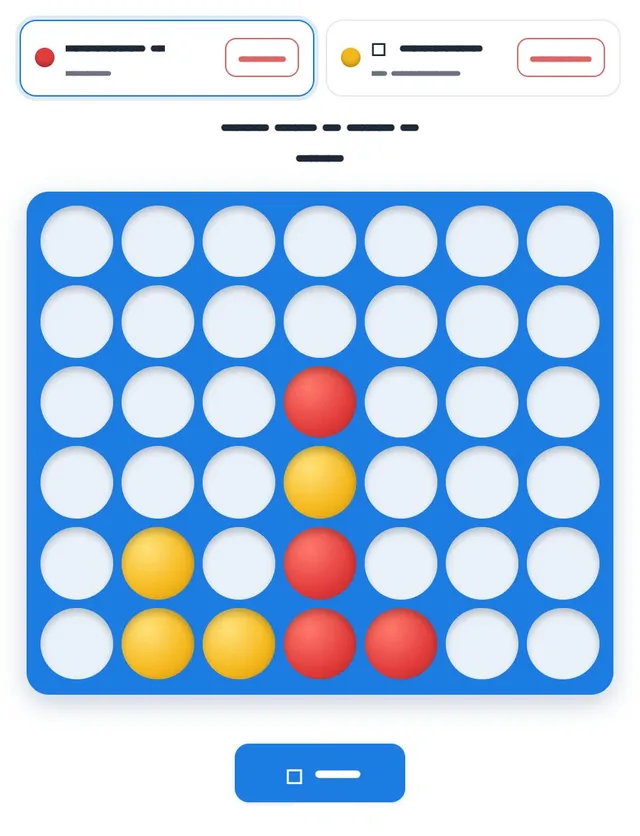
Chess, Battleship, Connect Four and more, one player on each side.
BrowseIcebreakers
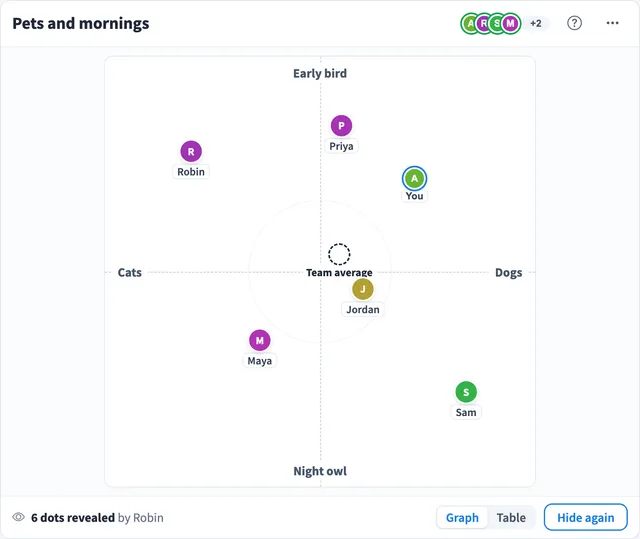
Quick games and check ins to open a meeting or a class.
BrowseRetros and workshops
Dot voting, mood check ins and speaker timers for facilitators.
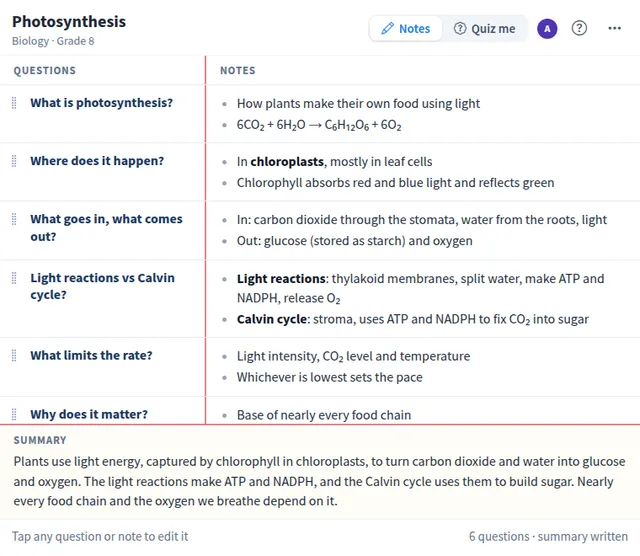
BrowseClassroom
Quizzes, flashcards and notes the whole class uses at once.
BrowseRemote teams
Time zone finders, world clocks and a virtual office.
BrowseSprint planning
Planning poker, dot voting and timers next to the backlog.
BrowseSmall apps the whole board uses together.
Use one for dot voting in a workshop, a quiz at the end of a lesson, planning poker in a sprint, a speaker queue in a stand-up or a game for a team break. It runs right on your MockFlow board, next to the work.
- Everyone uses it at once. Votes, turns and scores stay in sync for everyone on the board.
- Add one in a click. Pick an app from the Artifact Library. Adding it does not use AI credits.
- Describe your own. Tell Mida what you need, such as "Dot voting for what we build next, three dots each", and it builds the app on your board.
Something interactive for every session.
A few examples of what teams describe.
Team decisions
Product teams settle what to build next without a long thread.
"Dot voting for what we build next, three dots each"
Browse Voting & PollsSprint planning
Engineering teams estimate the backlog together, right next to the stories.
"Planning poker for the stories in this sprint"
Browse PlanningFacilitation
Facilitators keep a workshop on time and give everyone a turn.
"A five minute timer for silent brainstorming"
Browse TimersWorkshops and classes
Trainers and teachers check what stuck at the end of a session.
"A ten question quiz on our brand guidelines"
Browse QuizzesComparing options
Anyone weighing options on a board gets the numbers next to the work.
"A cost calculator for the three pricing options on this board"
Browse UtilitiesTeam breaks
Remote teams take a short break together without leaving the board.
"Connect Four we can play against each other"
Browse Games



 Brainstorm with MockFlow MCP


