



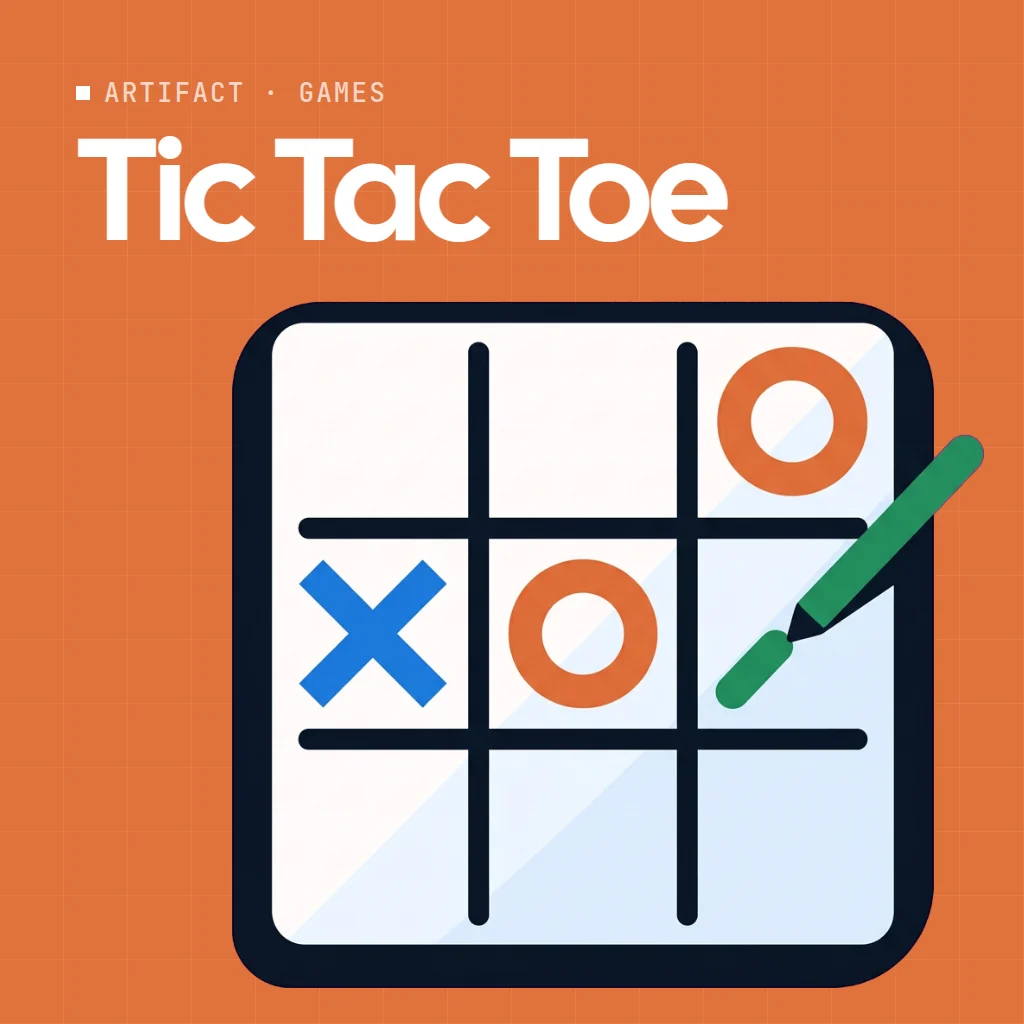
 Tic Tac Toe
Tic tac toe online on a shared board: two seats, one grid, three in a row. Take X or O, place your marks, and be the first to line up three.

Play Tic Tac Toe online together.
The app keeps score across rounds, counts draws, and charts the results, while everyone else at the table watches the match live.
It runs on a shared MockFlow board, so a quick game can sit right next to the work, and every move appears on every screen at once.
- Two seats. X and O seats show who is playing, and anyone else at the table watches.
- Seat a member. Put any board member in a seat straight from the players panel.
- Score across rounds. Wins and draws are tracked round by round, with a Round results chart.
- Win detection. Three in a row is spotted for you and the winning line is shown.
How to play Tic Tac Toe.
Claim a seat
Press Play as X or Play as O, or use Seat member to put a board member in a seat. The round starts once both seats are filled.
Place your mark
On your turn, pick an empty square. The status line shows whose move it is.
Get three in a row
Line up three of your marks across a row, a column or a diagonal to take the round.
Play more rounds
Keep playing round after round. Wins and draws are counted and shown in the Round results chart.
Who uses Tic Tac Toe.
A remote team on a coffee break
Two teammates play a few quick rounds while others watch.
A teacher with young students
Play a simple strategy game on a board the whole class can see.
A meeting waiting to start
Fill a couple of minutes with a fast round while people join.
Friends playing online
Open a board, claim X and O and play together from anywhere.
Add Tic Tac Toe to your board.
Use on a board opens a new board with Tic Tac Toe already on it. To add it to a board you already have, follow these steps. Each copy keeps its own data, so a vote on one board never changes another.
Open your board
Open the MockFlow board you want to use it on.
Add it from the Artifact Library
Click Add anything (the plus button) in the toolbar at the bottom of the board, switch to Artifacts and pick Tic Tac Toe under Games. Adding it does not use AI credits.
Use it together
Click Interact with Component (the hand button), or switch the board to Play mode. Everyone on the board uses the same app, and Reset shared data clears it for the next session.
Update content with AI changes the content without changing how the app works.






 Brainstorm with MockFlow MCP


