
Brand kits: AI that designs with your colours, fonts and logo
Save your brand once as a kit, and the wireframes, designs, prototypes and charts AI makes on your board use your colours, fonts, logo and voice.
When you ask AI for a landing page or an app screen, it picks colours and fonts of its own, and someone then spends an hour putting the brand back. Brand kits fix that at the start. Your team saves its brand once: logo, colours, fonts and a few rules. Apply the kit to a prompt, and what AI makes on the board already looks like yours.
What goes in a brand kit
Brand name, such as Fernway Outdoors.
Logo: a main logo, an optional version for dark backgrounds, and an optional square icon for app icons and avatars. PNG, JPG, WebP or SVG.
Colours: each with a name you choose, like Forest #1f5c45 or Amber #f2a93b. Mark one as Main; the rest follow in order of importance.
Fonts: a heading font and a body font from Google Fonts.
Voice and rules: how your brand sounds, and what AI should always or never do. For example: Plain and warm. Use Forest for headlines, Amber only for buttons.
Start from your website
You don't have to type any of it. In Start from your website, enter your address, such as fernway.com, and click Fill in. MockFlow reads the site and copies its logos, colours and fonts into the form, with your brand colours ahead of the whites and greys every site uses, and drafts a first line for your voice. It only fills fields that are still empty. Check what it found, name your colours, add your rules, and click Create kit.
Apply a kit to a prompt or to Mida
Kits live next to skills. Click Browse skills and brand kits on a prompt box or in Mida, open the Brand kits tab and click Apply on a kit. A Brand: Fernway Outdoors pill appears on the prompt, and everything you generate from it uses the kit until you remove the pill.
When Mida opens a setup form before building, its Brand row lists your kits as chips, along with No brand and Manage kits. Pick a kit there and Mida uses it for that one build, logo included.
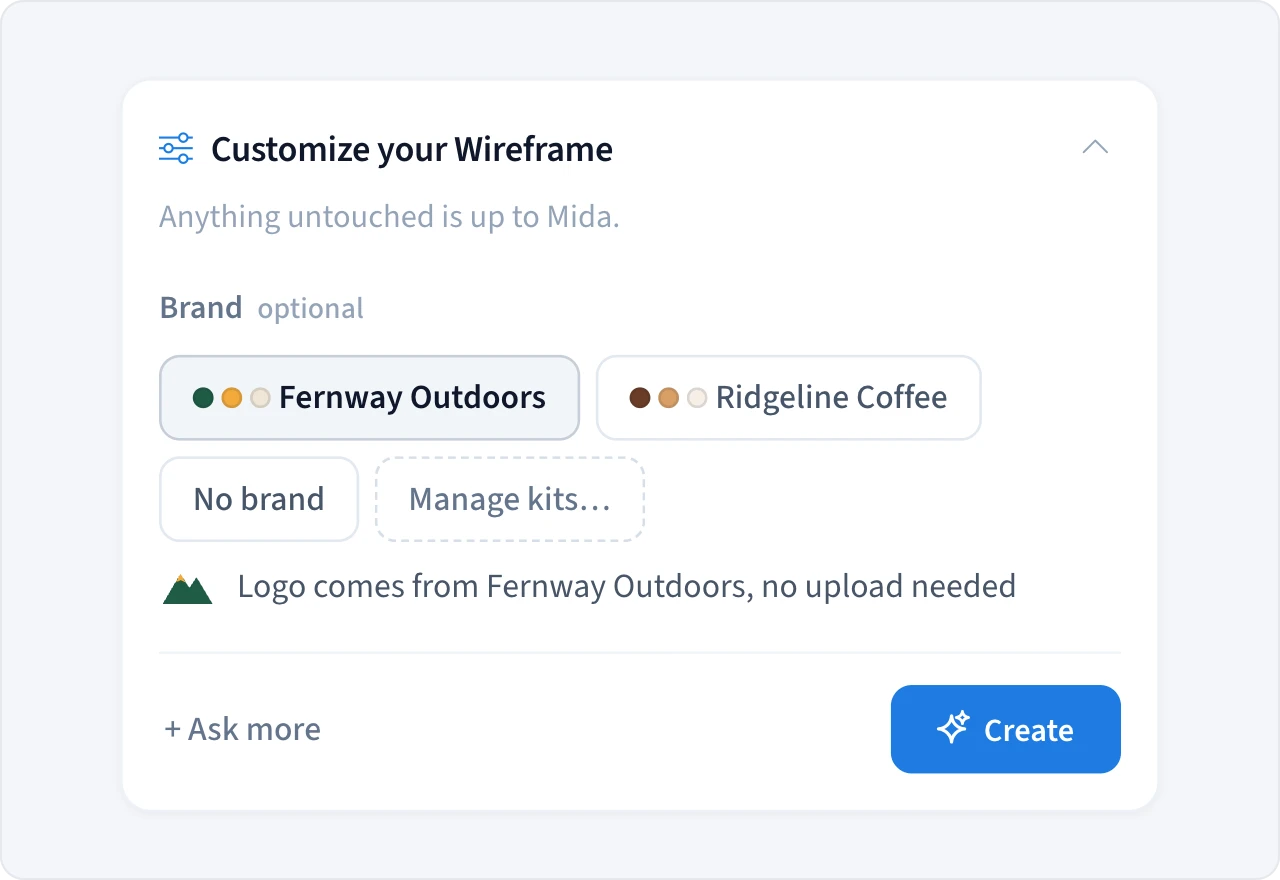
Your logo goes onto the board as the exact file you uploaded, never redrawn by AI. Edit a kit later and the prompts it's applied to pick up the change.
What each result takes from the kit
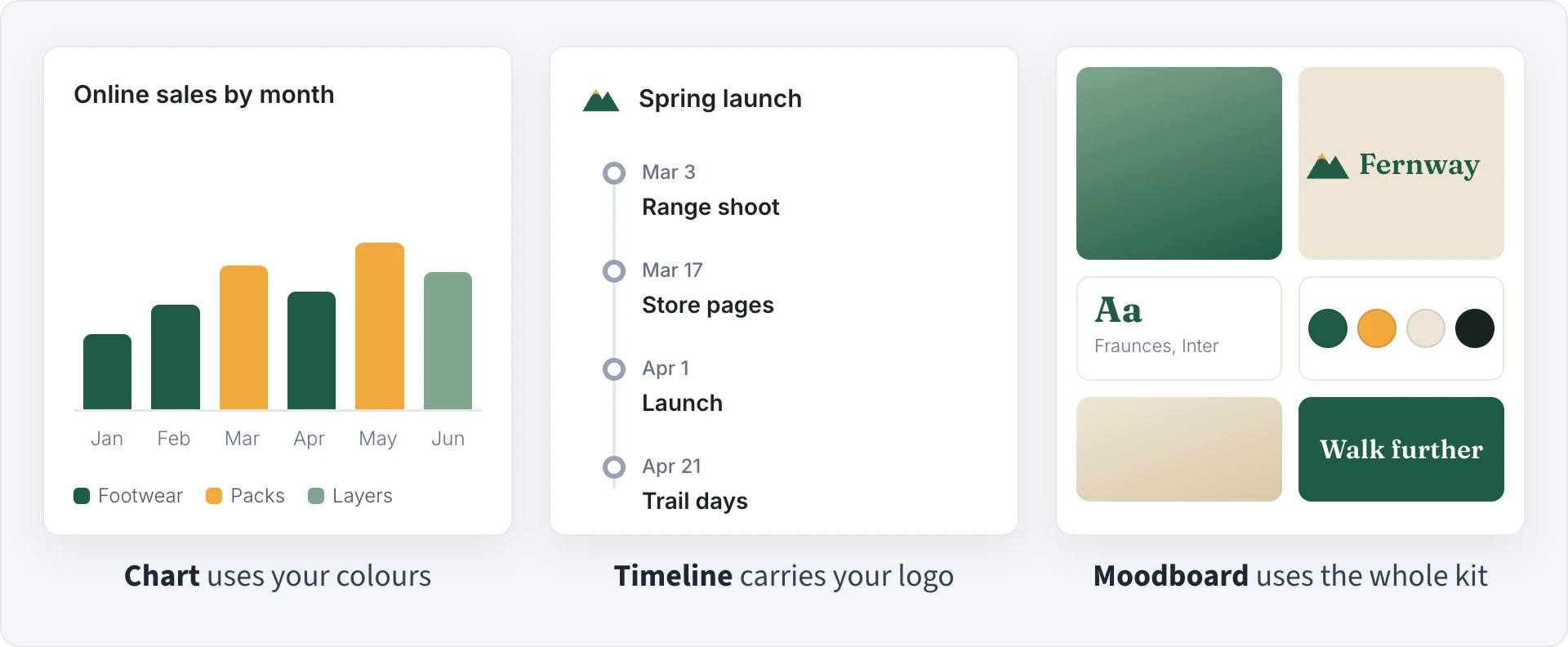
Every result follows the kit's voice and rules. Beyond that, each output uses the parts that fit it:
Wireframes, designs, prototypes and moodboards use the whole kit: colours, fonts and logo.
Artifacts and whiteboards use your colours and fonts.
Charts, tables, flowcharts, architecture diagrams, swimlanes and journey maps use your colours.
Timelines carry your logo.
When a result can only use part of a kit, the pill says so when you hover over it.
Your brand inside the Design and Wireframe frames
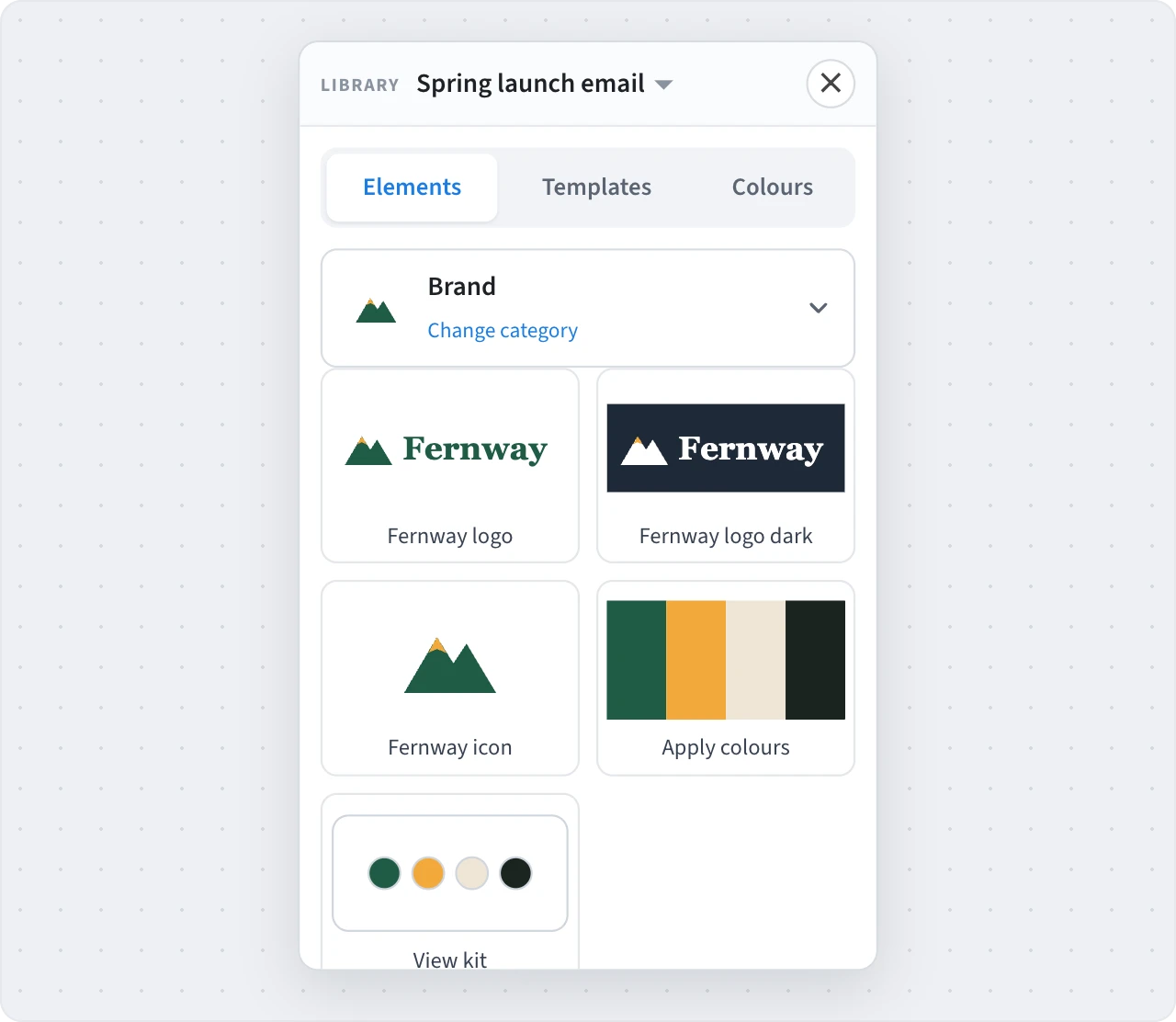
When you edit a Design or Wireframe frame, its Library has a Brand pack with your logos to drop in. In a Design frame the pack also has Apply colours, which recolours the design in your palette, and each kit shows up as a colour card under Colours.
How teams use brand kits
On-brand screens from the first prompt. Emma, a product designer at a fintech startup, applies the company kit and asks for an onboarding flow. The prototype comes back in the company's blue and Inter, with the logo in the header, ready for the review that afternoon.
One kit per client. Lucas runs a small agency and keeps a kit for each client. Switching boards means switching the pill, so a pitch for the coffee roaster never comes out in the fitness brand's colours.
Reports that match the deck. Sofia, in marketing, generates a campaign dashboard with charts and a launch timeline. The charts use the brand palette and the timeline carries the logo, so they drop into the quarterly review without restyling.
For developers
Brand kits work through the Boards API and the MockFlow MCP server too. List your team's kits with GET /brand-kits, then pass one when Mida builds a board:
curl -X POST https://api.mockflow.com/v1/boards \
  -H "Authorization: Bearer $MOCKFLOW_API_KEY" \
  -H "Content-Type: application/json" \
  -d '{"title": "Fernway spring launch", "prompt": "Landing page and email for our spring hiking range", "brandKit": "bk_YOUR_KIT_ID"}'
AI assistants connected through MCP, such as Claude and Cursor, get a get_brand_kit tool, so they can follow your brand when you mention it.
Availability
Brand kits are available on paid plans. The licence owner and admins create and edit kits, and everyone on the team can apply them. Guests on a team's board can use that team's kits there. Basic accounts can see what a brand kit is and upgrade from the Brand kits tab.