
Bring Your Whiteboard to Life with Custom Backgrounds in MockFlow Board
Enhance your MockFlow Board experience by setting vibrant wallpapers or background colors. Create a branded, collaborative environment for mind maps, brainstorming, and more with MockFlow's customizable whiteboard backgrounds.
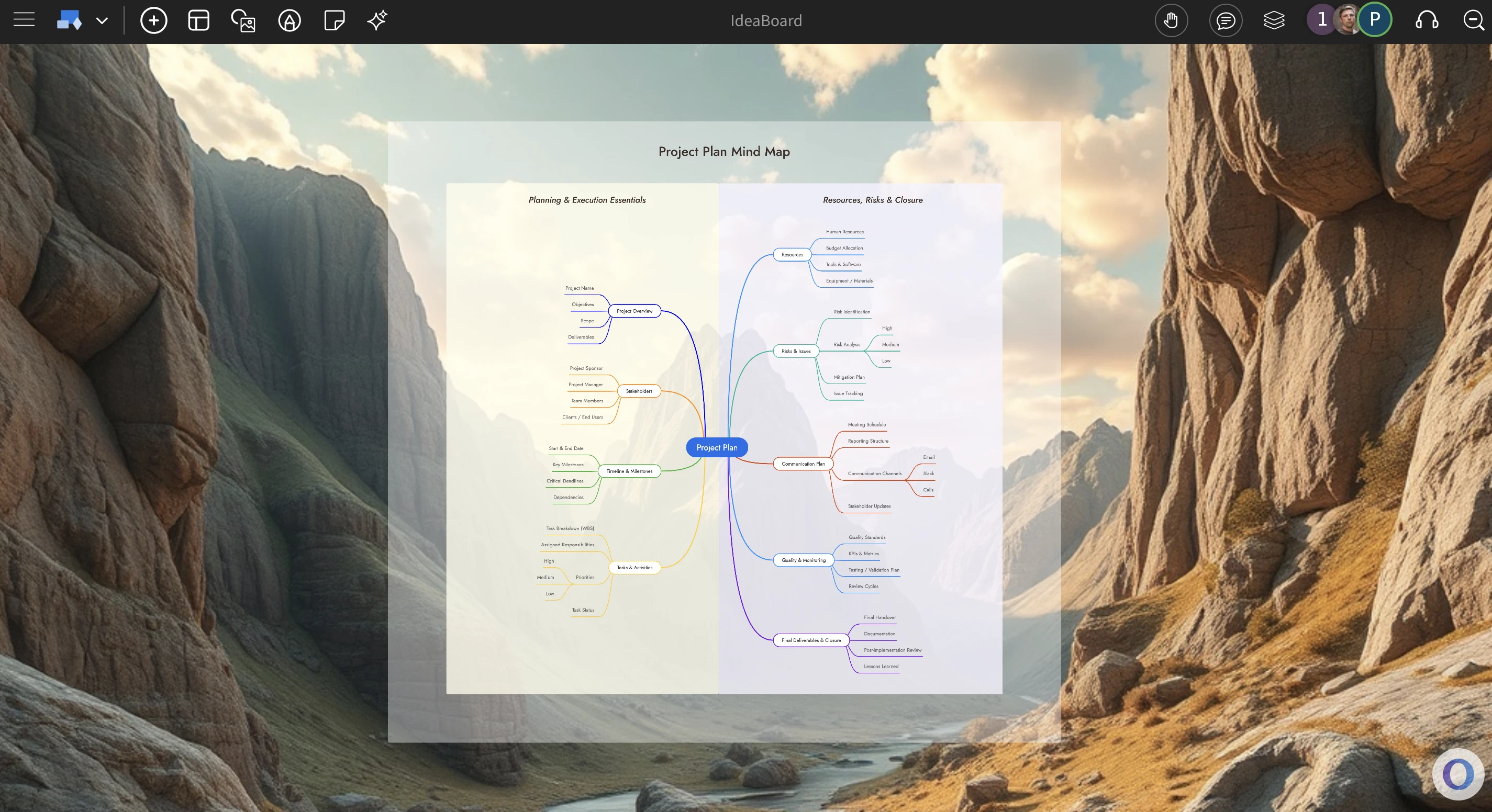
In MockFlow Board, your whiteboard need not be just white anymore, set vibrant wallpapers or background colors to the set tone, brand of your project whether you are designing a mindmap or in a brainstorming session, creating a diagram, MockFlow Board will now feel like your shared collaborative desktop between your team members that can be accessed anywhere.
MockFlow Board is designed with a clean, distraction-free interface that features only a simple top bar. This minimal layout makes it the perfect canvas for wallpapers, as the unobtrusive content area allows your chosen background to shine through. By adding a wallpaper or background color to your whiteboard, you not only give it a desktop-like vibe but also create an immersive atmosphere tailored to your project’s purpose
This feature is especially useful across a wide range of use cases. Set a professional background for mind maps and strategy diagrams to keep the team focused, choose creative wallpapers for brainstorming sessions and mood boards to spark fresh ideas, or apply branded colors when designing flowcharts and project plans to maintain consistency. No matter the format, MockFlow Board backgrounds help you build an engaging, collaborative environment where ideas can grow.
Here are some use cases of using backgrounds in Ideaboard
AWS chart on top of a server rack wallpaper
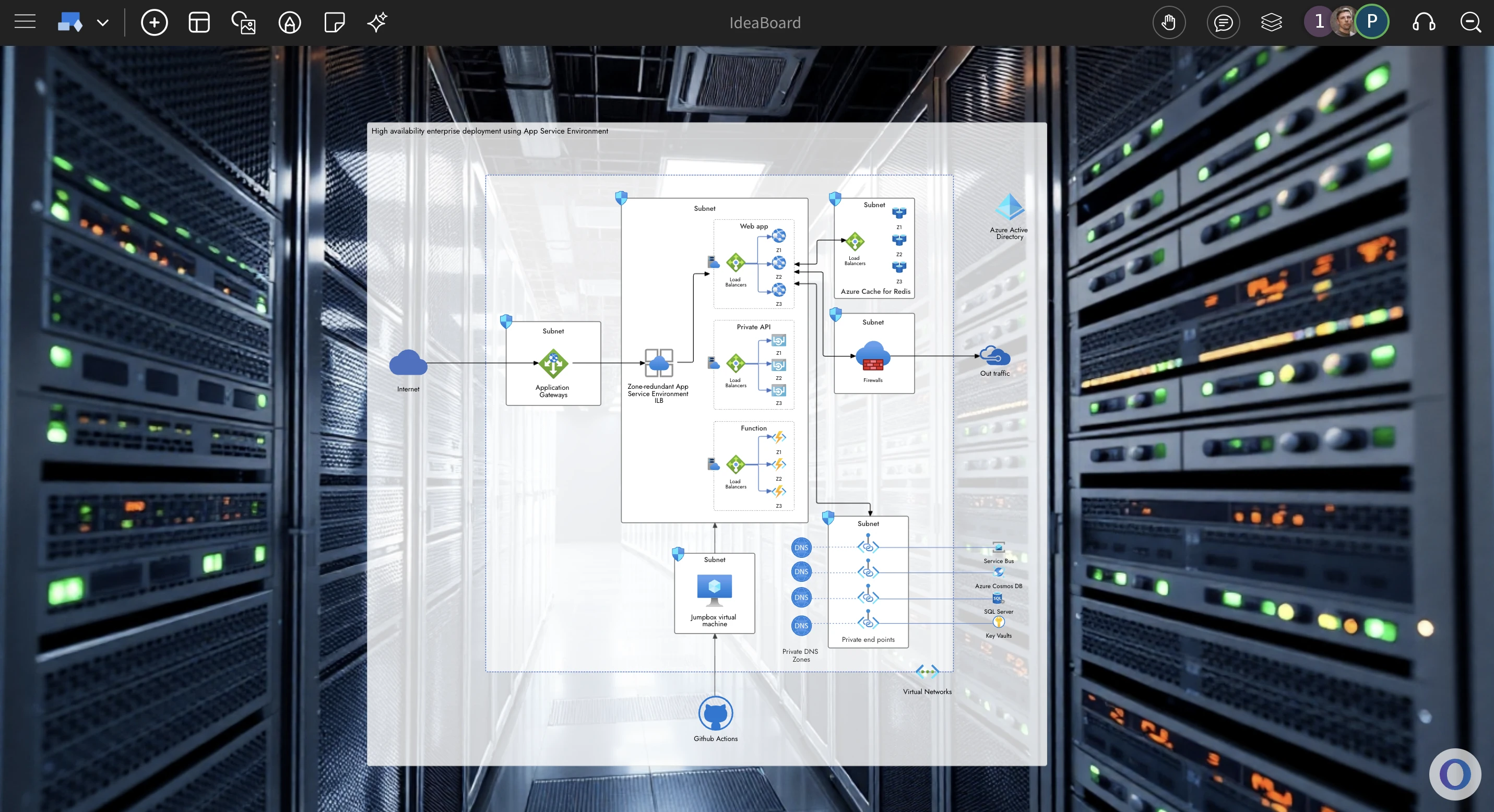
Brainstorming session with a Mandala chart with background of a meeting room
How to change background ?
To change background of your MockFlow Board, either right click on the canvas or click the project title in the top toolbar to popup the project options modal. From here you can choose between plain colors, preset wallpapers or even upload or generate your own background wallpaper.
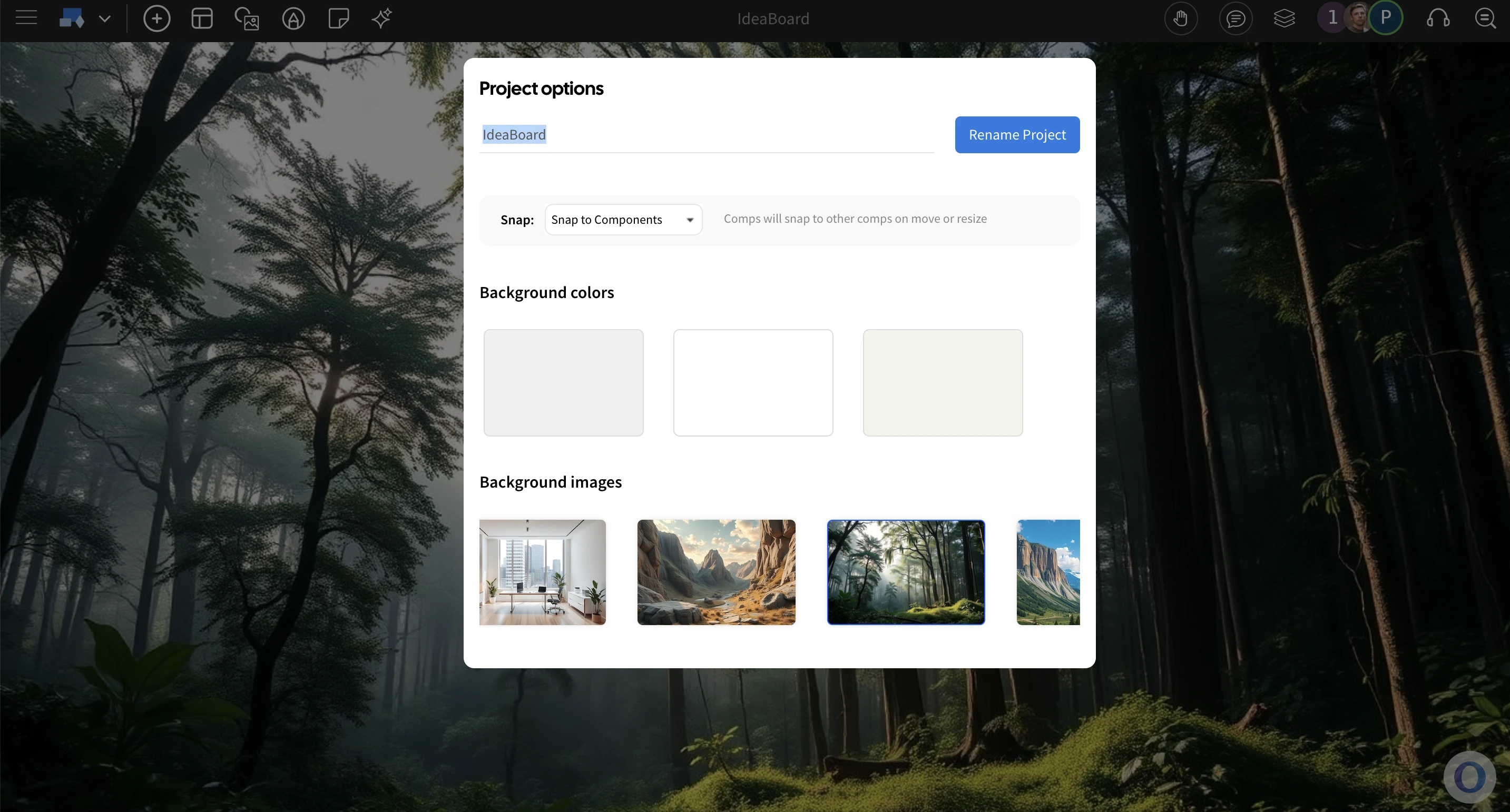
This feature is available in all plans including free basic, so try to convert your 'Whiteboard' into your own branded or contextual board.