
Power-up Shortcuts - Now access related powerups at the right places
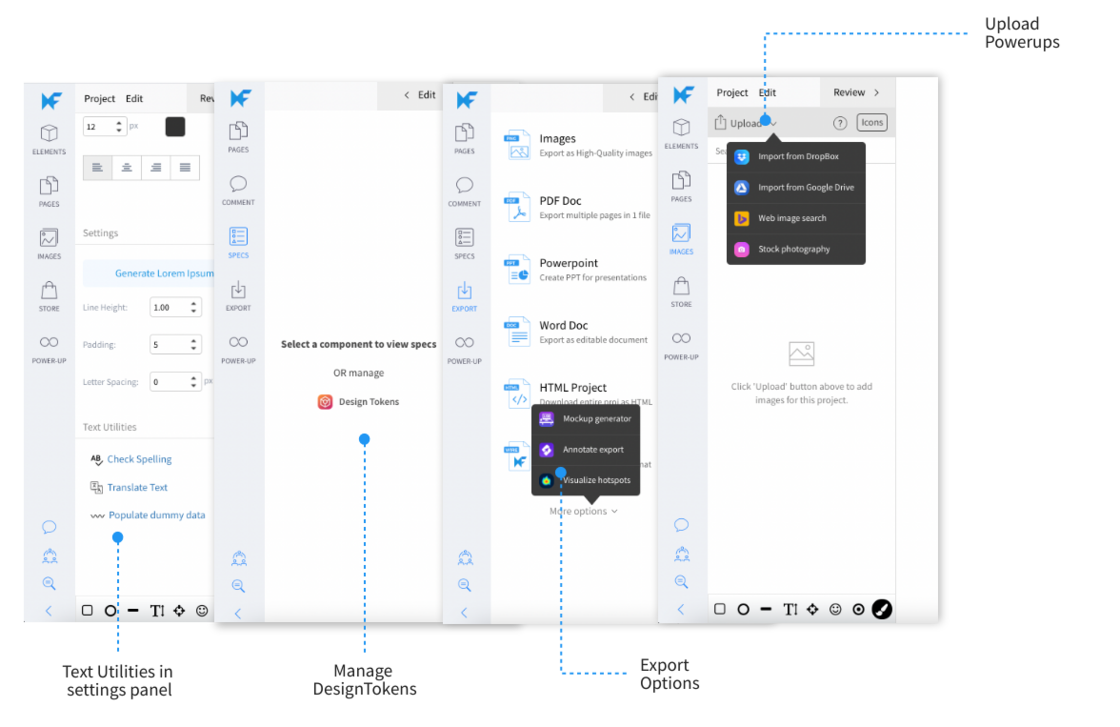
Power-ups are mini-apps that are installed within the MockFlow editor for more features. To start with, this process is not straight-forward as user has to navigate to the MockStore from the editor and then find and install Power-ups before accessing them.
This new release simplifies the above process and makes power-ups more visible and easily accessible right where you need them. With shortcuts no installation is required and it make Power-ups feel as a natural extension of the related functionality. It enhances common operations in the editor like upload, export with additional options, thanks to Power-up shortcuts.
As of now, Powerup Shortcuts are available in the following areas:
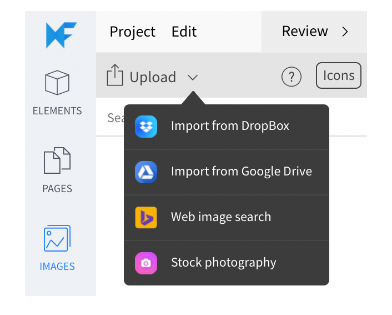
Upload images:
Stock Photography
Web image search
Google Drive Import
Dropbox import
Text settings panel:
Spell checker
Text Translation
Dummy data import
Specs module:
Design Tokens
Export Options:
Mockup Generator
Export annotation
Heatmaps
More such Power-ups will be actively integrated within the editor's UI in a non-obtrusive way.
Note: Power-ups are available only for yearly subscriptions.