
MockFlow Board for Google Meet : Real-Time Brainstorming Without Leaving Your Meeting
Enhance your Google Meet sessions with MockFlow Board's real-time brainstorming capabilities. Collaborate visually with whiteboards, diagrams, and AI-powered tools right inside your meetings.
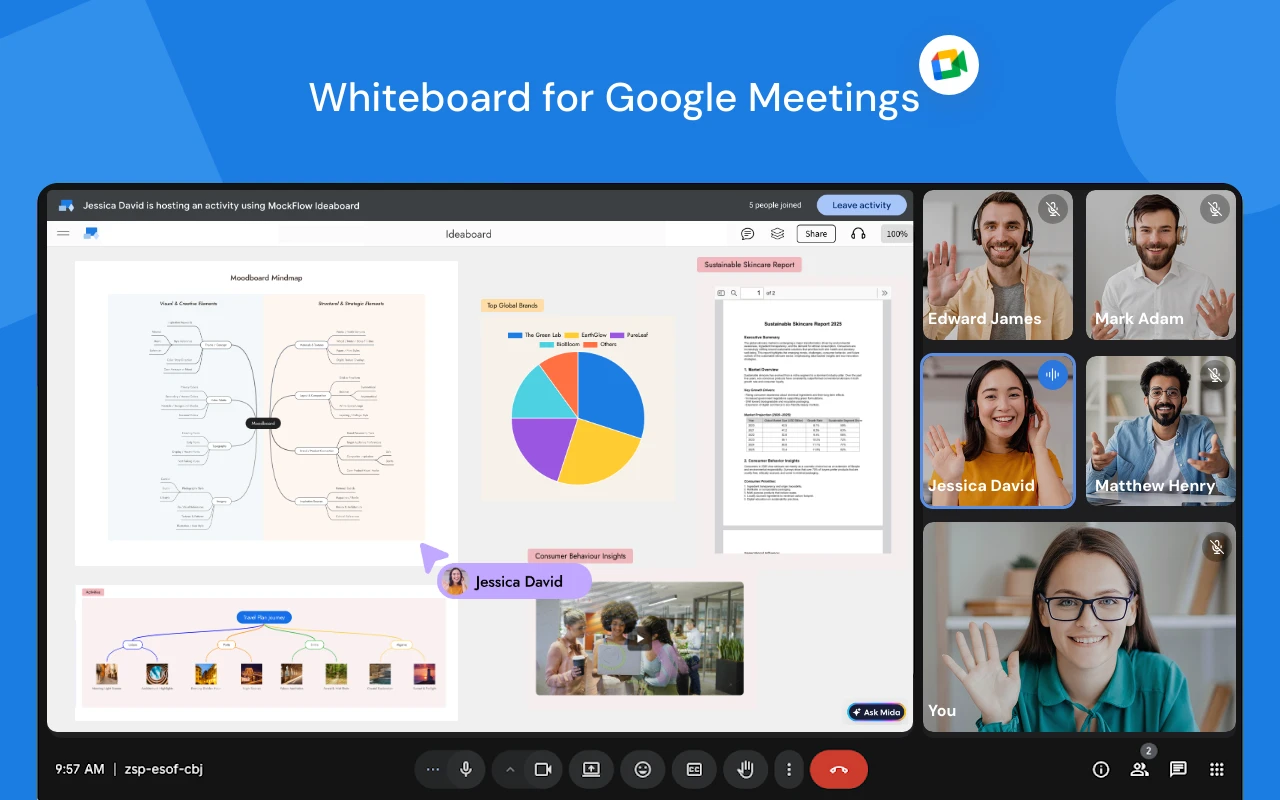
MockFlow Board now runs natively inside Google Meet, turning your video calls into live brainstorming sessions where everyone can think visually together, on the same canvas, without ever leaving the meeting.
Brainstorm Visually During Google Meet Calls
By combining MockFlow Board’s versatile whiteboard components with seamless Google Meet integration, you can turn everyday meetings into highly productive visual collaboration sessions. Use MockFlow Board to brainstorm and document cloud architectures, flow diagrams, storyboards, design moodboards, mind maps, customer journeys, and more all directly within your meeting.
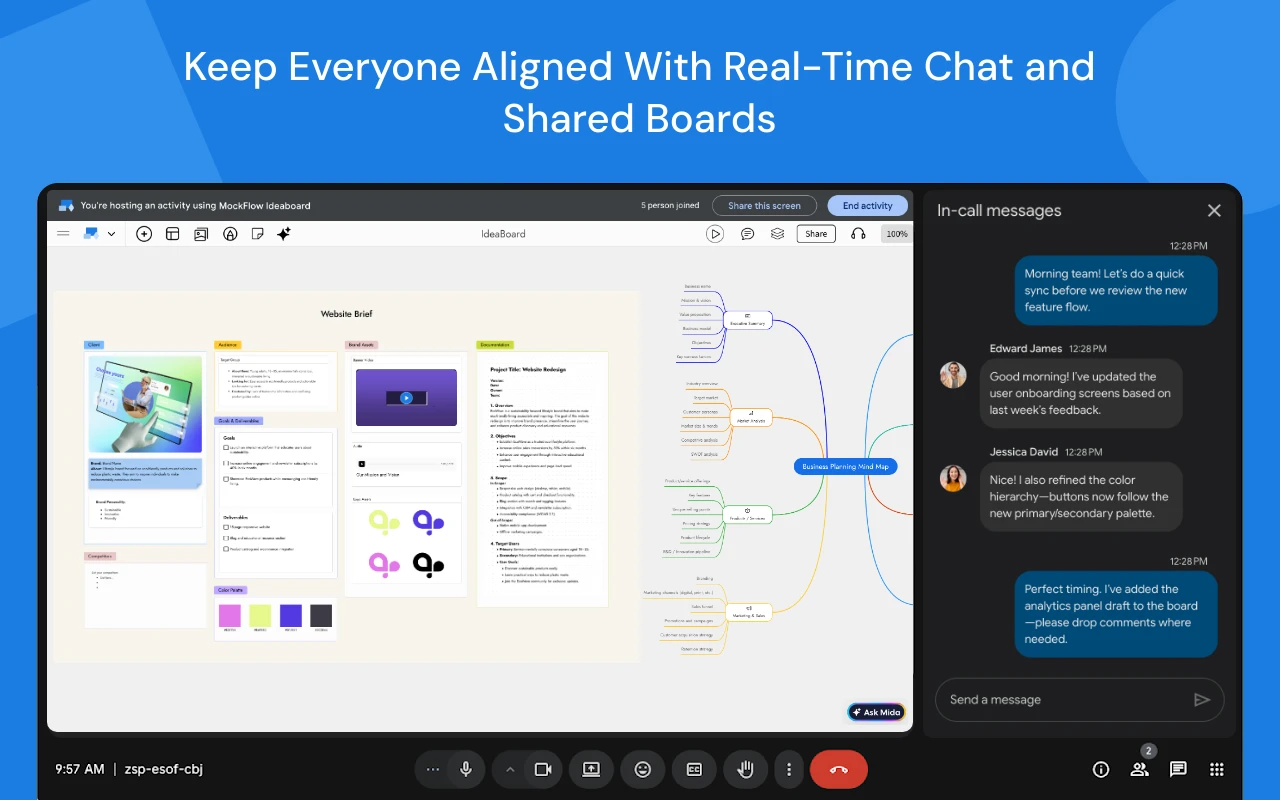
The MockFlow Board is automatically shared with all participants and supports Google Sign-In for instant access. With real-time multi-user editing, everyone in the meeting can contribute simultaneously to the same whiteboard.
Practical Use Cases
Imagine your next sprint planning meeting. Instead of reading tickets aloud, your team opens a Kanban board in MockFlow Board and drags priorities around in real time. Or your engineering lead sketches an AWS cloud architecture diagram on the canvas while walking the team through a migration plan, allowing everyone to annotate, question, and refine it instantly.
Running a product discovery session? Drop a customer journey map onto the board and let the team add pain points using sticky notes as the discussion unfolds. Need to break down a complex feature? Start a mind map and watch it grow organically as teammates branch out ideas together.
These aren’t activities you do after the meeting. They happen during the meeting , because MockFlow Board lives right inside Google Meet, not in another tab or screen share.
AI-Powered Brainstorming with Mida
Bring AI into your meetings with Mida, your built-in brainstorming co-pilot. Ask Mida to visualize your ideas instantly generate diagrams, structures, and layouts directly on the board as your discussion evolves.
How It Works: Getting Started
Install the app from the Google Workspace Marketplace:
https://workspace.google.com/marketplace/app/mockflow_ideaboard/162227401569
Open any Google Meet session.
Click the Activities panel (puzzle icon) and select MockFlow Board.
Sign in with your Google or MockFlow account.
Choose an existing board or create a new one.
The board opens on the main stage everyone can now brainstorm together in real time.
Availability
MockFlow Board for Google Meet is available on all plans, including the free Basic plan. Business plan users get unlimited boards and higher collaborator limits for larger teams.