
ChatGPT app for MockFlow Board - now visualize without AI limits or signups
Discover the new ChatGPT app for MockFlow Board, a revolutionary tool that turns ChatGPT into a visual brainstorming companion. Create mind maps, flowcharts, and more without AI limits or signups. Perfect for seamless mobile and web integration.
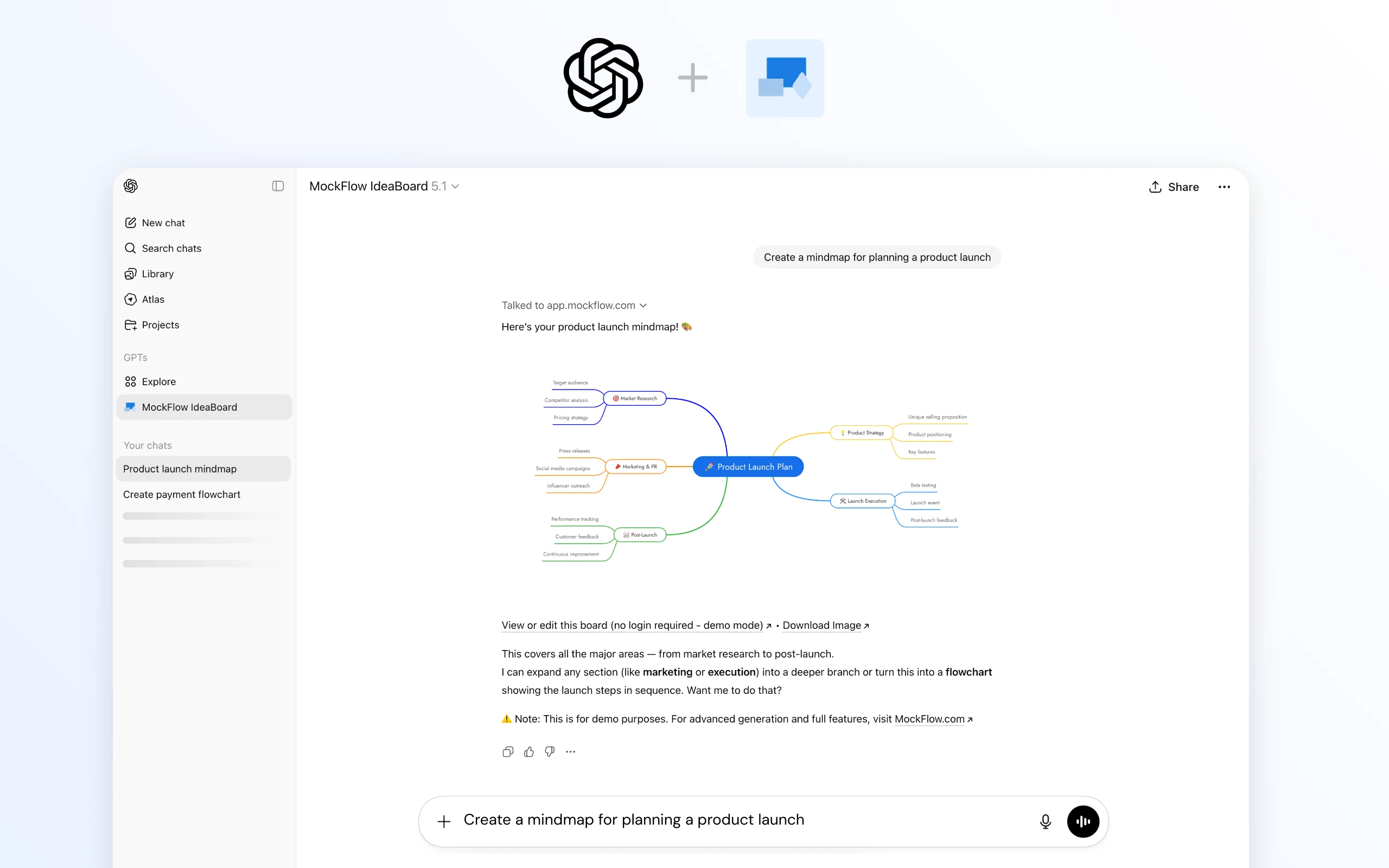
The new MockFlow Board ChatGPT app transforms ChatGPT from a text-only conversational assistant into a fully visual brainstorming companion. Instantly create mind maps, flowcharts, architecture diagrams, customer journey maps, spreadsheets, documents, and more directly inside your existing ChatGPT interface. No MockFlow account, no AI credit limits, and no setup required.
Getting Started
You likely need just one step:
Open ChatGPT.
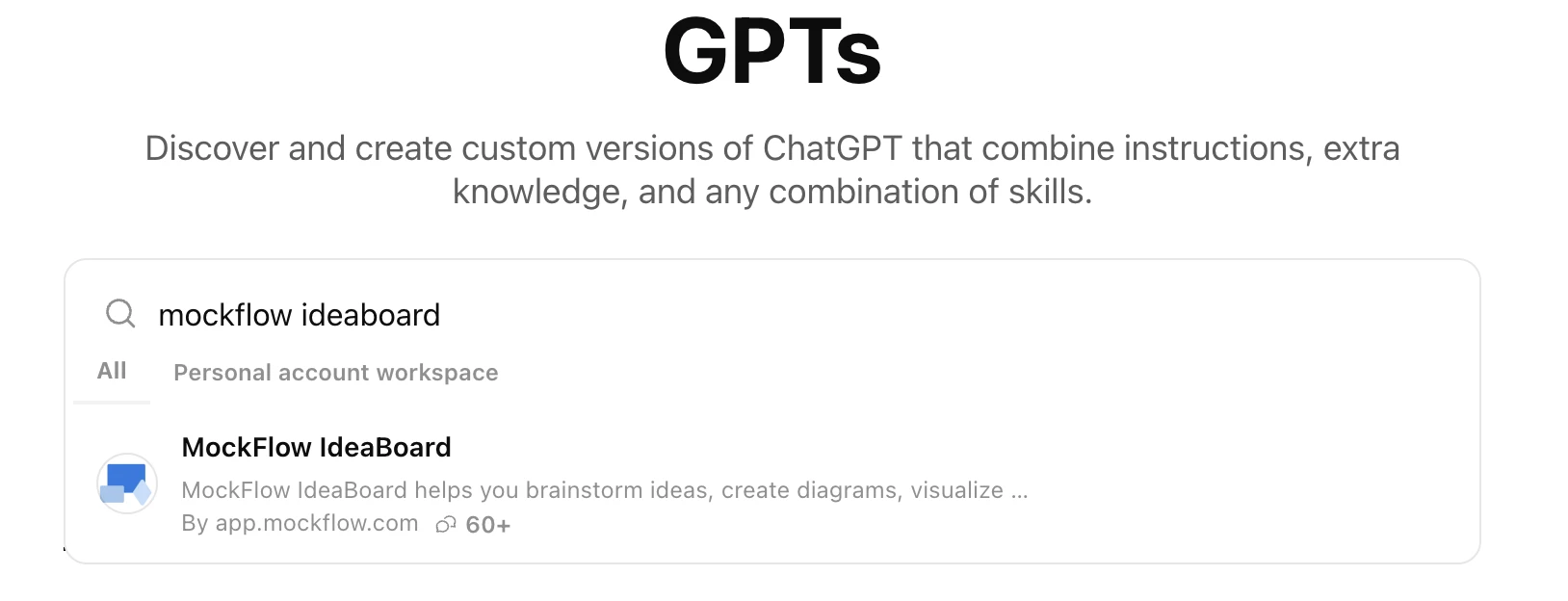
Click Explore GPTs on the left sidebar.
Search for "MockFlow Board".
Start chatting - no MockFlow login required, and no generation limits from our side.
Within seconds, ChatGPT will be able to output visuals instead of plain text.
How It Works
Once installed, the MockFlow Board action becomes available on all official ChatGPT apps in web, iOS, and Android.
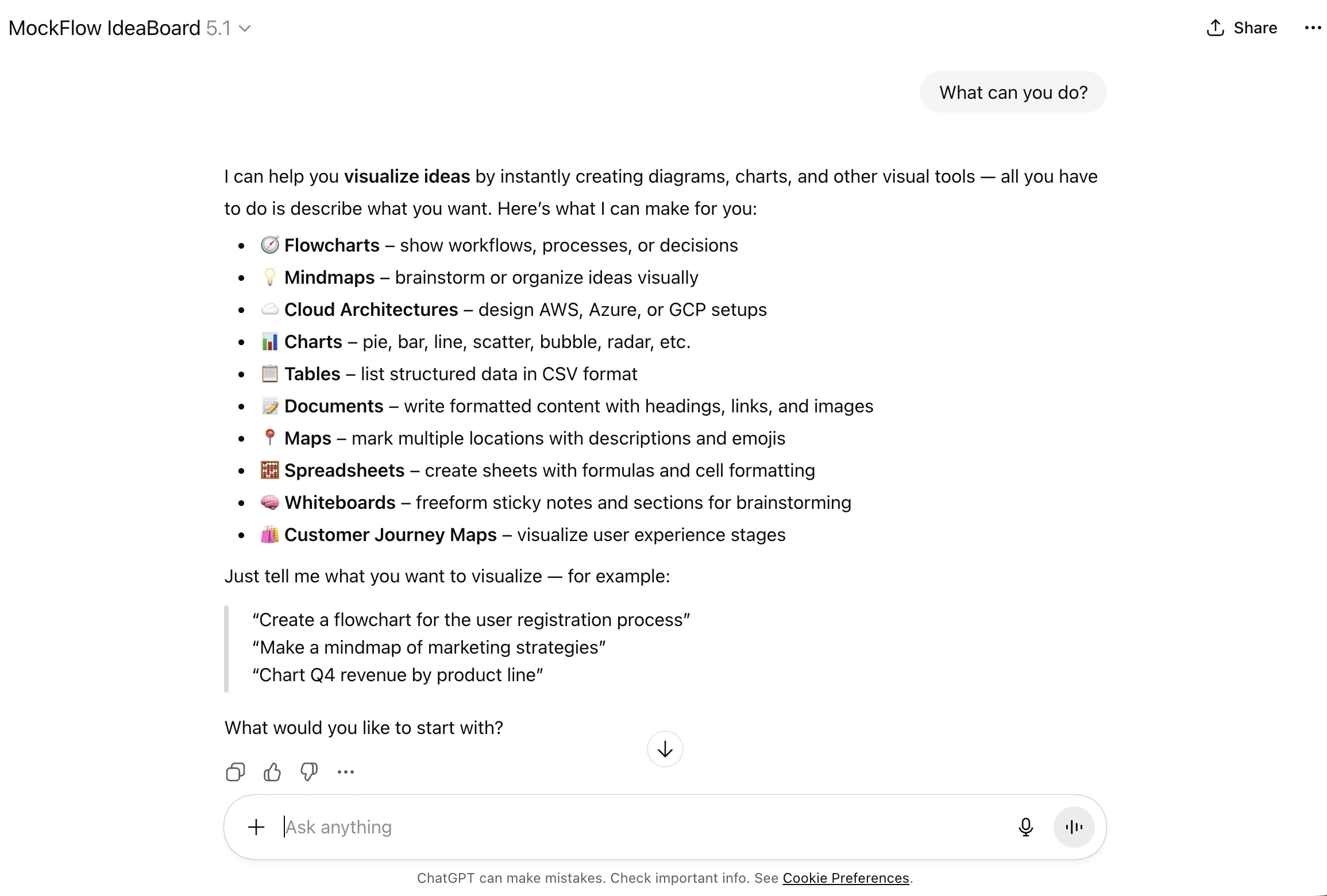
MockFlow Board provides a list of sample topics to try.
You can also simply ask: “What can you do?” for a full capability overview.
When you request something like: “Draw a flowchart for the payment process”,
the MockFlow Board Visual API instantly generates the diagram and returns it to ChatGPT in a consistent, high-quality visual format.
This happens seamlessly in a few seconds everything stays inside your ChatGPT window.
Why Not Just ChatGPT?
ChatGPT is exceptional at generating text, summaries, code, and even images.
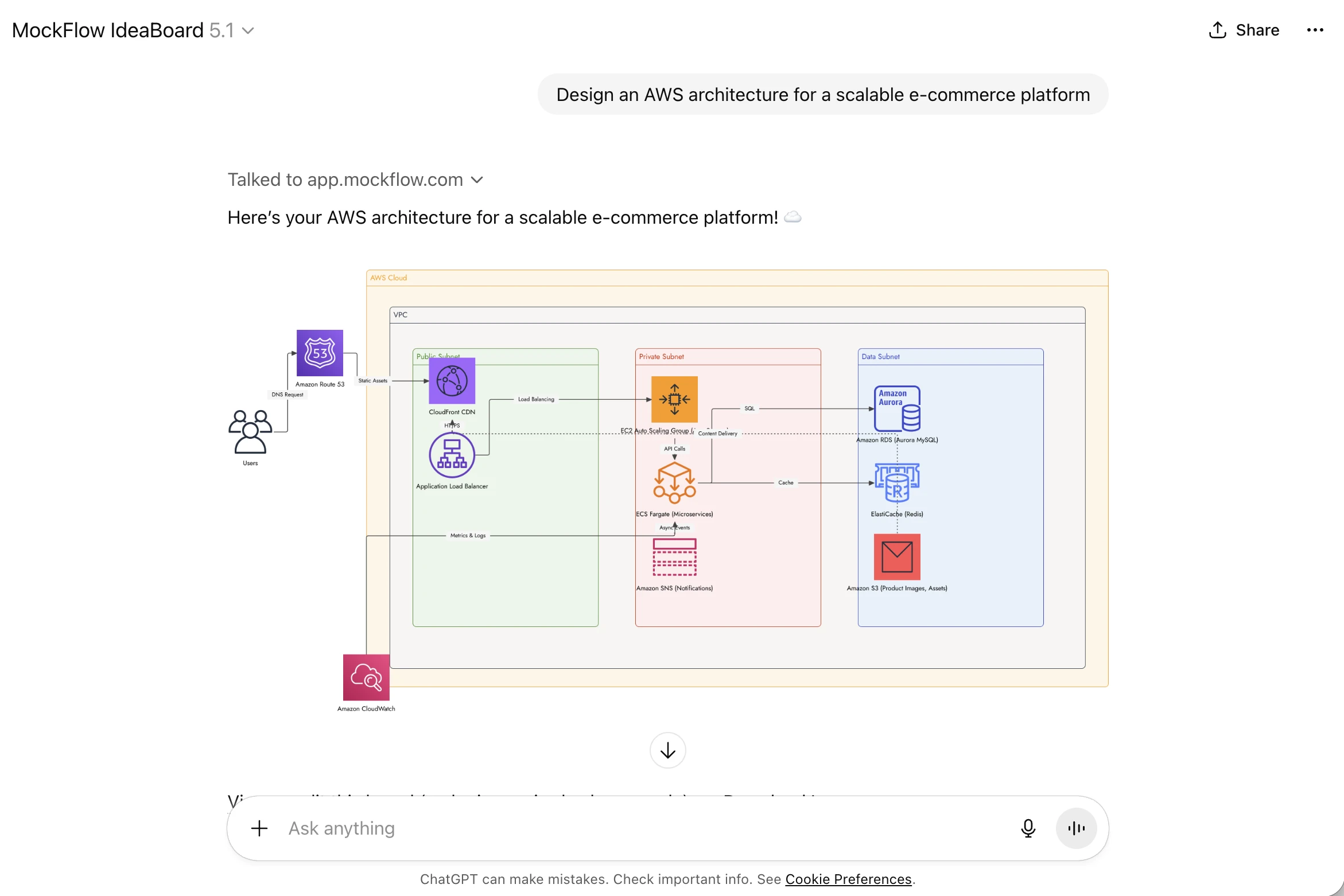
But for structured visuals like flowcharts, mind maps, architecture diagrams, and brainstorming boards, native output formats are limited.
MockFlow Board fills this gap by offering:
High-precision, purpose-built diagram rendering
Consistent formatting across all visual types
Editable and export-friendly outputs
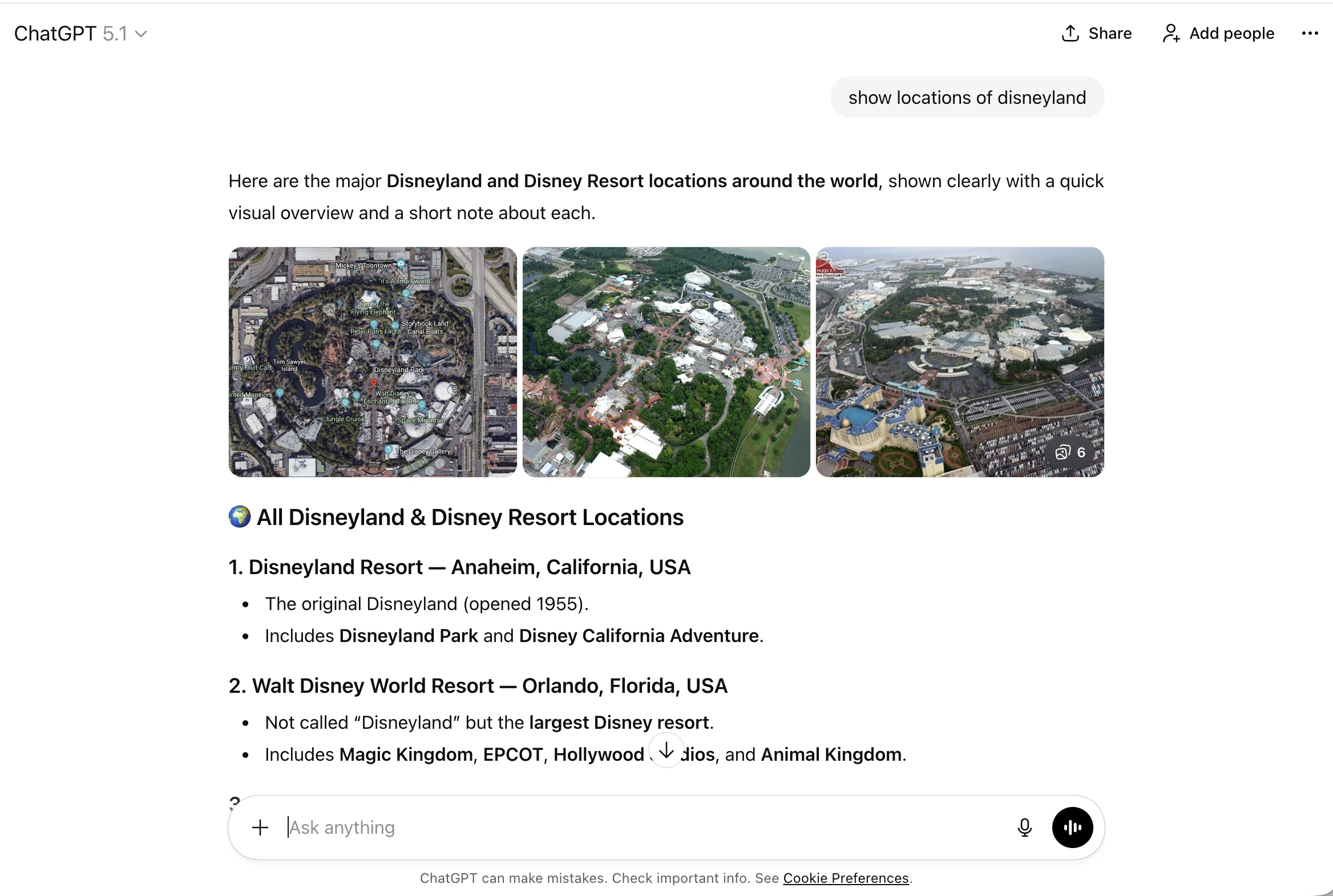
You can compare the difference yourself by asking ChatGPT the same request with and without the MockFlow Board app installed.
Can I Edit the Visuals?
Absolutely.
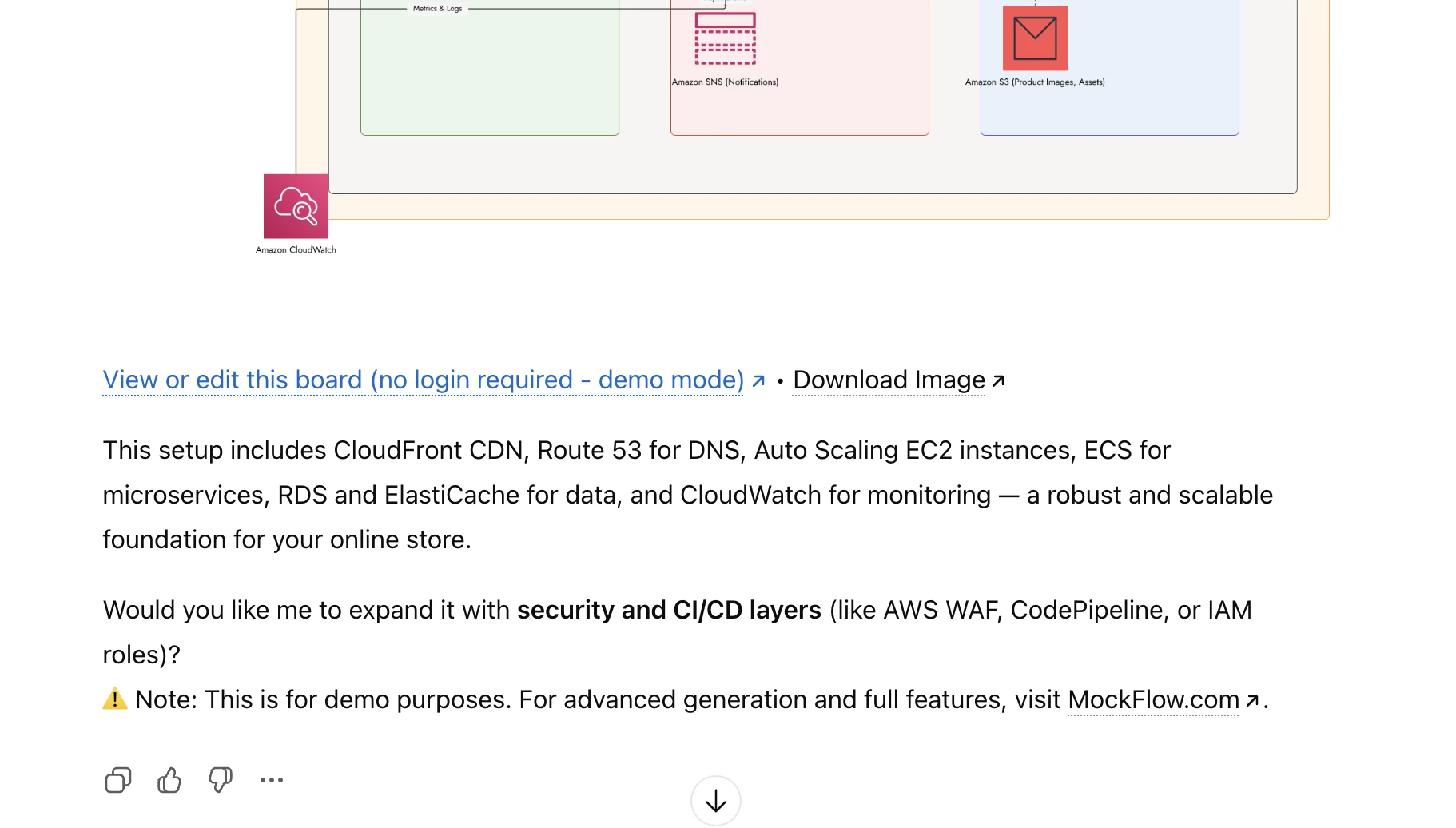
Every visual: flowcharts, user journeys, maps, brainstorm boards, flowcharts, cloud architecture diagrams and whatever supported is provided in two forms:
A static image returned inside ChatGPT
An editable, login-free demo project in MockFlow Board
Just click the “Edit” link to modify, refine, or export the visual.
No account is needed unless you want to save the board permanently to your MockFlow workspace.
Note: Login-less demo projects remain active for 24 hours and are deleted automatically afterward.
How ChatGPT Enhances Brainstorming in MockFlow Board
Beyond visualization, ChatGPT’s built-in capabilities supercharge your brainstorming workflow:
Voice-Driven Diagram Creation
Use ChatGPT’s voice mode to create visuals hands-free:
“Create a customer journey map for a food delivery app.”
Memory-Powered Iterations
ChatGPT remembers your conversation, so refining diagrams is effortless:
“Convert this bar chart into a table.”
“Expand the flowchart to include a manual review step.”
Brainstorm Using Your Files
Upload PDFs, study notes, PRDs, or documents and instantly convert them into structured MockFlow Board visuals like mind maps or workflows.
Mobile-Native Visualization
Use MockFlow Board seamlessly in ChatGPT for iOS or Android perfect for brainstorming on the go.
Pricing — Will I Be Charged?
No.
The ChatGPT app for MockFlow Board is 100% free to use.
No generation limits
No AI credits consumed by MockFlow Board
No signup required
Optional MockFlow login only if you want collaboration or advanced features
If you love the experience, we simply ask that you share the MockFlow Board ChatGPT app with your friends, colleagues, and teams.
👉 https://chatgpt.com/g/g-69359f625c208191bb28a24be729cd79-mockflow-ideaboard
About MockFlow Board
MockFlow Board is a next-generation AI-powered whiteboard tool designed for visual thinkers. If you're coming from legacy brainstorming tools like Miro or Mural, MockFlow Board offers a faster, cleaner, and AI-first approach to mind mapping, flowcharting, and collaborative ideation.