
Android 17 wireframe UI kit for MockFlow
Now ideate and wireframe apps for Android 17 OS faster. With 150 ready-to-use components, this kit helps you quickly plan mobile...
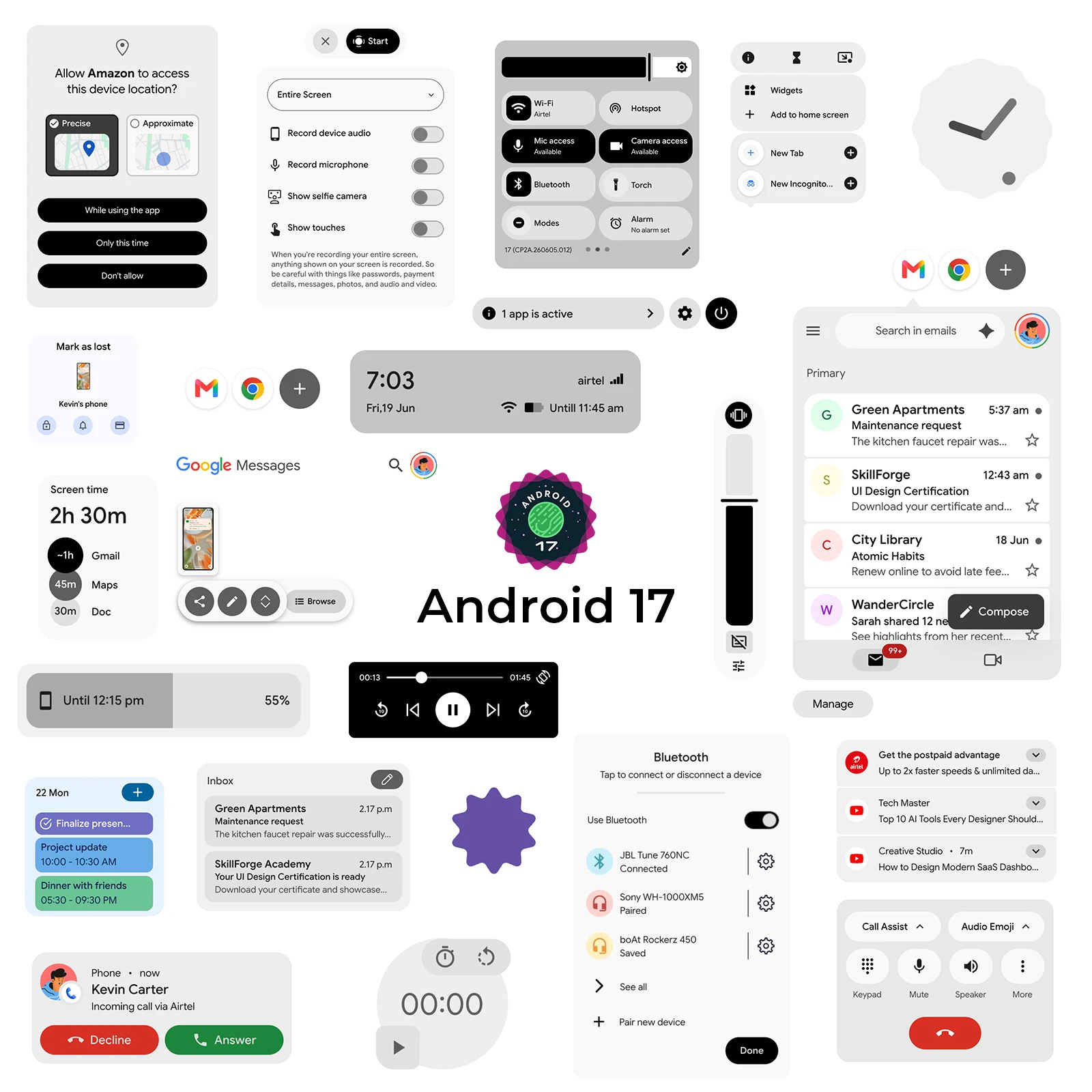
Now ideate and wireframe apps for Android 17 OS faster. With 150 ready-to-use components, this kit helps you quickly plan mobile app screens that follow the latest Android interface patterns.
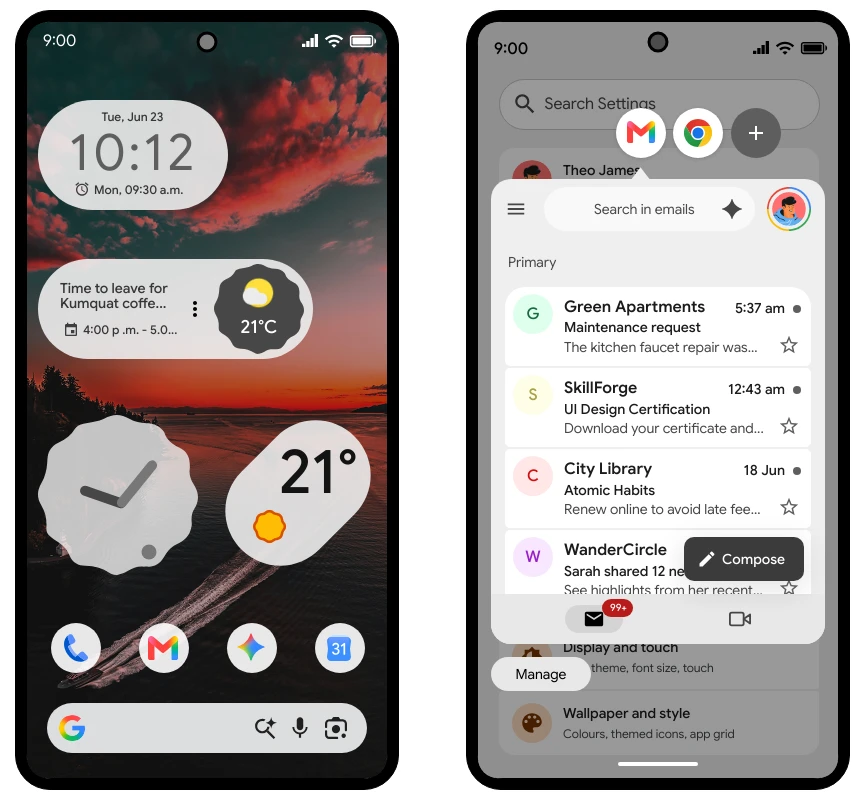
Whether you are sketching early app ideas, building product flows, or creating detailed wireframes for development handoff, the Android 17 OS UI Kit gives you a complete set of native-style elements to bring your concepts to life.
The kit includes components across the following categories:
Frames & Keypad
Top navigation
Bottom navigation
Buttons
Icons
Notification & Widgets
List & Popup
Form elements
Tabs & Loaders
Page elements
Other elements
UI Screens
From app frames and navigation bars to forms, buttons, notifications, widgets, tabs, loaders, popups, and complete UI screens, this new kit provides everything needed to visualize Android app experiences with speed and clarity.
Before moving into high-fidelity design or development, it is important to map out your app structure and user flows in a native mobile format. With MockFlow's Android 17 OS UI Kit, teams can brainstorm layouts, iterate faster, and communicate app ideas more effectively — all without starting from a blank canvas.
Once you are done with Android wireframing you can either export to code with our integrated build-mode or use MCP server to integrate with Android Studio. If you want further prototype based refinements and animations you can export the wireframes to Figma directly.