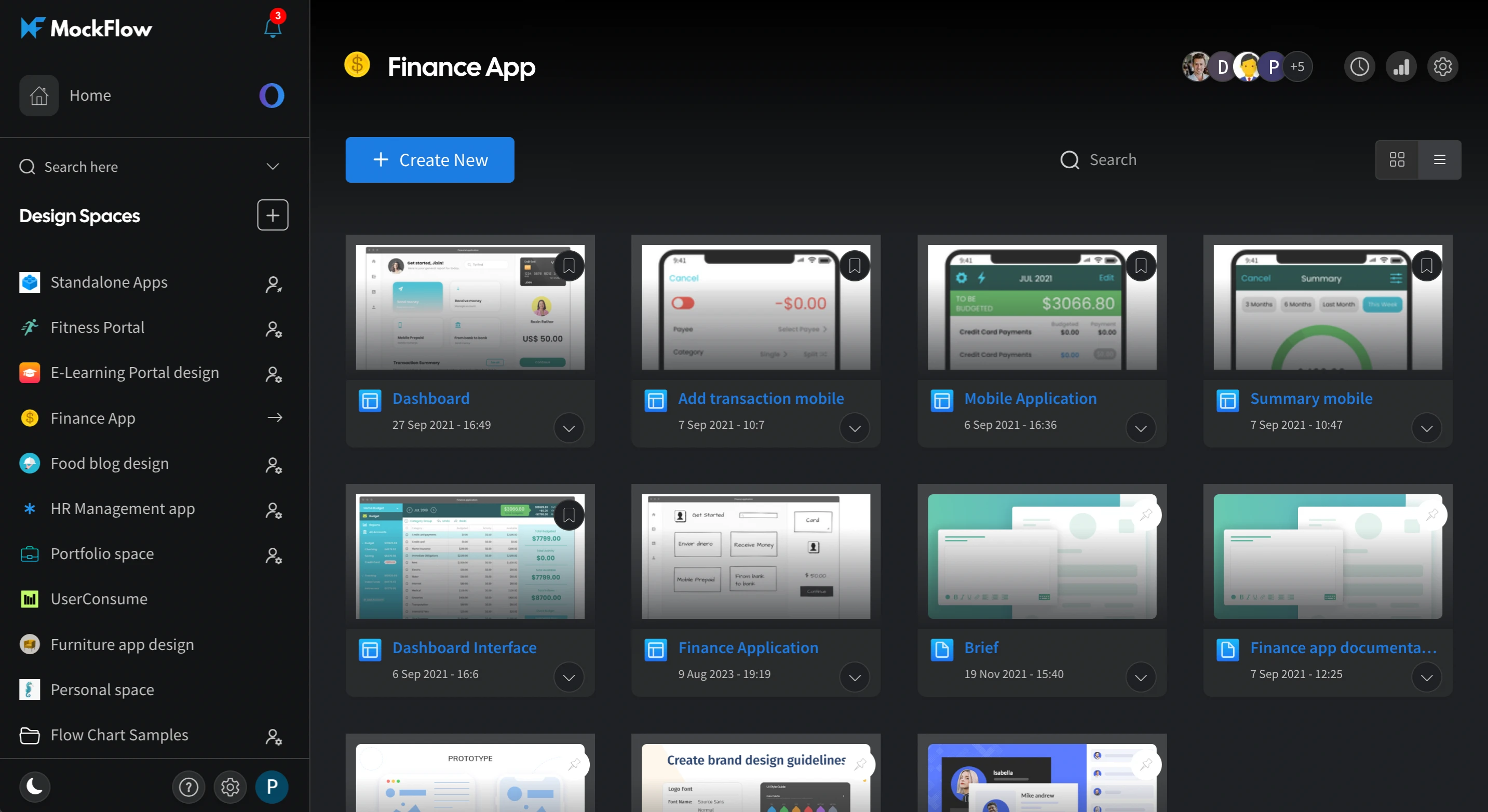
Now experience Dark Mode in MockFlow Dashboard and Editor
Enhance your UI design and user experience with the new dark mode feature in MockFlow's dashboard and editor. Discover the benefits of using dark themes.
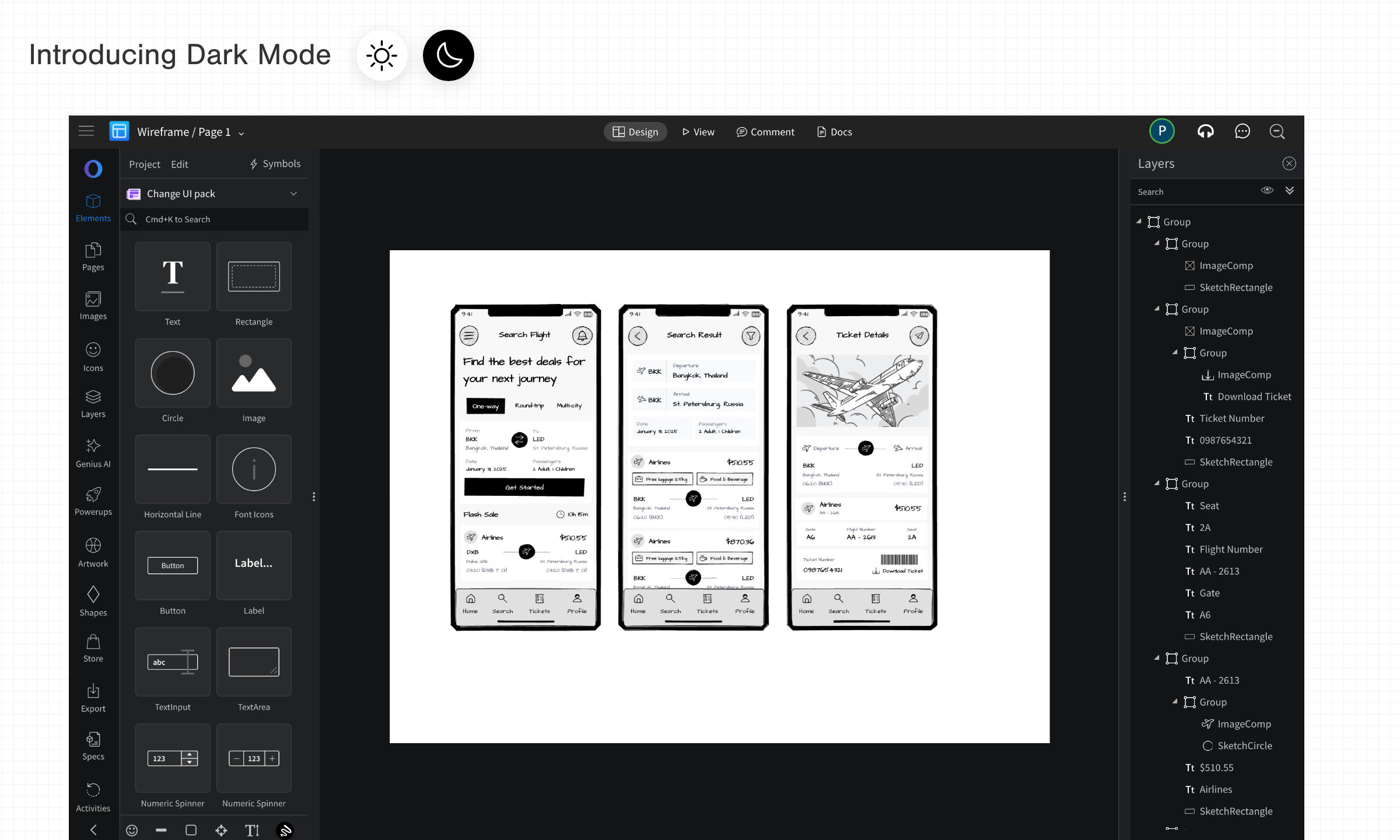
Easily switch between dark and light mode in MockFlow with a single toggle. Enjoy improved focus and reduced eye strain with the new dark mode, now available in both the dashboard and editor.
As a UI design tool, accessibility is a priority, allowing users to choose between light and dark modes for a more comfortable experience. Dark mode offers key benefits such as enhanced visual clarity, reduced blue light exposure, and seamless integration with your system theme.
How to switch ?
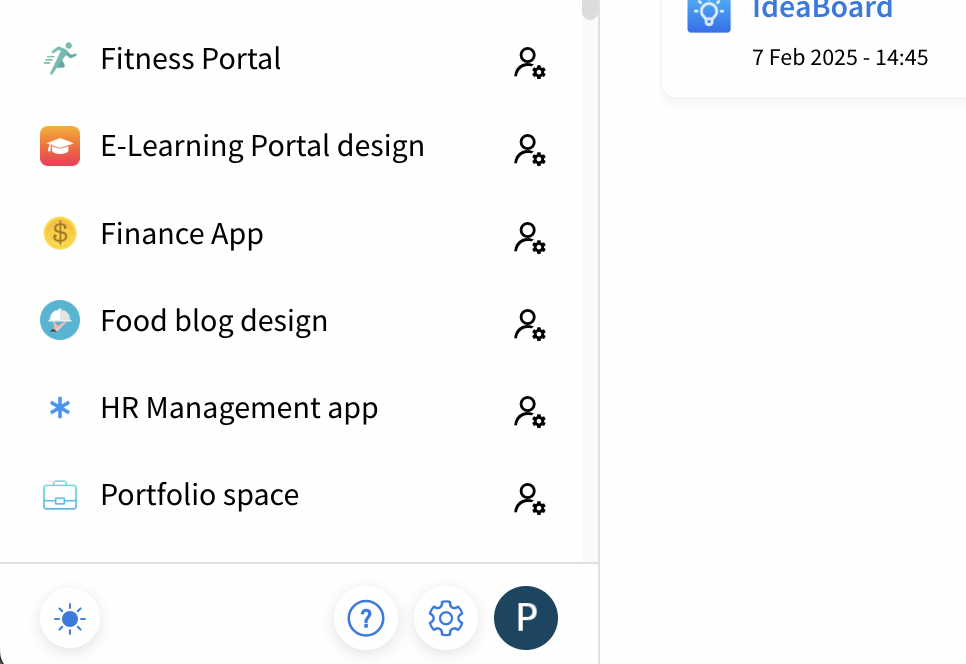
Use the toggle button in the bottom left sidebar of the dashboard, to switch between light and dark modes. The mode is saved between user sessions and also opens editor in same mode.
Dashboard in dark mode