
Multi-Screen AI in WireframePro — From One Prompt to a Complete Design Plan
Discover how Multi-Screen AI in WireframePro revolutionizes product ideation by detecting multi-screen intent and generating complete design plans, including wireframes, flowcharts, architecture, and database diagrams with MIDA.
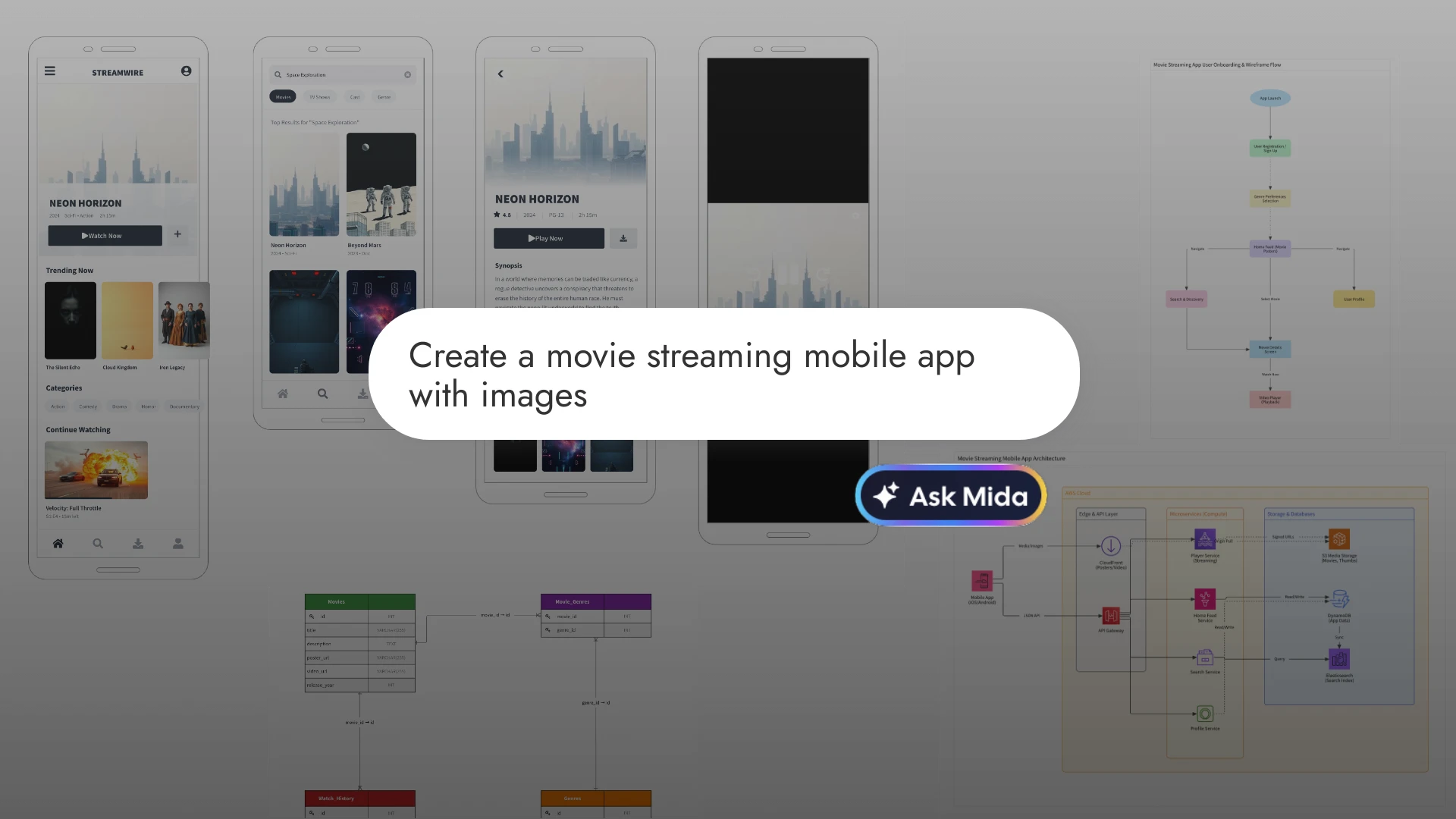
Ideating an entire product in WireframePro no longer means prompting one screen at a time. MockFlow AI now detects multi-screen intent, plans every wireframe, flowchart, architecture diagram, and database schema your project needs, and generates them all in one go.
Now WireframePro intelligently understands the scope of your idea. When your prompt describes something that naturally requires multiple screens like an ecommerce website, a SaaS dashboard, or a mobile app , Mida (MockFlow Intelligent Design Assistant) automatically enters Plan Mode before generating anything. Instead of jumping straight to a single wireframe, it first thinks through what your project actually needs.
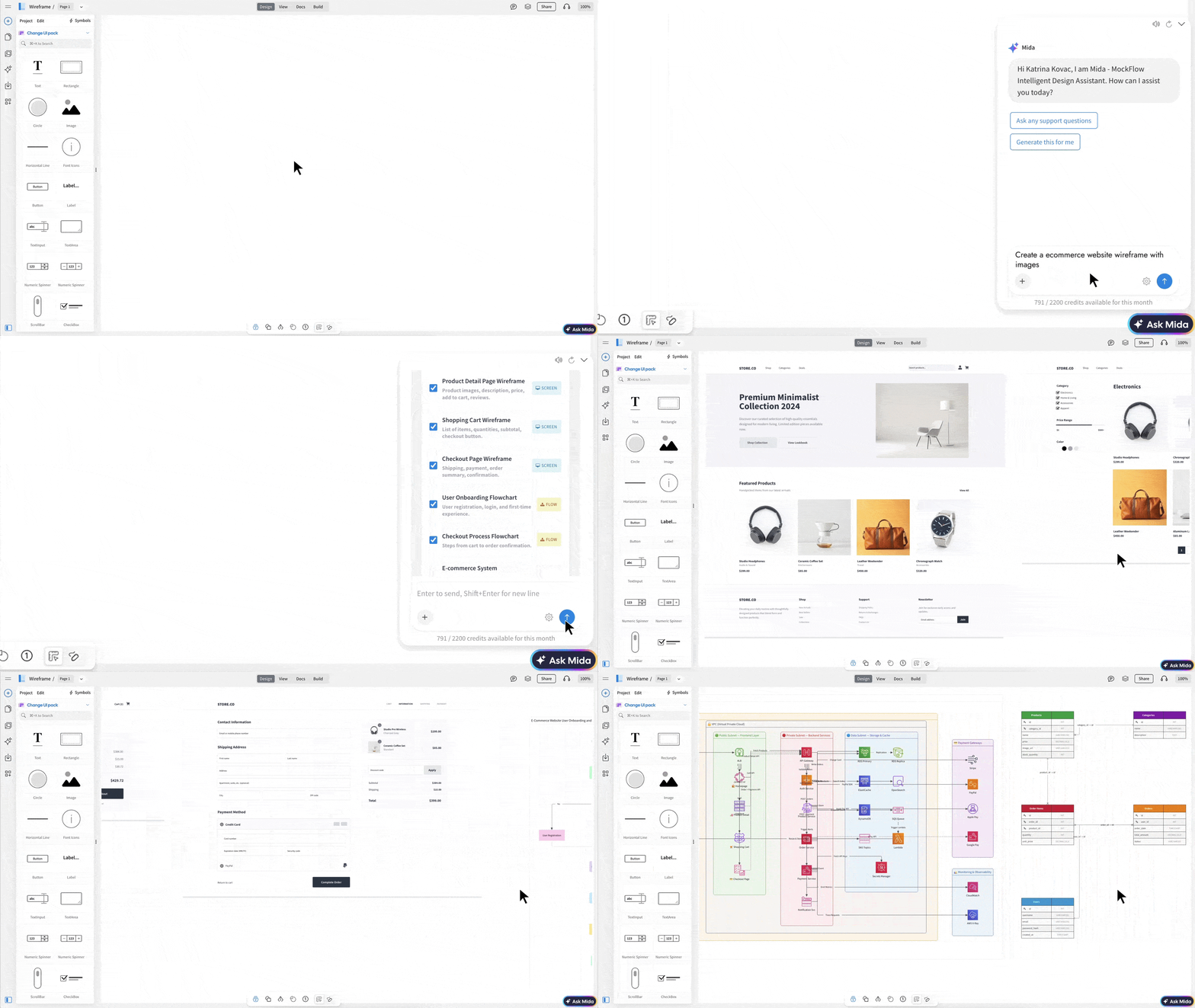
Plan Mode: AI That Thinks Before It Designs
When MIDA detects a multi-screen intent in your prompt, it pauses generation and presents a structured design plan with a curated list of 5 to 10 deliverables that a designer would typically produce for that project. This isn't limited to wireframe screens. MIDA plans across four types of design artifacts:
Wireframe Screens — the core UI pages your product needs (Homepage, Dashboard, Product Listing, Settings, Profile, etc.)
Flowcharts — process and workflow diagrams that map user journeys (Checkout Flow, User Onboarding, Approval Workflow)
Architecture Diagrams — system-level views of how things connect (Cloud Infrastructure, Microservices Layout, API Gateway)
Database Diagrams — entity relationship and schema diagrams that define the data layer (Table Structures, Entity Relationships)
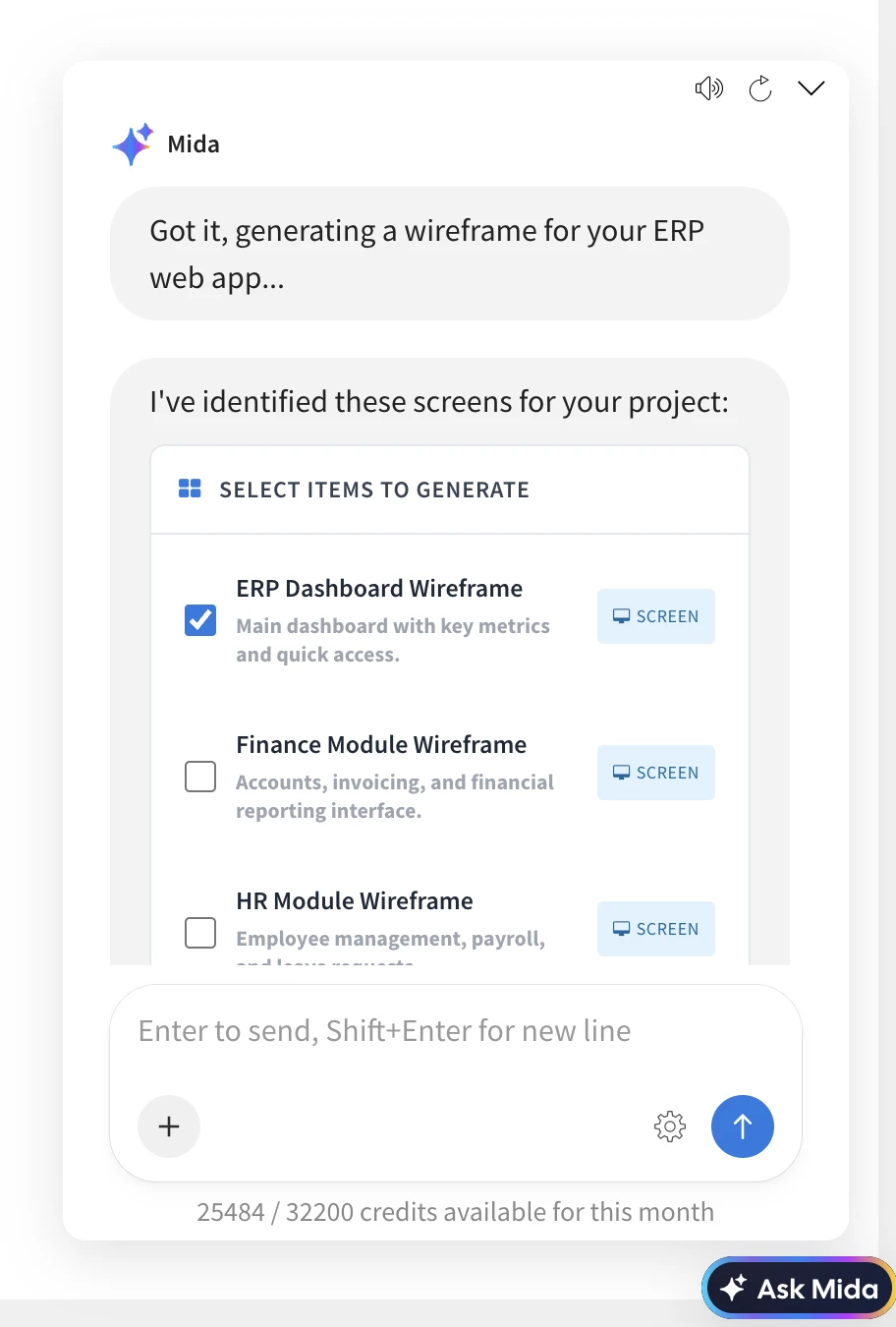
The plan appears as an interactive checklist directly inside the Mida chat. Each item shows its name, a brief description, and a type badge so you can see the mix of deliverables at a glance. You select what you want, deselect what you don't , giving you full control over what gets generated.
Choose How Your Screens Are Laid Out
Before generating, you can choose between two layout modes:
Separate Pages — each selected item is generated on its own WireframePro page, making it easy to organize and present as a multi-page project
Same Page — all selected items are placed side by side on a single canvas, useful for comparing screens or creating overview presentations
One Click, Consistent Ideation
Once you've reviewed the plan and made your selections, hit Generate. MIDA produces all selected wireframes, flowcharts, architecture diagrams, and database schemas in one go. Every generated screen shares a unified design system , the same color palette, typography, navigation patterns, and component styles carry across all pages, so your wireframes look like they belong to one product, not a patchwork of separate prompts.
Single-Screen Prompts Still Work Instantly
This new behavior is entirely automatic and contextual. Prompts that describe a specific screen — like "create a login page" or "design a pricing table" continue to generate immediately, exactly as before. Plan Mode only activates when MIDA recognizes that your idea needs more than one screen to fully express.
Wireframing Is Ideation, Not Just Layout
The purpose of wireframing has always been to explore ideas quickly to figure out what a product needs before investing in high-fidelity design or code.
Multi-screen ideation in MockFlow with AI takes that further. Instead of wireframing one screen at a time and mentally tracking the bigger picture, you can now describe an entire concept and let MIDA map out the full scope with screens, flows, systems, and data , so you can focus on refining the idea rather than assembling the pieces.
Note: Multi-screen AI is available only on WireframePro and Bundle plans. Basic plan users can add additional flow diagram with generation.