
Live Presentations 2.0 in MockFlow — In-Sync View, Voice Support & Greater Control
Discover Live Presentations 2.0 in MockFlow for seamless remote wireframing and brainstorming. Enjoy in-sync navigation, voice support, and improved control for collaborative design reviews.
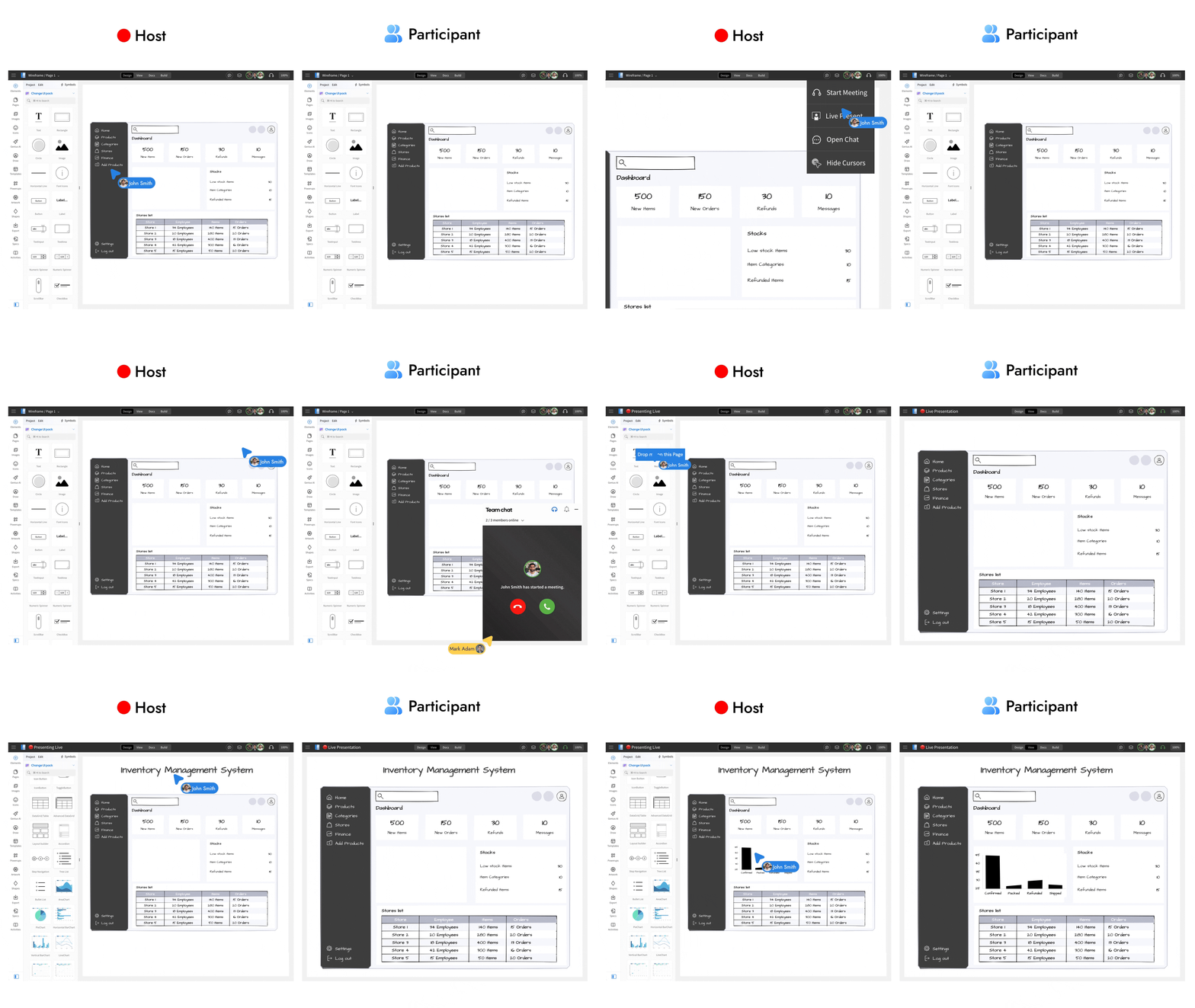
Enhance remote wireframing and brainstorming sessions with the all-new Live Present 2.0. This upgrade brings seamless in-sync navigation, built-in audio, easier access, and improved presentation flow for collaborative work.
What is Live Presenting in MockFlow?
Live Presenting allows you to share your wireframes or whiteboards with stakeholders such as clients, teammates, or investors in real time. Instead of screen sharing, everyone views the same project directly inside MockFlow, just as if they were gathered around the same screen. No downloads, installations, or browser extensions are required, collaborators simply open the shared link and join.
Easier access and joining experience
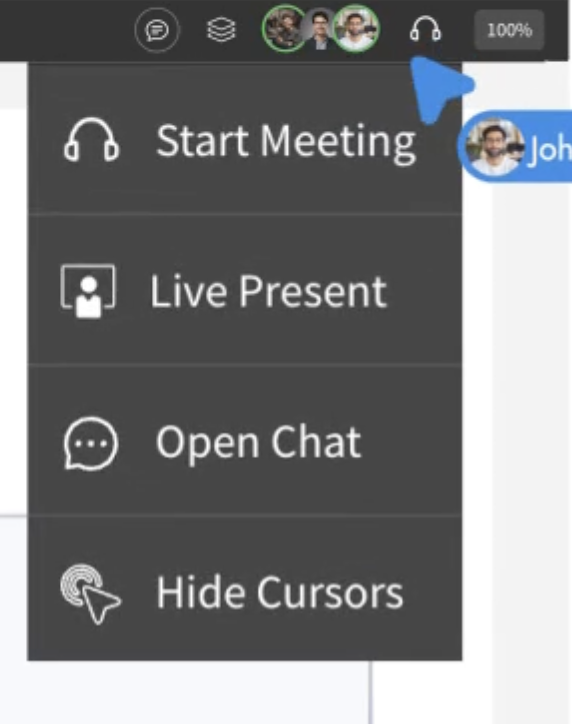
Starting a live presentation is now simpler. In both WireframePro and MockFlow Board, open the Collaboration menu and select Live Present from the top bar.
When collaborators have the project open or join midway they receive a visual alert with an audio chime, similar to an incoming call. One click on Accept brings them into the presentation instantly.
Clearer presentation state indicators
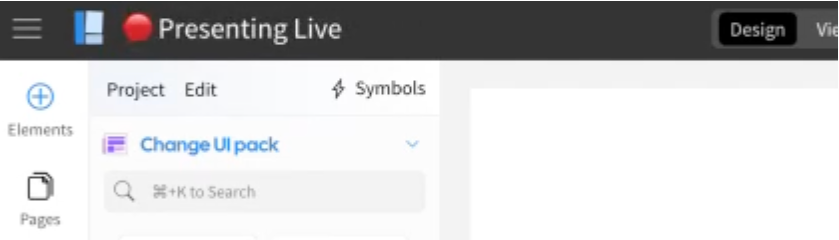
Live Present 2.0 introduces improved visual cues across the workspace. The header updates dynamically to show that a presentation is active, with separate states for presenters and audience. Hovering over the title provides more information about the session, ensuring every member understands whether they’re presenting or watching.
In-sync navigation
Once the session begins, the presenter controls navigation. Every scroll, zoom level, page change, or interaction is synchronized automatically across all viewers.
MockFlow adjusts positioning based on different screen resolutions and display densities so everyone sees the same content in the same way. This makes walkthroughs, non-linear navigation in MockFlow Board, and multi-page wireframe reviews fluid and intuitive.
Built-in audio and optional video
Live Presentations now start with the microphone enabled by default to keep presentations natural and conversational. Presenters can mute audio at any time and switch to in-app chat if needed.
Optional video can also be enabled from the collaboration bar to allow participants to see and hear the presenter, making remote sessions feel more personal and interactive.
A more connected and intuitive way to present
Live Present 2.0 delivers an upgraded remote collaboration experience that makes design reviews, brainstorming, and walkthroughs feel effortless and in-person — without screen sharing or meeting setup friction. This feature is available now for all paid plans in WireframePro and MockFlow Board.