
MockFlow Board launches as an offline whiteboard app, work seamlessly without servers
Discover MockFlow Board, the offline whiteboard app available on the Mac App Store. Enjoy secure, file-based brainstorming with no servers required. Perfect for solopreneurs and enterprises prioritizing data privacy.
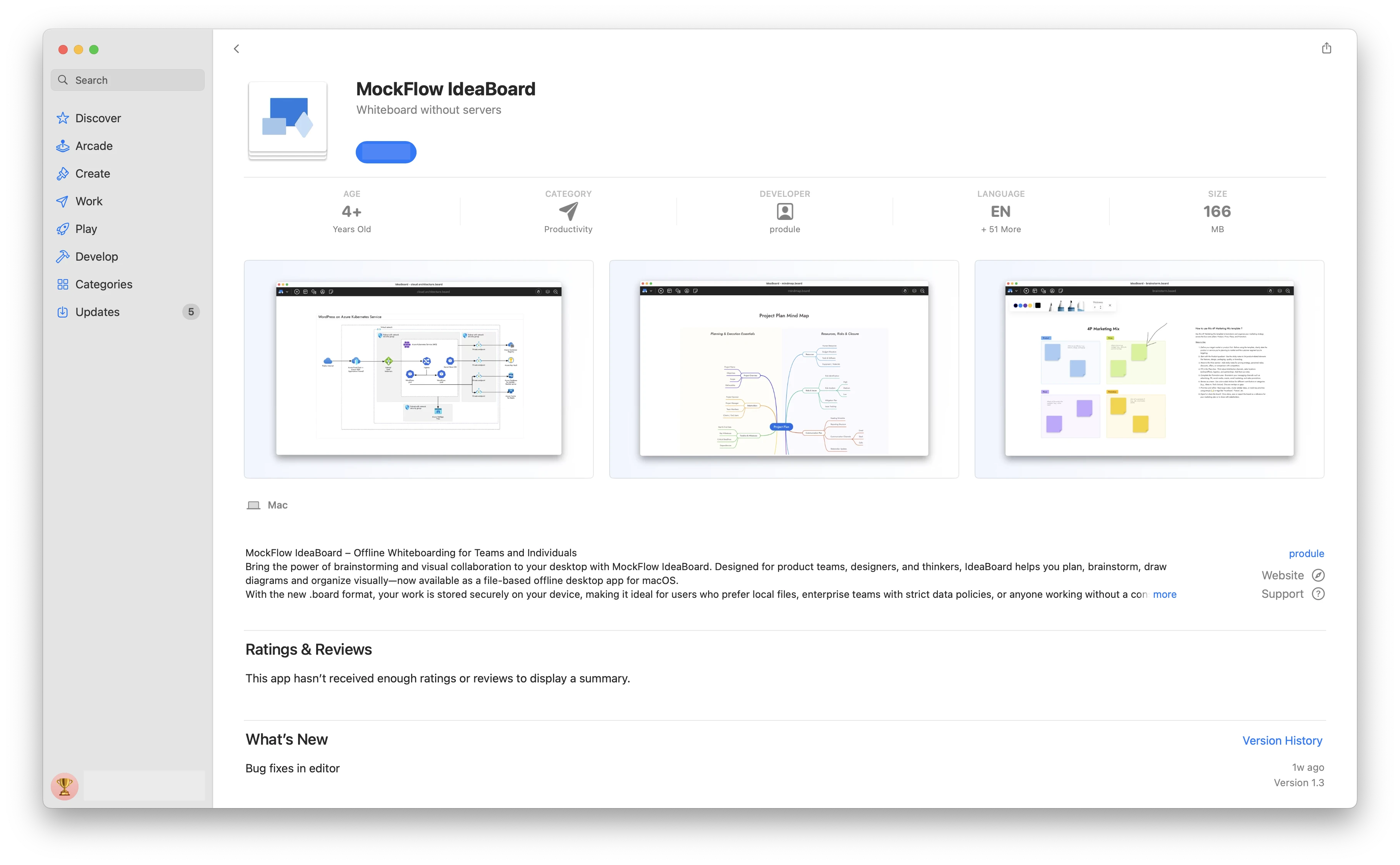
MockFlow Board is now available on the Mac App Store as a secure, file-based offline whiteboard application. Designed for privacy, it requires no internet or servers to run. With a simple one-time purchase, you get unlimited brainstorming.
Whiteboard application that runs without servers
While MockFlow Board is best known as a collaborative online platform for real-time brainstorming, we've also built an offline edition that runs locally on your Mac. This file-based version was designed with two key goals in mind:
One-time purchase
Not every user needs a team-based, subscription whiteboard. Solopreneurs, freelancers, and individuals working in non-team environments may find paying for online collaboration features unnecessary, especially if their use case is simple or doesn't require AI. For them, the offline edition of MockFlow Board offers an affordable alternative. Available on the Mac App Store at a one-time launch price of $39.90, it provides most brainstorming features without recurring fees.
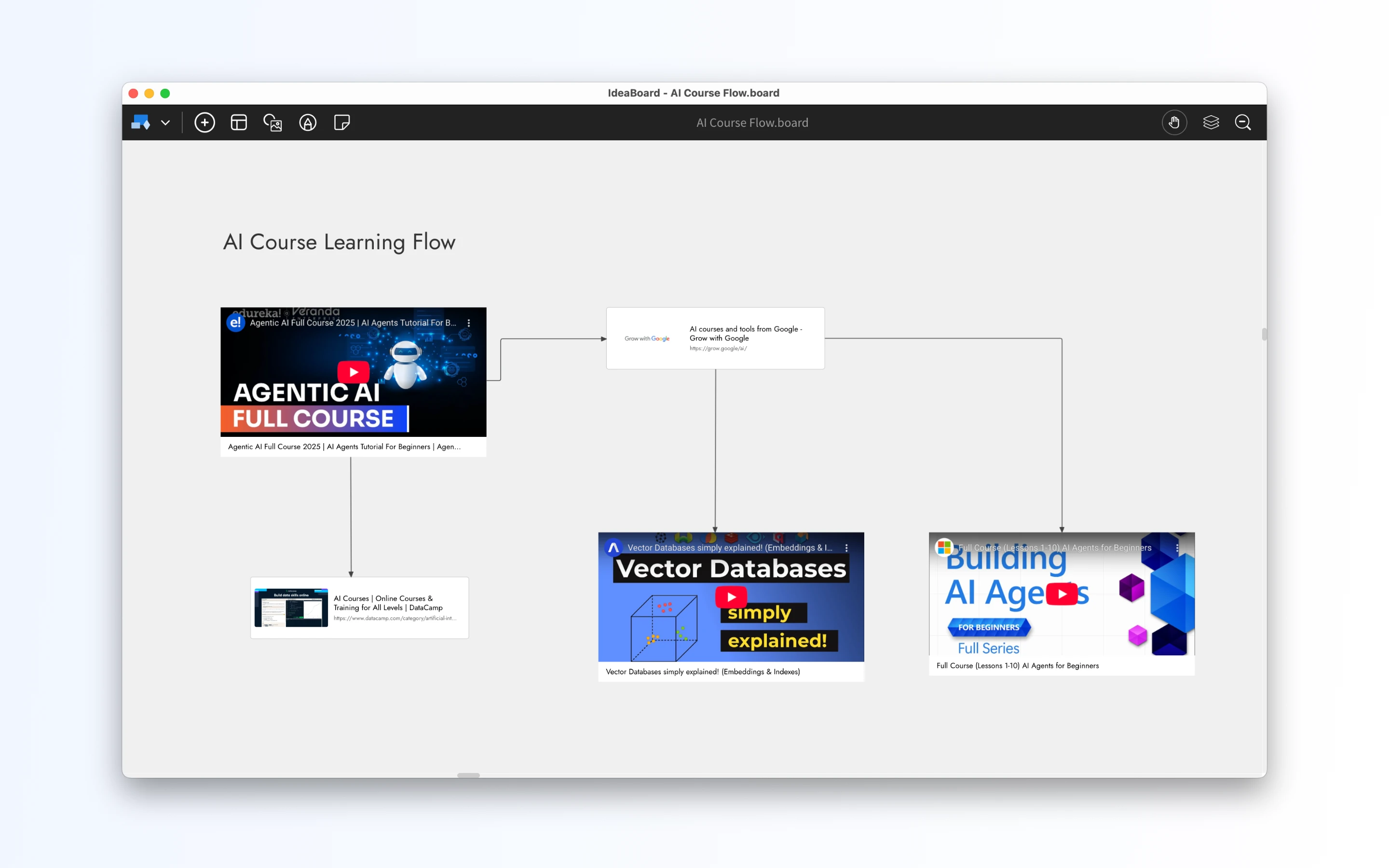
Full data ownership for enterprises
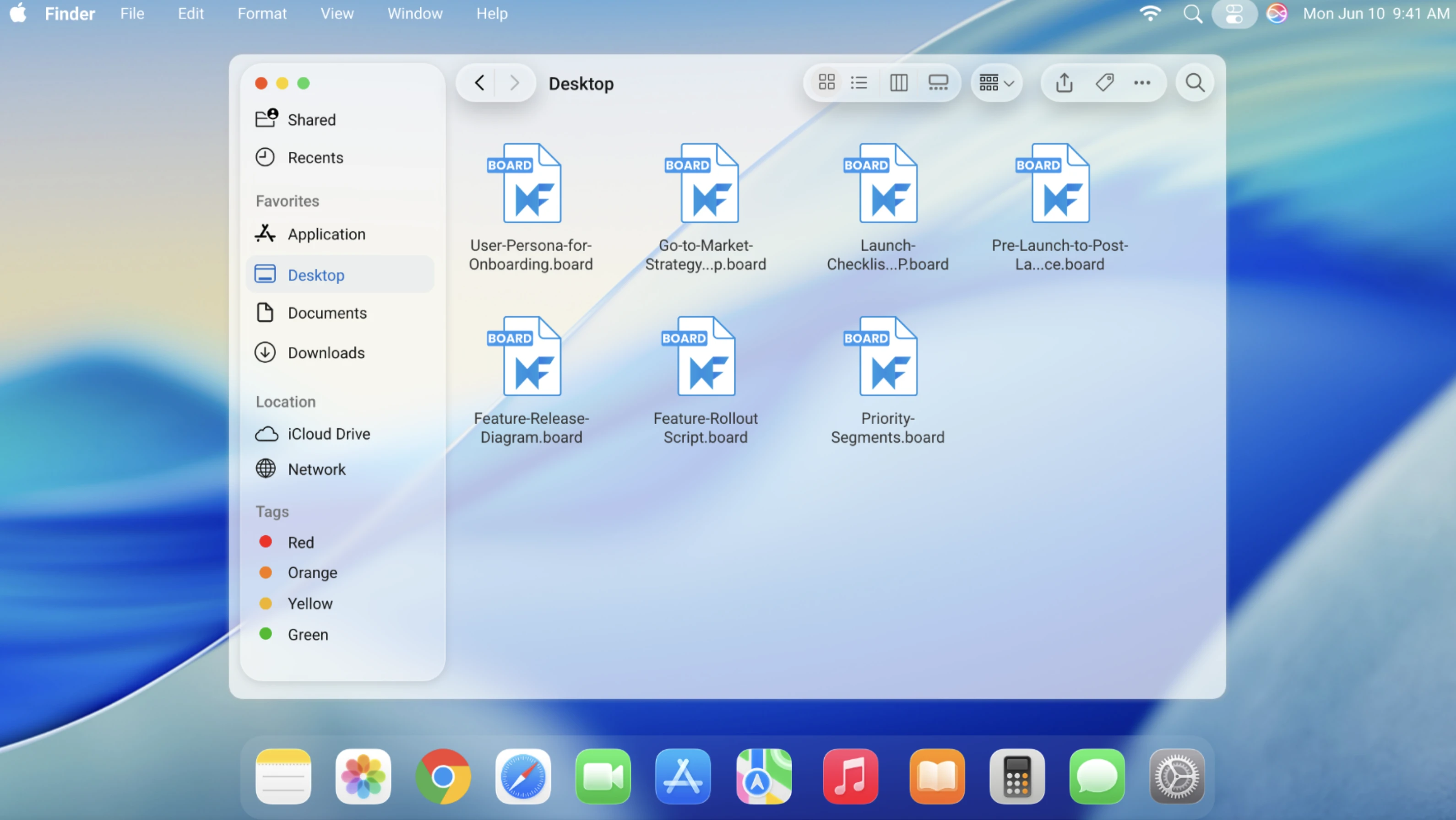
Brainstorming often captures the foundation of a company's next product, process, or breakthrough idea. For many enterprises, where data privacy and compliance are critical, storing this sensitive information on third-party servers may not be acceptable. With MockFlow Board for Mac, all whiteboarding data is saved locally as files, giving organizations complete ownership and control. These files can be seamlessly integrated into existing backup routines and security policies. For team collaboration, companies can securely share .board files using network storage or enterprise-ready file-sharing services like Dropbox or Box—just as they would with other important business documents.
⚠️ Important: Feature limitations
The MockFlow Board app on the Mac App Store offers a simplified, offline-first experience compared to the full online version. While it is actively maintained and updated, certain features are currently not available in this edition:
Windows support – available only for Mac (Windows version coming soon)
AI features and Mida bot – not included in the offline version
Collaboration tools – no audio/video meetings, real-time team chat, or online co-editing
Business integrations – no direct connections with apps like Microsoft Teams, Slack, or Office
Component library limits – fewer shapes, icons, and advanced design components
With the advantages and limitations of the Mac App Store edition clearly outlined, you can choose the version of MockFlow Board that best fits your workflow whether you prefer the privacy and simplicity of a file-based offline app, or the full power of real-time collaboration in the online version.