
Express Beyond Text: Add Video and Voice Comments in MockFlow Ideaboard
Discover the new Comments 2.0 in MockFlow Board, enabling board members to share expressive feedback via video and voice comments. Experience natural, secure, and collaborative communication today.
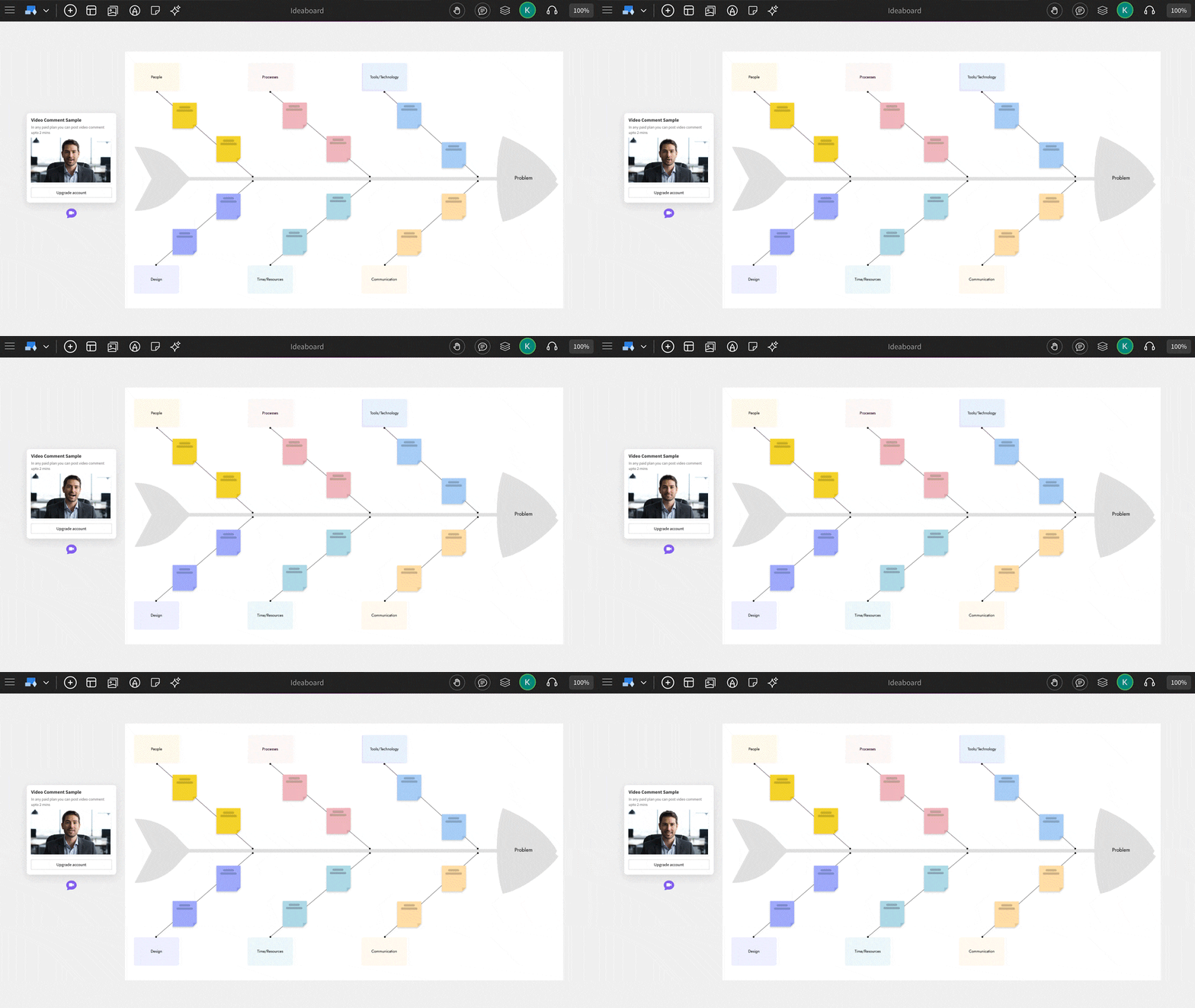
Comments in MockFlow Board just got a major upgrade. With the new Comments 2.0, board members can now share feedback and ideas more naturally through video or voice comments. Whether it’s explaining a concept visually or adding quick audio feedback, discussions on your boards are now more contextual, expressive, and human than ever before.
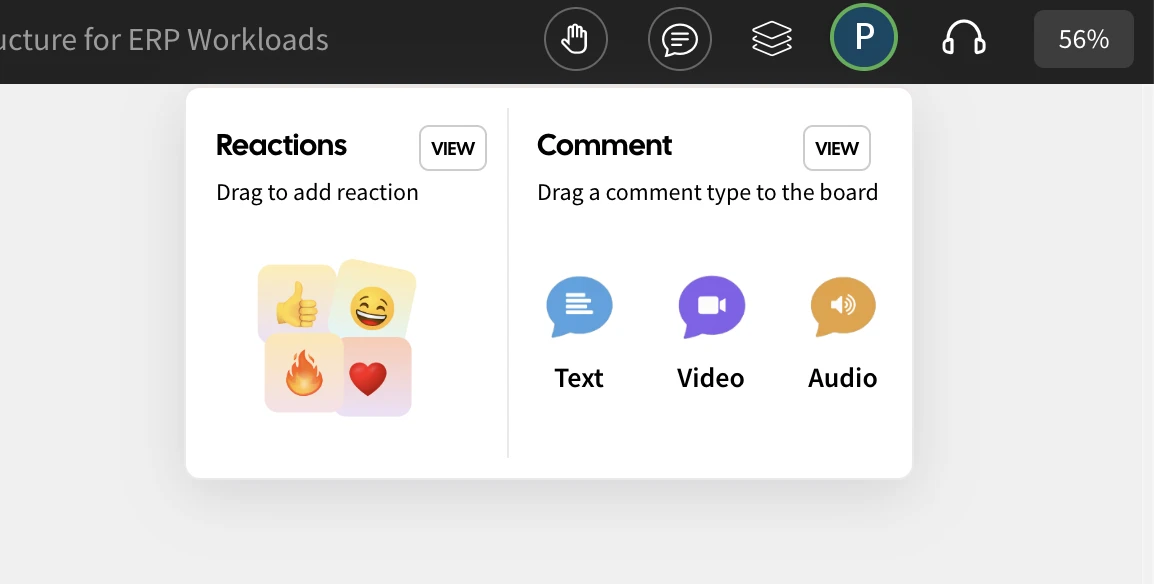
Express naturally
In MockFlow Board, comments are now treated as core components rather than simple add-ons. You can drag, position, or even attach them to specific sections just like any other element on your board. This makes feedback more collaborative, organized, and easy to follow within defined discussion threads.
While text comments work well for quick notes, they often fall short when it comes to expressing tone, emotion, or detailed thoughts. The latest update changes that board members can now record short video messages using their camera or share voice notes as audio comments, making communication more natural, personal, and expressive than ever before.
Press to Capture
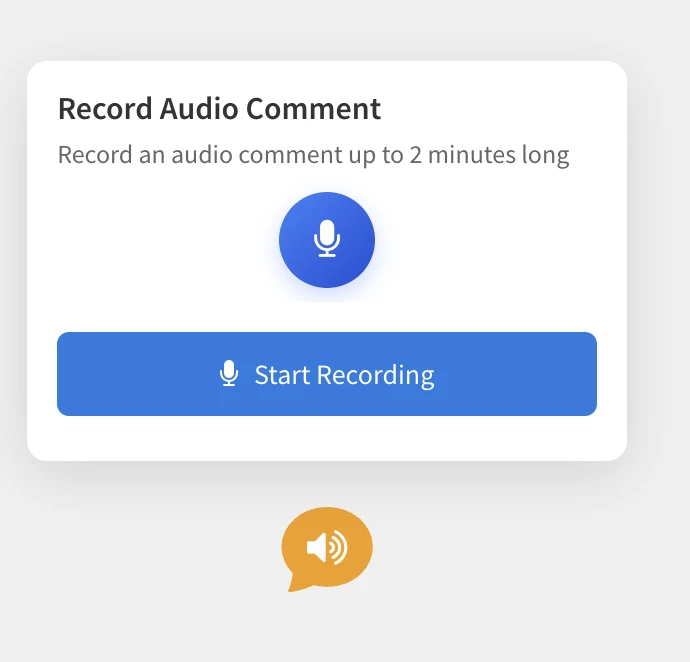
Adding a video or voice comment in MockFlow Board is as simple as adding a text comment. Just drag and drop a video or audio comment component onto your board. If camera or microphone access isn’t already granted, you’ll be prompted to enable it. Then, hit the Record button to capture your comment whether it’s a quick video message or a voice note.
Once the recording is done, you can preview your capture before uploading. If you’re not satisfied, simply re-record, it’s that easy. The entire process works seamlessly within your browser, with no need for plugins or extensions. Designed with a minimal and intuitive interface, it requires zero learning curve.
To keep things focused, audio and video comments are limited to 2 minutes, which helps maintain viewer attention and ensures faster playback while still giving you enough time to convey your ideas clearly.
Play Seamlessly
Playing back comments is effortless. Simply click on a video or audio comment to start playback instantly and click anywhere outside to stop. There are no unnecessary controls or clutter, just a smooth and natural experience that keeps the focus on the conversation. This intuitive interaction not only feels fluid but also adds a delightful, human touch that makes feedback far more engaging than plain text comments.
Stored Secure and Private
At MockFlow, privacy comes first that also includes your voice or video. All audio and video comments are securely stored using private URLs, ensuring they are never publicly accessible. Only the board members you’ve shared the project with have permission to view or play these recordings.
To further protect your privacy, audio and video comments remain hidden in public links or shared previews of the board. This way, your conversations stay confidential, secure, and accessible only to your team.
Use Cases
Audio and video comments open up a range of new possibilities inside MockFlow Board. Beyond making annotated comments on specific elements, they can be used for board announcements, video walkthroughs, async team updates, and more. When combined with other MockFlow Board components, these rich, multimedia comments unlock creative new ways to collaborate, communicate, and share context visually.
Important: Audio and Video comments are not available in basic plan. It requires MockFlow Board or Bundle plan. However basic users can get a glimpse on how it works in their account.