
Create Documents the Visual Way with the New Docs Component
Create multiple docs side-by-side, connect docs with flows, combine docs with stickies, images, todos. Move away from the...
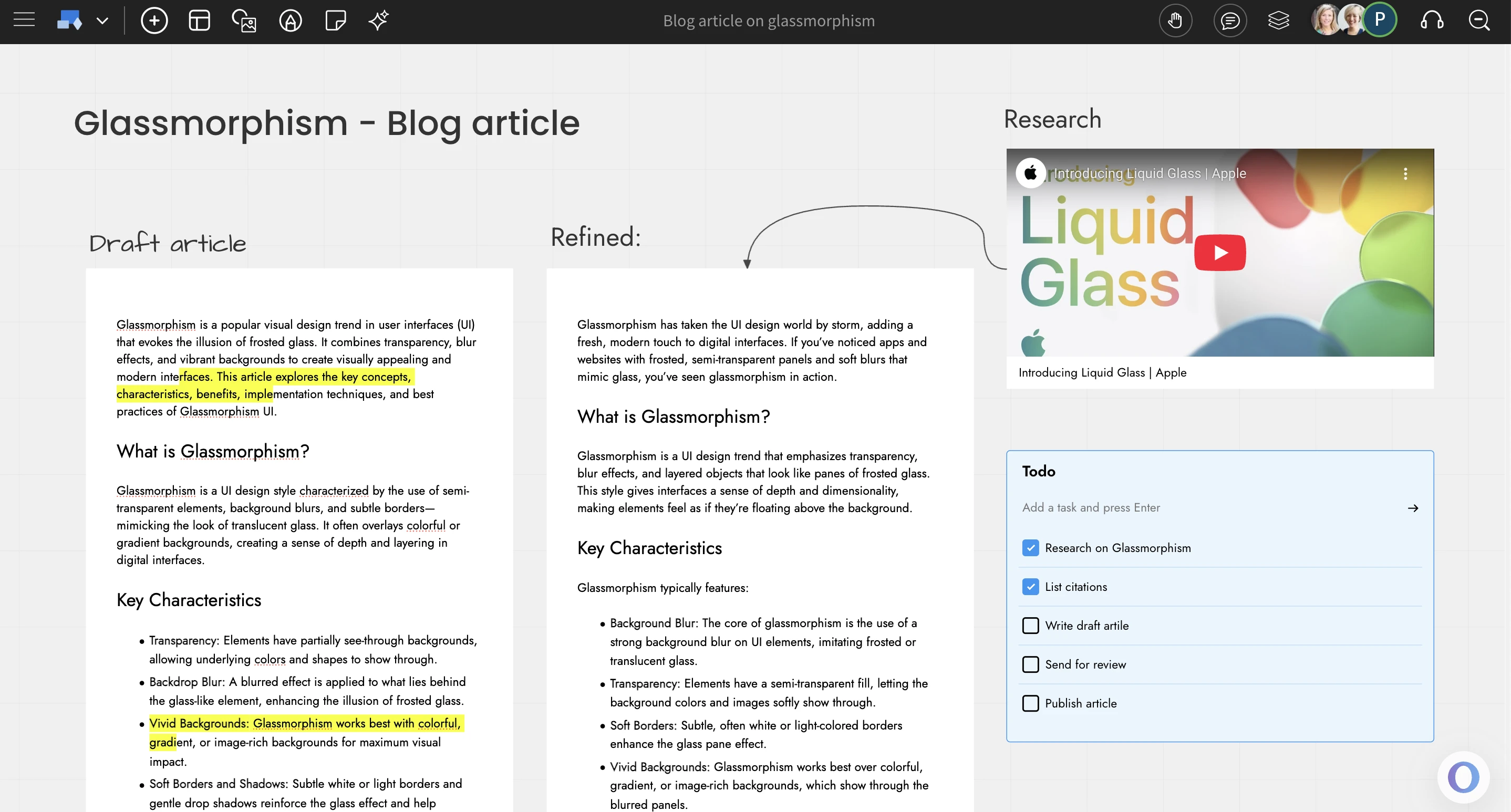
Create multiple docs side-by-side, connect docs with flows, combine docs with stickies, images, todos. Move away from the traditional method of writing documents and start creating them visually with MockFlow Board.
We are excited to introduce a new document component with advanced editing features inside MockFlow Board. By combining an infinite canvas with a familiar document editor, you get a fresh approach to writing and organizing content.
Traditional document tools like Google Docs were designed with printing in mind. While they are great for that purpose, they often fall short when used for web-based writing due to their limitations.
With the new document component in MockFlow Board, you can write, arrange, and visualize your content however you like. Your mind processes information more efficiently when everything is visible on one screen, reducing mental strain and helping you think more clearly.
Doc features
The document editor is a complete writing tool with a growing set of features. It supports rich text formatting, numbered lists, text highlights, buttons, tables, callouts, embedded content, images, and much more. You can set a fixed height and width for the document component, or enable AutoHeight to let it expand automatically as you add content. Documents can also be exported in A4 PDF format, making them ready for printing when needed.
Style it the way you want
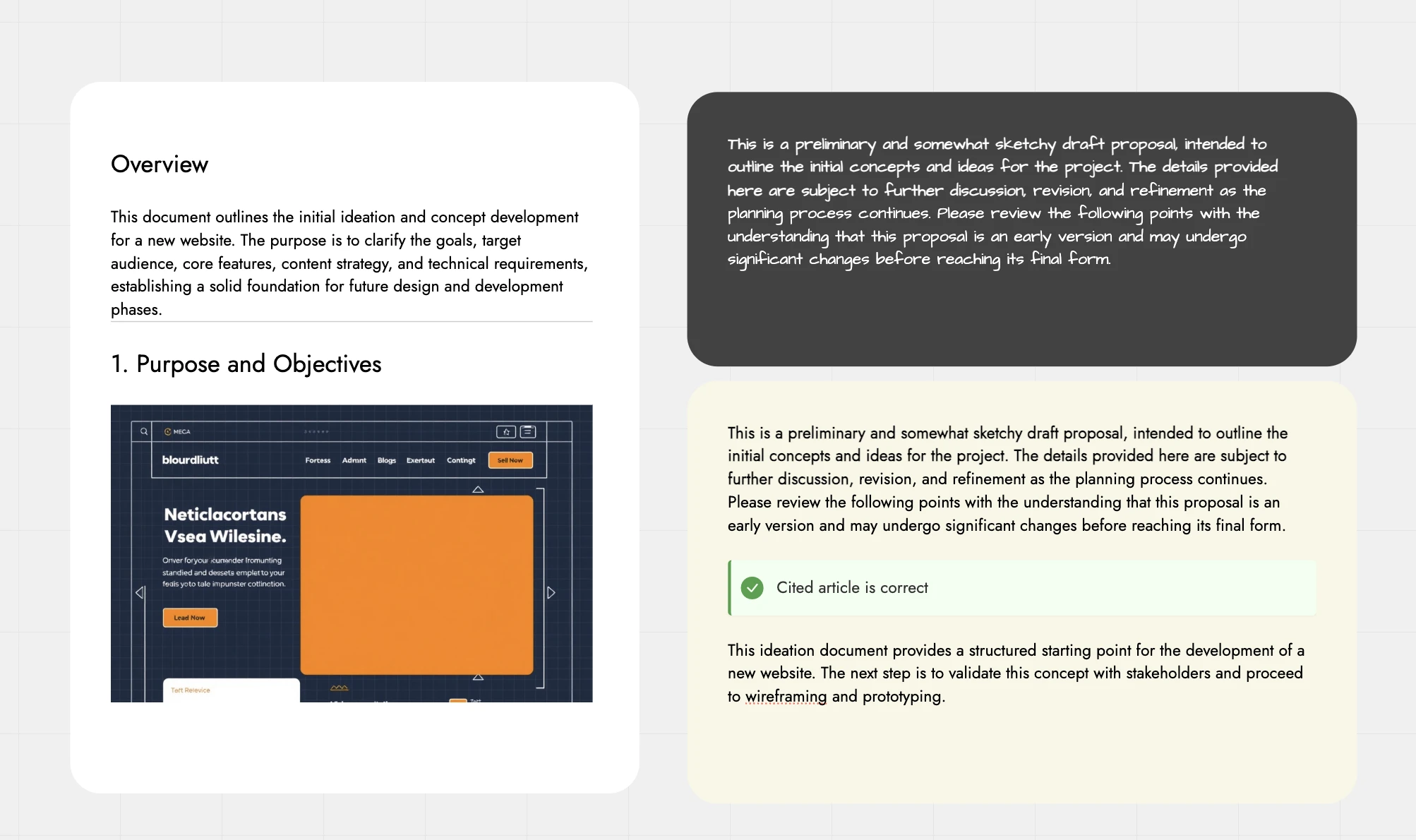
Customize the look and feel of your document by adjusting the background color, font style, padding, and opacity. Style it your way to match any layout or mood.
Real-time editing
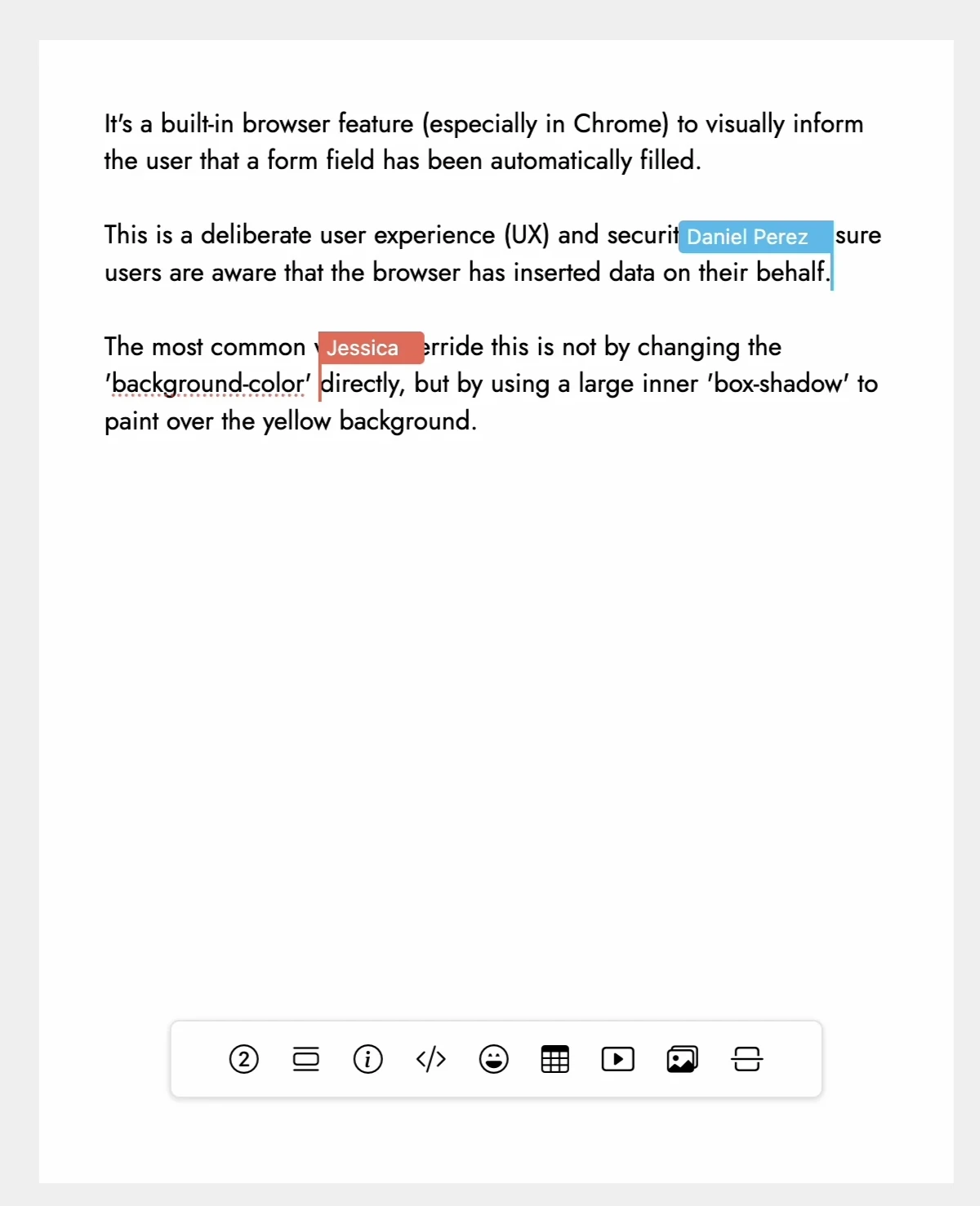
Collaborate seamlessly with real-time editing. Multiple users can work on the same document at once, with colored cursors and editor names showing exactly where each person is making changes.
AI features
The document component offers two powerful ways to use AI. You can generate full articles instantly by entering a prompt through the quick toolbar. Alternatively, use AI inline for tasks like spellchecking, rephrasing, expanding content, or summarizing sections, right where you're writing.
Focus mode
The document component supports MockFlow Board’s focus mode, designed to eliminate distractions while editing or reviewing. When enabled, only the document stays visible in the viewport, while all other elements are hidden. This provides a clean, isolated space for focused writing especially helpful when the canvas becomes cluttered or when zooming and panning interrupt the flow. You can also share just the document on its own using focus mode.
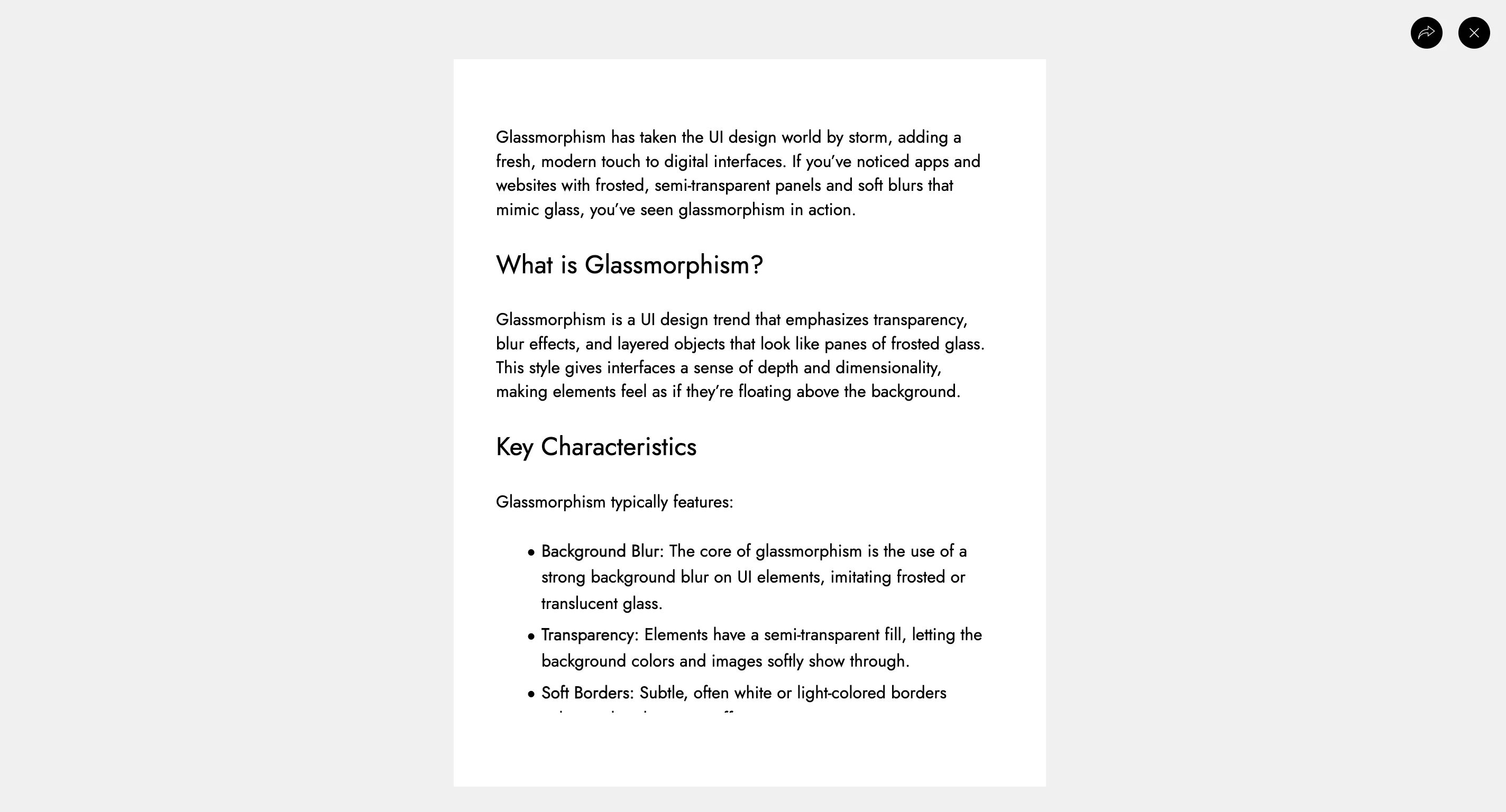
Example: https://app.mockflow.com/iview/MI0MLCFBssb#/mode/view/focus/D8be813c57937a67fcdee822eeba21d66
The Docs component in MockFlow Board offers a fresh, visual approach to creating and collaborating on documents. With powerful editing tools, seamless real-time collaboration, and AI-assisted writing, it redefines how documents are written and shared. Best of all, it's available for free across all MockFlow plans.