
Create, Brainstorm 3D Models in MockFlow Board – Games, Objects, Film & More
Discover how MockFlow Board enhances brainstorming with 3D models for games, film, and design. Use AI to create and collaborate on interactive 3D objects, transforming ideas into reality.
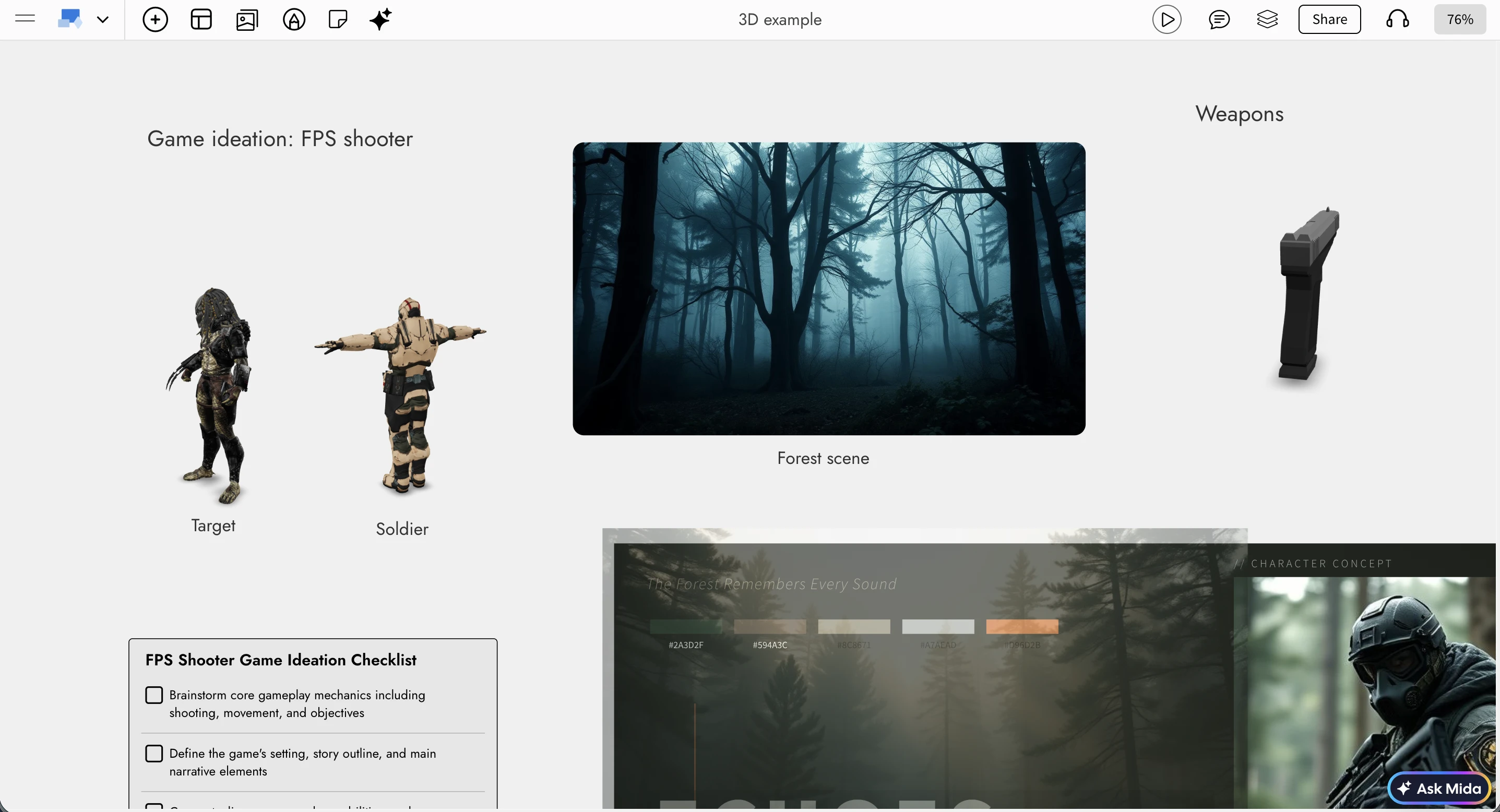
When whiteboard is digital, why restrict brainstorming to just sticky notes and images. There are many industries out there that use 3D designs. MockFlow Board now makes it easy to create, brainstorm with 3D objects (with AI) helping in ideation of games, interior designs, film , 3d print and more...
Whether you’re shaping early game concepts, visualizing product designs, or experimenting with film props and environments, MockFlow Board now gives your ideas real depth.
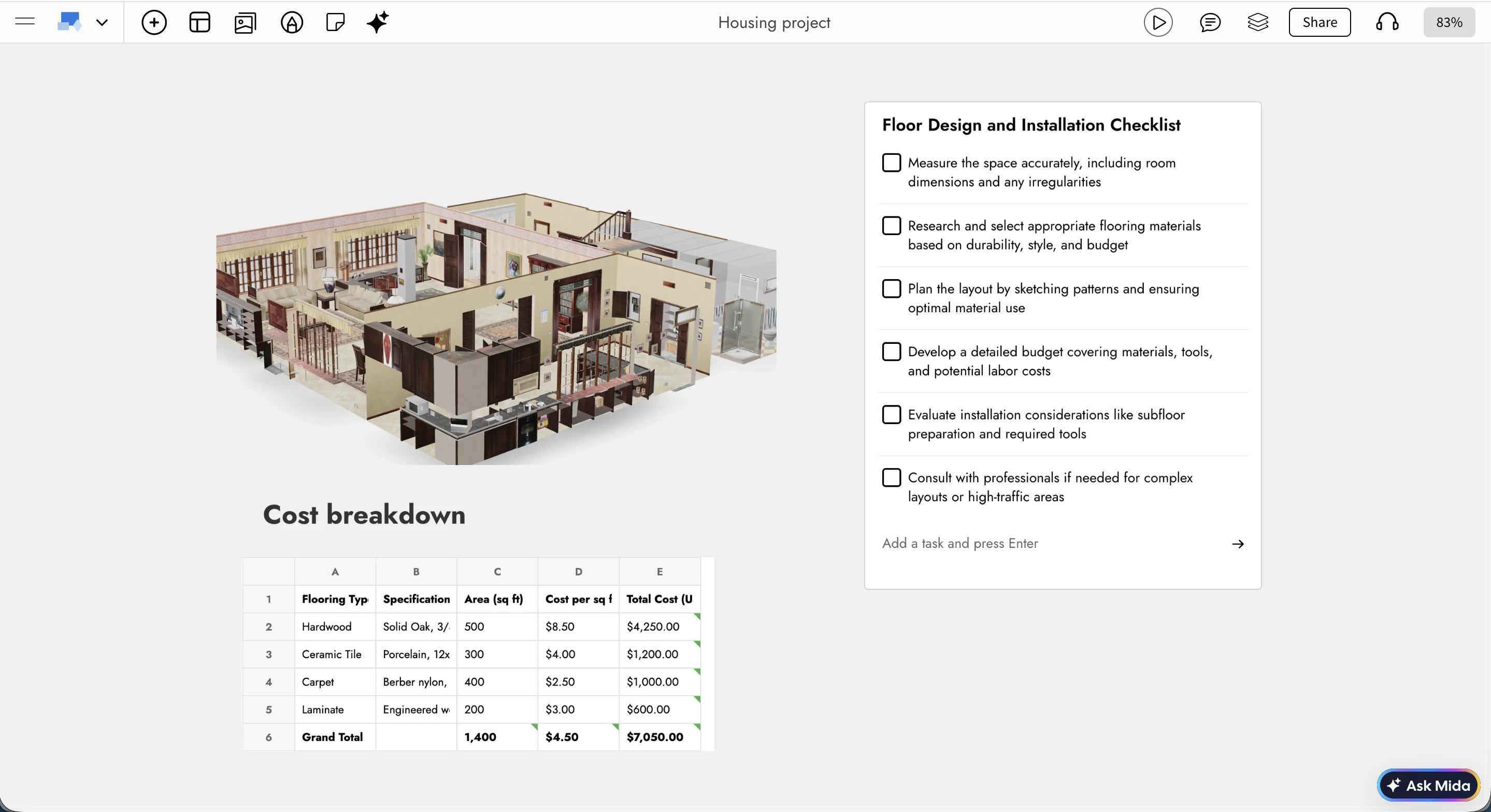
A New Dimension to Brainstorming
Brainstorming with 3D models adds an entirely new layer to visual thinking. You can now combine interactive 3D objects with everything you already use in MockFlow Board: sections, drawings, diagrams, notes, comments, reactions, images, and checklists.
This opens up powerful new use cases. You can build flow diagrams using 3D objects to explain iterations or transformations, create mood boards enriched with 3D assets for design inspiration, or plan projects visually by grouping 3D objects within sections and tracking progress through checklists. Teams can collaborate more clearly, align faster, and move from abstract ideas to tangible concepts right at the ideation stage.
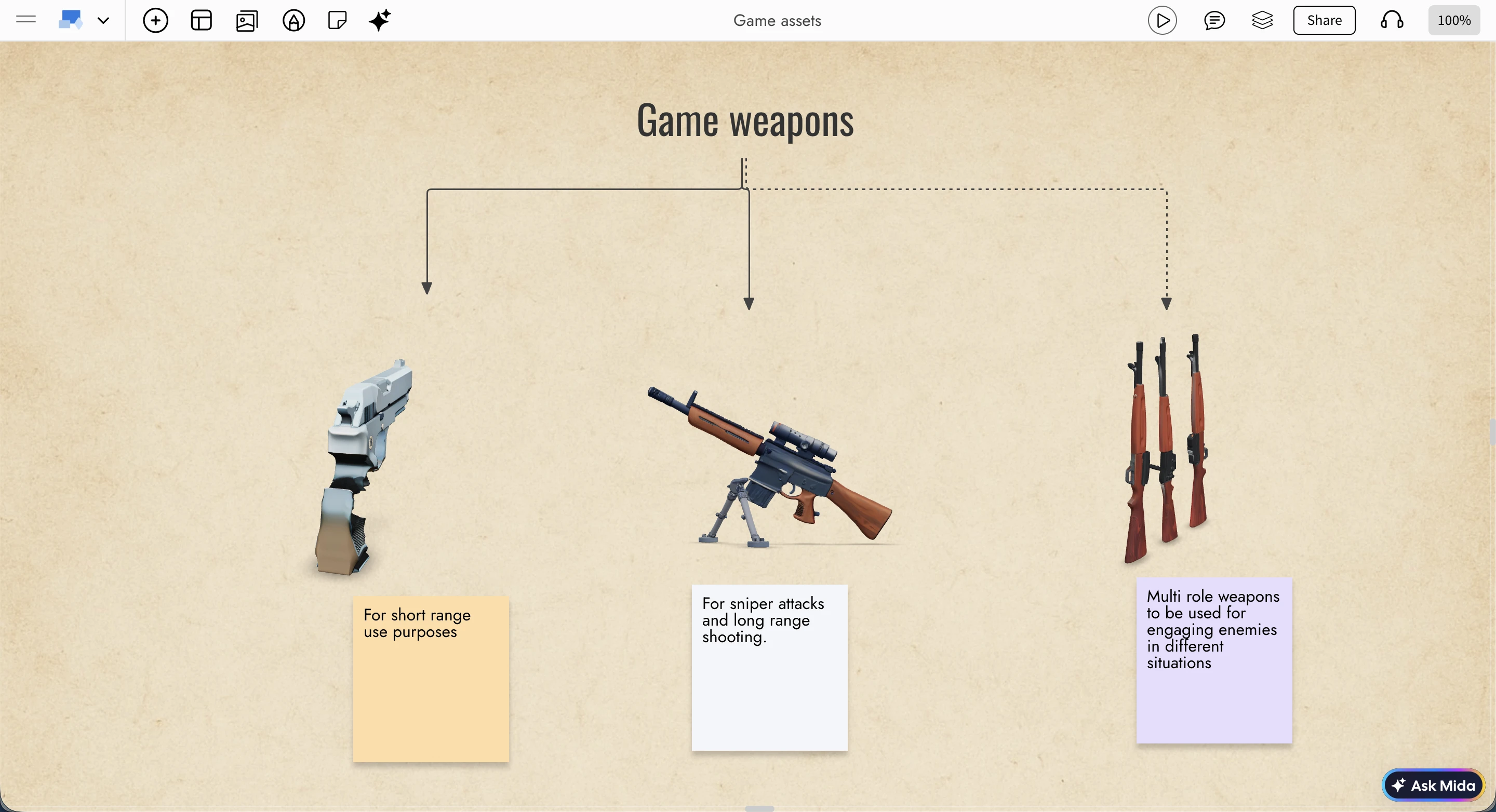
Advanced 3D Viewer Built for Whiteboarding
Unlike generic 3D viewers, MockFlow Board’s 3D viewer is built from the ground up specifically for whiteboarding and collaborative ideation. It’s fast, lightweight, and focused on the interactions that matter most during brainstorming.
You can auto-rotate a model for continuous viewing or switch to a fixed view that allows manual rotation, panning, and zooming. A wireframe mode is available for clearer inspection of structure and form, especially useful during early concept reviews. For focused exploration, models can be viewed instantly in full screen using the F key while interacting with them.
Create 3D Objects with AI
MockFlow Board doesn’t just let you import 3D models, it also helps you create them from scratch using AI. You can upload any 3D model in the popular GLB format, or skip imports altogether and start ideating directly in 3D.
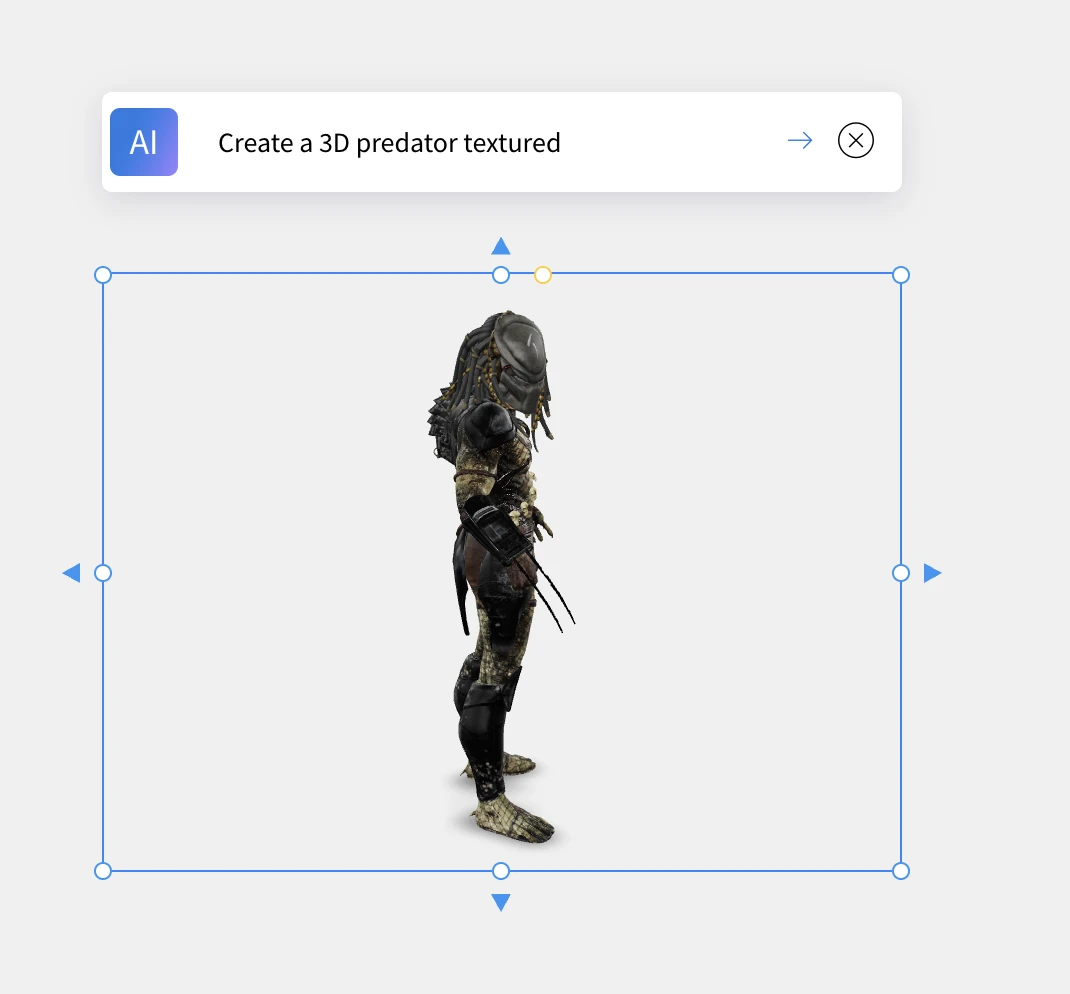
There are two AI-powered creation options. You can generate a 3D object from a text prompt—something as simple as "Make a Christmas tree" and see a model appear instantly. Alternatively, you can convert an existing image into a 3D object (as long as the image meets basic quality requirements for good results).
These features use your existing MockFlow Board AI credits, which can be topped up anytime, making it easy to experiment freely during brainstorming sessions.
Built for 3D-Driven Ideas
With native 3D brainstorming, MockFlow Board is now ideal for planning games, interior layouts, film concepts, manufacturing ideas, product prototypes, and any creative workflow that benefits from thinking in three dimensions. You can quickly explore early, imperfect ideas in 3D, refine them collaboratively, and evolve them visually without leaving your whiteboard.
In addition to native models, MockFlow Board also supports embedded viewers from platforms like Sketchfab, giving you even more flexibility to work with existing 3D content.
This update brings depth, clarity, and speed to visual ideation helping teams move from imagination to form, faster than ever.