Best Excalidraw Alternatives for Teams in 2026
Excalidraw is a popular tool that makes visual thinking feel quick and informal. One can open a browser, sketch an idea, map a rough flow, or explain a technical concept without much setup.
But teams often need more than quick sketching. As whiteboarding becomes part of planning, reviews, workshops, and async follow-up, they start looking for Excalidraw alternatives with stronger collaboration, templates, AI support, integrations, and documentation features.
The best Excalidraw alternatives help teams move beyond quick sketching and support more complete visual workflows.
- MockFlow IdeaBoard: Best for AI-assisted whiteboarding, real-time collaboration, meetings, and async follow-up.
- tldraw: Best for developers who need an open-source canvas and React SDK.
- Miro: Best for enterprise workshops, facilitation, and remote collaboration.
- FigJam: Best for design teams already working in Figma.
- draw.io: Best for free technical diagramming and self-hosted documentation.
- Lucidchart: Best for structured diagrams, engineering documentation, and enterprise workflows.
- Whimsical: Best for flowcharts, mind maps, wireframes, and product planning.
- Mural: Best for facilitated workshops, retrospectives, and design sprints.
When comparing these Excalidraw alternatives, the right choice depends on whether your priority is real-time collaboration, open source control, technical diagrams, AI-powered workflows, meeting-based whiteboarding, or workshop facilitation.
Let’s compare these alternatives side by side.
Excalidraw Alternatives at a Glance
Here’s a quick side-by-side comparison of the best Excalidraw alternatives based on use case, collaboration depth, AI support, pricing, and key limitations.
Tool | Best For | Core Strength | AI Features | Pricing Snapshot |
MockFlow IdeaBoard | Visual collaboration | Whiteboarding, templates, Google Meet, async comments | AI boards, prompts, MIDA AI | Free plan. Paid from $7/month yearly |
Lucidchart | Technical diagrams | Data-driven diagrams and documentation | AI diagram generation | Free plan. Individual from $9/month |
tldraw | Developer workflows | React canvas SDK and extensible editor | Minimal native AI | Free for basic use. SDK needs license |
draw.io | Free diagramming | Self-hostable technical diagrams | Limited AI | Free core app |
Miro | Enterprise workshops | Templates, facilitation, integrations | AI clustering and summaries | Free plan. Starter from $8/member/month yearly |
Mural | Facilitated sessions | Timers, voting, guided workshops | AI session support | Free plan. Team+ from $9.99/member/month yearly |
FigJam | Figma teams | Figma-native whiteboarding | Figma AI support | Free plan. Collab seats from $3/month |
Whimsical | Product planning | Flowcharts, wireframes, mind maps | AI diagrams and planning | Free plan. Pro from $10/editor/month |
Best Excalidraw Alternatives for Teams in 2026
Excalidraw is a browser-based whiteboard for quick hand-drawn diagrams, rough wireframes, architecture sketches, and product flows. Its paid plans add team workspaces, access controls, comments, voice chat, live presentation, export options, and AI features.
Still, teams often start comparing Excalidraw alternatives when quick sketching is no longer enough. Users on G2 appreciate its ease of use, fast setup, team sharing, and explaining complex systems, but they also point to limits around using the free version for larger work and managing more complete project or design workflows.
Common reasons teams compare whiteboard tools like Excalidraw include:
- Need for more structured workshop templates and planning boards
- Stronger async documentation through comments, exports, and walkthroughs
- Better fit for project management, sprint planning, and team facilitation
- More advanced diagramming for technical, product, and enterprise workflows
- Deeper integrations with tools teams already use every day
The right Excalidraw alternative depends on how your team works. Some teams need an open source whiteboard alternative. Others need AI-powered brainstorming, enterprise facilitation, or a more structured visual workspace for recurring collaboration.
We have sorted the best alternatives based on use cases to simplify your team’s decision-making.
Best for Visual Collaboration and Diagramming
These tools are best for teams that need both freeform visual collaboration and structured diagramming in the same workflow. They help teams brainstorm, map ideas, build diagrams, and turn meeting discussions into clear visual outputs without relying on a simple sketch canvas alone.
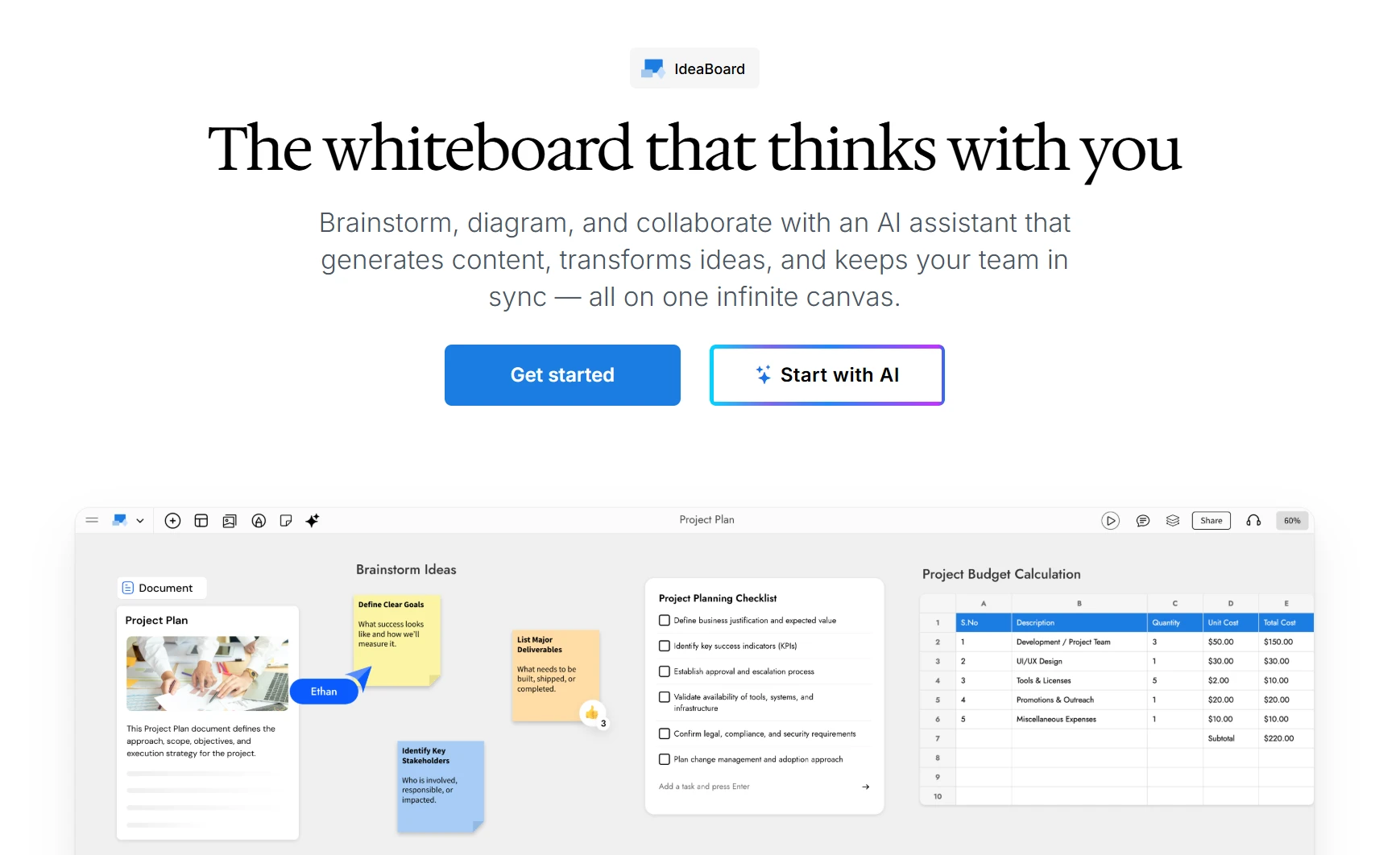
MockFlow IdeaBoard is a good Excalidraw alternative for teams that need their whiteboard to do more than capture rough sketches. It gives teams a shared visual workspace for brainstorming, diagramming, planning, and workshop collaboration, while keeping the canvas easy enough for quick use during meetings.
Where Excalidraw works well for lightweight sketch diagrams, IdeaBoard is built for more structured team workflows.
What makes it work:
- 15+ board types in one canvas: Teams can move from sticky-note ideation to structured diagrams, timelines, product flows, Kanban planning, or cloud architecture maps without switching tools.
- Real-time collaboration with async feedback: Teams can co-edit boards live with sticky notes, shapes, connectors, comments, and visual elements, making it easier to turn discussion into shared visual output during workshops or planning calls. With video and voice comments, distributed teams can leave richer context on the canvas without needing another meeting.
- Meeting-first whiteboarding: Teams can open a shared board directly through Google Meet, so participants can sketch, add notes, and organize ideas without jumping between the meeting and another tab.
- AI-assisted session setup: With the AI Toolbox, teams can generate brainstorming boards, planning layouts, workflows, and diagrams from prompts instead of starting from a blank canvas. The prompt library helps teams start common sessions faster.
- Reusable workshop structures: The template gallery includes boards for brainstorming, strategy, journey mapping, planning, and diagramming, which helps teams bring more structure into recurring sessions.
- Custom AI components: The AI Prompt Box and AI Recipes let teams place reusable AI prompts directly on the board. This is useful when facilitators want a consistent way to generate ideas, summarize inputs, or turn discussion points into next steps.
- Workflow integrations: IdeaBoard connects with team workflows through its Trello Power-Up, VS Code integration, and ChatGPT app, helping teams keep visual work closer to where tasks, engineering discussions, and AI-assisted ideation already happen.
- Offline and file-based work: Teams that need more control can use IdeaBoard’s offline whiteboard app or file-based workflows with on-premise and Git integration.
IdeaBoard is easy to adopt, but teams planning complex diagrams should check whether its element library covers their exact use case. G2 reviews mention:
- Strong ease of use, templates, sharing, and real-time collaboration
- Some limits around advanced elements, controls, and complex project needs
This makes it strongest for visual collaboration and diagramming, but teams looking for deeper technical diagramming may evaluate specialist tools.
Free plan available. Paid plans start at $7/month and include AI-assisted workflows, multiplayer collaboration, advanced integrations, and expanded workspace capabilities. A one-time $39.90 Mac offline edition is available separately for individuals and privacy-sensitive teams.
Product teams, facilitators, strategy teams, consultants, operations teams, and distributed organizations running recurring workshops, planning sessions, and collaborative visual meetings.
Teams can explore IdeaBoard via the no-signup online workspace for instant brainstorming, or sign up for free to access AI-assisted workflows, multiplayer collaboration, and shared team workspaces.
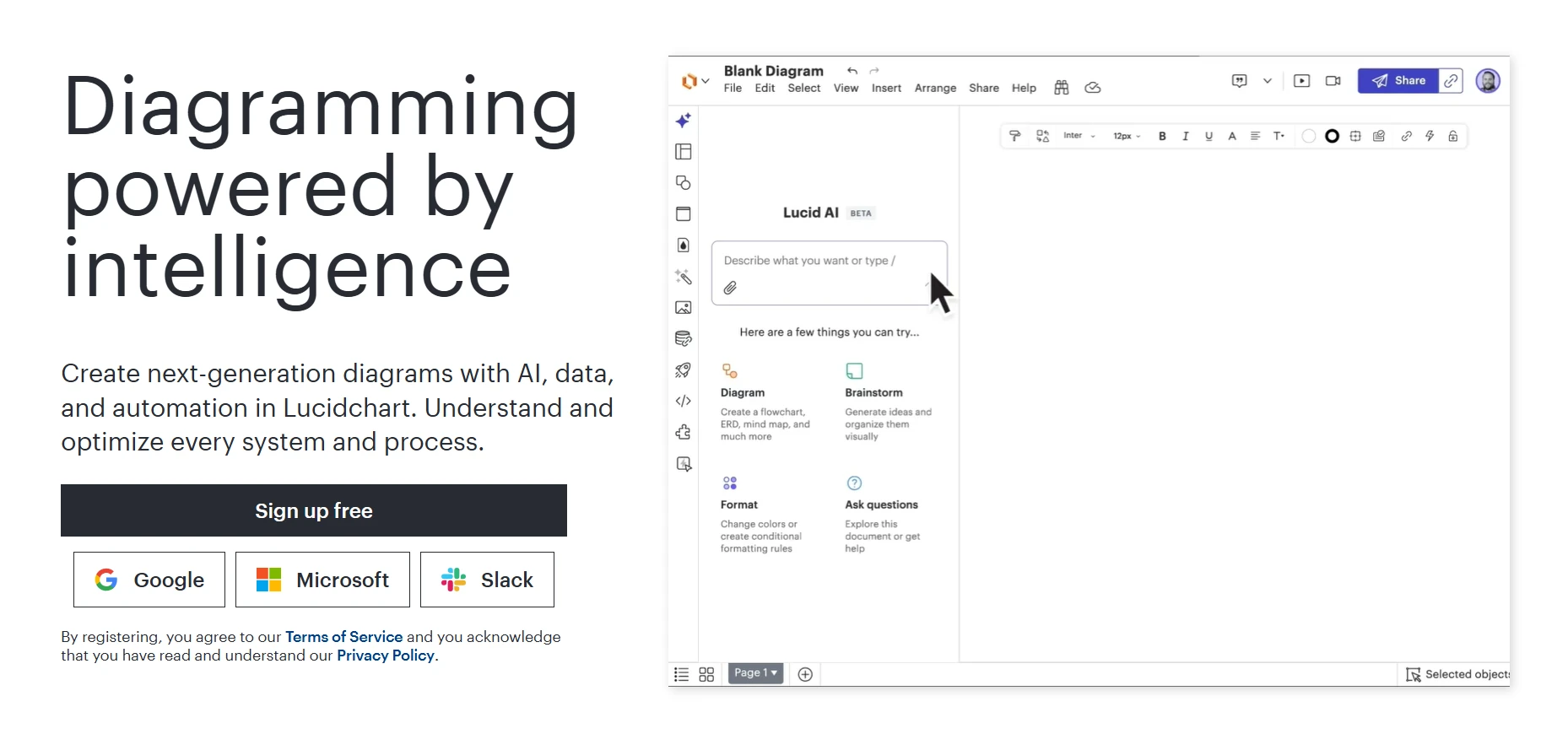
Lucidchart is a diagramming tool for teams that need clean process maps, architecture diagrams, org charts, and technical documentation. It is less sketch-like than Excalidraw and more focused on structured diagrams that can be reviewed, shared, and maintained over time.
Lucidchart is built for teams that need structured diagrams they can share, review, and maintain after the first draft. It is more documentation-focused than Excalidraw, which makes it useful for technical teams that need cleaner outputs.
- Real-Time Collaboration: Teams can co-edit diagrams, leave comments, and review changes in the same workspace.
- AI Diagram Generation: Lucid AI can generate diagrams from prompts and help summarize existing visuals.
- Data Linking: Teams can connect diagrams to data sources, which helps when org charts or process visuals need regular updates.
- Tool Integrations: Lucidchart connects with Jira, Confluence, Slack, Microsoft Teams, Notion, Google Drive, and Google Meet.
Lucidchart is useful for structured diagramming, but teams should review a few limits before choosing it. On Capterra, users mention that complex diagrams can load slowly, some templates and integrations sit behind paid plans, UML support may not cover every syntax need, and permission or version control management can feel manual. Users discussing Lucidchart alternatives also raise concerns around pricing, data retention, compliance policies, and third-party use.
- Watch out for: performance on large diagrams, complex boards, license scope, and compliance review; check licensing needs before rolling it out broadly.
Free plan with 3 editable documents. Individual plan from $9/user/month.
Engineering, IT, operations, and enterprise teams that need technical diagrams, process maps, and shared documentation.
Best for Developers and Open-Source Workflows
These tools fit teams that want more control over how their canvas works. They are useful when developers need self-hosting, editable diagram files, product embedding, or technical documentation workflows instead of a general workshop board.
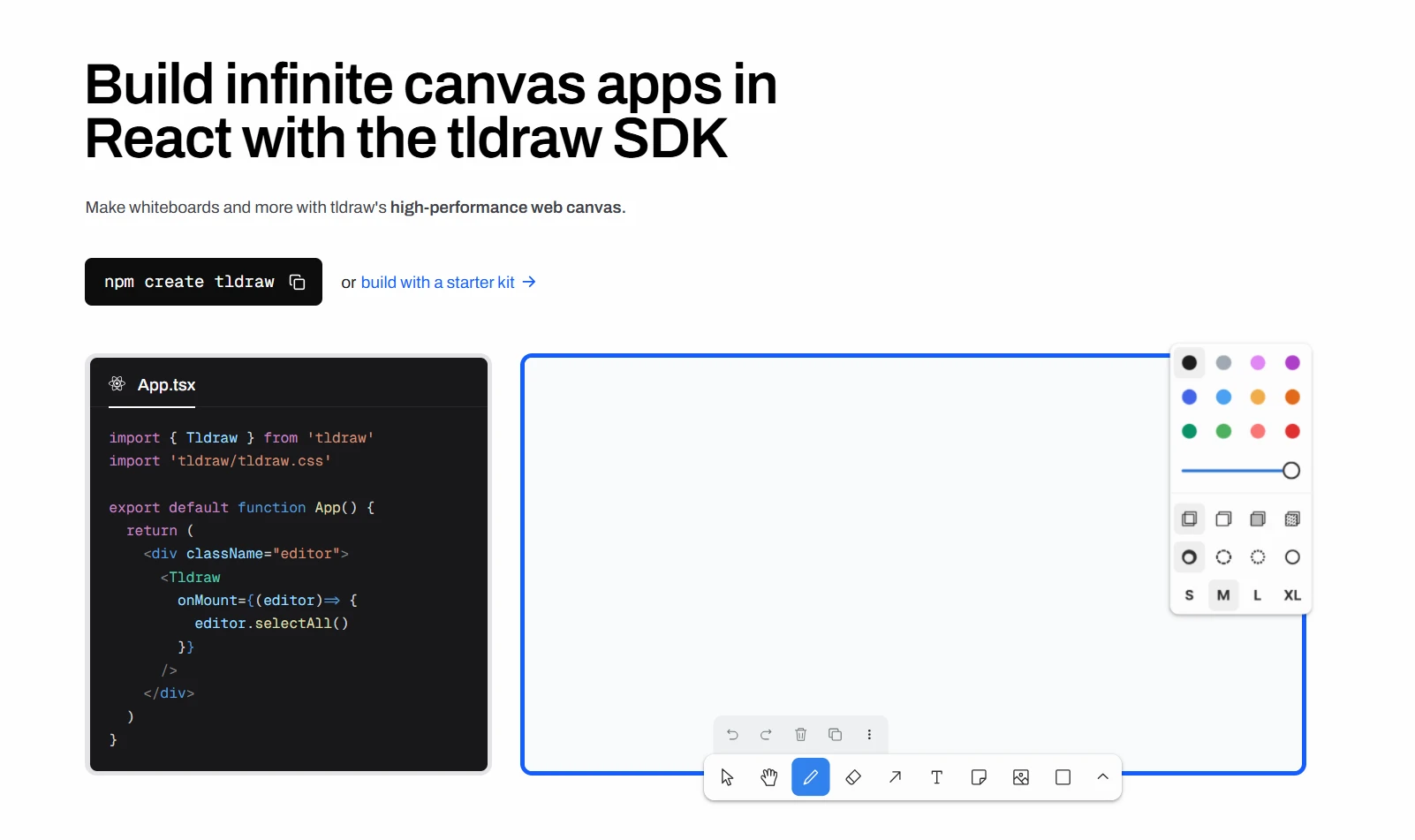
tldraw is a free online whiteboard and a React SDK for building infinite canvas products. It feels close to Excalidraw for quick sketching, but it is more useful for developers who want to embed or customize canvas behavior inside their own apps.
tldraw is useful for teams that want a sketch-style canvas with more developer control than Excalidraw. It works as a simple online whiteboard, but its main value is the SDK, which lets teams build custom canvas experiences into their own products.
- Open Canvas SDK: Developers can use the React and TypeScript SDK to build custom whiteboards, drawing tools, annotation flows, and product-specific canvas features.
- Real-Time Collaboration: tldraw supports multiplayer editing, live cursors, and shared canvas activity for collaborative drawing sessions.
- Customization: Teams can create custom shapes, tools, themes, and interface changes to fit their own product workflows.
- Self-Hosted Workflows: Starter kits support self-hosted multiplayer setups with persistence and asset handling for teams that want more control.
tldraw is a better fit for developer-led teams than teams that want a ready workshop platform. Its customer references focus on teams that used it to build product features, which means setup and customization are part of the value.
- The SDK is source available, not open source by definition, so teams should review licensing before choosing it as an open-source Excalidraw alternative.
- Production SDK use needs a license key.
- Teams may need to build their own templates, facilitation flows, and admin controls.
- Other things to watch: fewer public review details than larger platforms, limited workshop structure, and more engineering effort for custom team workflows.
The whiteboard is free. The SDK offers a 100-day free trial, with annual production licensing handled through sales.
Developer teams building embedded canvas tools, self-hosted whiteboards, or custom visual workflows inside their own products.
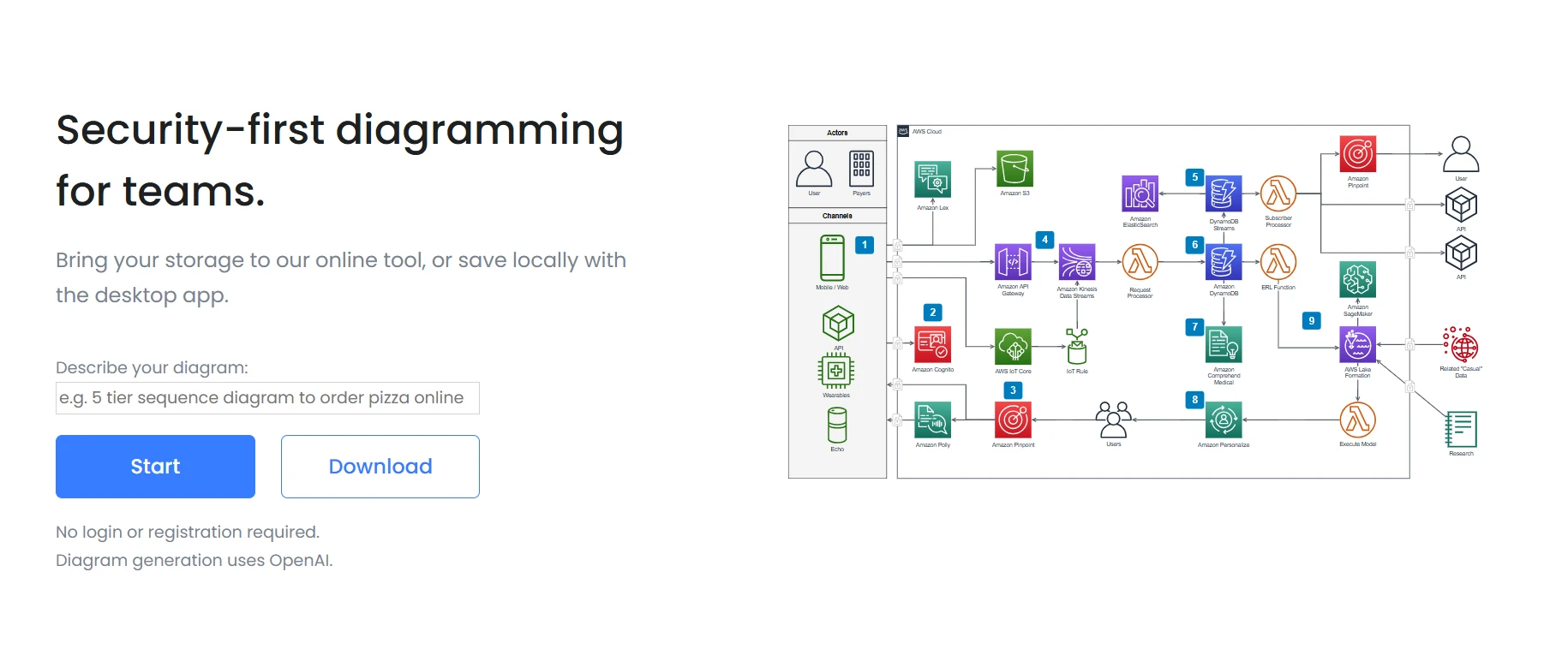
draw.io is a free diagramming tool for teams that need technical diagrams, process maps, network diagrams, and documentation visuals. It is a practical Excalidraw alternative when the priority is structured diagramming rather than freeform brainstorming.
draw.io is built for teams that want diagram control without a paid core product. It supports browser-based diagramming, desktop use, self-hosting, and storage across common file systems.
- Free Diagramming: Teams can create flowcharts, UML diagrams, ERDs, BPMN diagrams, and network maps without paying for the core app.
- Flexible Storage: Diagrams can be saved in Google Drive, OneDrive, GitHub, GitLab, Dropbox, or local storage.
- Self-Hosting: Teams can run draw.io inside their own infrastructure when they need more control over data.
- Atlassian Support: draw.io has Confluence and Jira apps for teams that document technical work inside Atlassian.
draw.io is practical, but users do point out limits. On G2 reviews, users mention that large diagrams can feel clunky, the interface can look outdated, and precise spacing may take extra effort. In the MSP discussion, users say it is “good enough” and free, but some still look for tools that make structured diagrams more efficient.
- Watch out for: large diagrams, visual polish, and collaboration needs once diagrams need regular team updates; less suited to live creative workshops than collaborative whiteboard tools.
The core diagrams.net app is free. Confluence and Jira apps use separate Atlassian Marketplace pricing at $1.70/user/month for ten users.
Engineering, IT, DevOps, and documentation teams that need free technical diagramming with self-hosting or local file control.
Best for Enterprise Teams and Large-Scale Workshops
These tools fit teams that run structured workshops with many participants. They go beyond sketching by adding templates, facilitation tools, voting, timers, and collaboration controls that help larger groups stay organized during live sessions.
Miro is a collaborative whiteboard for workshops, planning, and visual teamwork at scale. Teams use it for brainstorming, agile ceremonies, product planning, customer journey mapping, diagrams, and async reviews across distributed groups.
Miro is built for teams that run live workshops and recurring planning sessions. It gives facilitators more structure than Excalidraw while still keeping the board flexible for open discussion.
- Workshop Templates: Miro offers 7,000+ templates for agile planning, product work, mapping, brainstorming, and team rituals.
- Real-Time Collaboration: Teams can work together on the same board with live cursors, comments, sticky notes, and shared visual edits.
- Facilitation Tools: Timers, voting, private mode, and presentation features help teams manage longer sessions with more participants.
- AI Support: Miro AI supports clustering, summaries, diagram creation, and repeatable workflows.
- Tool Integrations: Miro connects with 250+ apps, including Jira, Slack, Figma, Asana, Google Workspace, and Microsoft Teams.
Miro can feel heavy when boards grow too large. On G2 review, users mention slow loading, harder board navigation, limited free boards, paid feature access, and AI outputs that can miss the prompt. Some users also say very large boards become hard to manage. In user discussions, Miro is seen as useful for planning and storyboarding, but less necessary when the team only needs simple visual notes.
- Watch for: board clutter, pricing growth, and setup effort for external participants.
Free plan includes 3 editable boards. Starter starts at $8 per member/month when billed annually.
Enterprise teams, product groups, facilitators, and remote teams running structured workshops or recurring planning sessions.
Also read → Compare top Miro alternatives in 2026 before buying

Mural is a visual collaboration platform for facilitated workshops, brainstorming sessions, agile meetings, and design thinking exercises. It is built around structured team participation, which makes it useful for teams that need more guidance than a simple drawing canvas can provide.
Mural is built for teams that run planned sessions with many contributors. It gives facilitators tools to guide participation, collect input, and turn group activity into usable outputs.
- Facilitation Tools: Teams can use timers, voting, private mode, and guided activities to manage workshop flow.
- Template Library: Mural offers templates for brainstorming, agile practices, product development, customer journey mapping, and strategic planning.
- Real-Time Collaboration: Participants can add notes, draw, comment, and work together on a shared infinite canvas.
- AI Support: Mural AI helps with brainstorming, feedback analysis, and next-step suggestions.
- Integrations: Mural connects with tools like Zoom and Webex on Team+ plans.
Mural is useful for structured workshops, but teams should review how it performs with larger boards and more complex setups. On G2 reviews, users mention slow performance, limited features, missing features, and learning curve as recurring themes. Some reviewers also point to confusing dashboards, too many options, slower large files, weaker PDF saving, and cluttered views.
- Watch for: large-board performance, dashboard clarity, export needs, and onboarding for advanced features.
Mural has a free plan with 3 murals. Team+ starts at $9.99/member/month when billed annually.
Facilitators, UX teams, consultants, and enterprise teams that run workshops, retrospectives, design sprints, and guided collaboration sessions.
Also read → Comparing Mural alternatives in 2026? Start here | Compare Miro vs Mural side-by-side
Best for Design-Led & Product Teams
These tools fit teams whose brainstorming often turns into product planning or design work. They are useful when teams want whiteboarding, early flows, and design handoff to stay closer to the product design process.
FigJam is built for teams that want whiteboarding close to their design workflow. It supports fast ideation while keeping boards connected to Figma files and design collaboration.
- Figma Connection: Teams can move between FigJam boards and Figma design files, which helps when workshop ideas need to become design work.
- Live Collaboration: Teams can use live cursors, comments, reactions, stamps, and voting during brainstorming or review sessions.
- AI Support: FigJam AI can generate boards, organize ideas, summarize notes, and turn complex inputs into simpler diagrams.
- Templates and Widgets: FigJam includes templates and interactive widgets for meetings, planning, and team activities.
- Team Access: Figma’s paid plans allow others to view and comment on files without requiring paid seats.
FigJam works best inside the Figma ecosystem, so teams outside design may find its value narrower. On G2 reviews, users mention large-board navigation, slower performance, limited templates, basic tools, and missing advanced diagramming features. Some users also say AI synthesis should be used carefully for UX research, because theme finding and sentiment analysis still need human judgment.
- Watch for: board scale, advanced diagramming needs, and over-reliance on AI summaries.
FigJam has a free Starter plan. Figma pricing lists paid seat-based plans, including Collab seats from $3/month.
Design teams, UX researchers, product managers, and collaborators who already use Figma for product design work.
Also read → Looking for Figjam alternatives in 2026? Here are 8 best tools
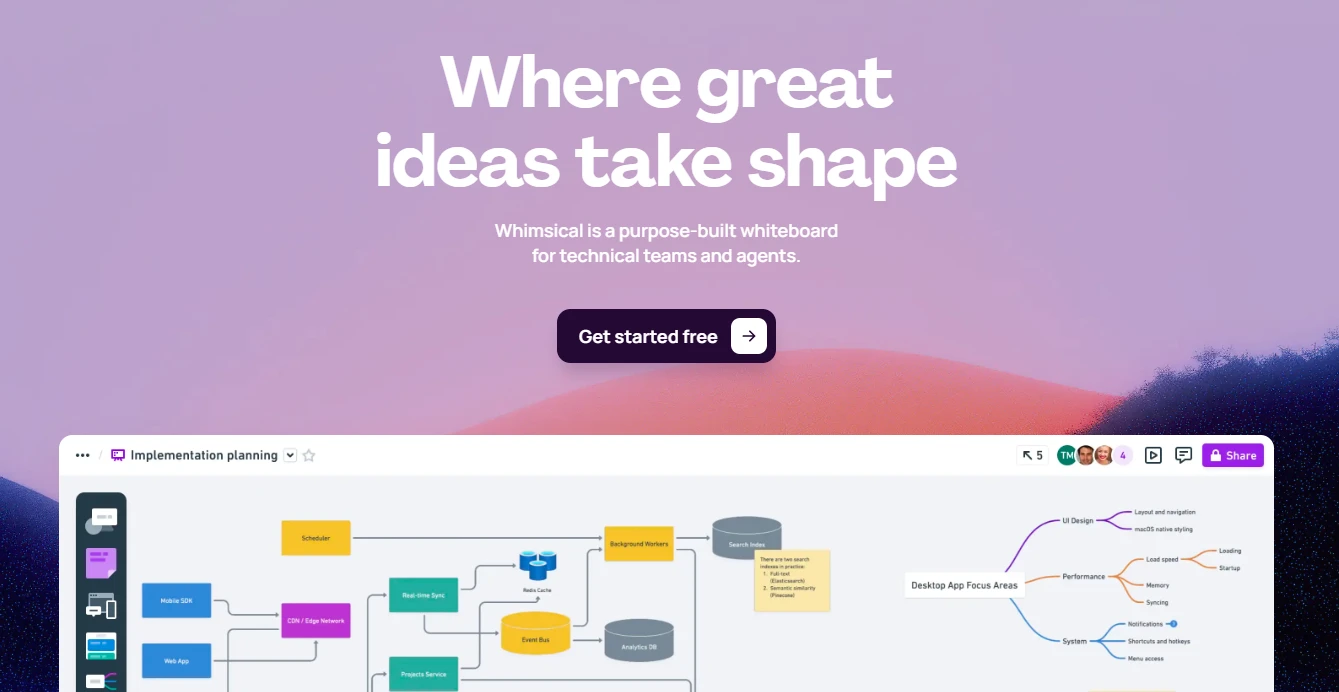
Whimsical is a visual workspace for flowcharts, wireframes, mind maps, docs, and whiteboards. It fits product teams that want more structure than Excalidraw while keeping the interface simple enough for planning sessions, early product thinking, and quick diagram creation.
Whimsical is built for teams that move between early ideas and structured product planning. Its canvas keeps common planning formats close together, which helps teams avoid rebuilding the same work in separate tools.
- Flowcharts and Diagrams: Teams can map processes, user flows, system logic, and decision paths with clean connectors and simple editing.
- Wireframes: Product teams can sketch low-fidelity screens with drag-and-drop components before moving into design.
- Mind Maps: Teams can organize rough ideas into clearer structures before refining them into plans or diagrams.
- AI Support: Whimsical AI can generate flowcharts, mind maps, sequence diagrams, and summaries from prompts.
- Real-Time Collaboration: Teams can co-edit boards, share links, and work together during planning sessions.
Whimsical is easy to use, but users on G2 reviews mention that it can feel limited as work gets bigger. Large planning boards may feel restrictive. Some users say they need other tools when discussions move beyond flows into workshops or tracking. Reviewers also mention limited customization, fewer templates, and access limitations, especially when presenting work to stakeholders.
- Watch for: large boards, advanced customization, workshop depth, and template range.
Whimsical has a free plan. Pro costs $10/editor/month when billed annually, or $12/editor/month billed monthly.
Product managers, UX teams, and technical teams that need quick flowcharts, wireframes, mind maps, and structured planning boards.
Features to Look for in Excalidraw Alternatives
The right Excalidraw alternative depends on why your team is moving away from a sketch-first canvas. Some teams need better collaboration. Others need templates, AI support, virtual meeting integrations, or more reliable documentation after the session ends.
1. Real-Time Collaboration
Look for live cursors, simultaneous editing, comments, and easy guest access. This matters when multiple people need to shape the board together instead of watching one person draw while everyone else talks.
2. Screen Sharing and Whiteboarding
A good whiteboard tool should work naturally during meetings. If teams have to manage a video call in one window and a board in another, attention gets split. Tools that support whiteboarding inside meetings reduce that friction.
A great example is how IdeaBoard lets teams open a shared board inside a Google Meet call, so participants can sketch, annotate, and organize ideas without switching between the meeting and a separate whiteboard tab.
3. AI-Powered Diagramming and Brainstorming
AI can help teams move past the blank canvas faster. Useful features include prompt-based board generation, diagram creation, idea clustering, and session summaries. These features are most helpful when they save setup time without taking control away from the team.
Microsoft’s 2024 Work Trend Index found that 75% of global knowledge workers use AI at work, and 90% of users say it helps them save time. That makes AI-assisted workflow generation a necessity for teams in recent times.
4. Breakout Flows and Engagement Features
For larger sessions, facilitation features matter. Timers, voting, private mode, and structured activities help teams contribute clearly. Without them, an infinite canvas can quickly turn into scattered notes.
5. Calendar and Workflow Integrations
Check whether the whiteboard connects with the tools your team already uses, such as Google Workspace, Microsoft Teams, Slack, Jira, Trello, Asana, or Notion. A board that sits outside daily work is easy to forget.
IdeaBoard supports workflow continuity through its Trello Power-Up, so teams can add whiteboards directly inside Trello cards. It also offers MCP integrations that connect AI assistants such as Claude, Cursor, and Windsurf to IdeaBoard. This helps teams generate flowcharts, mind maps, diagrams, and charts from AI tools without manually recreating visual outputs on the board.
6. Async Documentation and Board Recording
Distributed teams need boards that remain useful after the meeting. Look for video comments, voice notes, version history, exports, and presentation modes that help turn live discussion into lasting documentation.
How to Choose the Right Excalidraw Alternative
Choosing the right Excalidraw alternative starts with the way your team works. Do you need a free hand-drawn diagram tool for quick sketches, or a collaborative whiteboard that supports planning, facilitation, and follow-up? Do you need open-source control, technical diagramming, AI-assisted workflows, or tighter integration with your meeting and project tools?
Use these questions to narrow the decision:
- How many people need to collaborate on the same board?
- Will the board be used for quick sketches, workshops, technical diagrams, or product planning?
- Does the team need AI support to generate diagrams, summarize ideas, or structure sessions?
- Should the tool connect with meetings, task boards, engineering workflows, or documentation tools?
- Will the board need to live beyond the meeting as a reusable reference?
If your team wants visual collaboration that fits into meetings and async workflows, MockFlow IdeaBoard gives you an easy place to brainstorm, diagram, plan, and present ideas visually. You can sign up for free or start faster with the no-signup online whiteboard.
FAQs
1. What are Excalidraw alternatives?
Excalidraw alternatives are whiteboard and diagramming tools that offer stronger collaboration, structured templates, AI-assisted workflows, and better integrations for teams that need more than a basic sketching canvas.
2. Which Excalidraw alternative is best for remote teams?
MockFlow IdeaBoard is built for remote teams, combining AI-assisted brainstorming, real-time visual collaboration, Google Meet integration, and async video comments into a single collaborative workspace.
3. What features should an Excalidraw alternative have?
Look for real-time collaboration, AI-assisted diagramming, structured templates, workflow integrations with tools like Jira and Slack, async documentation features, and facilitation tools for managing large group sessions.
4. Are Excalidraw alternatives secure for business use?
Yes. Many business-ready Excalidraw alternatives offer security features such as SSO, admin controls, encryption, and compliance support. Teams with stricter data needs can also look for self-hosting, offline access, or local file storage. For example, draw.io supports self-hosted use, while MockFlow IdeaBoard offers an offline desktop edition.
5. Can an online whiteboard replace Excalidraw for technical diagramming?
Yes. Tools like IdeaBoard support flowcharts, DB diagrams, swimlanes, cloud architecture diagrams, and more, going well beyond what Excalidraw offers for structured technical documentation workflows.
Top 8 Architecture Diagram Tools for Collaboration and Design in 2025
Introduction Ever been in a meeting where no one can quite agree on how the system actually works? One person’s diagram looks...
12 Best Brainstorming Tools for Effective Idea Generation in 2026
Introduction Looking for the best brainstorming tools? You’ve come to the right place. Brainstorming should be exciting, but...
10 Best Visual Collaboration Tools for Remote and Hybrid Teams in 2026
Introduction Let’s start with something we have all seen happen. A team tries to pick a visual collaboration tool, opens a...
