12 Best Design Thinking Software Tools Compared for 2026
Introduction
You’ve narrowed down your options for design thinking software, but figuring out which one can support your team beyond the initial brainstorming session takes a closer look. Can the software help your team build on early ideas and carry them through to the next stage without losing valuable context?
A tool that works well for brainstorming may offer limited support for prototyping or testing. Knowing where each platform fits can help you avoid investing in software that leaves your team switching between disconnected workflows.
In this article, we’ll compare 12 design thinking tools, including MockFlow, Miro, and Figma, to help you understand their strengths and choose the right fit for your team.
Top design thinking software comparison at a glance
Design thinking software provides digital workspaces for applying human-centered problem-solving methods. Teams use these tools to organize user research, develop concepts, and evaluate solutions. For example, MockFlow offers empathy mapping and AI-assisted brainstorming, while Figma supports interactive prototyping. UserTesting helps teams validate their designs through feedback from actual users.
The table compares specific capabilities, free-tier availability, and starting prices to help you narrow down your options.
Tool | Key capabilities | Free tier and starting price |
MockFlow | Mida AI, mind mapping, empathy mapping, wireframing, Microsoft Teams integration, voice and video comments | Free tier: Yes; Plus from $9/editor/month |
Miro | AI sticky-note clustering, voting, workshop timers, customer journey templates | Free tier: Yes; Starter from $8/member/month |
Mural | Anonymous voting, private ideation, facilitator controls, workshop timers | Free tier: Yes; Team+ from $9.99/member/month |
FigJam | User-flow diagrams, AI sticky-note sorting, voting, Figma integration | Free tier: Yes; Figma Professional from $3/Collab seat/month |
Lucidspark | Sticky-note sorting, voting sessions, breakout boards, Lucidchart integration | Free tier: Yes; Individual from $9/month |
Stormboard | Smart templates, idea voting, task assignments, workshop reporting | Free tier: Yes; Business from $8.33/user/month |
Creately | AI diagramming, process mapping, smart connectors, real-time collaboration | Free tier: Yes; Pro from $4/editor/month |
Smaply | Journey maps, emotion charts, persona editor, portfolio prioritization | Free tier: Yes; Repository from $38/editor/month |
Figma | Interactive prototyping, reusable UI components, design systems, Dev Mode | Free tier: Yes; Professional from $16/Full seat/month |
UserTesting | Participant recruitment, moderated testing, AI feedback analysis, highlight reels | Free tier: No; custom pricing, trial on request |
SessionLab | Drag-and-drop agenda builder, activity library, workshop timing, PDF exports | Free tier: Yes; Individual from $9/month |
Sprintbase | Guided innovation methods, nested whiteboards, design sprint blueprints, project reports | Free tier: No; 14-day trial, Essentials from $9/user/month |
Disclosure: MockFlow is our product and is featured first in this comparison. We evaluated it using the same editorial criteria applied to the other tools, including capabilities, collaboration, accessibility, and pricing.
How we selected the best design thinking tools
We selected the best design thinking tools based on their documented capabilities and how useful those features are during actual design thinking activities. We examined how effectively each platform supports design thinking activities and workshop collaboration to identify its strengths and where additional software may be needed.
Here are the six criteria we used:
- Design thinking stage coverage: Tools that support multiple stages give teams more flexibility as projects progress. We considered whether each platform offers dedicated functionality for particular stages or supports a broader range of design thinking activities.
- Support for specific activities: Empathy mapping requires different capabilities than usability testing. For interview-based research, creating a structured summary after each session makes it easier to compare responses while details are fresh. We considered whether tools help teams organize these findings into useful outputs for subsequent activities.
- Visual collaboration: Shared canvases allow participants to contribute ideas directly, while commenting and visual organization help teams review inputs and reach a common understanding.
- Templates and AI assistance: Customizable templates make it easier to prepare structured exercises without creating everything manually. AI features can further reduce setup time by generating initial layouts or organizing information before a session.
- Remote workshop support: Microsoft's 2025 Work Trend Index found that 80% of workers lacked sufficient time or energy to do their work. We assessed whether features such as voting and facilitation controls help teams run focused workshops and reach decisions efficiently.
- Pricing and accessibility: Free-plan limits and paid feature restrictions can affect how teams use a platform as participation increases. Comparing these helps determine the cost of using the software regularly.
12 best design thinking software and tools in 2026
Each design thinking tool supports a different part of the process. Let's look at how the 12 platforms work, the activities they're suited for, and when choosing one over another makes sense for your team.
1. MockFlow
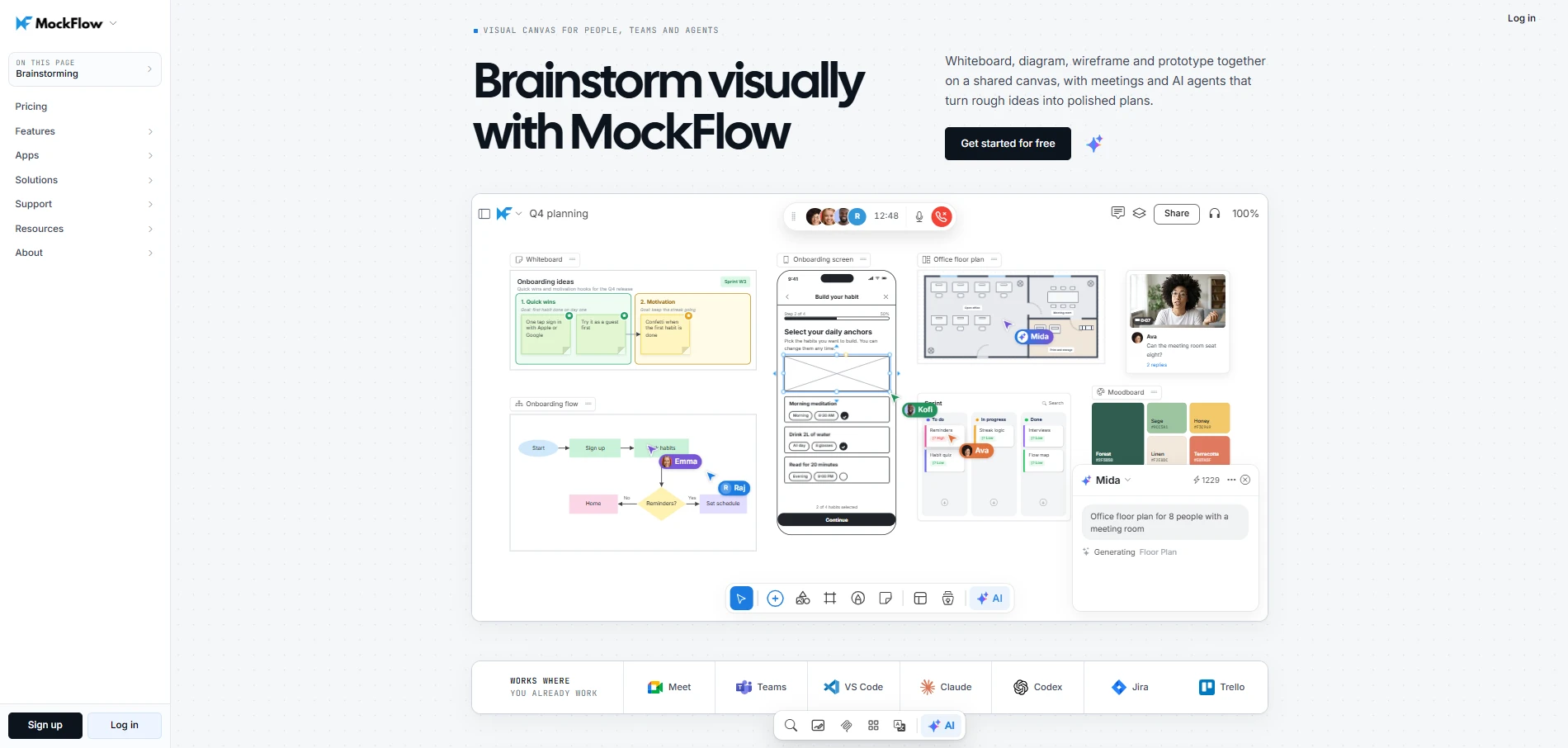
MockFlow is a visual collaboration platform for brainstorming, wireframing, and prototyping across the full design thinking process. Its infinite canvas, dedicated wireframing editor with 1000+ UI components, and Mida AI help teams move from understanding user problems to exporting production-ready designs, all on a single shared board.
With Mockflow, research insights, ideas, wireframes, and prototypes stay connected in one workspace, making it easier to explore solutions without losing the context behind design decisions.
G2 Rating: 4.2/5
What design thinking activities does this tool support?
MockFlow helps teams brainstorm design ideas, organize them visually, and turn them into wireframes and clickable prototypes without switching tools. Mida can read meeting transcripts and research documents to pull findings onto the board, helping spot patterns that might stay buried in notes. From there, MockFlow supports the following activities:
- Map user experiences: Map customer journeys to visualize user actions and pain points across touchpoints. This helps teams identify friction in existing experiences and uncover opportunities for improvement.
- Define problems clearly: Bring research findings onto a shared canvas and organize observations into mind maps, knowledge graphs, or visual clusters. Mida can sort sticky notes into themes or restructure them as flowcharts. This makes it easier to recognize what keeps coming up and turn those into focused design challenges.
- Explore and prioritize solutions: Use brainstorming templates, ideation templates, polls, and dot voting to develop and shortlist ideas. Mida AI helps teams expand initial concepts and generate alternative visual approaches when exploring possible solutions.
- Build on ideas across sessions: Concept Builders like Service Blueprint Architect or Onboarding Flow Designer can take a rough idea and develop it into a structured concept across multiple sessions. This helps teams build on early thinking instead of starting over each time they revisit an idea.
- Wireframe and prototype solutions: Generate editable wireframes from text prompts, screenshots, or captured webpages, and compare approaches by switching between visual themes with custom brand styling. Teams can link screens into clickable prototypes, helping refine solutions before development.
- Hand off to development: Export wireframes as front-end code or editable Figma layers with auto layout. The Clippy Chrome extension can capture any live website as an editable wireframe. This helps teams start development from validated designs rather than rebuilding from scratch.
For example, a team improving mobile app onboarding could start with MockFlow's empathy map template to organize user interview findings. They could then map onboarding frustrations, brainstorm alternative flows, and prototype promising approaches for user evaluation.
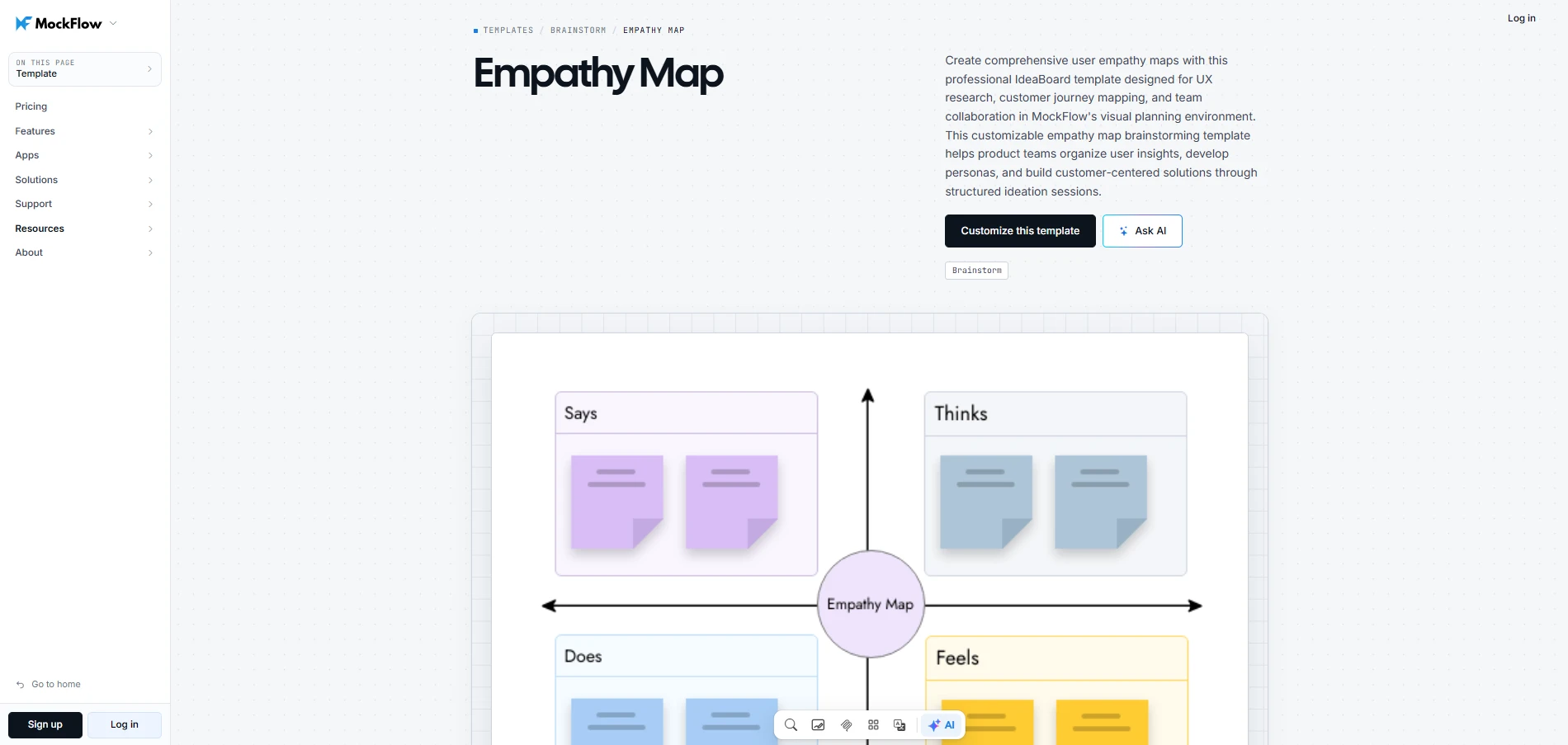
Customize this empathy map template
When should we choose this tool over other options?
- When one tool needs to cover the full loop: MockFlow handles diagramming, wireframing, and prototyping alongside brainstorming, so teams don’t need separate tools for each stage.
- When AI should do more than sort sticky notes: Mida can generate flowcharts, wireframes, and storyboards from a text prompt, and transform existing content between formats. This helps teams explore ideas visually without rebuilding concepts in different views.
- When the board needs to connect to dev tools: Teams working with Claude or Cursor can turn AI conversations into editable diagrams, helping them move from discussions to visual exploration without rebuilding ideas manually. MockFlow Bridge takes this further by letting teams put their own AI agent behind Mida so it can read local files and reference the actual codebase.
- When collaboration needs to happen during the work: Run audio and video meetings directly from the board, or pin voice and video comments to specific spots. Integrations with Google Meet, Jira, and Slack keep discussions connected to existing workflows.
- When workshops need built-in facilitation: Polls, dot voting, timers, and live mini apps like word clouds and mood check-ins run directly on the board, helping facilitators keep sessions structured without a separate tool.
Considerations:
- Advanced UI customization: Highly detailed production-level interface design may require specialized tools.
- Dedicated user research: Participant recruitment and moderated usability testing may require separate research software.
Pricing: Basic (free), Plus ($9/editor/month), and Max ($16/editor/month), billed annually, with unlimited free viewers/commenters.
Want to move from user insights to testable design concepts faster? Try MockFlow for free and start exploring your ideas visually.
2. Miro
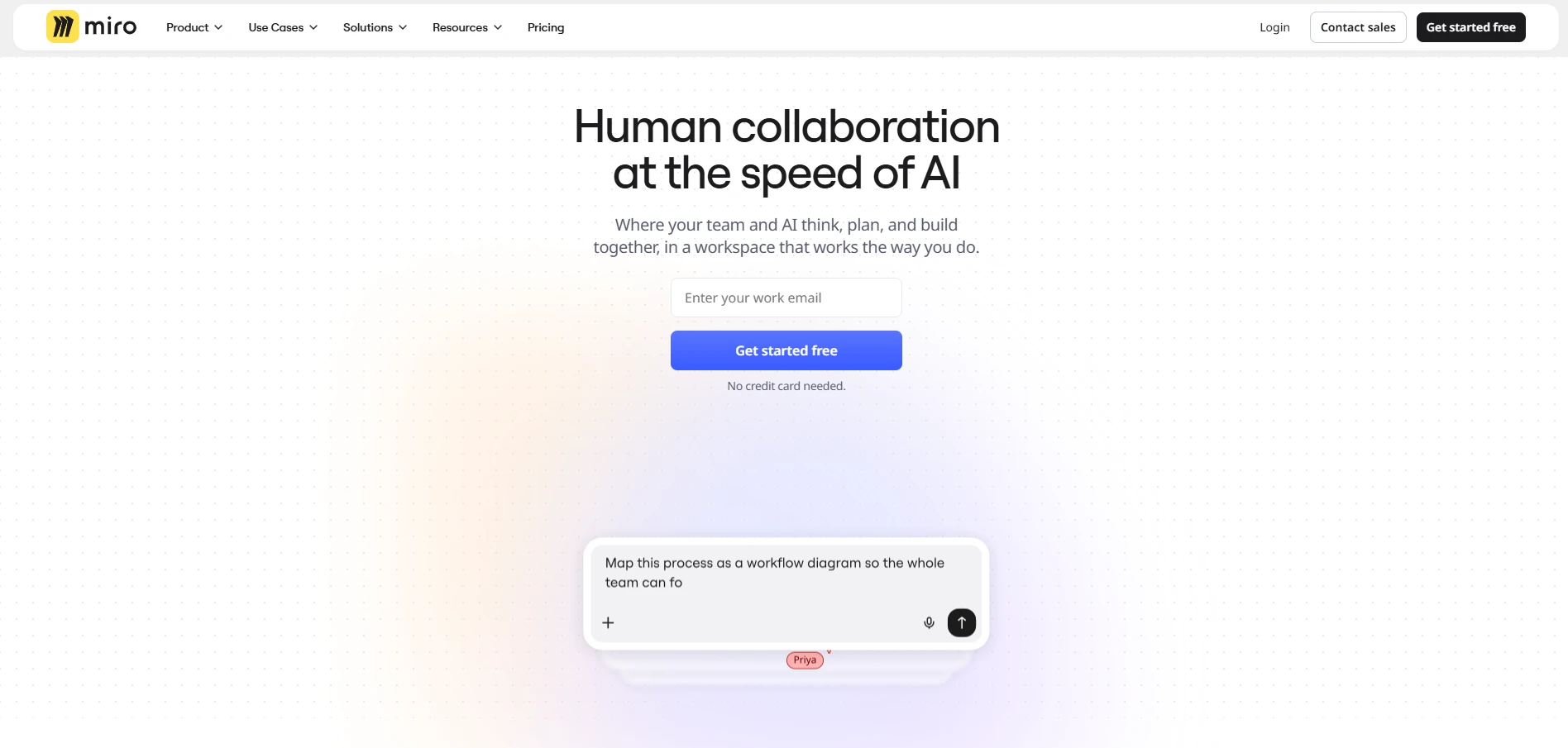
Miro is an online visual collaboration platform for brainstorming and design thinking workshops. Its infinite canvas and customizable templates help teams organize research findings and explore solutions together, making it useful for distributed product teams.
G2 Rating: 4.6/5
What design thinking activities does this tool support?
Miro helps teams bring customer research into a shared workspace and identify patterns through visual collaboration. For example, a distributed product team can organize feedback on sticky notes and use a customer journey map to pinpoint where users struggle. Once the issues are clear, participants can brainstorm improvements and vote on the most promising ideas.
When should we choose this tool over other options?
- Run focused workshops: Use timers and voting to keep discussions organized and help participants prioritize ideas.
- Customize workshop activities: Adapt Miro's template library to different design thinking exercises without rebuilding frameworks.
- Connect existing tools: Integrate with Slack and Google Workspace to support collaboration across established workflows.
Considerations:
- Large board performance: Some users report slower performance and navigation difficulties as boards become more complex.
- Board organization and access: Customer feedback points to limited board hierarchy options and advanced features requiring paid upgrades.
Pricing: Miro offers Free (3 editable boards), Starter ($8/member/month), and Business ($20/member/month), billed annually.
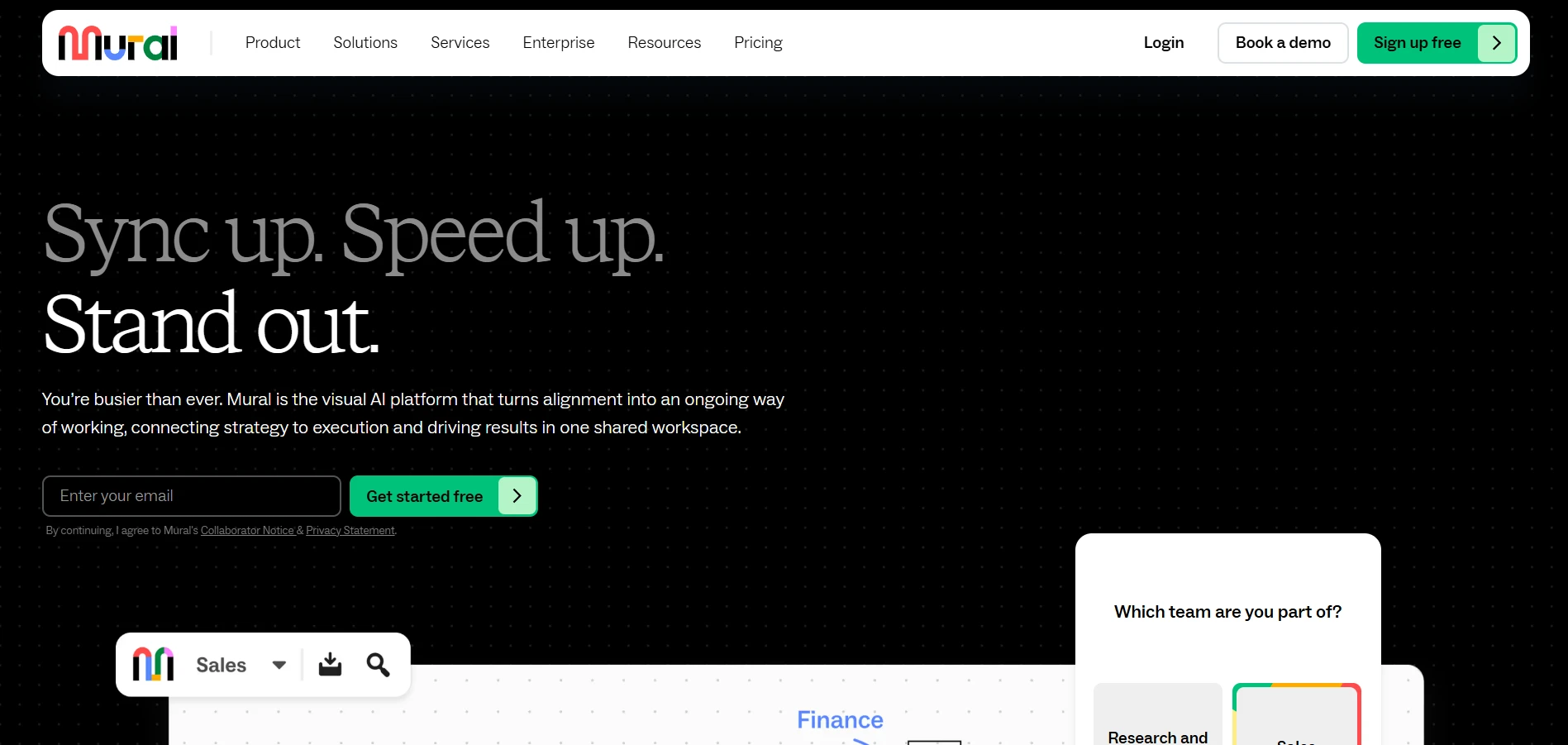
3. Mural
Mural is a visual collaboration platform built for facilitator-led brainstorming and structured design thinking workshops. Its helps facilitators guide teams through structured brainstorming, using planned exercises to explore problems and prioritize ideas.
G2 Rating: 4.6/5
What design thinking activities does this tool support?
Mural helps facilitators guide teams through problem framing and idea selection using structured templates. For example, a workshop leader can ask participants to capture challenges on sticky notes, group similar observations, and explore solutions together. Anonymous voting then helps the group prioritize ideas without letting individual opinions dominate.
When should we choose this tool over other options?
- Guide workshops effectively: Use Mural's Outline feature to walk participants through exercises without losing focus.
- Encourage independent thinking: Private mode hides individual contributions during ideation, reducing the influence of others' suggestions.
- Reach group decisions faster: Anonymous voting helps participants select promising ideas without lengthy discussions.
Considerations:
- Advanced diagramming: Mural's workshop-focused canvas may be less suitable for creating detailed technical diagrams or complex process flows.
- Limited customization: Some users report restricted font-size options and an inability to change image colors, reducing visual flexibility.
Pricing: Mural offers Free (3 editable murals), Team+ ($9.99/member/month), and Business ($17.99/member/month), billed annually.
4. FigJam
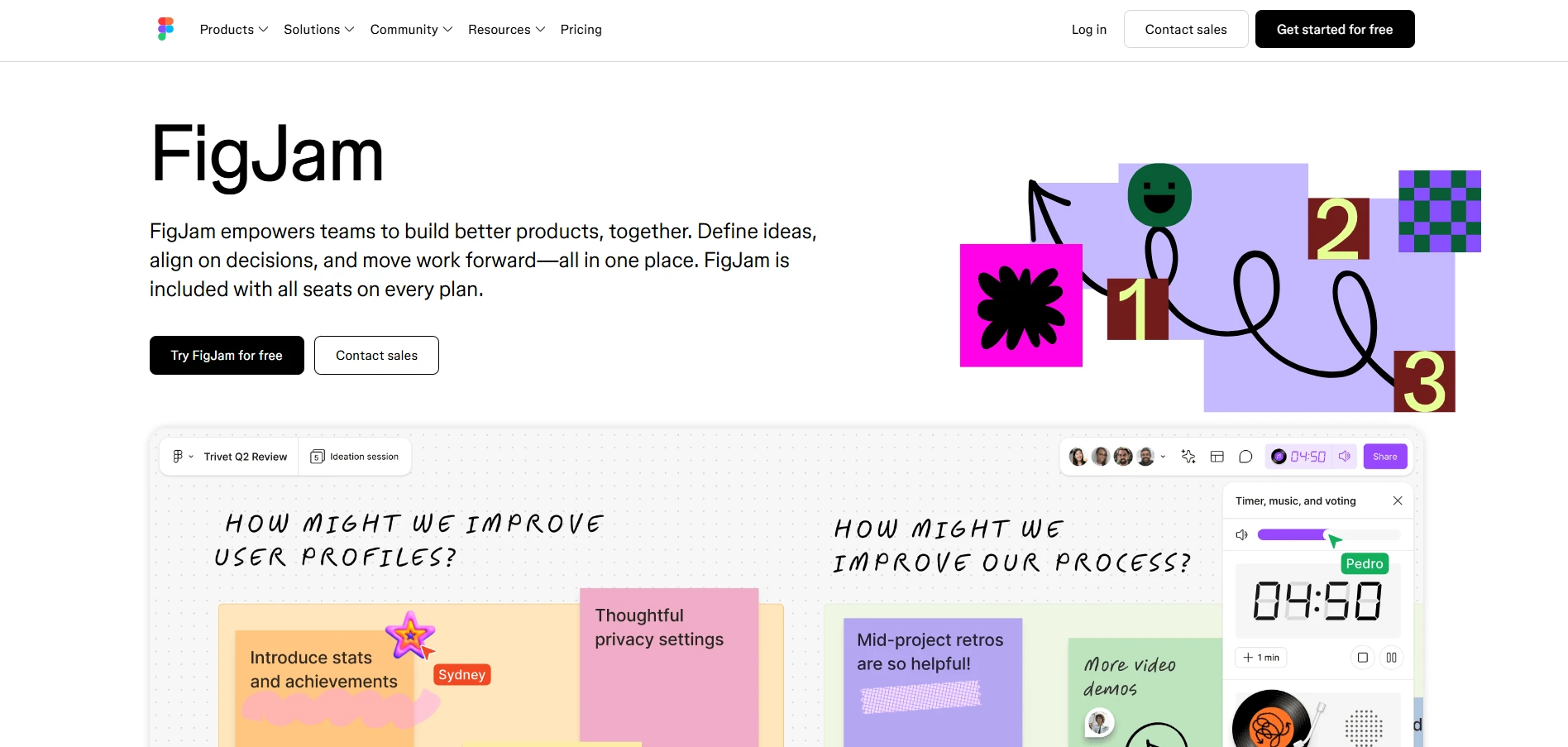
FigJam is a collaborative whiteboard within the Figma ecosystem, built for early-stage product planning. Its sticky notes and diagramming tools help design teams explore concepts together before moving into detailed interface design in Figma.
G2 Rating: 4.6/5
What design thinking activities does this tool support?
FigJam helps UX teams organize research findings and explore improvements before creating interface designs. For example, designers reviewing a complicated checkout experience can collect user observations on sticky notes and map the existing user flow. They can then sketch alternative flows and gather team feedback before developing prototypes in Figma.
When should we choose this tool over other options?
- Move into interface design faster: Transfer diagrams between FigJam and Figma so designers can reference early ideas while building prototypes.
- Organize ideas with AI: Use FigJam AI to group sticky notes into themes, making large brainstorming sessions easier to review.
- Collaborate across teams: Use Spotlight mode to guide discussions and comments to gather feedback from participants.
Considerations:
- Complex board management: Some users report cluttered boards and slower performance when working with many elements or collaborators.
- Advanced diagramming: FigJam's lightweight diagramming tools may be limiting for teams creating detailed technical documentation.
Pricing: FigJam offers a free Starter plan. Figma Professional starts at $3 per Collab seat/month or $16 per Full seat/month, billed annually
5. Lucidspark
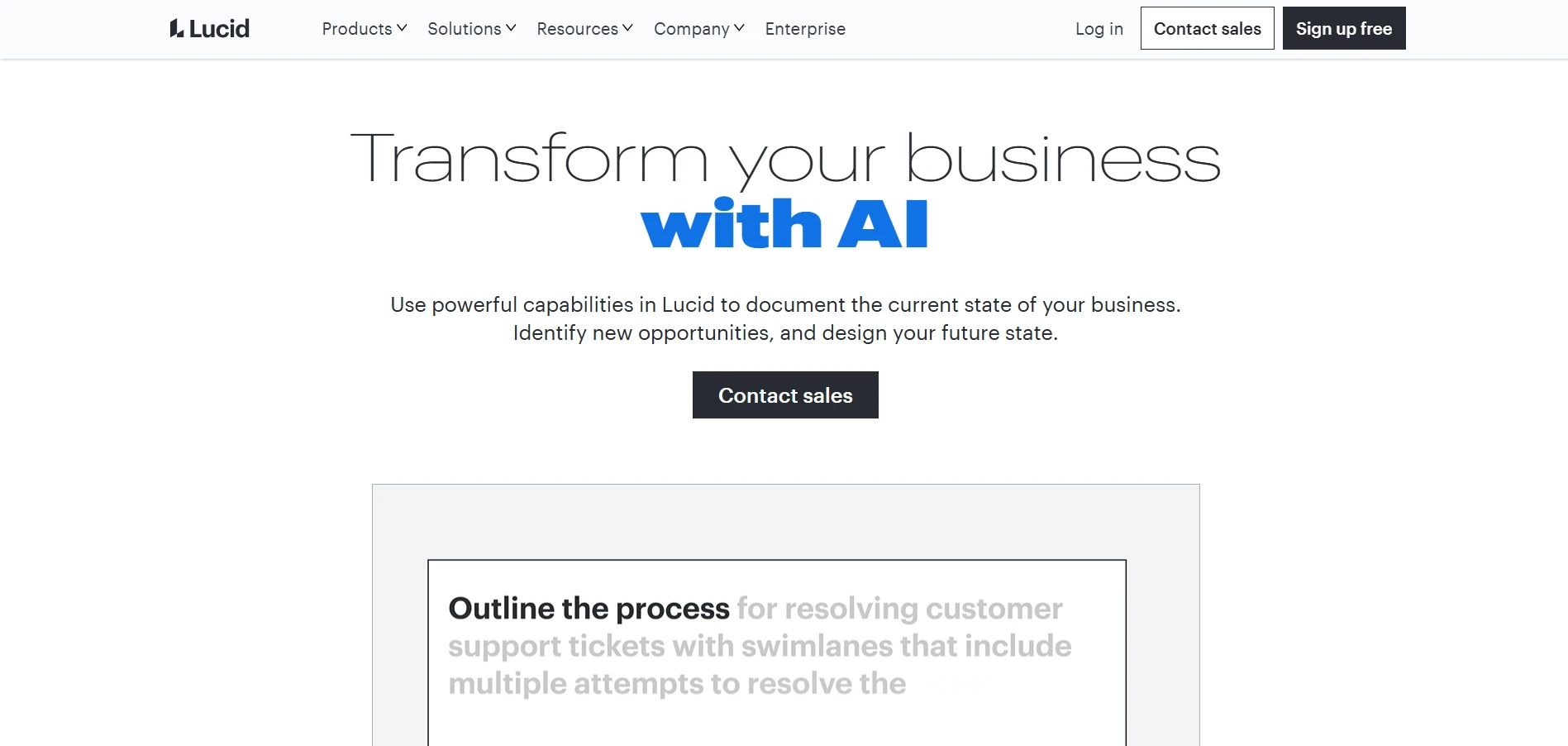
Lucidspark is a visual brainstorming workspace that helps teams organize ideas and turn discussions into clear concepts. Its collaborative canvas supports idea clustering and structured workshops, with Lucidchart integration for developing ideas into detailed diagrams.
What design thinking activities does this tool support?
Lucidspark helps teams collect ideas using sticky notes and organize them through visual clustering. For example, after a product workshop, participants can group suggestions by recurring themes using the Sort feature. The team can then review each cluster and vote on which ideas deserve further exploration.
When should we choose this tool over other options?
- Connect brainstorming with diagramming: Move ideas into Lucidchart to develop structured process diagrams without starting over.
- Organize workshop outcomes: Sort sticky notes by tags or votes to make recurring themes easier to review.
- Facilitate group discussions: Use voting sessions to prioritize ideas and breakout boards for smaller group activities.
Considerations:
- Advanced facilitation: Voting requires Team or Enterprise access, while breakout boards are limited to Enterprise.
- Interactive prototyping: Teams developing detailed UI prototypes may still need dedicated design software.
Pricing: Lucidspark offers Free (3 editable boards), Individual ($9/month), and Team ($10/user/month), billed annually.
6. Stormboard
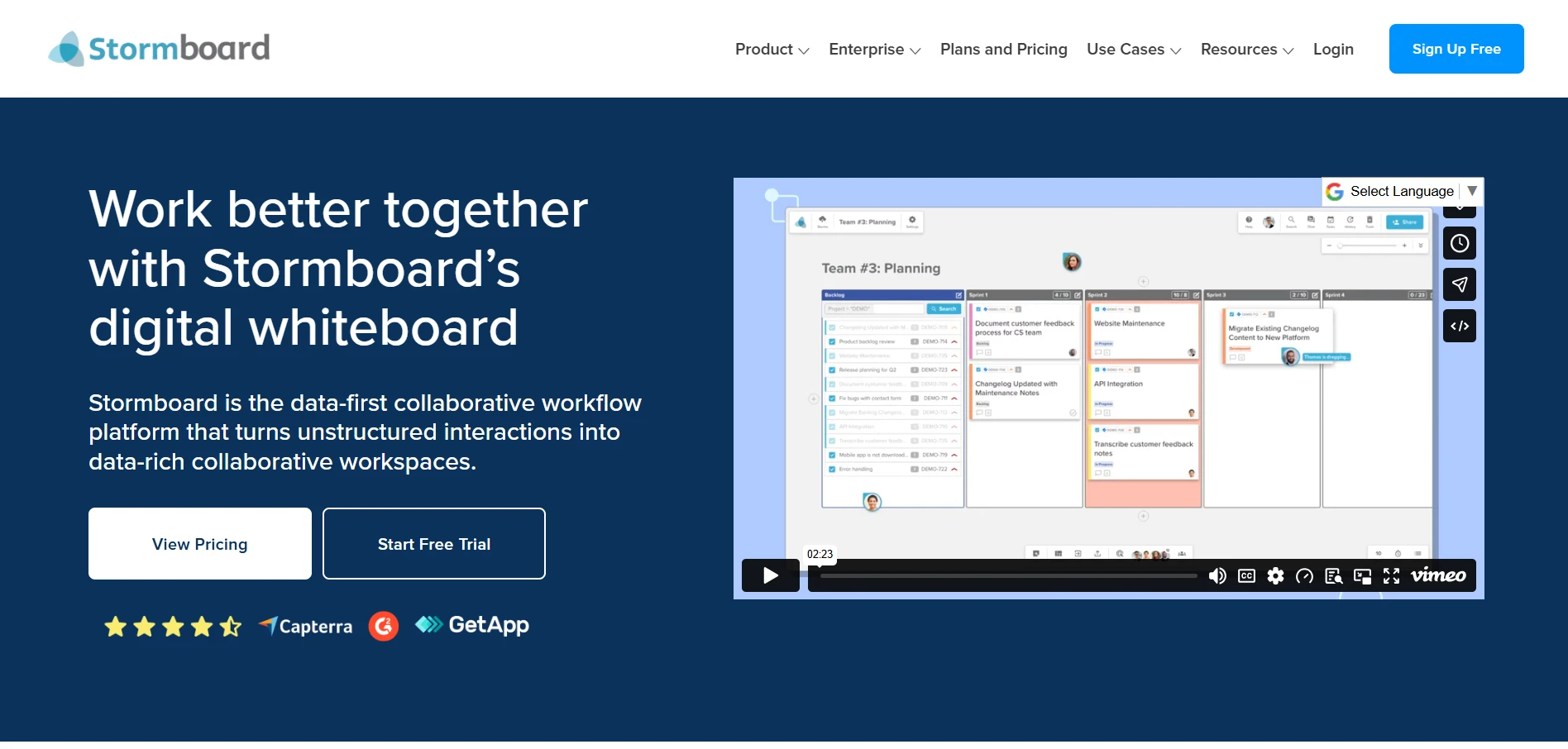
Stormboard is a digital brainstorming platform that helps teams structure discussions and turn workshop ideas into actionable outcomes. Its smart templates and reporting tools make it useful for teams that need organized brainstorming sessions with documented decisions.
G2 Rating: 4.4/5
What design thinking activities does this tool support?
Stormboard supports structured ideation through customizable templates that help teams collect and prioritize suggestions. For example, a product team planning feature improvements can invite participants to submit ideas on sticky notes and group related suggestions. The team can then vote on priorities and assign tasks to move selected improvements forward.
When should we choose this tool over other options?
- Structure brainstorming sessions: Use smart templates to organize contributions into clear sections, making large workshops easier to manage.
- Prioritize ideas collaboratively: Let participants vote on suggestions to identify which improvements deserve attention.
- Document workshop decisions: Generate editable reports in Microsoft Word or Google Docs to share outcomes with stakeholders.
Considerations:
- Advanced reporting access: Detailed reports and customizable templates require paid subscriptions, which may limit smaller teams.
- Workspace organization: Some users request built-in bookmarking for important links, making it easier to keep reference materials accessible.
Pricing: Stormboard offers Personal (free, 5 users per board), Business ($8.33/user/month, billed annually), and Enterprise (custom pricing).
7. Creately
Creately is a collaborative visual workspace for mapping processes and organizing complex information. Its diagramming tools and customizable templates help teams connect research findings, visualize relationships, and develop a shared understanding of customer experiences.
G2 Rating: 4.4/5
What design thinking activities does this tool support?
Creately helps teams visualize customer journeys and identify relationships between different stages of an experience. For example, a cross-functional team reviewing customer onboarding can map each interaction using a journey template. By connecting customer feedback to specific touchpoints, the team can identify recurring friction and discuss where improvements are needed.
When should we choose this tool over other options?
- Map complex workflows: Use flowcharts and smart connectors to visualize process steps and identify missing connections.
- Start with structured diagrams: Customize ready-made journey maps and process templates to organize research without building diagrams manually.
- Review diagrams together: Collaborate in real time and leave contextual comments so teams can refine visual maps together.
Considerations:
- Shape navigation: Some users find selecting shapes difficult and suggest a more compact sidebar for easier access to diagram elements.
- Free-plan restrictions: The free plan limits diagrams to 40 shapes, which may be restrictive for detailed customer journeys or complex workflows.
Pricing: Creately offers Free, Pro ($4/editor/month), Business ($89/editor/month), and Enterprise plans. Paid pricing varies by subscription; Enterprise is custom-priced.
8. Smaply
Smaply is a customer experience mapping platform that helps teams understand user journeys in detail. Its dedicated journey mapping tools and persona editor make it easier to identify customer pain points and prioritize service improvements.
G2 Rating: 4.5/5
What design thinking activities does this tool support?
Smaply supports the Empathize and Define stages by helping teams document customer experiences across different touchpoints. PwC's 2025 Customer Experience Survey found that 29% of consumers had stopped buying from a brand because of poor customer experience.
For example, a service design team can map a customer's support journey and use emotion charts to identify frustrating interactions. By connecting pain points to specific journey stages, the team can identify unmet needs and prioritize improvements.
When should we choose this tool over other options?
- Understand customer experiences: Use journey maps with emotion charts to identify where customers struggle and what needs improvement.
- Connect journeys to personas: Link customer personas to journey maps to understand how different user groups experience the same service.
- Prioritize service improvements: Use portfolio cards and a prioritization matrix to evaluate pain points and opportunities across journeys.
Considerations:
- Specialized focus: Teams needing open-ended brainstorming or interactive UI prototyping may require additional software.
- Performance and flexibility: Some users report slower editing on image-heavy journeys and limited flexibility when creating metrics.
Pricing: Smaply offers Free (10 maps), Repository ($38/editor/month), and Framework ($69/editor/month), billed annually.
9. Figma
Figma helps product teams turn selected design concepts into detailed interfaces and interactive prototypes. Its reusable components make design iterations easier, while prototyping features let teams evaluate interactions before development.
G2 Rating: 4.7/5
What design thinking activities does this tool support?
Figma primarily supports the Prototype stage, allowing teams to create interactive designs and evaluate user flows before development. For example, a team improving a mobile app can turn ideas from an earlier brainstorming session into clickable screens. Designers can then simulate interactions, gather feedback, and refine the prototype before implementation.
When should we choose this tool over other options?
- Build interactive prototypes: Use prototype interactions to demonstrate how screens behave, helping teams evaluate proposed experiences before development.
- Maintain design consistency: Reuse UI components across screens to make design iterations faster and keep interfaces consistent.
- Simplify developer handoff: Use Dev Mode to share design specifications directly with developers, reducing clarification during implementation.
Considerations:
- Plugin reliability: Some users report inconsistent plugin maintenance, with useful integrations becoming outdated or unsupported.
- Email platform handoff: Customer feedback points to manual rebuilding when transferring Figma designs into platforms such as Klaviyo or Mailchimp.
Pricing: Figma offers Starter (free) and Professional ($16/Full seat/month), billed annually. Collab seats start at $3/month.
10. UserTesting
UserTesting is a user research platform that helps teams understand how people interact with products and prototypes. Its video-based testing capabilities capture user behavior, helping teams identify usability issues and make informed design decisions.
G2 Rating: 4.4/5
What design thinking activities does this tool support?
UserTesting supports the Empathize and Test stages by collecting direct feedback from users. For example, a product team can ask participants to complete tasks on a mobile app prototype while recording their interactions. Reviewing the recordings helps designers identify confusing navigation or unclear instructions before refining the experience.
When should we choose this tool over other options?
- Recruit relevant participants: Access UserTesting's participant network to gather feedback from people matching your target audience.
- Observe user behavior: Run moderated or unmoderated tests to understand where participants struggle while completing tasks.
- Review findings faster: Use AI-generated insight summaries to identify recurring usability concerns and inform design improvements.
Considerations:
- Participant experience: Some users report that new browser windows and extension installation requirements can interrupt unmoderated testing.
- Limited design creation: UserTesting focuses on evaluating experiences, so teams need separate software for brainstorming and building prototypes.
Pricing: UserTesting offers Advanced, Ultimate, and Ultimate+ plans with custom pricing. A free sample test or trial can be requested.
11. SessionLab
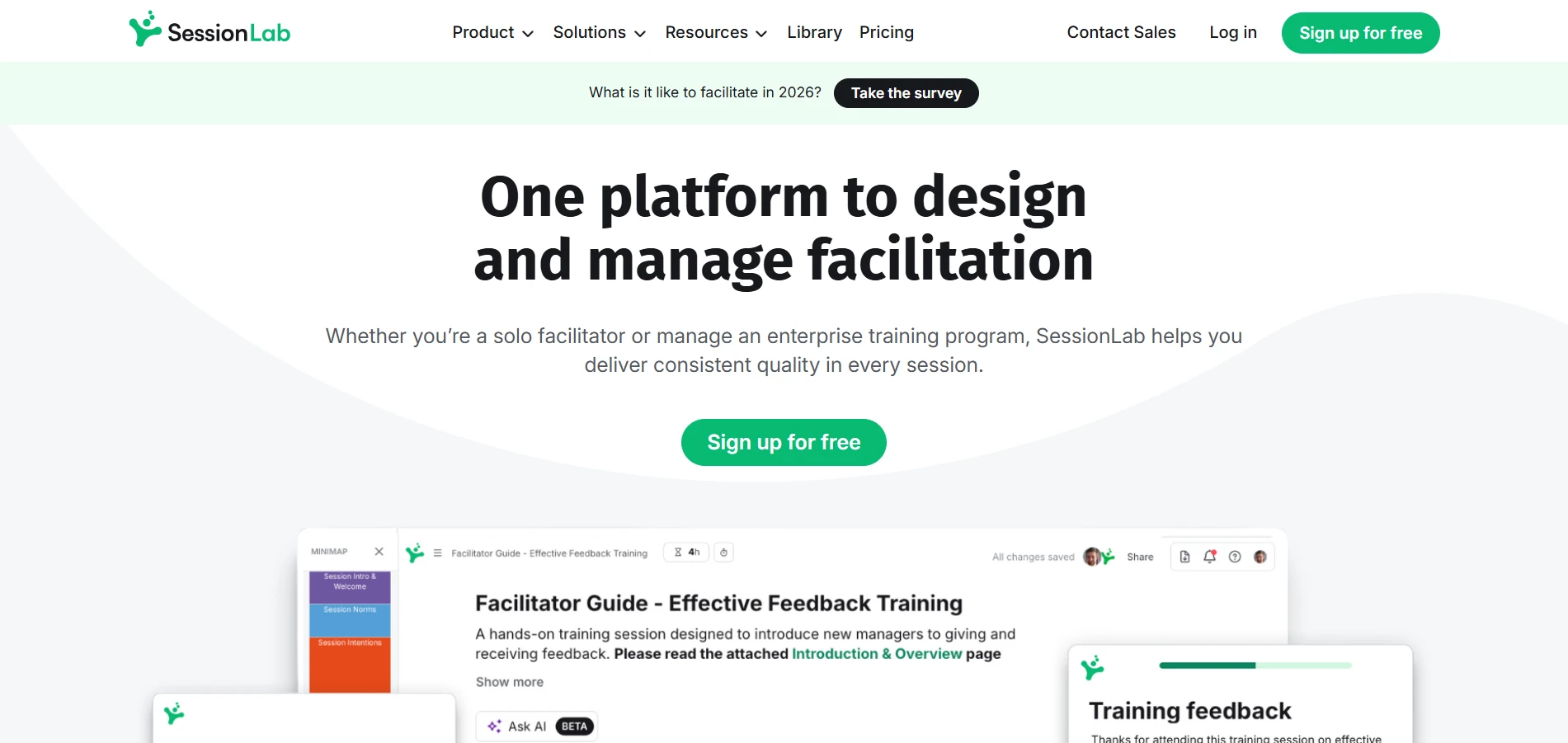
SessionLab is a workshop planning platform that helps facilitators prepare structured design thinking sessions. Its drag-and-drop agenda builder and activity library make it easier to organize exercises and manage timing before bringing participants together.
G2 Rating: 4.9/5
What design thinking activities does this tool support?
SessionLab helps facilitators plan design thinking workshops by arranging activities into timed agendas. For example, a workshop leader can schedule research synthesis before problem framing, then allocate time for ideation. Its activity library provides exercises to build the agenda, while automatic time calculations help keep the session realistic.
When should we choose this tool over other options?
- Plan workshops faster: Drag and reorder activities while SessionLab automatically updates the agenda timing.
- Find suitable exercises: Use the facilitation activity library to select methods that match your workshop objectives.
- Coordinate facilitators: Build agendas collaboratively and assign responsibilities so everyone knows which activities they're leading.
Considerations:
- No built-in brainstorming canvas: SessionLab focuses on workshop planning, so teams need a separate whiteboard for interactive exercises.
- Session access and instructions: One user reported losing access to historical sessions without warning and finding some activity instructions incomplete.
Pricing: SessionLab offers Free (3 sessions), Individual ($9/month), Pro ($15/member/month), and Business ($23/member/month), billed annually.
12. Sprintbase
Sprintbase is a guided design thinking platform that helps teams follow structured innovation processes. Its step-by-step workflows and built-in instructions make it easier to apply design thinking methods consistently, particularly during collaborative projects and facilitated workshops.
What design thinking activities does this tool support?
Sprintbase helps teams work through design thinking activities using guided workspaces and over 70 innovation templates. For example, a team developing a new service can begin with customer research and use structured exercises to define the challenge. They can then generate solutions and explore prototype ideas, with instructions guiding each stage of the process.
When should we choose this tool over other options?
- Follow a guided process: Use built-in instructions to help participants complete design thinking exercises without extensive facilitator intervention.
- Keep projects organized: Work through sequenced workspaces with nested whiteboards, making multi-stage projects easier to manage.
- Document project outcomes: Generate one-click reports to share innovation findings and project progress with stakeholders
Considerations:
- Less flexibility for open-ended ideation: Its structured approach may feel restrictive for teams that prefer spontaneous brainstorming.
- Advanced facilitation costs: Multi-team sprints and workflow automation require custom-priced Facilitator Pro packages.
Pricing: Sprintbase offers a 14-day free trial, Essentials (from $9/user/month, billed annually), and Facilitator Pro (custom pricing).
Which design thinking tools should we use at each stage?
The right design thinking tools depend on the stage your team is working through and the outcome you're trying to achieve. For example, empathy mapping requires a way to organize user observations, while prototyping needs software that can turn selected concepts into testable designs.
Here's how different tools fit into the five stages of design thinking:
Stage | Primary activity | Suitable software | Expected output |
Empathize | Understand user needs and experiences | MockFlow, Smaply, UserTesting | Research insights, empathy maps, personas |
Define | Organize research and frame problems | MockFlow, Creately, FigJam | Problem statements and visual maps |
Ideate | Generate and evaluate solutions | MockFlow, Miro, Mural, Lucidspark, Stormboard | Brainstorming boards and shortlisted concepts |
Prototype | Create testable designs | Figma | Wireframes and interactive prototypes |
Test | Collect feedback and improve solutions | UserTesting, Figma | Usability findings and design improvements |
For example, consider a product team investigating why customers abandon a mobile app's checkout process. Here's how they could connect activities across the five stages:
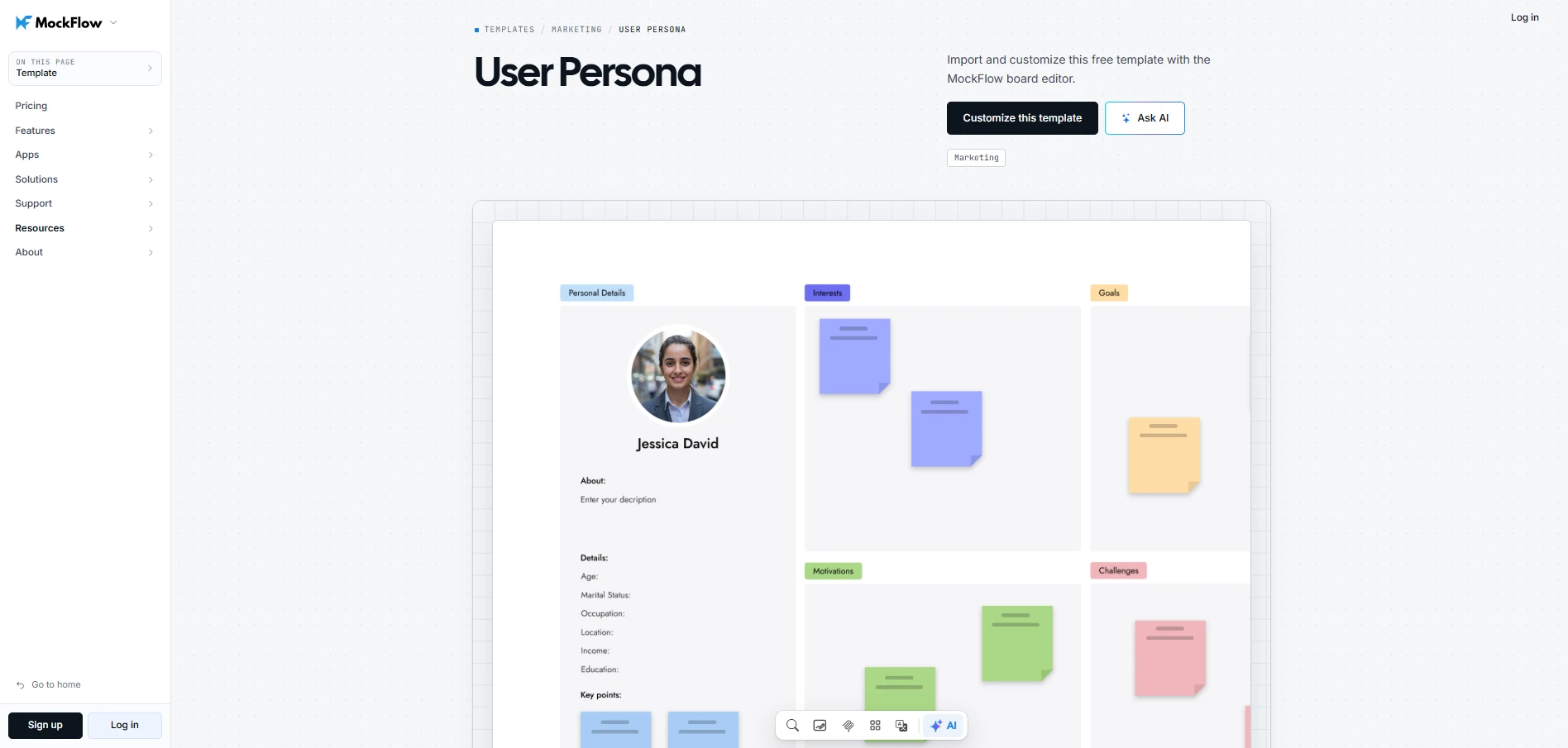
1. Empathize: Review customer interviews and support tickets to identify recurring frustrations. Use MockFlow's customizable User Persona template to document customer goals and behaviors, giving the team a shared understanding of whose needs they're addressing.
2. Define: Examine where customers struggle and turn the findings into a focused design challenge. The How Might We template can help frame a question such as, "How might we make delivery costs clear before customers reach payment?"
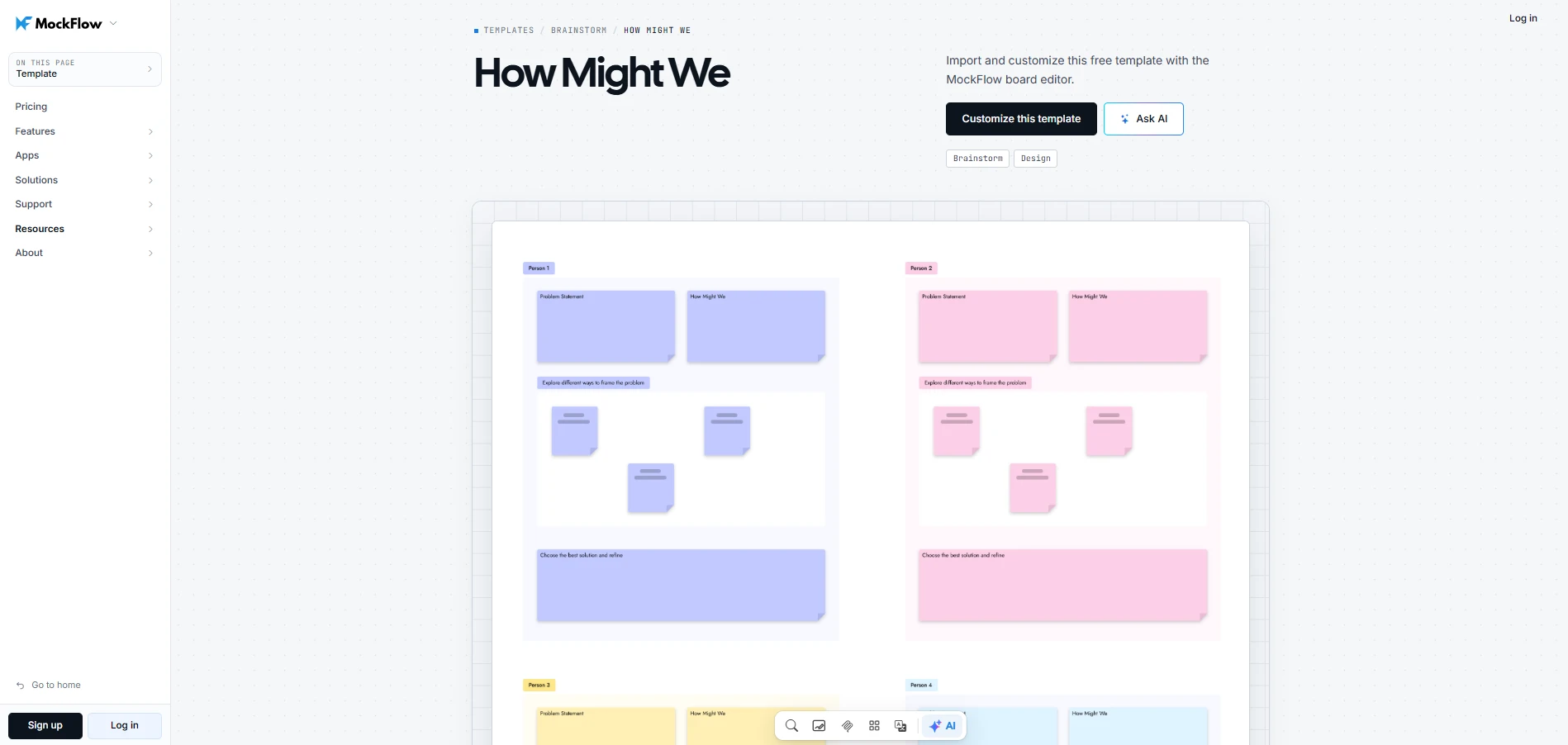
Customize this how might we template
3. Ideate: Use Miro to explore ways to improve cost visibility. The team could compare alternative checkout flows and prioritize concepts based on how directly they address the identified problem.
4. Prototype: Develop the selected checkout flow into a testable design. MockFlow can help create early wireframes using AI, while Figma supports detailed interface design and interactive prototypes.
5. Test: Use UserTesting to observe whether participants can understand delivery charges and complete checkout. Feedback helps the team identify which design decisions need further refinement.
Design thinking is iterative, so testing may reveal issues that require another round of ideation or a revised problem statement. Keeping research findings accessible helps teams make informed adjustments without repeating earlier work.
To see how an early design concept can take shape, this walkthrough demonstrates how to create a mobile e-commerce checkout screen using MockFlow's AI features.
How to choose the right design thinking software for you
Before choosing a design thinking platform, consider how your team will use it. A weekly brainstorming session has different requirements than a multi-day design sprint. Focus on the capabilities that support your workflow and make each activity easier to complete.
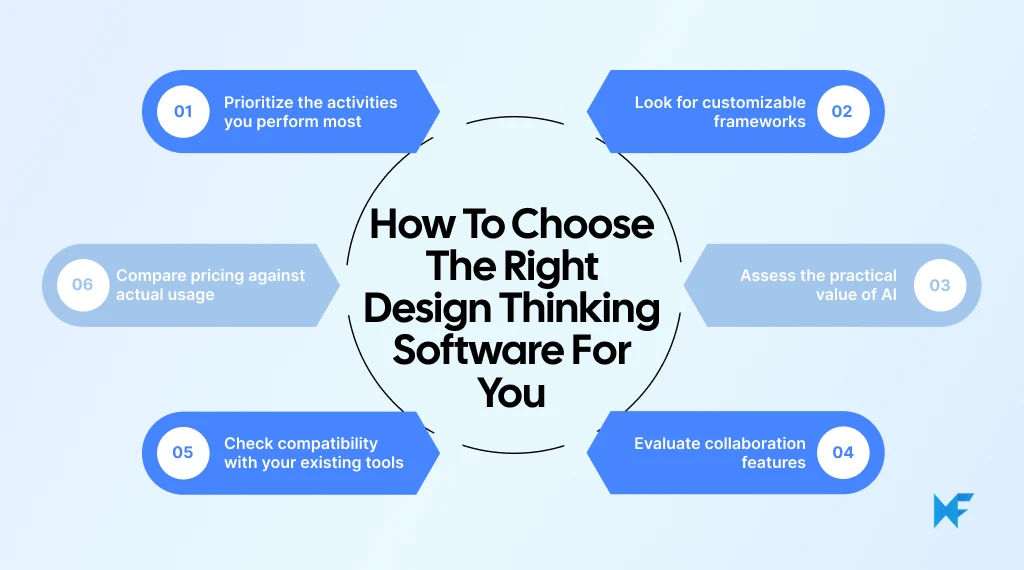
- Prioritize the activities you perform most: If your team spends more time understanding user needs, look for research synthesis and problem-framing capabilities. For product development, prototyping tools may be more valuable.
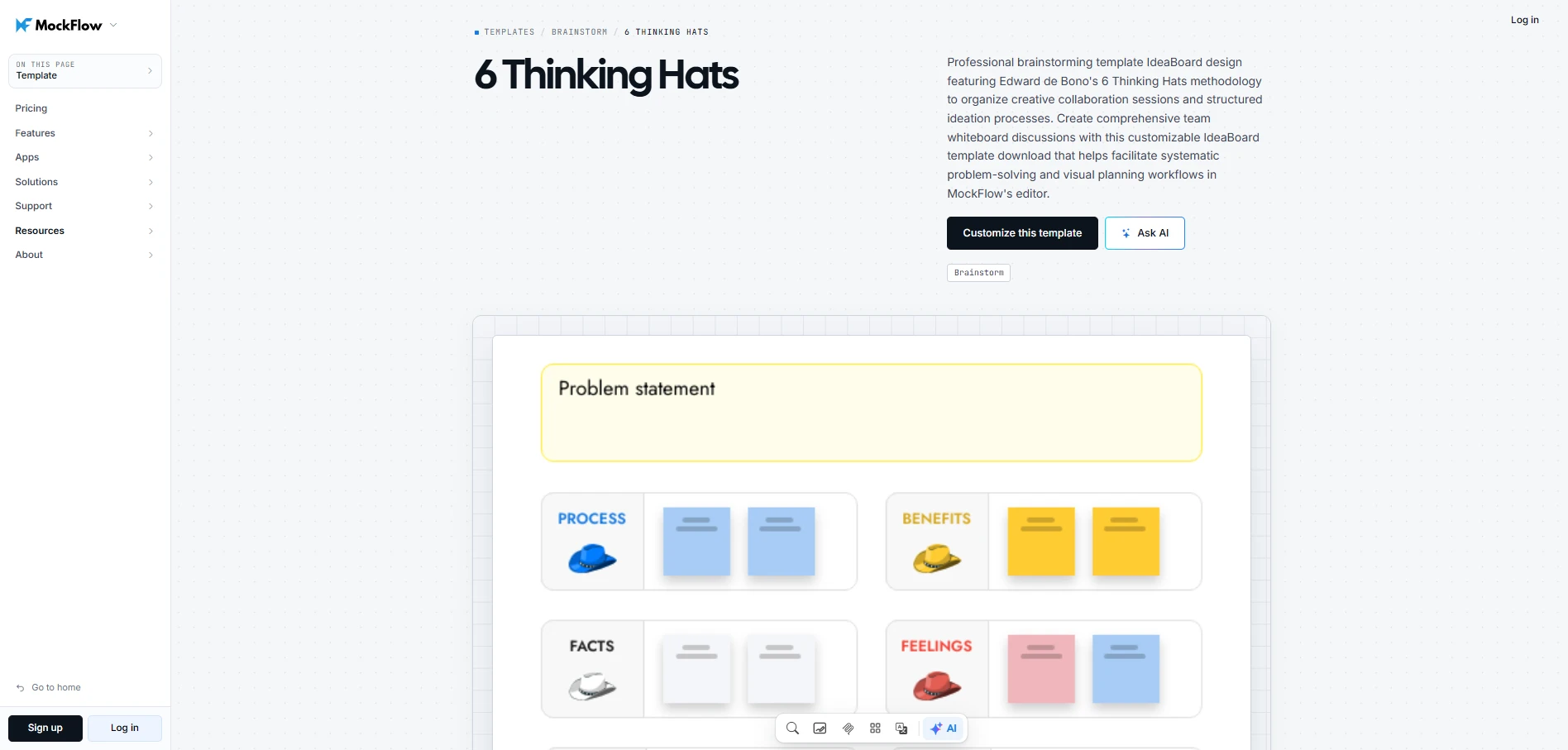
- Look for customizable frameworks: Templates should adapt to your workshop goals. For example, MockFlow's Six Thinking Hats template lets teams customize discussion prompts and capture different perspectives on a design challenge.
Customize this 6 thinking hats template
- Assess the practical value of AI: Look for AI features that reduce manual effort during brainstorming. MockFlow's AI capabilities, for instance, can generate editable visual layouts that teams can refine as ideas develop.
- Evaluate collaboration features: For distributed teams, real-time editing and contextual comments help maintain participation. Voting and facilitation controls can also make remote workshops easier to manage.
- Check compatibility with your existing tools: Consider how easily research findings can be imported and selected concepts transferred into design software. Reliable integrations and export options can reduce manual work during handoffs.
- Compare pricing against actual usage: Check free-plan restrictions on boards and collaborators. Factor in AI credit limits and paid editing seats to understand the cost of regular team use.
Choose software based on the activities your team performs most frequently. A collaborative whiteboard can support early design thinking, while specialized prototyping or testing tools can handle the later stages when needed.
Start your first design thinking workshop with the right tools
Start with one user problem and a few focused exercises. For example, here's how you could structure a workshop to improve product onboarding:
- Choose a problem: Focus on why users abandon setup before completing their profiles.
- Gather insights: Bring customer feedback into a shared MockFlow workspace so everyone can review the findings.
- Define the challenge: Frame a question such as, "How might we make profile setup easier?"
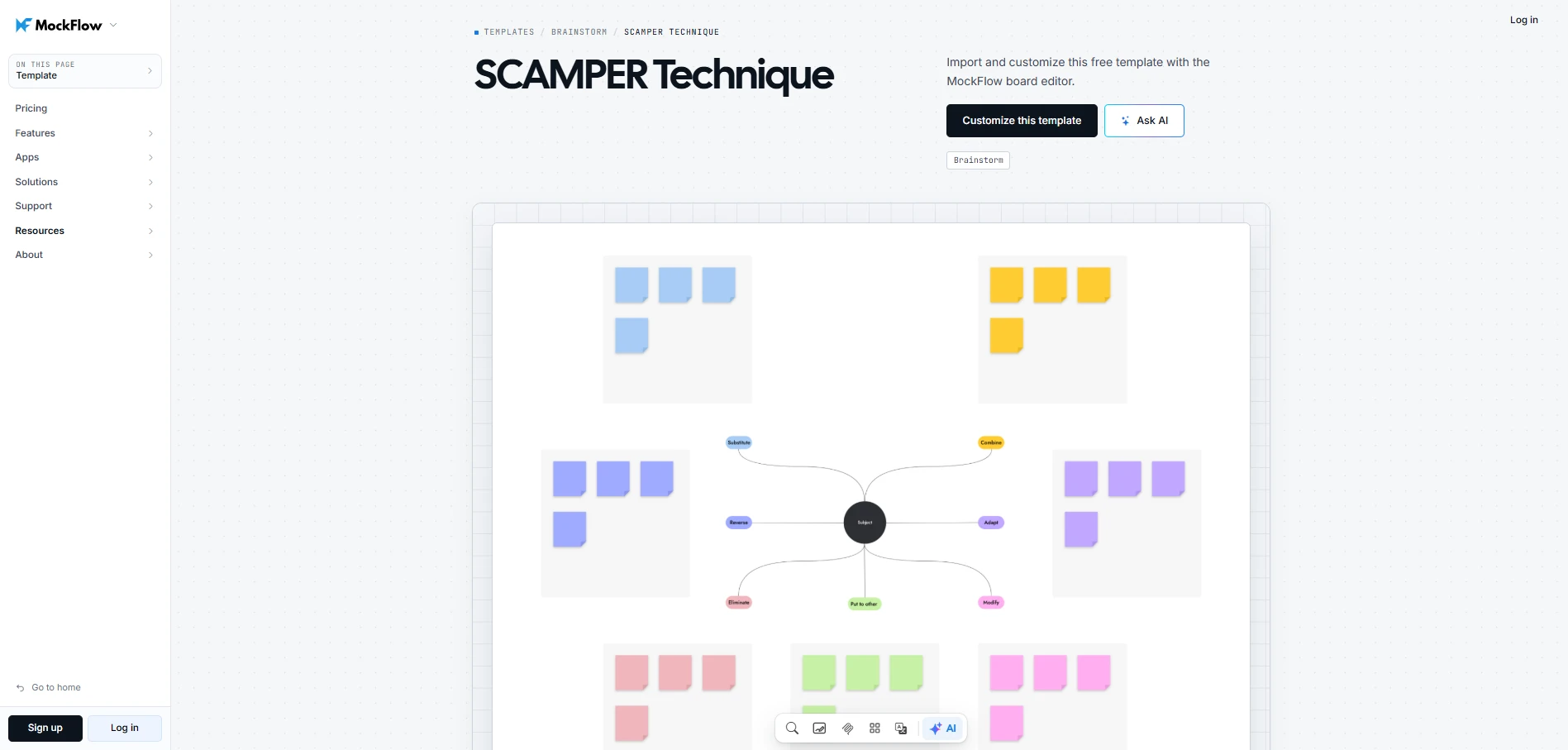
- Explore solutions: Use the ready made SCAMPER template to identify steps worth simplifying or removing.
Customize this SCRAMPER template
- Evaluate ideas: Shortlist promising improvements and decide what to prototype next.
MockFlow gives teams a shared visual workspace to run design thinking exercises and develop ideas together. With Microsoft Teams integration, participants can brainstorm on a shared canvas directly during meetings without switching platforms. Customizable templates and Mida AI also help teams structure discussions and develop promising concepts further.
If you're planning your next design thinking workshop, try MockFlow for free and give your team a space to collaborate on ideas and turn them into solutions worth testing.
FAQs
1. Is design thinking still relevant in 2026?
Yes, design thinking remains relevant in 2026 because understanding user needs is essential when developing products or improving customer experiences. It helps teams question assumptions before investing in solutions. AI-powered tools and collaborative platforms now make activities such as research synthesis and brainstorming easier to organize, while human judgment remains essential for evaluating ideas.
2. Is there a ChatGPT for design?
Yes, several AI-powered design tools offer capabilities similar to ChatGPT, but with a focus on visual workflows. General-purpose AI can help generate ideas or develop design concepts, while specialized platforms can turn prompts into editable diagrams. For example, MockFlow's Mida AI supports visual brainstorming and can generate flowcharts that teams can customize.
3. Who has the best design thinking program?
The answer depends on whether you're looking to learn design thinking or apply it within your team. Stanford d.school and IDEO offer recognized educational resources focused on human-centered design. If your goal is to run workshops or manage design thinking projects, software platforms like MockFlow or Miro may be more relevant than a formal training program.
4. What software do most designers use?
Software choices depend on the type of design work. Figma is a widely used option for interface design and interactive prototyping. For early-stage visual thinking, teams may use FigJam to map ideas or Miro to facilitate workshops. MockFlow is another option when brainstorming needs to connect with wireframing and early product design.
5. What are the best free design thinking tools?
MockFlow, Miro, Mural, and FigJam offer free plans worth considering. MockFlow includes basic brainstorming and wireframing for personal or nonprofit use. Miro provides three editable boards, while Mural allows three editable murals. FigJam is available through Figma's free Starter plan. Check collaboration restrictions and AI usage limits before choosing.
6. Which design thinking software is best for remote teams?
MockFlow, Miro, Mural, and FigJam are useful options for remote design thinking workshops. MockFlow supports real-time collaboration and contextual feedback, while Miro provides shared boards for distributed brainstorming. Mural is particularly useful for facilitator-led sessions, and FigJam suits remote
How to Choose the Right Visual Project Management Software for Your Use Case
Introduction Projects tend to fail when no one has a clear view of what’s happening. A Wellingtone report found that 47% of...
10 Best Product Design Tools for UI, UX & Product Teams in 2026
Finding the right product design tools can make the difference between a smooth design process and one filled with unnecessary...
6 Best AI Storyboard Generators for 2026: Compare Features & Pricing
Introduction When the script is ready, but turning it into scenes, frames, camera directions, and visual flow takes time, teams...
