10 Best Process Mapping Tools to Visualize Workflows in 2026
When a process is scattered across documents and people’s heads, it becomes difficult to understand how the work actually gets done. Teams may know something is slowing them down without being able to see exactly where the problem starts. A clear process map makes those gaps easier to spot.
The best process mapping tools turn that scattered information into a workflow that is easier to understand. They also make process maps easier to update as the way work gets done changes.
This guide compares 10 process mapping tools for 2026. Each tool is assessed for its process mapping capabilities and ease of use. Collaboration and pricing are also considered, along with the type of process mapping each tool is best suited for.
Best process mapping tools at a glance
The best process mapping tool depends on what you need the process map to do. For visual documentation, look for easy diagram creation. For process discovery, collaboration becomes more important.
More complex processes may require technical diagramming or BPMN support. If the goal is to run the process, look for workflow execution capabilities. These can turn a documented process into tasks, approvals, and automated steps.
Tool | Best for | Standout strength | Mapping support | Collaboration | Workflow execution | Free plan / pricing |
MockFlow IdeaBoard | AI-assisted visual process mapping | AI-assisted generation with easy visual editing | Flowcharts, process flows, UML, data-flow diagrams, mind maps, and more | Team collaboration | No native workflow execution | Free Basic plan with 100 AI credits/month; paid plans available |
Lucidchart | Technical diagramming | Advanced diagramming and data-connected visuals | Flowcharts, BPMN, swimlanes, technical diagrams, and more | Real-time | Not its core purpose | Limited free plan; paid plans available |
Miro | Collaborative process discovery | Whiteboarding and workshop collaboration | Flowcharts, process maps, UML, BPMN, and broad visual mapping | Real-time | No native business-process execution | Free plan; Starter from $8/member/month billed yearly |
Microsoft Visio | Microsoft 365 teams | Microsoft ecosystem and advanced process diagramming | Flowcharts, cross-functional diagrams, UML, BPMN 2.0 on Plan 2, and more | Real-time | No native workflow execution | Basic Visio included with eligible Microsoft 365 commercial plans; Plan 1 from $5/user/month billed yearly |
Draw.io (diagrams.net) | Free process mapping | Free diagramming with local and offline options | Flowcharts, swimlanes, BPMN, UML, and other diagrams | Supported | No | Free |
SmartDraw | Template-driven diagrams | Templates with automatic formatting | Process maps, flowcharts, technical and business diagrams | Supported | No | Paid plans; pricing varies by plan |
Creately | Collaborative process documentation | Visual workspace with diagramming and supporting documentation | Flowcharts, BPMN, process maps, and other visual diagrams | Real-time | Limited workflow features; not a dedicated execution platform | Free plan; paid plans available |
Canva | Presentation-ready process maps | Visual design and extensive templates | General flowcharts and simple process diagrams | Real-time collaboration available | No | Free plan; paid plans available |
Process Street | Executable workflows | Conditional workflows, assignments, approvals, and tracking | Workflow-focused rather than freeform process diagramming | Team workflows | Yes | 14-day Pro trial; current plans use custom pricing |
Bizagi | BPMN modeling and automation | BPMN process modeling with a path to automation | Advanced BPMN and formal business process modeling | Supported | Yes, through Bizagi Automation | Free Bizagi Modeler; automation uses consumption-based pricing |
Disclosure: MockFlow IdeaBoard is placed first in this comparison and has been evaluated using the same criteria as every other tool on the list.
How we evaluated the best process mapping tools
We evaluated each tool against the same criteria to make the comparison useful across different process mapping needs. A tool was not included simply because it can create a flowchart. We also looked at how well it supports the work around process mapping, from building the first diagram to reviewing and maintaining it with a team.
Our evaluation focused on:
- Ease of use and templates: How quickly users can create and modify a process map. We also considered whether process-specific templates provide useful starting points and reduce manual setup.
- Process mapping capabilities: The types of diagrams each tool supports. This includes flowcharts, swimlanes, BPMN, SIPOC, value stream maps, UML, and data-flow diagrams where relevant.
- Collaboration: How teams can work on a process map together. We considered real-time editing, comments, sharing, permissions, and stakeholder participation.
- AI capabilities and integrations: Whether AI can generate or modify process diagrams and how well the software connects with workplace and project management platforms already used by teams.
- Workflow execution: Whether the tool only visualizes a process or can put it into operation through tasks, approvals, automation, and workflow logic.
- Access, pricing, and scalability: We considered browser, desktop, offline, and local-file options alongside free-plan availability, paid-plan costs, and whether the software remains practical as process mapping needs grow.
Tool selection should also consider how teams will keep process maps from becoming outdated. Assign an owner, define when reviews occur, and connect changes to the tasks or systems involved so the map continues to reflect how work is performed.
10 best process mapping tools in 2026
1. MockFlow IdeaBoard: Best for AI-assisted visual process mapping
G2 Rating: 4.2/5
MockFlow IdeaBoard is an AI-powered visual workspace for creating and refining process maps collaboratively. Its flexible canvas combines AI-assisted diagram generation with manual editing, making it useful when teams want to move from an initial process description to a detailed visual workflow.
Can MockFlow IdeaBoard create process maps and flowcharts with AI?
Yes. Describe a workflow, and MockFlow's AI capabilities can turn it into an editable process diagram. For example, teams can generate an employee onboarding workflow covering responsibilities across HR, IT, managers, and new employees.
Teams can then:
- Add or remove steps
- Change decision points
- Create new branches
- Rearrange connections
- Refine the workflow together
The IdeaBoard AI prompt library provides ready-made prompts. IdeaBoard also supports UML, data-flow, state-machine, and system architecture diagrams.
Its built-in AI assistant, Mida, can turn prompts, documents, and images into editable visual boards.
Can teams use MockFlow IdeaBoard for complex and collaborative process mapping?
Yes. The infinite canvas supports long workflows with branches and cross-functional handoffs. Teams can start with customizable templates for formats such as SIPOC and value stream maps.
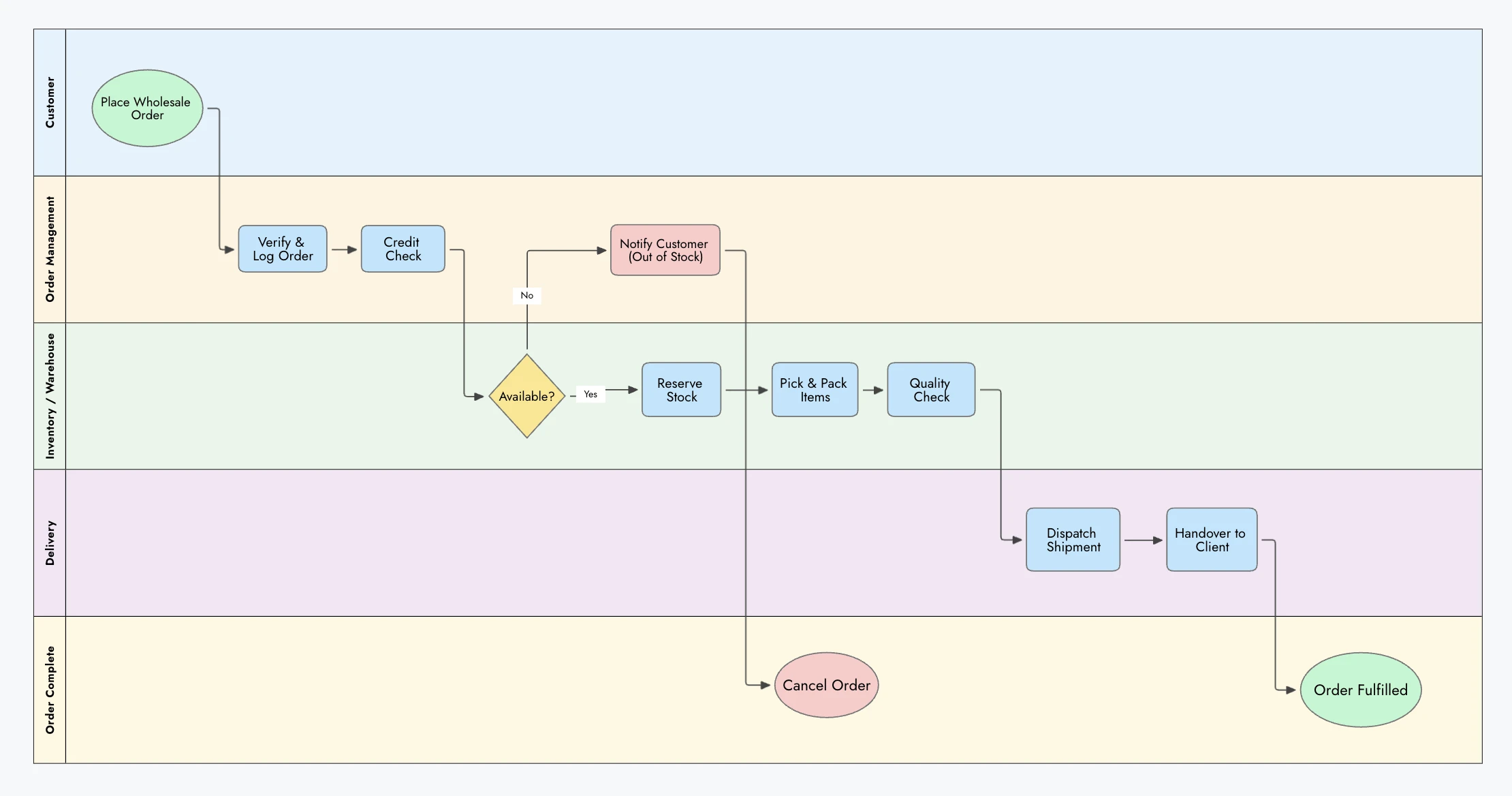
Order fulfillment process map created with Mockflow IdeaBoard
Multiple participants can edit together and leave text, voice, or video comments.
Why it stands out
- MIDA-powered mapping: Generate editable visual workflows from existing content.
- Flexible workspace: Use 15+ board types on an infinite canvas.
- Deeper collaboration: Combine co-editing with in-board meetings and multimedia feedback.
Teams can also use a no-signup online whiteboarding tool for quick workflow mapping.
Limitations
- IdeaBoard focuses on visual process mapping and collaboration rather than native workflow execution.
- Organizations that require executable process logic or specialist BPM governance may need a dedicated BPM platform.
What users say: Reviewers highlighted reflect positively on easy setup, real-time changes, and communicating ideas across teams. Some controls can feel less flexible, while hierarchical relationships may be harder to represent.
Pricing: A free plan includes basic features and 100 AI credits. Premium plans start at $7/month.
2. Lucidchart: Best for technical diagramming and data-connected process maps

G2 Rating: 4.5/5
Lucidchart is a cloud-based diagramming platform for teams that need more depth than standard flowcharts. It supports BPMN, swimlanes, technical diagrams, real-time collaboration, and data-connected visuals.
Can Lucidchart handle BPMN and complex business process maps?
Yes. Lucidchart supports BPMN 2.0, swimlanes, UML, and architecture diagrams. Templates and specialized shapes simplify complex process maps, while data connections help teams link diagrams to operational information.
Is Lucidchart worth paying for instead of using a free process mapping tool?
Lucidchart is worth considering when teams need structured diagramming, collaboration, integrations, or AI-generated diagrams. For occasional basic flowcharts, a free process mapping tool may provide enough functionality.
Why it stands out
- Strong support for BPMN, swimlanes, and technical diagrams.
- Real-time collaboration helps teams maintain complex process maps together.
- Data linking and integrations extend process maps beyond static diagrams.
Limitations
- Its broader capabilities may be unnecessary for simple process mapping.
- Some advanced features require paid plans.
What users say: Customer feedback highlights Lucid's AI-assisted diagramming and straightforward interface. Users find the paid offering worthwhile when they regularly use its advanced capabilities. However, complex AI prompts can take longer to generate.
Pricing: A limited free plan is available. Paid plans start at $9 per month and provide access to broader diagramming and advanced capabilities.
3. Miro: Best for collaborative process discovery
G2 Rating: 4.6/5
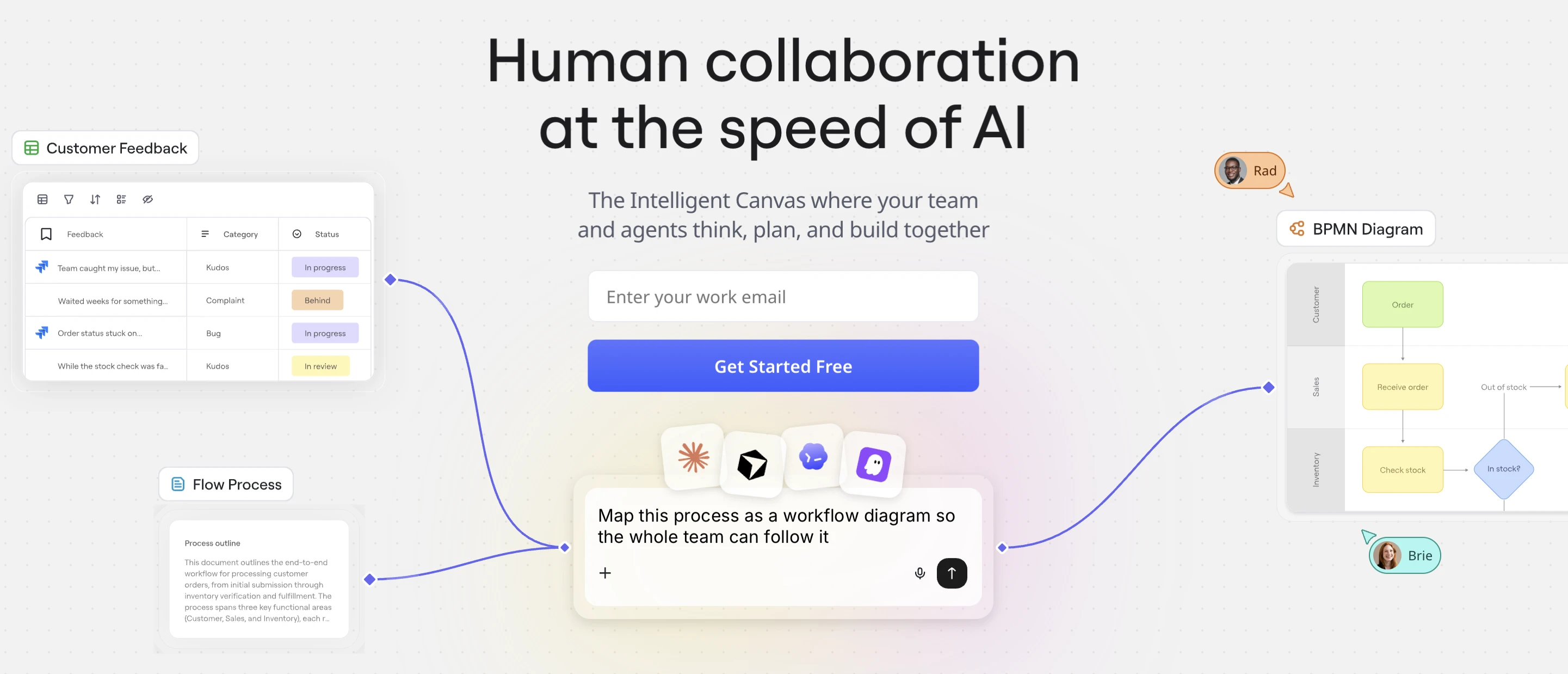
Miro is a collaborative visual workspace for teams that want to map processes together. Its infinite canvas supports process discovery, real-time collaboration, and structured diagramming, making it particularly useful for workshop-led process mapping.
How well does Miro work for collaborative process mapping workshops?
Miro works well for collaborative workshops. Teams can capture steps with sticky notes, organize them into workflows, edit together in real time, and use comments and templates to refine processes remotely.
Is Miro suitable for formal business process mapping and BPMN?
Yes. Miro supports flowcharts, swimlanes, and BPMN elements for structured process documentation. However, organizations requiring rigorous BPM governance or process execution may need a dedicated BPM platform.
Why it stands out
- Real-time collaboration supports remote process discovery and mapping.
- The infinite canvas provides room for large workshops and detailed workflows.
- Process maps can remain alongside supporting ideas and workshop material.
Limitations
- Its broad whiteboarding scope may be unnecessary for simple process diagrams.
- Rigorous BPM governance and process execution may require a specialized platform.
What users say: User reviews point to Miro's intuitive visual workspace and ability to keep teams working together on the same canvas during meetings. Sidekick can reduce setup time by generating initial board structures. However, feedback indicates that its AI has room to improve with more complex prompts.
Pricing: A free plan is available. Paid plans start at $8 per member per month when billed annually, with additional collaboration and workspace capabilities.
4. Microsoft Visio: Best for Microsoft 365 teams
G2 Rating: 4.2/5
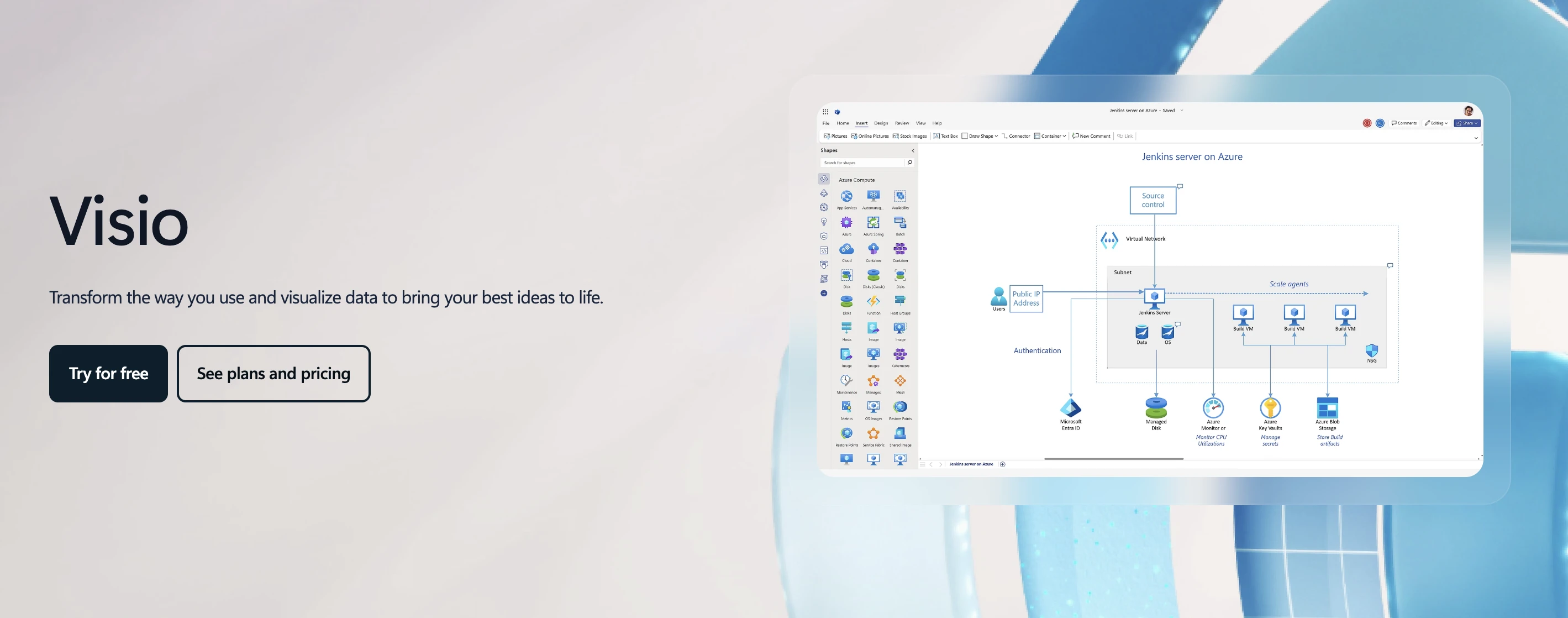
Microsoft Visio is a professional diagramming tool for organizations that need structured business and technical process maps. It is particularly relevant for teams already working in Microsoft 365 and creating more formal process documentation.
Does Microsoft Visio support BPMN, swimlanes, and complex process maps?
Yes. Visio supports BPMN 2.0, swimlanes, and cross-functional flowcharts. Templates and shape libraries support complex processes, while data connections can link diagrams to underlying business information.
Is Visio the right process mapping tool if our team already uses Microsoft 365?
Visio fits teams already using Microsoft 365, with familiar sharing and collaboration through tools such as Teams. Plan 2 adds desktop and advanced capabilities, while collaborative whiteboards may suit workshop-driven mapping better.
Why it stands out
- Strong support for BPMN, swimlanes, and technical process diagrams.
- Fits naturally into Microsoft 365 environments.
- Data connectivity supports more sophisticated process documentation.
Limitations
- Its extensive diagramming options can feel overwhelming for simpler workflows.
- Advanced capabilities depend on the Visio plan selected.
What users say: Reviews point to Visio's usefulness for explaining workflows and technical architecture clearly. Users also find its drag-and-drop approach convenient when creating or updating diagrams. However, finding specific shapes and connectors can take time in detailed maps, while the software can feel excessive for simple flowcharts.
Pricing: Visio Plan 1 starts at $5 per user per month, while Visio Plan 2 starts at $15 per user per month with annual billing.
5. Draw.io (diagrams.net): Best free process mapping tool
G2 Rating: 4.4/5
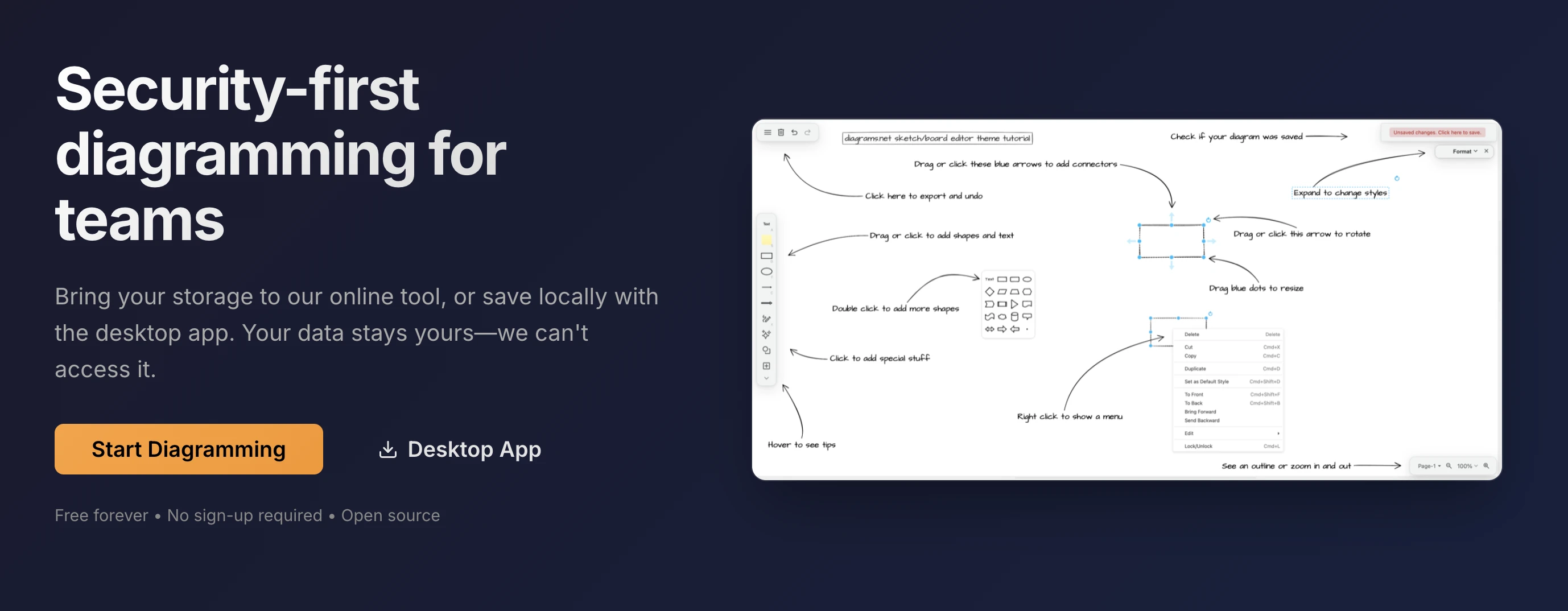
Draw.io (diagrams.net) is a free diagramming tool for users who primarily need reliable process maps without paying for a broader collaboration platform. It supports browser-based diagramming, local files, and offline work.
Is Draw.io really free for process mapping, and what can we create with it?
Yes. Draw.io is free and supports flowcharts, swimlanes, BPMN diagrams, and other process visuals. Teams can store files locally or in cloud services, work offline with the desktop app, and export diagrams.
What do we give up by using Draw.io instead of a paid process mapping tool?
Draw.io covers core process diagramming well, but lacks some capabilities found in paid platforms. These can include AI-assisted generation, advanced collaboration, facilitated workshops, process governance, and workflow execution.
Why it stands out
- Core process diagramming is free and does not require an account.
- Local storage and offline editing provide greater control over diagram files.
- Supports flowcharts, swimlanes, BPMN, and other common process diagrams.
Limitations
- Less focused on AI-assisted mapping and collaborative workshops than newer visual platforms.
- Does not turn process diagrams into executable workflows.
What users say: Based on user feedback, Draw.io makes it easy to turn rough ideas into clear workflow and process diagrams. Its drag-and-drop tools are straightforward, while browser and offline access add flexibility. However, larger diagrams can feel clunky, and creating polished visuals may take more effort.
Pricing: The core diagrams.net web and desktop diagramming tools are free.
6. SmartDraw: Best for template-driven business diagrams
G2 Rating: 4.5/5
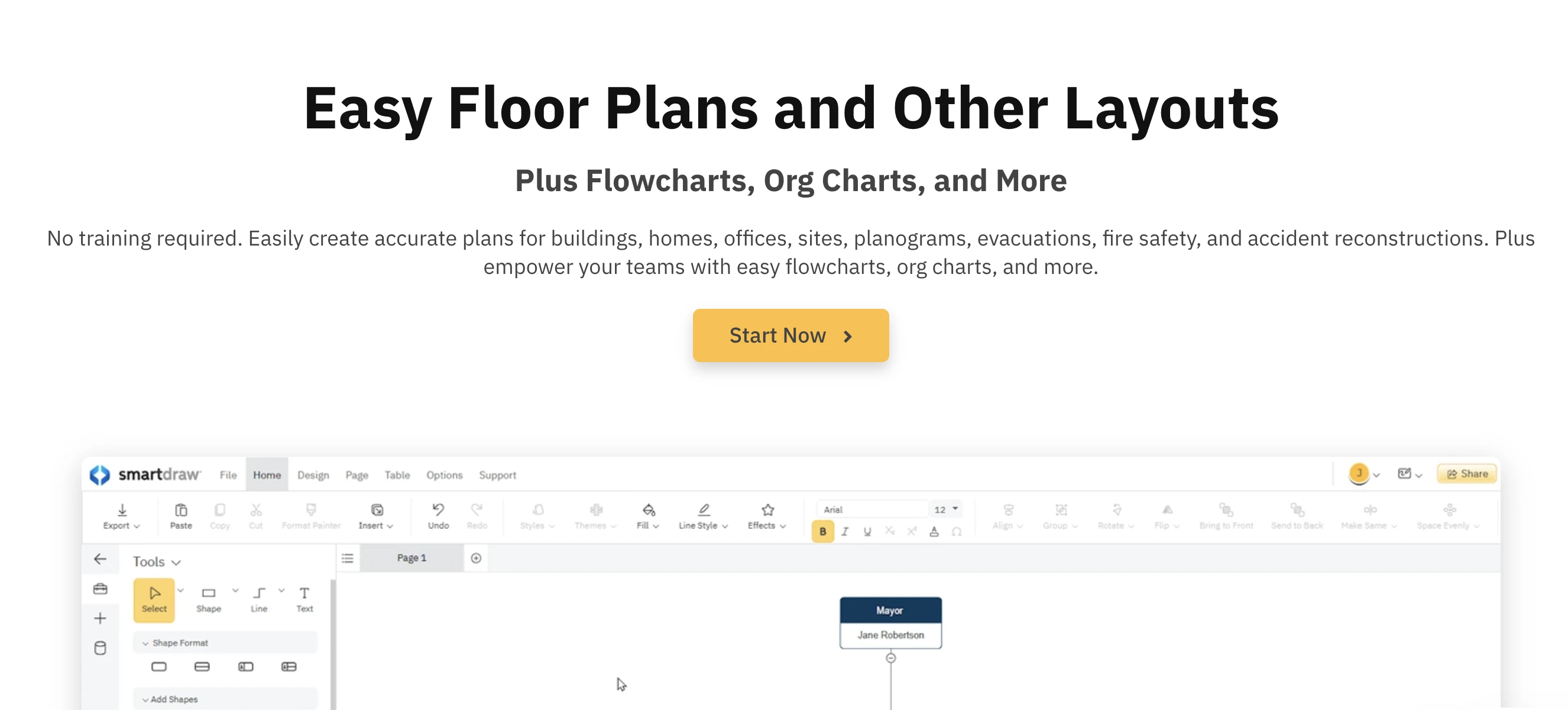
SmartDraw is business diagramming software built around templates and automated formatting. It helps teams create structured process maps quickly without spending as much time manually positioning shapes, connectors, and other diagram elements.
How quickly can we create professional process maps in SmartDraw?
SmartDraw speeds up process mapping with templates, prebuilt shapes, and automated formatting. As workflows change, it helps maintain the layout, reducing the manual work required to create polished business diagrams.
When does SmartDraw make more sense than Visio or Lucidchart?
SmartDraw suits teams that prioritize templates and automated formatting. Visio fits Microsoft-focused environments, while Lucidchart offers stronger collaborative and data-connected diagramming capabilities.
Why it stands out
- Extensive templates reduce the setup required for process maps.
- Automated formatting cuts down on manual alignment work.
- Supports process mapping alongside many other business diagrams.
Limitations
- Collaboration-first whiteboards may offer more flexibility for workshop-led process discovery.
- Buyers should compare its cost with free tools and broader technical diagramming platforms.
What users say: The experience shared by SmartDraw users emphasizes the usefulness of its template directory and automated connectors when mapping complex workflows. The quick onboarding is another advantage. For larger structures, however, repeated dragging and connecting can become tedious.
Pricing: Individual plans start at $9.95/month, while Team plans start at $8.95/user/month, both billed annually.
7. Creately: Best for collaborative process documentation
G2 Rating: 4.4/5
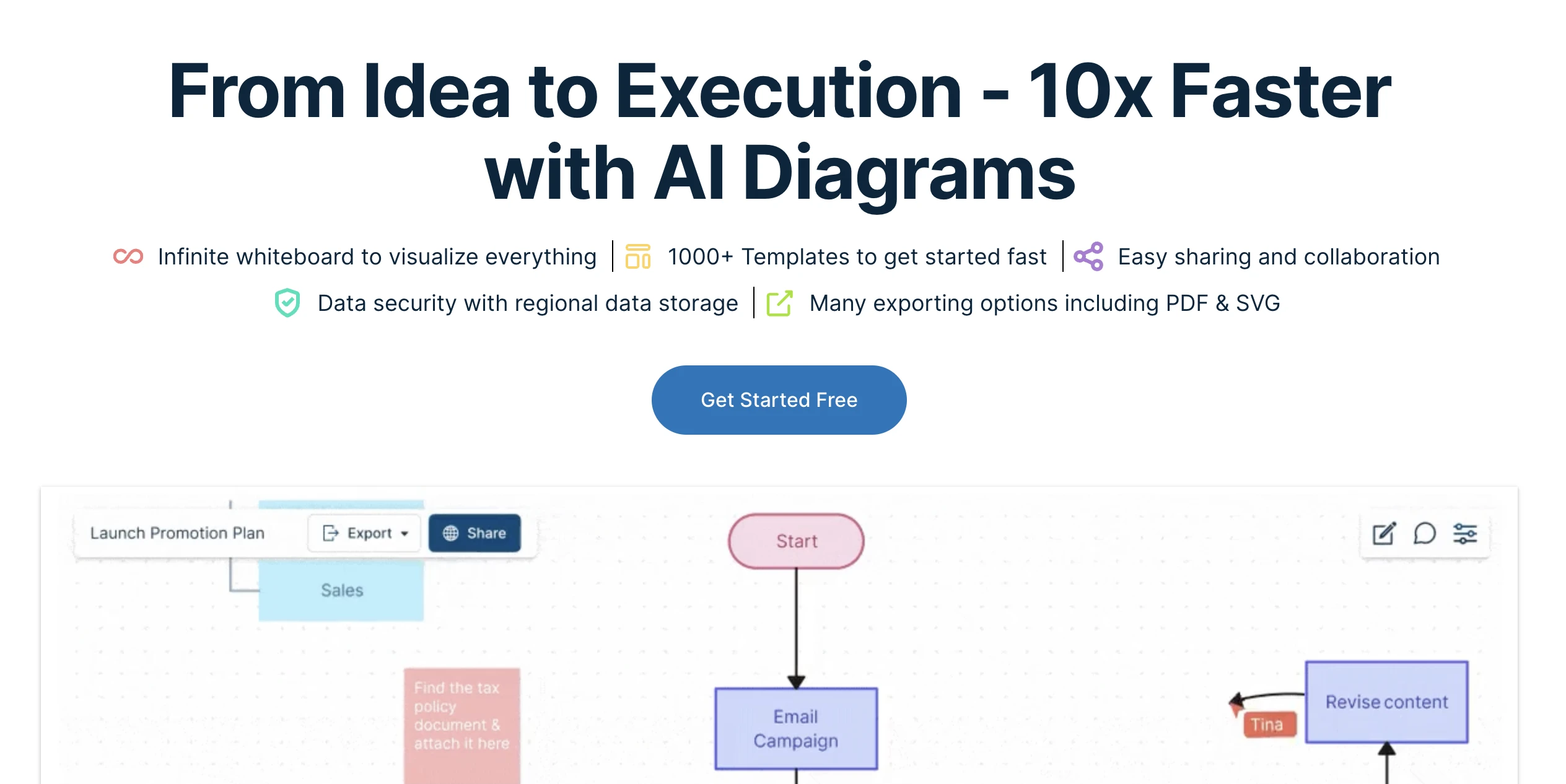
Creately is a collaborative visual workspace for teams that want process maps to include more than a standalone flowchart. It combines diagramming with supporting information, templates, and shared workspaces for ongoing process documentation.
Can Creately manage process documentation beyond a simple flowchart?
Yes. Creately supports BPMN, templates, and structured workflows. Visual objects can also hold supporting information, helping teams keep process maps and relevant context together as workflows evolve.
How well does Creately work when multiple teams maintain the same process maps?
Creately supports real-time co-editing, sharing, and comments. Teams can maintain shared process maps while keeping supporting information alongside them, giving stakeholders more context when reviewing changes.
Why it stands out
- Combines process diagrams with supporting visual documentation.
- Real-time collaboration helps multiple teams maintain shared process maps.
- Templates provide structured starting points for common process diagrams.
Limitations
- The broader workspace model may be unnecessary for quick standalone flowcharts.
- Some advanced capabilities depend on the selected plan.
What users say: Creately users describe its built-in templates as useful for quickly structuring flowcharts and diagrams. The templates can also provide direction when deciding how to organize a map. However, navigating and selecting shapes can sometimes feel cumbersome.
Pricing: A free plan is available, while paid plans start at $5 per month, billed annually.
8. Canva: Best for presentation-ready process maps
G2 Rating: 4.7/5
Canva is a visual design platform for creating process maps that need to communicate clearly to stakeholders. It is particularly useful when diagrams will appear in presentations, training materials, reports, or branded documentation.
Can Canva create proper process maps, or is it mainly for presentation diagrams?
Canva can create process maps using templates, connectors, shapes, and customizable elements. Its strength is visual communication, making diagrams easy to reuse in presentations and training materials. It is less suited to formal process modeling.
When should we use Canva instead of a dedicated process mapping tool?
Canva suits teams that need polished, stakeholder-friendly process visuals. A dedicated process mapping tool is more appropriate when BPMN, technical diagramming, process governance, or workflow execution is required.
Why it stands out
- Strong customization helps create presentation-ready process maps.
- Templates make simple visual workflows quicker to build.
- Process diagrams can be reused across presentations and other communication assets.
Limitations
- Not designed primarily for rigorous business process modeling.
- Formal process governance and workflow execution require more specialized tools.
What users say: Canva users often value its beginner-friendly interface and extensive template selection. These templates can make professional-looking visuals easier to create without much setup. However, some users find the free experience restrictive because many templates and features require a paid plan.
Pricing: Canva offers a free plan, while Canva Pro starts at $18/month or $144/year with annual billing.
9. Process Street: Best for turning process maps into executable workflows
G2 Rating: 4.6/5
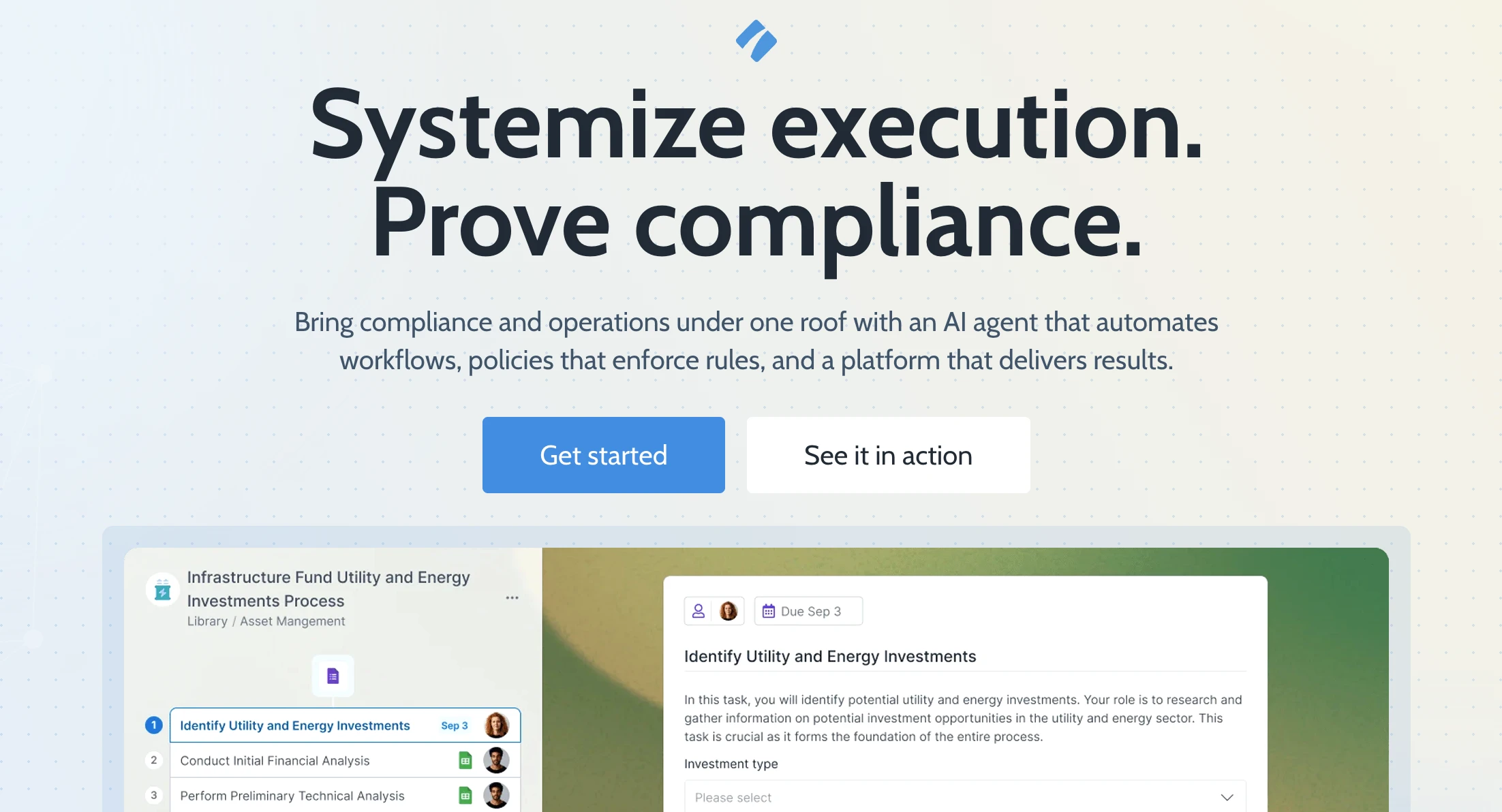
Process Street differs from traditional process mapping tools because it focuses on putting documented processes into action. Teams can turn repeatable procedures into workflows with assigned tasks, approvals, and progress tracking.
Can Process Street turn a documented process into a workflow people actually follow?
Yes. Process Street turns processes into actionable workflows with assigned tasks, approvals, conditional logic, and progress tracking. Recurring workflows and integrations can also reduce manual follow-up.
Do we still need a process mapping tool if we use Process Street?
Possibly. Process mapping helps teams visualize and refine a workflow, while Process Street focuses on execution. Teams can map complex processes first, then transfer the finalized steps into Process Street for tracking and completion.
Why it stands out
- Turns repeatable processes into assigned and trackable workflows.
- Conditional logic allows workflows to change based on specific circumstances.
- Progress tracking adds accountability to recurring business procedures.
Limitations
- Not primarily designed as a freeform visual process-mapping canvas.
- May be unnecessary when the goal is simply to document a process visually.
What users say: Users found the platform useful for turning complicated procedures into clear step-by-step tasks. Users also value its workflow automation for reducing manual follow-ups. However, advanced automation and conditional logic can take time for new users to learn.
Pricing: Process Street uses paid plans for teams that need workflow management and automation capabilities.
10. Bizagi: Best for BPMN process modeling and automation

G2 Rating: 4.6/5
Bizagi is a BPM-focused platform for organizations that need standardized business process models. It supports formal process design and provides a path from documenting complex processes toward automation and broader process management.
How does Bizagi handle BPMN and complex business processes?
Bizagi is built around BPMN 2.0 and supports events, gateways, participants, and complex branching. Teams can create standardized process models and use them as a foundation for automation and process orchestration.
When do we need Bizagi instead of a simpler process mapping tool?
Bizagi suits organizations with formal BPM, governance, complex business rules, or automation requirements. For straightforward workflows focused mainly on visual documentation, a simpler process mapping tool may be easier to manage.
Why it stands out
- Built specifically around formal business process modeling and BPMN.
- Supports complex processes that require standardized documentation.
- Provides a path from process modeling toward automation and orchestration.
Limitations
- Requires more learning and implementation effort than lightweight mapping tools.
- Can be excessive for teams documenting straightforward workflows.
What users say: User experience reflects positively on its low-code workflow environment and growing AI capabilities. Its orchestration features also help connect people and automated processes. However, complex logic can be harder to develop and debug, while major version upgrades may require additional testing and rework.
Pricing: Bizagi offers process modeling through Bizagi Modeler, while broader automation and enterprise capabilities use separate platform offerings and pricing.
Process mapping vs workflow automation: Which type of tool do you need?
Process mapping software helps teams visualize, understand, and improve how work should happen. Workflow automation software takes an agreed process and puts it into operation through assigned tasks, approvals, rules, and progress tracking.
Requirement | Software category | Example tools |
Visually map and discuss workflows | Visual diagramming/whiteboarding | IdeaBoard, Miro |
Produce formal process diagrams | Technical diagramming | Lucidchart, Visio |
Standardize BPMN processes | BPM/process modeling | Bizagi |
Execute recurring processes | Workflow execution | Process Street |
Teams should map the process before choosing automation. Reviewing the full workflow may reveal unnecessary approvals, duplicated work, or avoidable handoffs that should be removed rather than transferred into an automated system.
How to choose the right process mapping tool
The best tool for process mapping depends on the job your process map needs to perform. Some teams need a quick visual workflow, while others need formal process modeling or a way to turn documented processes into executable work.
If you need to... | What to prioritize | Platforms to consider |
Create process maps quickly with AI | AI diagram generation, visual editing, and templates | MockFlow IdeaBoard |
Run collaborative mapping workshops | Real-time editing and flexible whiteboarding | IdeaBoard, Miro |
Document complex technical processes | BPMN, swimlanes, and technical diagramming | Lucidchart, Visio |
Create process diagrams for free | Core diagramming and offline access | Ideaboard, Draw.io |
Build polished diagrams from templates | Automated formatting and ready-made templates | SmartDraw, Ideaboard |
Maintain shared process documentation | Collaborative workspaces and supporting information | Ideaboard, Creately |
Create stakeholder-facing process visuals | Visual customization and presentation-ready output | Canva |
Turn recurring processes into active workflows | Tasks, approvals, and progress tracking | Process Street |
Model processes using formal BPMN | Process governance and structured modeling | Bizagi |
Choose software that fits how your team will create, maintain, and use the process map. If easy visual mapping, AI-assisted diagram generation, and collaborative editing are priorities, IdeaBoard is worth exploring.
Ready to map your next workflow? Try MockFlow IdeaBoard for free.
FAQs
1. What are process mapping tools?
Process mapping tools are software applications used to visualize how work moves through a process. They help teams document workflow steps, decisions, stakeholders, handoffs, and dependencies so processes are easier to understand, review, communicate, and improve.
2. What is the best process mapping tool?
The best process mapping tool depends on the use case. IdeaBoard and Miro suit visual collaboration, while Lucidchart supports technical diagramming. Visio fits Microsoft environments, Draw.io covers free mapping, Bizagi focuses on BPMN, and Process Street supports workflow execution.
3. What is the best free process mapping tool?
Draw.io is a strong dedicated free option because its core diagramming tool supports flowcharts, swimlanes, BPMN, local files, and offline editing. IdeaBoard, Miro, Lucidchart, Creately, and Canva also offer free plans with varying feature or usage limits.
4. Which process mapping tools support BPMN?
Several tools in this comparison support BPMN. Bizagi specializes in BPMN-based process modeling. Visio supports BPMN 2.0 through Plan 2, while Lucidchart provides BPMN shapes for structured diagrams. Draw.io and Creately also provide BPMN diagramming capabilities.
5. What is the difference between process mapping and workflow automation?
Process mapping visualizes how work should flow. Workflow automation uses software rules, triggers, tasks, and integrations to execute some or all of that flow. Teams often map a process first, then automate the finalized workflow where appropriate.
6. Can AI create a process map automatically?
Yes. AI-enabled tools can turn a written process description into an initial diagram. IdeaBoard, for example, supports AI-assisted diagram generation. Teams should still validate generated maps for missing steps, incorrect decisions, exceptions, and real-world handoffs before using them.
7. Which process mapping tools are best for team collaboration?
For collaboration, evaluate simultaneous editing, comments, stakeholder sharing, permissions, and asynchronous review. IdeaBoard and Miro emphasize collaborative visual work, while Lucidchart and Creately also support teams that need multiple contributors to create and maintain shared process documentation.

12 Best Design Thinking Software Tools Compared for 2026
Introduction You’ve narrowed down your options for design thinking software, but figuring out which one can support your team...
6 Best Padlet Alternatives for Teams and Educators in 2026
Introduction Padlet is a popular tool for organizing ideas, sharing content, and collaborating visually. However, it does not...
12 Best Brainstorming Tools for Effective Idea Generation in 2026
Introduction Looking for the best brainstorming tools? You’ve come to the right place. Brainstorming should be exciting, but...
