How to Choose the Right Visual Project Management Software for Your Use Case
Introduction
Projects tend to fail when no one has a clear view of what’s happening. A Wellingtone report found that 47% of teams reported they do not have access to real-time project KPIs, and 50% said they spend one day or more each month manually collating project status information, which explains why visibility breaks down even when teams stay busy.
Visual project management software addresses this gap by turning work into a shared, structured view. Boards, timelines, dashboards, and visual workflows replace static task lists. Teams track milestones, manage workload, monitor dependencies, and collaborate across functions in one connected system, making progress transparent instead of buried.
But the best visual project management software depends on how a team works, not on which tool ranks highest in a features list.
This guide compares leading visual project management tools by real-world use case, including startups, software development teams, marketing teams, small businesses, and architecture firms. Instead of ranking tools generically, the list below matches each platform to the type of team it supports best, so you can evaluate options with clarity and confidence.
Comparison Table: Visual Project Management Tools at a Glance
Visual project management software is a work management tool that helps teams plan, organize, and track tasks using visual views like Kanban boards, Gantt charts, timelines, calendars, and dashboards. It shows progress, dependencies, workload, and ownership in one place.
Teams use it to map workflows, assign roles, manage milestones, and track capacity. Managers review reports and executive dashboards for status and risk. Modern tools support automation, approvals, integrations, and AI-assisted updates. Visual project management software improves collaboration, reduces blockers, and gives teams clear visibility across projects and portfolios.
The comparison below gives you a quick snapshot of the top visual project management tools so you can see how they stack up before diving deeper.
Tool | Best For | Core Visual Strength | Free Plan |
MockFlow’s IdeaBoard | Visual ideation & structured workflows | Board-first planning with structured visual workflows | Yes |
ClickUp | All-in-one teams | Multiple visual views | Yes |
Asana | Timeline-heavy planning | Project timeline view | Limited |
Trello | Simple Kanban | Lightweight boards | Yes |
Monday.com | Workflow automation | Custom dashboards | Limited |
Jira | Agile teams | Sprint boards | Limited |
Wrike | Enterprise tracking | Gantt + workload | Limited |
Notion | Flexible workspaces | Modular views | Yes |
Miro | Visual collaboration | Infinite whiteboard | Yes |
Smartsheet | Spreadsheet-based PM | Grid + timeline | Limited |
At a glance, several tools may appear similar. Most offer boards, many support timelines, and nearly all promise collaboration. The difference becomes clearer when you look at how each platform fits into a specific team environment, whether that’s a fast-moving startup, a sprint-driven development team, or a campaign-focused marketing department.
Best Visual Project Management Software by Use Case
Choosing visual project management software is rarely about picking the most powerful tool on paper. It is about selecting the platform that fits the way your team actually thinks, plans, and executes work. A startup building its first product will not evaluate tools the same way as an agile engineering team managing sprints or a marketing department coordinating multi-channel campaigns.
When the workflow matches the tool’s strengths, adoption becomes easier, and execution becomes smoother. Teams also switch workflows more often than they used to, which makes “fit” a deciding factor.
PMI reported a +57% increase in the use of hybrid approaches, which helps explain why buyers increasingly look for tools that can support boards, timelines, and reporting without forcing one rigid methodology.
Best Visual Project Management Software for Startups
Startups move fast, test ideas quickly, and pivot often. They need visual project management software that provides clarity without heavy configuration or rigid workflows. The tools below were selected because they support lean execution, flexible planning, and rapid iteration without slowing early momentum.
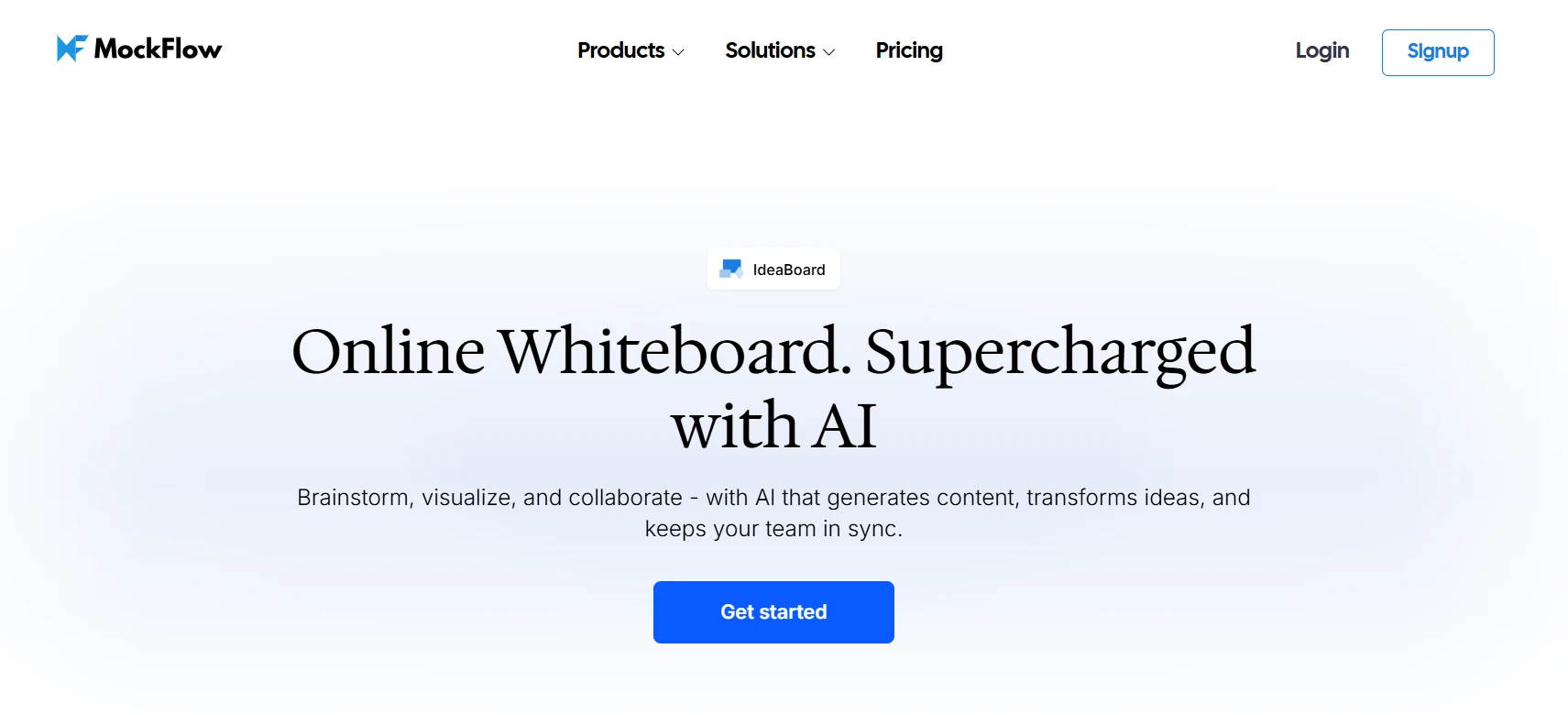
MockFlow’s IdeaBoard is built for teams that want structured visual planning without switching between ideation and execution tools. It combines an infinite canvas, ready-made templates, AI-assisted board generation, and real-time collaboration in one environment.
Teams can move from brainstorming to organized workflows quickly while keeping discussions, documents, and feedback anchored directly to the board. The approach prioritizes clarity, speed, and collaborative structure over unnecessary complexity.
Key features:
- Infinite Canvas Workspace: The platform offers a large, flexible canvas where teams can drag, drop, group, and arrange ideas freely without space constraints.
- AI-Powered Brainstorming: IdeaBoard includes an AI Toolbox that generates ready-to-use whiteboard layouts, flowcharts, mind maps, and structured boards from simple prompts, reducing setup time dramatically.
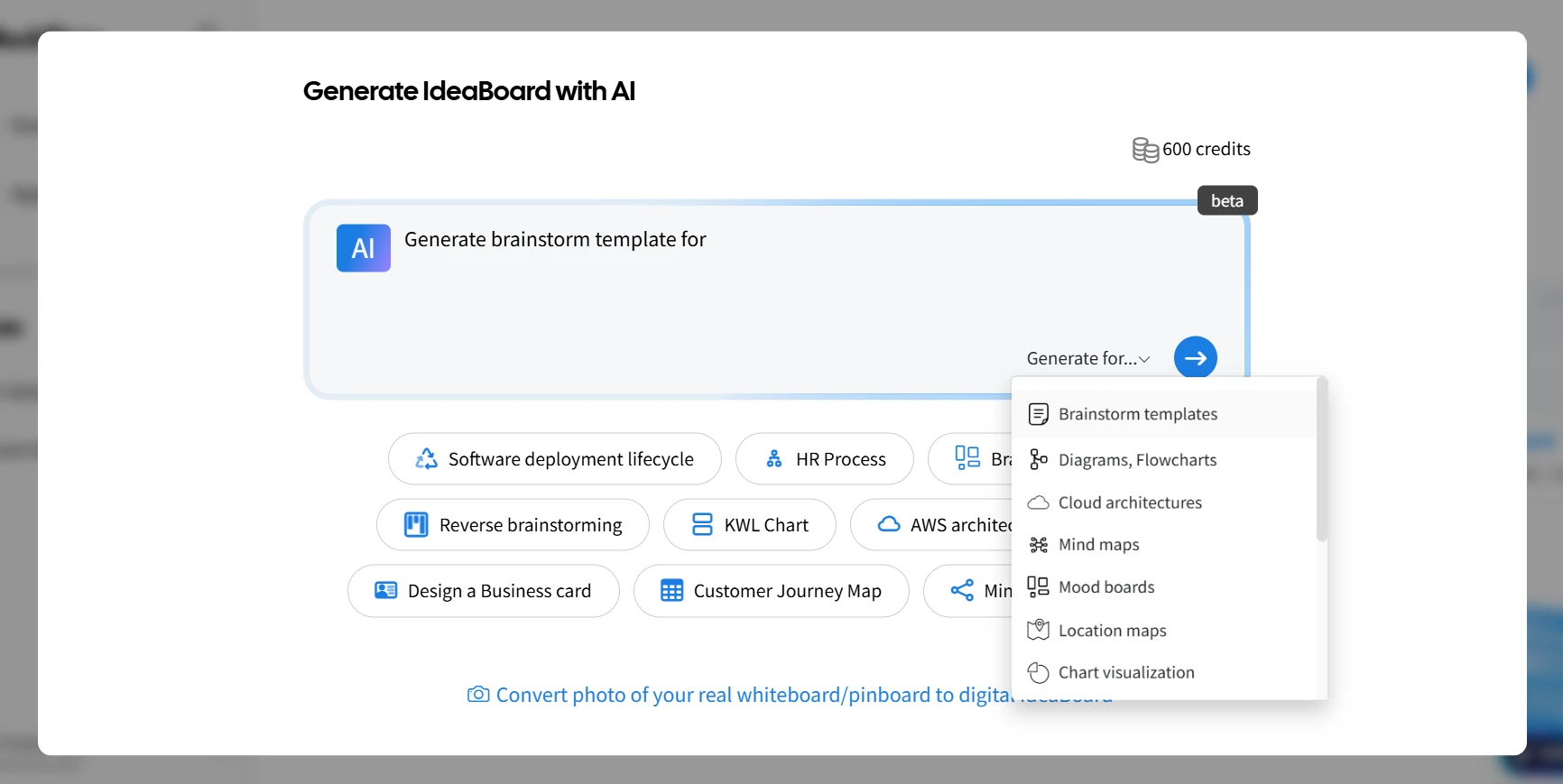
- Prompt Library: A built-in prompt library provides editable, pre-written prompts tailored for brainstorming, strategy sessions, and workflow mapping, enabling teams to generate structured boards instantly.
- Real-Time Collaboration: Multiple users can edit the same board simultaneously, with live updates ensuring alignment across distributed teams.
- Multimedia Feedback: Team members can leave video and voice comments directly attached to board elements, supporting richer asynchronous collaboration.
- Pre-Built Templates: IdeaBoard provides access to structured templates such as customer journey maps, content planning boards, and workflow diagrams, helping teams start with proven frameworks instead of blank boards. For instance, teams can create 3D project management workflows in IdeaBoard within minutes using our pre-built template.
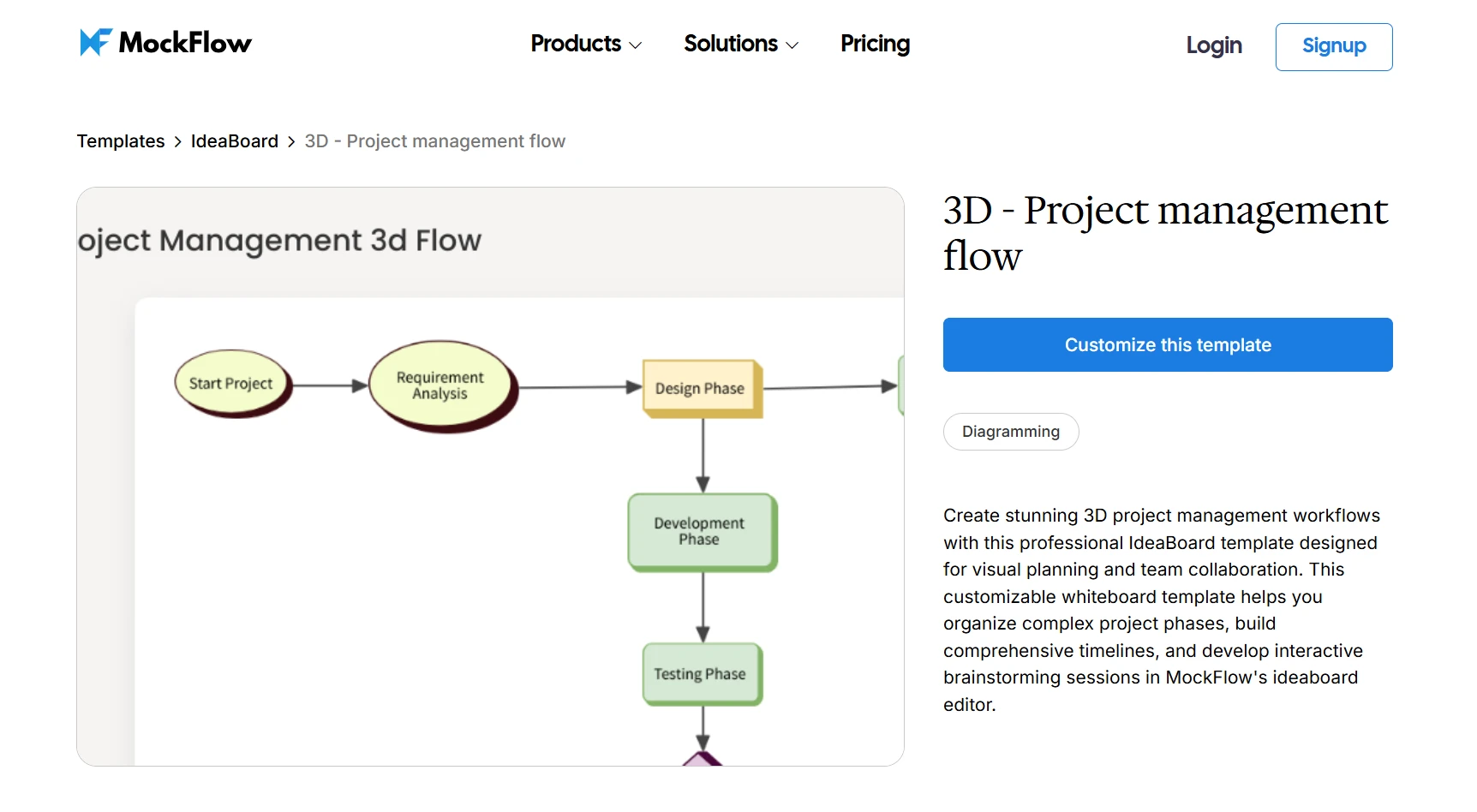
Customize this 3D project management workflow template
- Offline & File Mode: The desktop app allows full offline editing with boards saved as proprietary .board files, supporting enterprise backup systems and stricter governance environments.
- Integrated Meetings & Board Chat: Audio/video meetings and board-level chat keep communication inside the workspace, reducing context switching.
IdeaBoard’s AI-assisted brainstorming matters because AI support is quickly becoming a default expectation inside work tools. Gartner predicted that up to 40% of enterprise applications will include task-specific AI agents by 2026, which aligns with why teams increasingly evaluate planning tools based on how well they reduce manual setup and status overhead.
IdeaBoard is ideal for startups, product teams, marketing departments, educators, and facilitators who need structured visual workflows without enterprise-level complexity. Teams can explore its full capabilities through a free demo and test real boards, templates, and AI-assisted planning before deciding to upgrade.
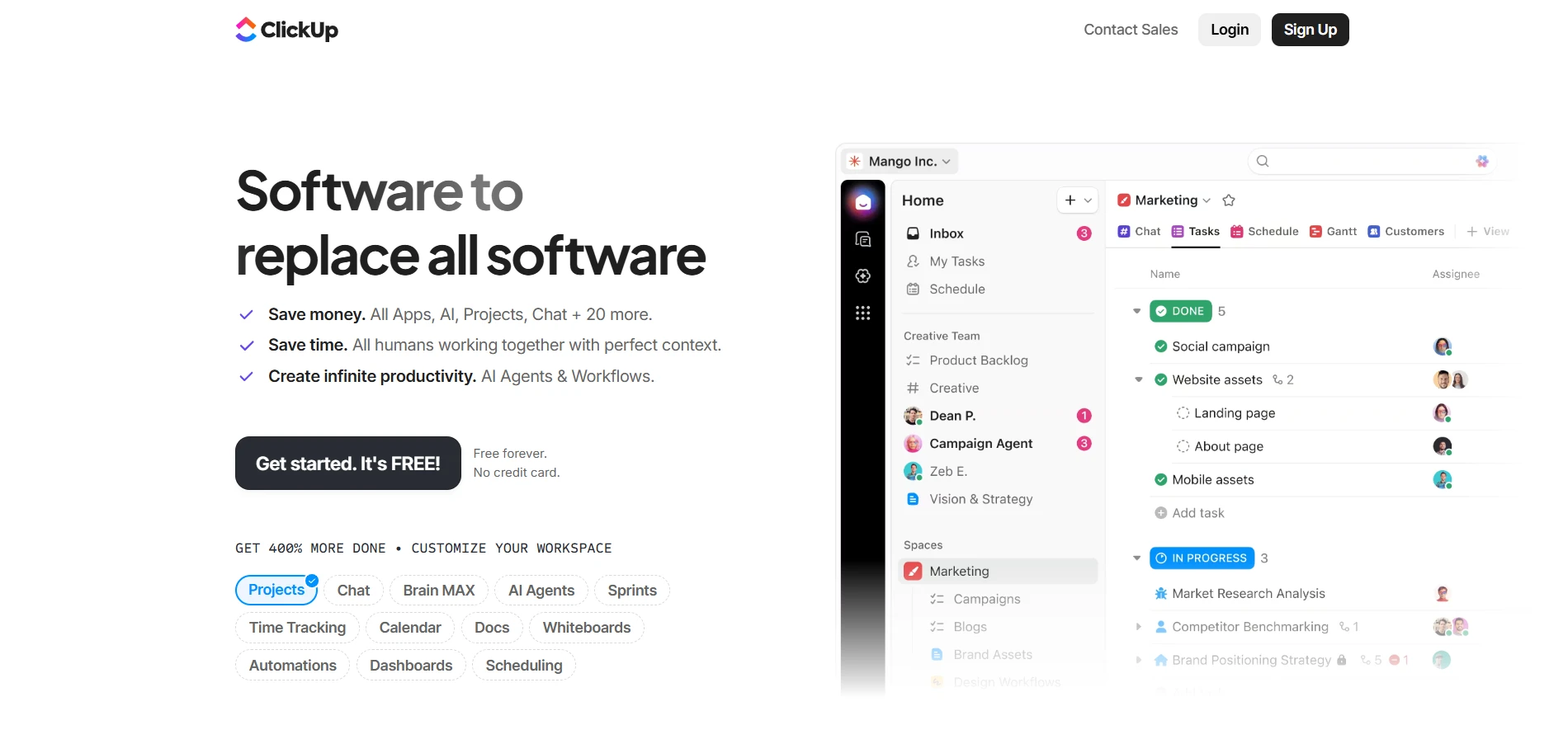
ClickUp appeals to startups that want a platform capable of scaling as operations become more complex. It brings multiple visual formats into one workspace, allowing growing teams to experiment with boards, timelines, and workload views without switching tools. While powerful, its breadth requires a thoughtful setup to ensure the system supports the team rather than overwhelming it.
Key features:
- ClickUp offers multiple visual views, including board, list, timeline, and workload formats, within one workspace.
- The platform includes built-in automation and workflow rules to reduce repetitive manual updates.
- It supports sprint management and goal tracking for growing product teams.
- Customizable dashboards allow teams to tailor reporting to their evolving needs.
Where it may fall short:
- The interface can feel overwhelming for new users due to feature density.
- Teams may require onboarding time to configure workflows effectively.
Best Visual Project Management Software for Software Development Teams
Software development teams prioritize sprint visibility, backlog refinement, and workflow precision. They need project management visualization tools that align with agile methodologies and support dependency tracking at scale. The following tools were chosen because they reinforce structured development cycles while maintaining strong visual control over work.
Jira is built for agile environments where sprint cycles, backlog prioritization, and structured workflows drive delivery. Its depth allows engineering teams to configure processes that mirror Scrum or Kanban practices closely. For teams that value granular reporting and velocity tracking, Jira offers strong visibility into development performance, though its complexity can require deliberate onboarding.
Key features:
- Jira supports advanced sprint planning boards that organize work by iteration cycles.
- The platform includes backlog prioritization tools to manage feature development efficiently.
- Custom workflow automation helps teams standardize development processes.
- Detailed agile reporting provides insight into velocity and sprint performance.
Where it may fall short:
- The platform has a steep learning curve for non-technical stakeholders.
- Configuration complexity can slow down onboarding for smaller teams.
Trello supports development teams that prefer simplicity over configuration-heavy systems. Its Kanban-style boards make task progression intuitive, which works well for smaller or less complex engineering projects. While it lacks advanced reporting, its clarity and ease of use make it attractive for teams that want visibility without administrative overhead.
Key features:
- Trello offers drag-and-drop Kanban boards that simplify task progression.
- Customizable cards allow teams to label, prioritize, and track work visually.
- The platform integrates with external tools through Power-ups.
- Quick onboarding enables teams to start managing work immediately.
Where it may fall short:
- Trello lacks advanced native reporting for performance tracking.
- The platform does not support complex dependency management at scale.
Also read → IdeaBoard Power-Up for Trello: IdeaBoard adds free whiteboarding directly inside Trello
Best Visual Project Management Software for Marketing Teams
Marketing teams manage campaigns, launch calendars, creative approvals, and cross-functional collaboration simultaneously. They need visual workflows and dashboards that make milestone tracking and workload balancing straightforward. The tools below were selected because they combine timeline visibility with collaboration depth across departments.
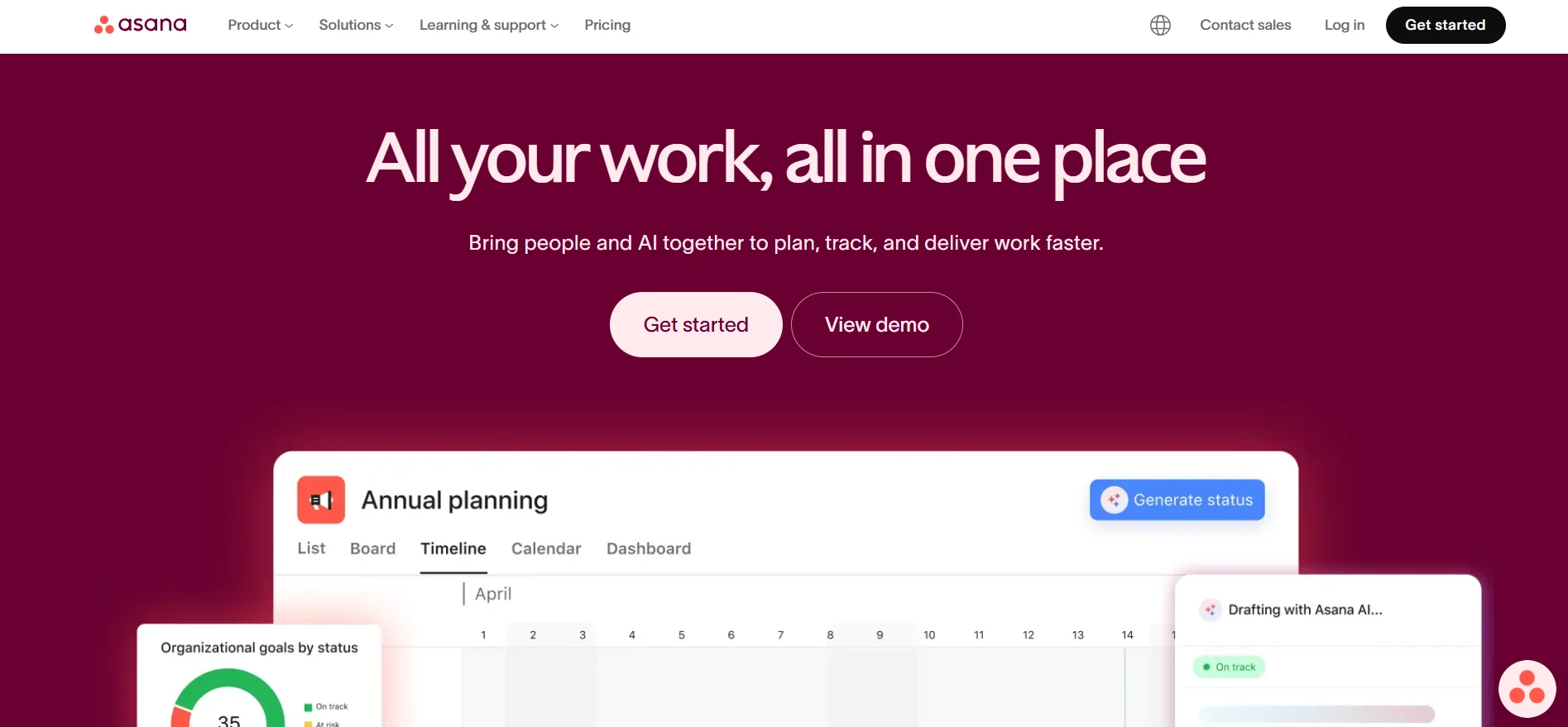
Asana works well for campaign-driven marketing teams that rely heavily on timeline clarity and milestone visibility. Its Gantt-style visualization helps teams see how deliverables connect across channels and deadlines. While structured, it provides enough flexibility for coordinated execution, especially in launch-heavy environments where dependencies must remain visible.
Key features:
- Asana provides a timeline and Gantt-style visualization for campaign planning.
- The platform supports milestone tracking to monitor major deliverables.
- Task dependency management ensures teams understand sequencing requirements.
- Visual roadmaps allow marketing teams to map launch strategies.
Where it may fall short:
- Advanced reporting features require higher-tier subscription plans.
- Creative brainstorming workflows may feel constrained within its structure.
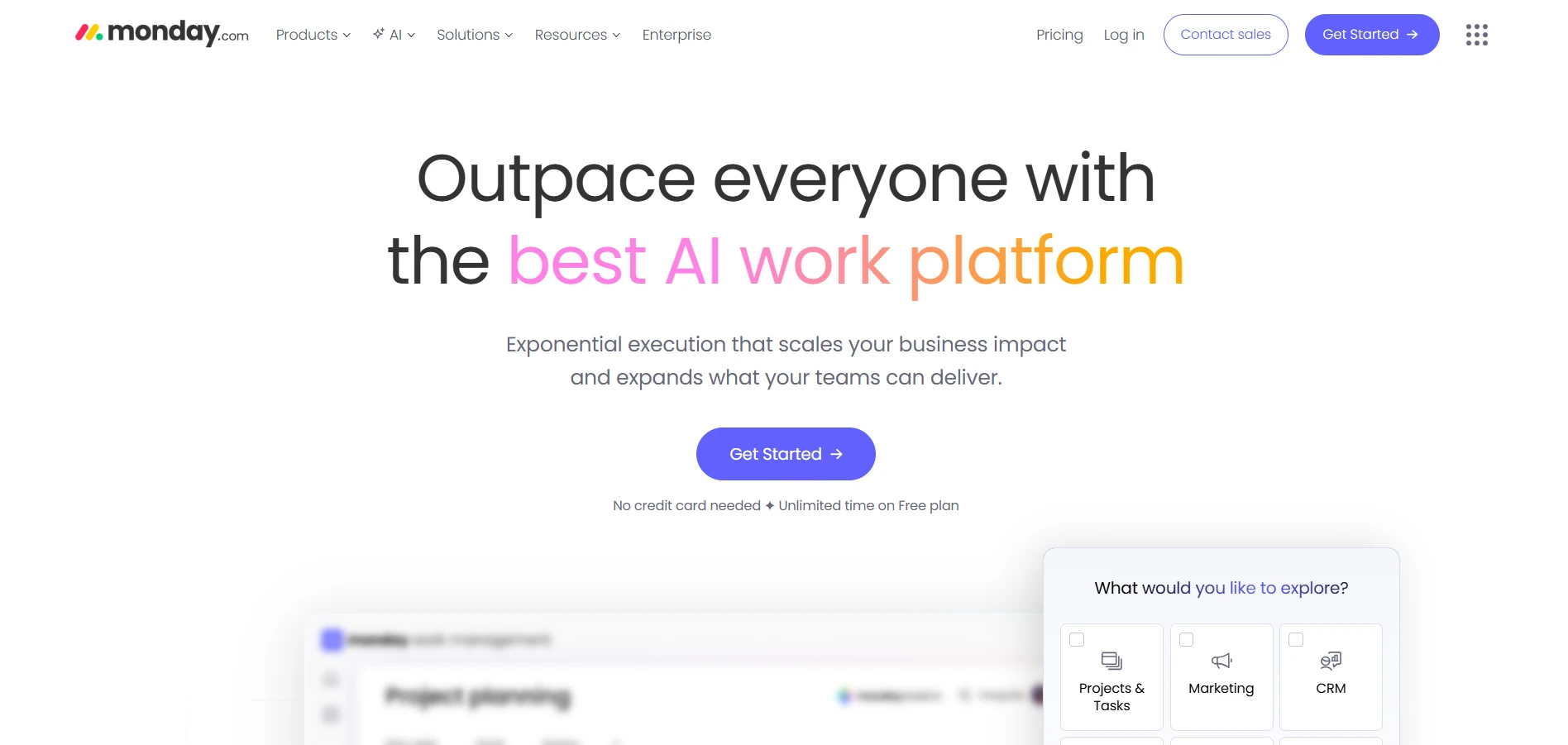
Monday.com supports cross-functional marketing coordination by combining dashboards, automation, and workload views in one environment. It works particularly well when multiple teams contribute to the same campaign pipeline. With the right configuration, it can centralize execution and reporting, although scaling usage can increase costs quickly.
Key features:
- Monday.com offers customizable visual dashboards for campaign oversight.
- Built-in workflow automation helps streamline repetitive processes.
- Workload views allow managers to balance resource allocation.
- Cross-team boards enable collaboration across marketing, design, and sales.
Where it may fall short:
- Pricing increases significantly as team size expands.
- Teams may need time to configure dashboards effectively.
Best Visual Project Management Software for Small Teams
Small teams often need flexibility more than advanced structure. They benefit from tools that are easy to adopt and adaptable to evolving processes. The platforms below were selected because they prioritize usability and customization over rigid workflows.
Notion blends documentation and lightweight task tracking in a modular workspace that small teams can shape around their needs. Its flexibility allows teams to build custom dashboards, combine notes with project boards, and iterate as workflows evolve. While not dependency-heavy, it offers enough visual structure for growing teams that prefer adaptability.
Key features:
- Notion provides modular database-driven views for task tracking.
- The platform integrates documentation and project planning in one space.
- Custom workflow setup allows teams to design their own systems.
- Dashboard-style layouts help visualize work across projects.
Where it may fall short:
- Initial setup requires manual configuration.
- Advanced dependency management capabilities are limited.
Miro excels in environments where visual thinking drives execution. Its infinite canvas allows teams to brainstorm, map workflows, and visualize processes collaboratively in real time. While it does not replace structured project tracking software entirely, it supports early-stage planning exceptionally well.
Key features:
- Miro provides an infinite whiteboard canvas for visual planning.
- Real-time collaboration enables distributed teams to work simultaneously.
- A large template library supports brainstorming and workflow mapping.
- Visual diagramming tools enhance early-stage planning sessions.
Where it may fall short:
- Structured task tracking capabilities are limited.
- Teams often require additional tools for full project execution.
Also read → 10 Best Miro alternatives: Best Whiteboard Tools
Best Visual Project Management Software for Architects and Creative Teams
Architects and structured creative teams manage milestone-heavy projects that require layered approvals and schedule precision. They need tools that balance visualization with strong reporting and dependency tracking. The options below were chosen because they provide clarity across complex, multi-phase workflows.
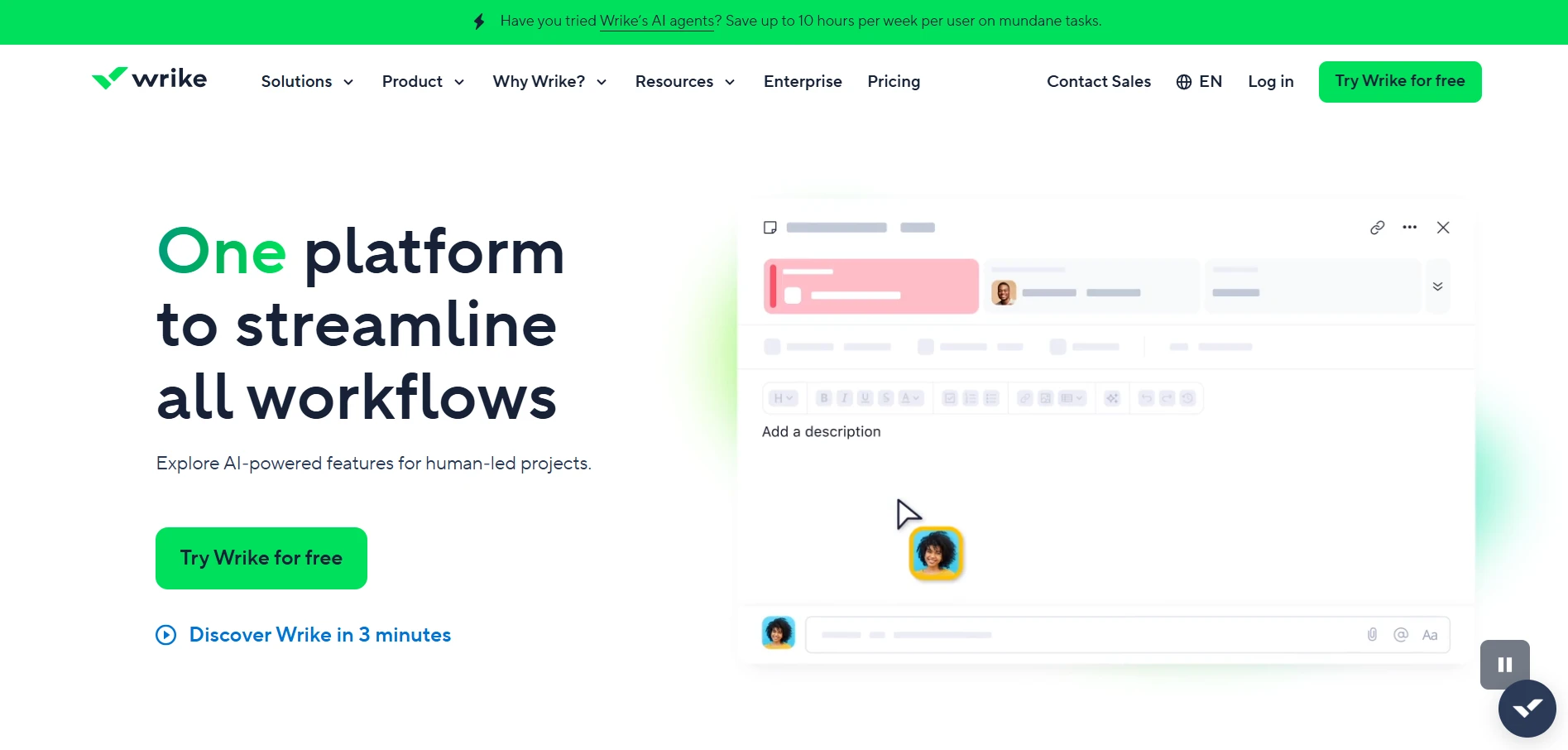
Wrike supports professional services and design teams that operate within structured, approval-driven workflows. Its Gantt charts and resource visualization tools provide oversight across multi-stage projects. For organizations that prioritize portfolio-level reporting and detailed planning, Wrike offers depth, though onboarding may require time investment.
Key features:
- Wrike provides Gantt charts and workload visualization for complex planning.
- Custom approval workflows streamline review processes.
- Cross-project portfolio management improves oversight.
- Advanced dashboards deliver structured reporting insights.
Where it may fall short:
- Onboarding and configuration can be time-intensive.
- The platform prioritizes structure over visual ideation.
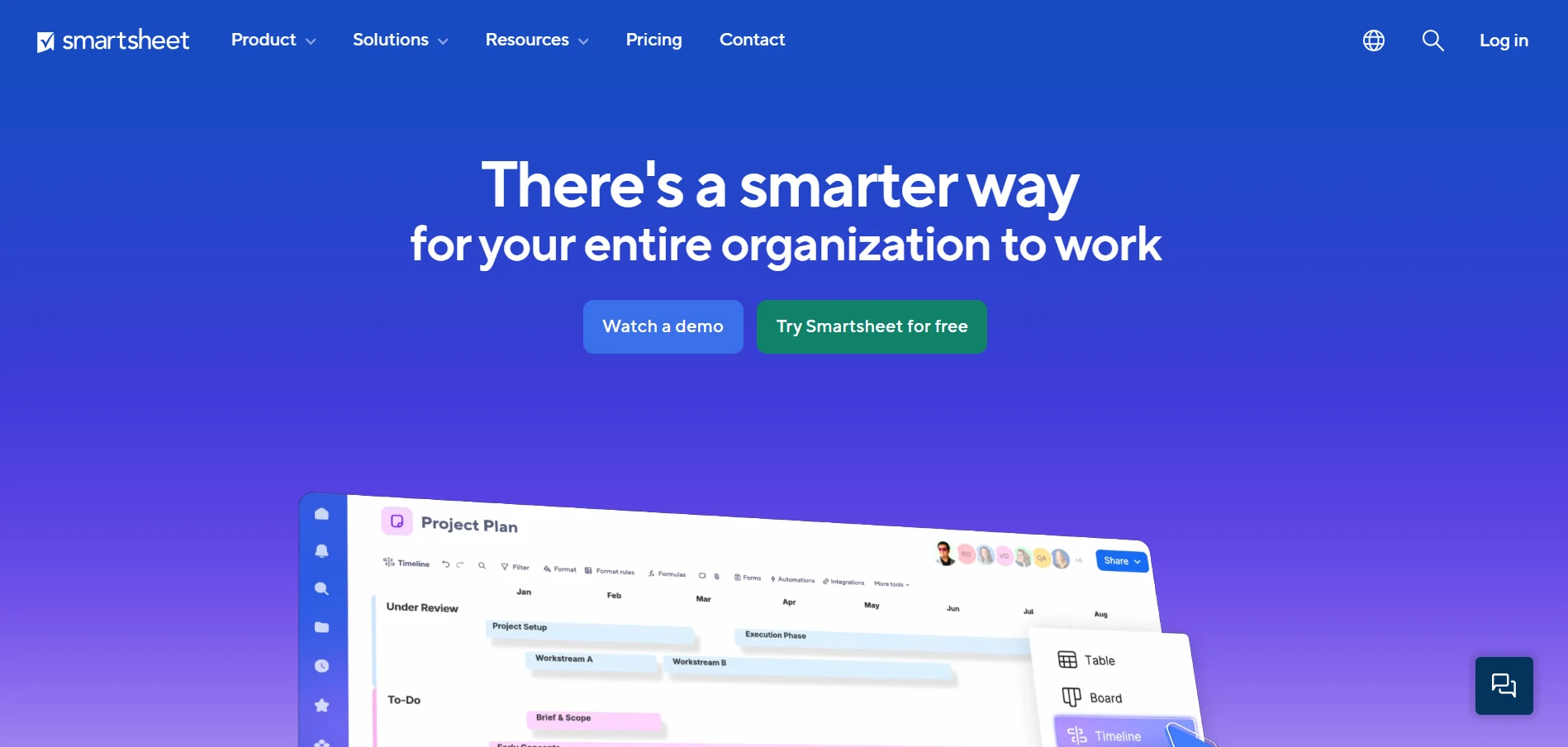
Smartsheet combines spreadsheet familiarity with timeline visualization, making it comfortable for teams accustomed to structured scheduling frameworks. Its milestone tracking and dependency mapping features support predictable, multi-phase projects. While less creative in presentation, it provides consistency and control for process-driven environments.
Key features:
- Smartsheet offers a grid and Gantt hybrid view for scheduling.
- Visual milestone tracking helps teams monitor deadlines.
- Dependency mapping supports structured project sequencing.
- Automated notifications keep stakeholders informed.
Where it may fall short:
- The spreadsheet-oriented interface may feel rigid.
- Creative collaboration features are less intuitive compared to board-first tools.
Across these tools, a consistent theme emerges. The right visual project management software depends less on raw feature count and more on workflow alignment, adoption ease, and reporting clarity. That alignment becomes even more critical when evaluating how your team collaborates, which brings us to the decision criteria that matter most.
How to Choose the Right Visual Project Management Software for Your Workflow
Choosing visual project management software is less about comparing feature lists and more about understanding how your team actually works. The right platform should feel like a natural extension of your workflow, not a system that forces your team to adapt around it.
As Mik Kersten, CTO of Planview and author of Project to Product, puts it, “organizations that manage IT delivery as projects instead of products are using managerial principles from two ages ago… .” This is a sharp reminder that tools that only list features won’t help teams solve visibility problems that matter today.
Visual project management software should support the way you plan, track, and collaborate every day. Whether your team prioritizes boards, timelines, workload balancing, or executive dashboards, long-term adoption depends on workflow alignment.
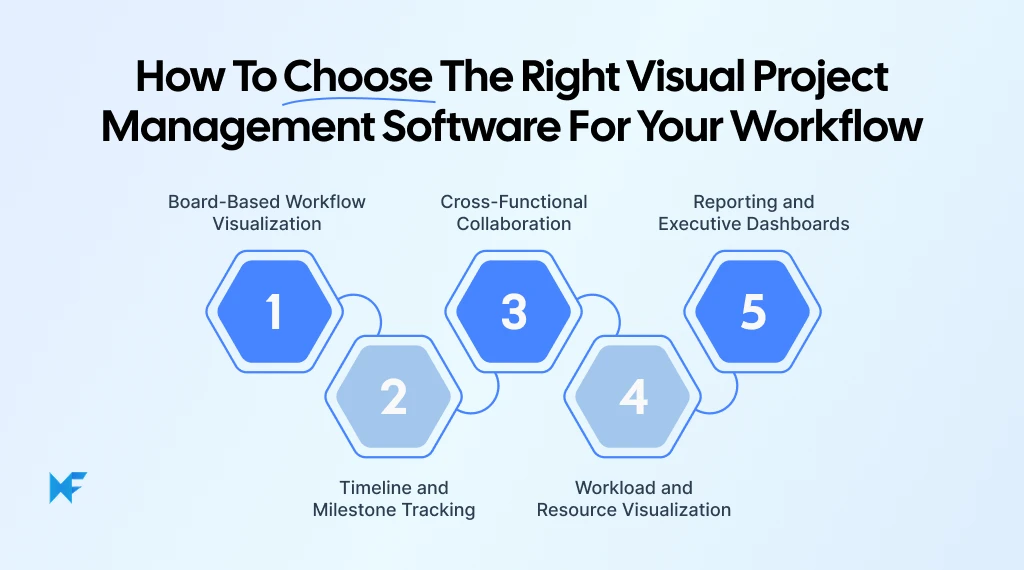
1. Board-Based Workflow Visualization
Teams that operate in sprints or iterative cycles often rely heavily on visual boards to move work forward. When structured properly, Kanban-style workflows provide immediate clarity into what is in progress, what is blocked, and what is complete.
When evaluating board-based systems, focus on:
- Whether tasks can be moved easily through drag-and-drop interactions
- How customizable workflow stages are
- Whether ownership is clearly visible on each task
- If bottlenecks and stalled items stand out visually
A well-designed board should reduce the need for status meetings because progress becomes self-evident.
2. Timeline and Milestone Tracking
Campaign launches, client projects, and product releases require strong timeline visibility. In these environments, task lists are not enough. Teams need to see how work connects over time.
Consider the following when assessing timeline capabilities:
- Does the tool provide a Gantt-style timeline view?
- Are dependencies between tasks clearly mapped?
- Can milestones be highlighted and tracked separately?
- Is it easy to adjust schedules without disrupting the entire plan?
Timeline clarity prevents last-minute surprises and ensures that dependencies do not derail delivery.
3. Cross-Functional Collaboration
Modern teams rarely operate within a single function. Marketing, design, product, and engineering often collaborate within the same workflow, which means visibility must extend across departments.
Look for collaboration features such as:
- Shared boards that multiple teams can edit in real time
- Comment threads anchored to specific tasks or components
- Clear feedback loops that reduce email back-and-forth
- Built-in communication features that keep the discussion within context
Collaboration tools should reduce context switching and centralize communication, not fragment it further. Microsoft reported that 75% of global knowledge workers use AI at work, which is why many teams now expect collaboration spaces to support AI-assisted updates, summaries, and faster coordination, not just comments and mentions.
4. Workload and Resource Visualization
As teams grow, capacity management becomes critical. Even well-planned projects can stall if workload distribution is uneven or invisible.
When reviewing workload visualization, assess:
- Whether the tool provides a team capacity overview
- If tasks can be filtered by owner or workload status
- Whether resource heatmaps or allocation views are available
- How easily managers can rebalance assignments
Clear workload visualization helps prevent burnout and keeps projects moving steadily.
5. Reporting and Executive Dashboards
Leadership teams and clients require concise summaries, not raw task data. Executive dashboards should translate project activity into meaningful insights. They need to reduce reactive work, not add another layer of reporting effort.
Microsoft’s 2025 research found that 60% of meetings are unscheduled or ad hoc, which is often what happens when reporting is unclear, and stakeholders escalate in real time instead of relying on shared visibility.
Evaluate reporting capabilities based on:
- Availability of customizable dashboards
- KPI visualization options
- High-level progress summaries
- Exportable reports for stakeholder communication
Strong reporting bridges the gap between operational execution and strategic oversight.
Comparing tools on paper rarely reveals how they perform once real work begins. Many teams choose project management visualization tools based on feature checklists, only to discover later that the interface feels clunky or the workflow does not align with how they actually operate.
A more reliable approach is to test the platform with a live project. Move one active initiative into the tool, run it through a real workflow cycle, observe how naturally team members adopt it, and assess whether progress, ownership, and reporting feel clear without extra effort.
IdeaBoard offers a free demo environment where teams can experiment with structured visual workflows before committing to a paid plan. By testing board configuration, collaboration features, and visual planning in a real scenario, teams can make a confident decision grounded in experience rather than assumptions.
Conclusion
The real cost of choosing the wrong visual project management software is lost momentum, stalled collaboration, and tools that teams quietly avoid using.
The next step is simple but often skipped. Stop comparing feature grids and start testing real workflows. Move one live project into a visual system, observe how naturally tasks flow across stages, and see whether collaboration happens inside the tool instead of outside it.
MockFlow’s IdeaBoard allows you to:
- Create structured visual workflows using ready-made templates
- Generate organized boards instantly with AI-powered prompts
- Collaborate in real time with shared boards and contextual feedback
- Map ideas into clear, actionable task flows without heavy setup
If your team values structured visual planning, real-time collaboration, and clarity without unnecessary complexity, sign up for a free IdeaBoard trial and let your team’s response guide the decision.
FAQs
1. What is visual project management software?
Visual project management software is a work management tool that helps teams plan and track projects using visual views such as Kanban boards, Gantt charts, timelines, calendars, and dashboards. It centralizes tasks, milestones, dependencies, workload, and approvals in one system. Teams use it to visualize progress, assign ownership, manage capacity, and improve collaboration across functions.
2. Which visual project management software offers multiple views in one place?
Some visual project management tools combine boards, timelines, and dashboards within a single workspace to reduce tool switching. MockFlow’s IdeaBoard supports structured visual planning through board-based workflows, diagrams, and customizable templates that help teams map tasks, milestones, and dependencies in one shared environment.
3. How do I choose between a visual PM tool and a whiteboard tool?
A visual project management tool focuses on structured execution, including task ownership, dependencies, workload tracking, approvals, and reporting. A whiteboard tool focuses on brainstorming, diagrams, and early ideation. Teams that need timelines, milestones, resource planning, and dashboards should choose visual project management software. Teams focused only on brainstorming may prefer whiteboards.
4. How do I track workload and capacity visually?
Visual project management software provides workload and resource views that show task assignments by team member. These views display capacity, utilization, and potential overload at a glance. Managers use dashboards and charts to balance resources, reassign tasks, and prevent delays caused by over-allocation.
5. What features matter most for remote and hybrid teams?
Remote and hybrid teams need real-time boards, timeline visibility, comment threads, approvals, file sharing, and role-based permissions. Integrations with chat and document tools also matter. Clear task ownership, activity history, and executive dashboards help distributed teams stay aligned without constant status meetings.
6. How do these tools handle permissions, approvals, and audit trails?
Visual project management software includes role-based permissions, approval workflows, and activity logs. Permissions control who can view or edit tasks. Approval workflows route items across stakeholders. Audit trails record changes, status updates, and comments to maintain accountability and governance.
8 Best Visio Alternatives for Diagramming and Collaboration in 2026
What are the best Microsoft Visio alternatives? Microsoft Visio has long been used for flowcharts, process mapping, org charts,...

8 Best FigJam Alternatives for Remote Collaboration & Design
Introduction: What are FigJam Alternatives? You’ve probably been there: a team brainstorming session that’s supposed to be...
6 Best Padlet Alternatives for Teams and Educators in 2026
Introduction Padlet is a popular tool for organizing ideas, sharing content, and collaborating visually. However, it does not...
