Log in
AnnotatePro for Confluence

Post annotations in Confluence.

AnnotateProAdd MockFlow AnnotatePro to your Atlassian Confluence account.

Follow the below steps on how to install, draw and post annotations in Confluence.

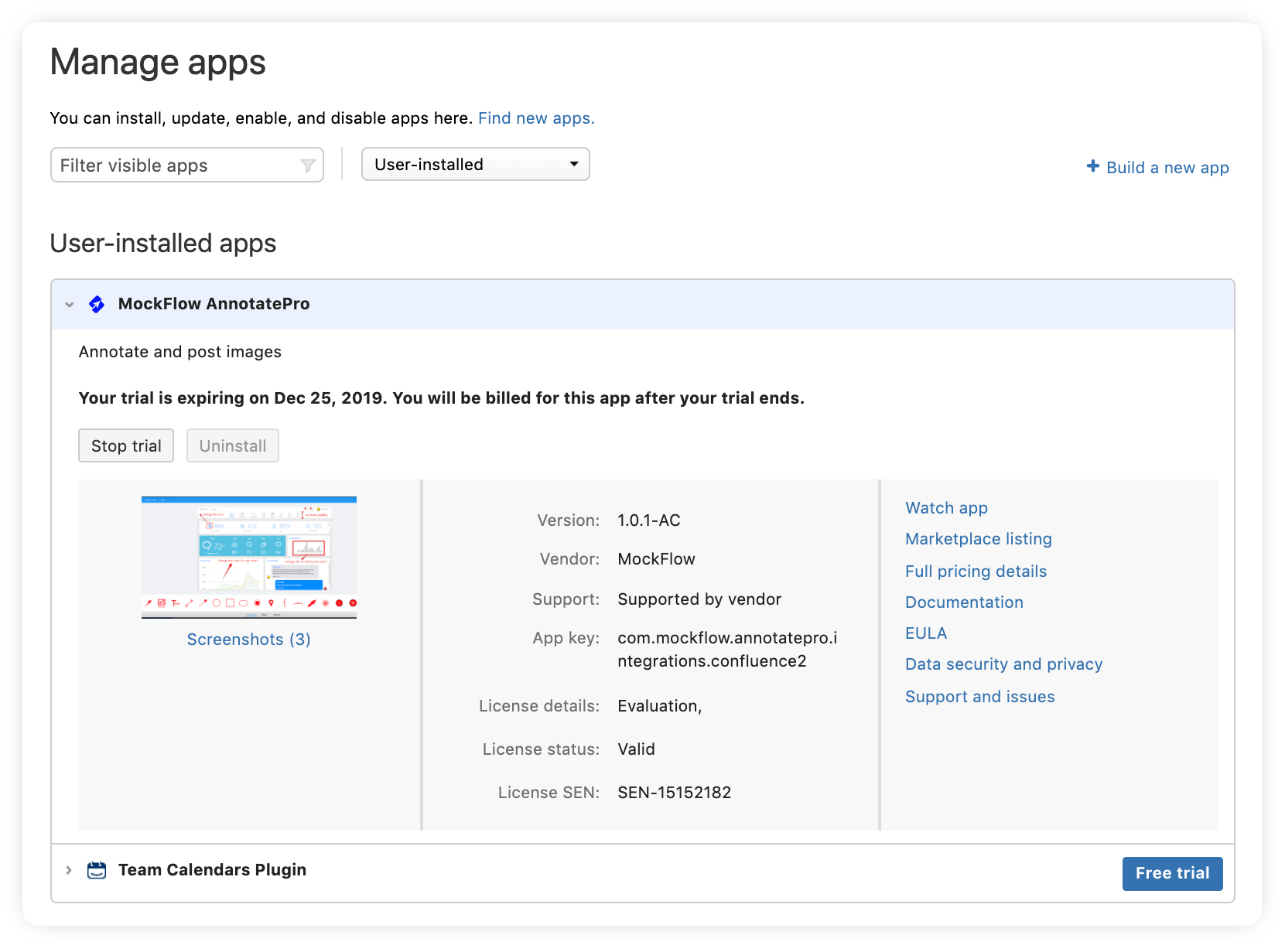
Install AnnotatePro add-on for Confluence.

Click on the above 'Install to Confluence' button to install AnnotatePro add-on to your Confluence instance from Atlassian Marketplace. After installation, start free 30-day trial of AnnotatePro add-on for your team.

AnnotatePro add-on in the Atlassian Marketplace

Open a page in Confluence to attach annotated images.

After installation, click on 'Insert more content' button. This section contains the option to open AnnotatePro within Confluence.
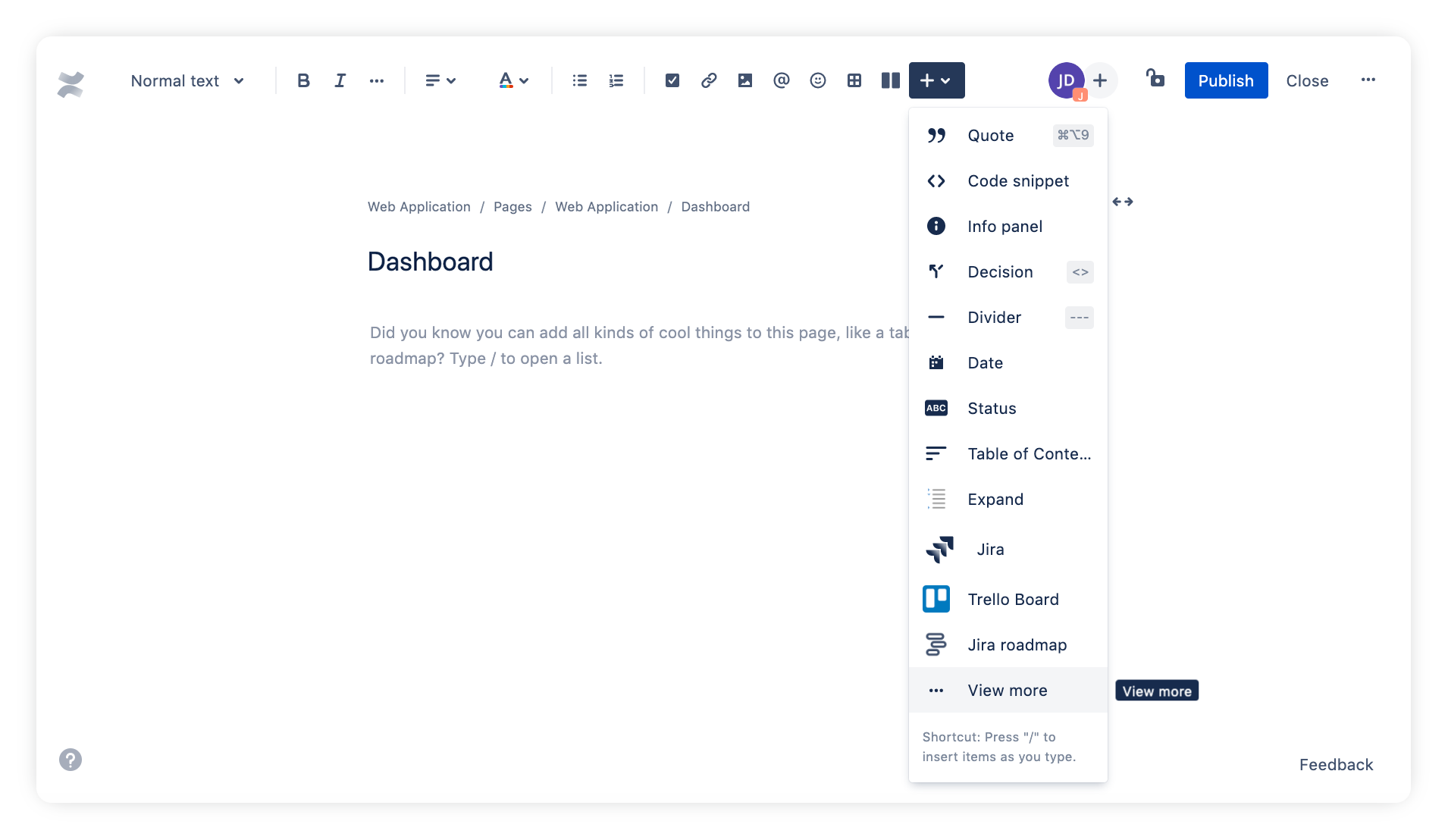
The Insert more content button in Confluence
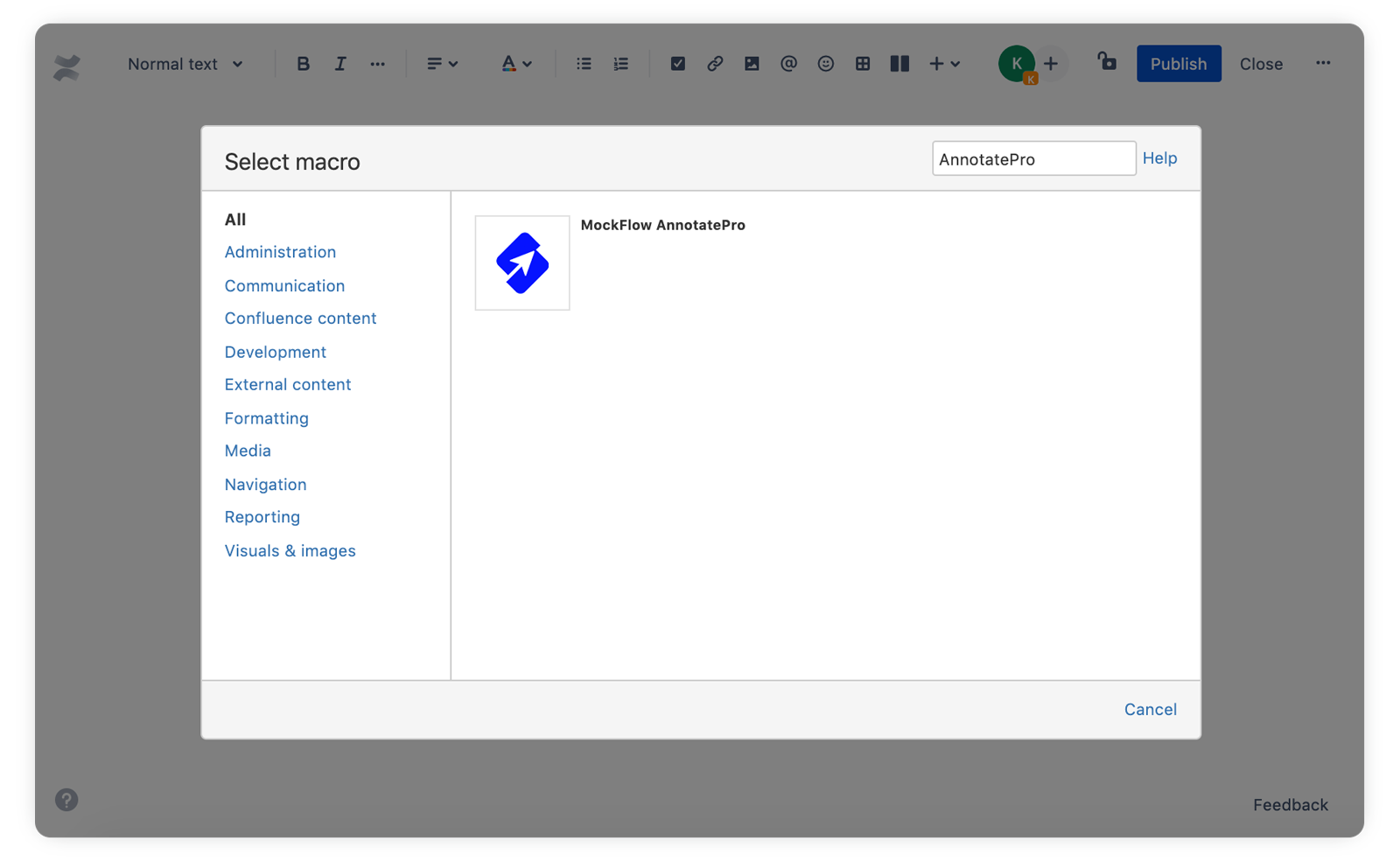
AnnotatePro listed in the Confluence insert menu

Open editor to annotate image.

On clicking the "MockFlow AnnotatePro" app, it opens the editor within Confluence.

For annotating, you can upload a new image or open existing projects.
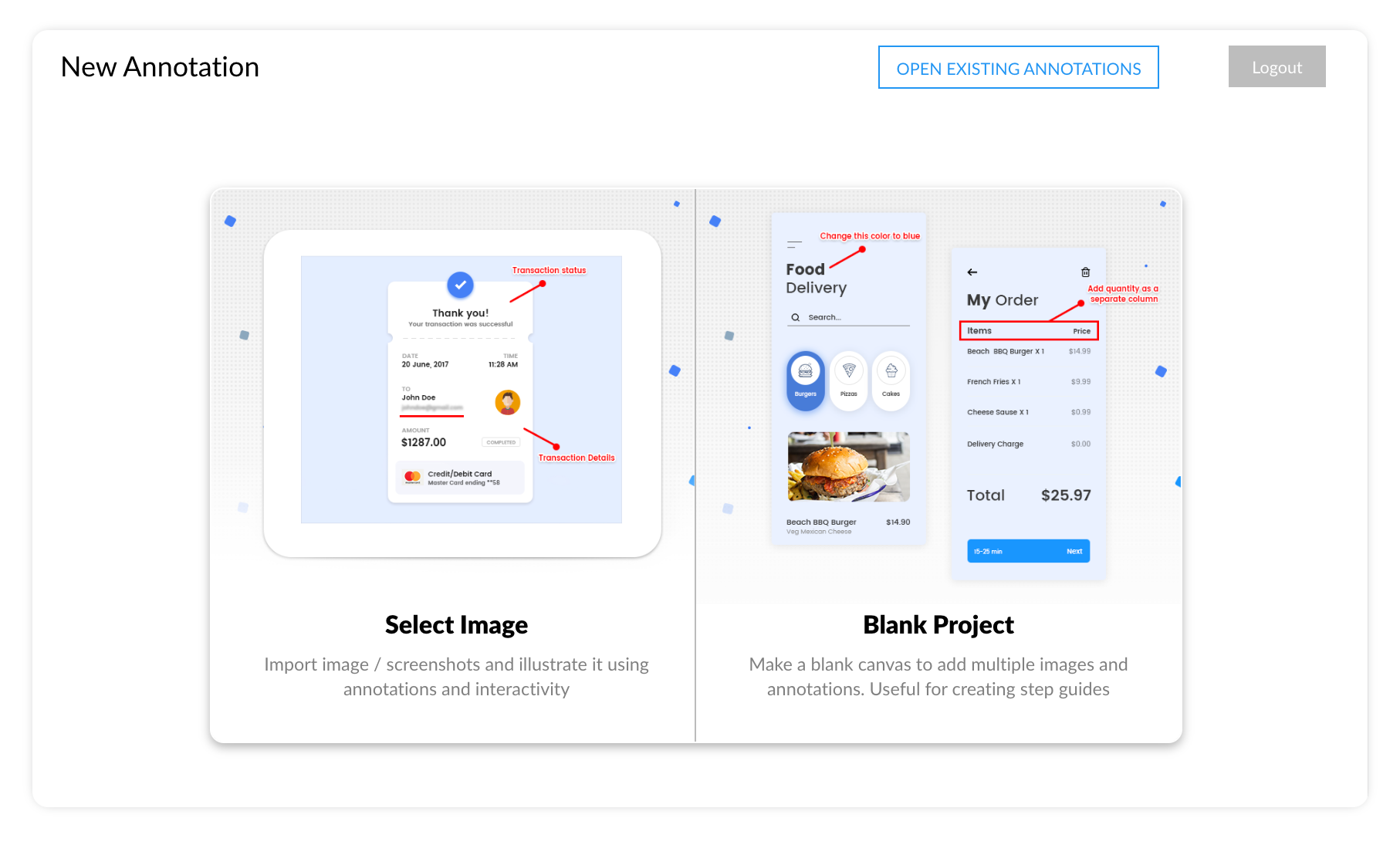
The AnnotatePro editor inside Confluence

Attach annotated image to your Confluence page.

After annotating the image, you can directly attach the image to the current Confluence page by clicking 'Post to wiki' button.
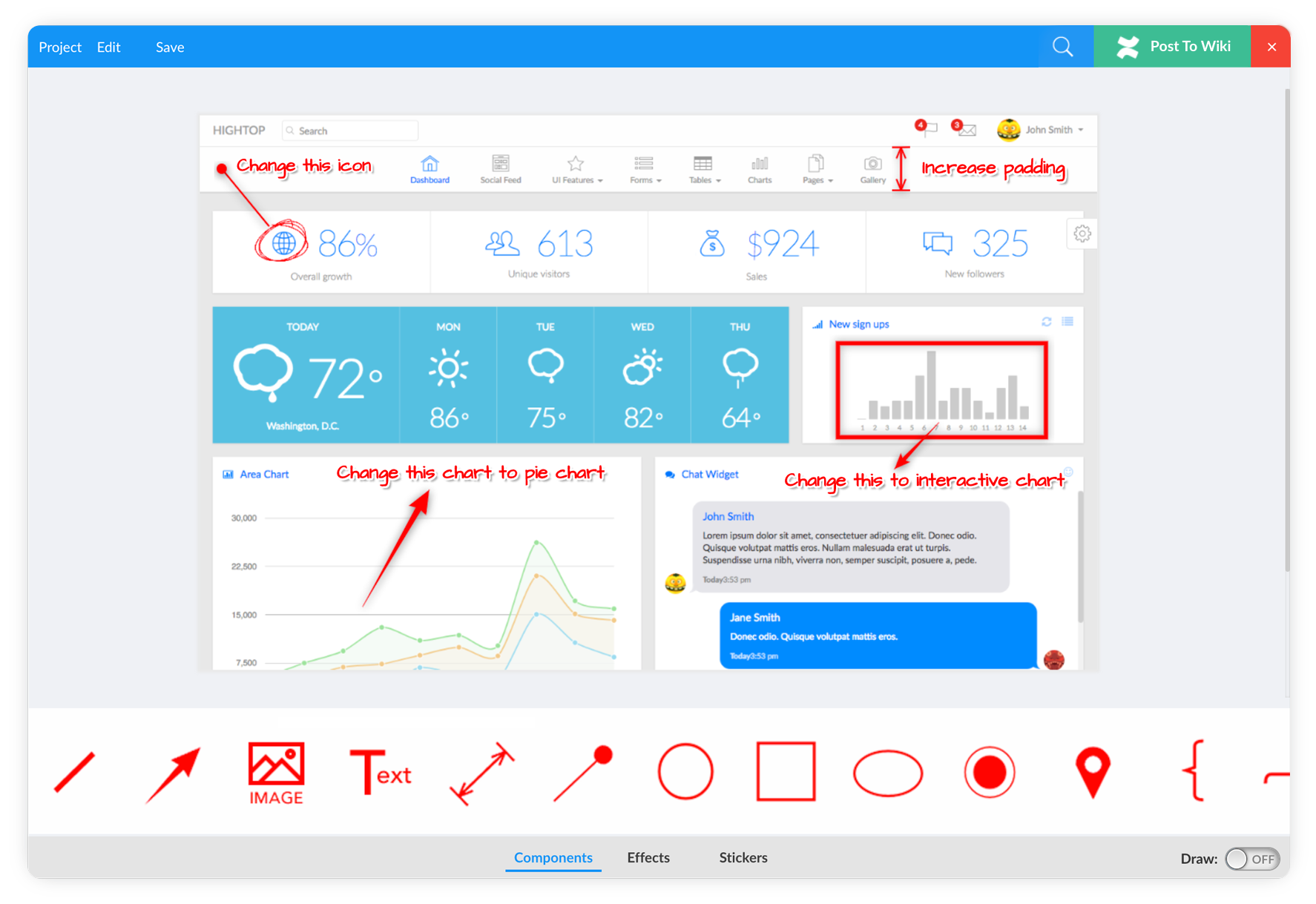
Posting an annotated image to the Confluence page

Your annotations live on the page.

The annotated images are posted with the current Confluence page.
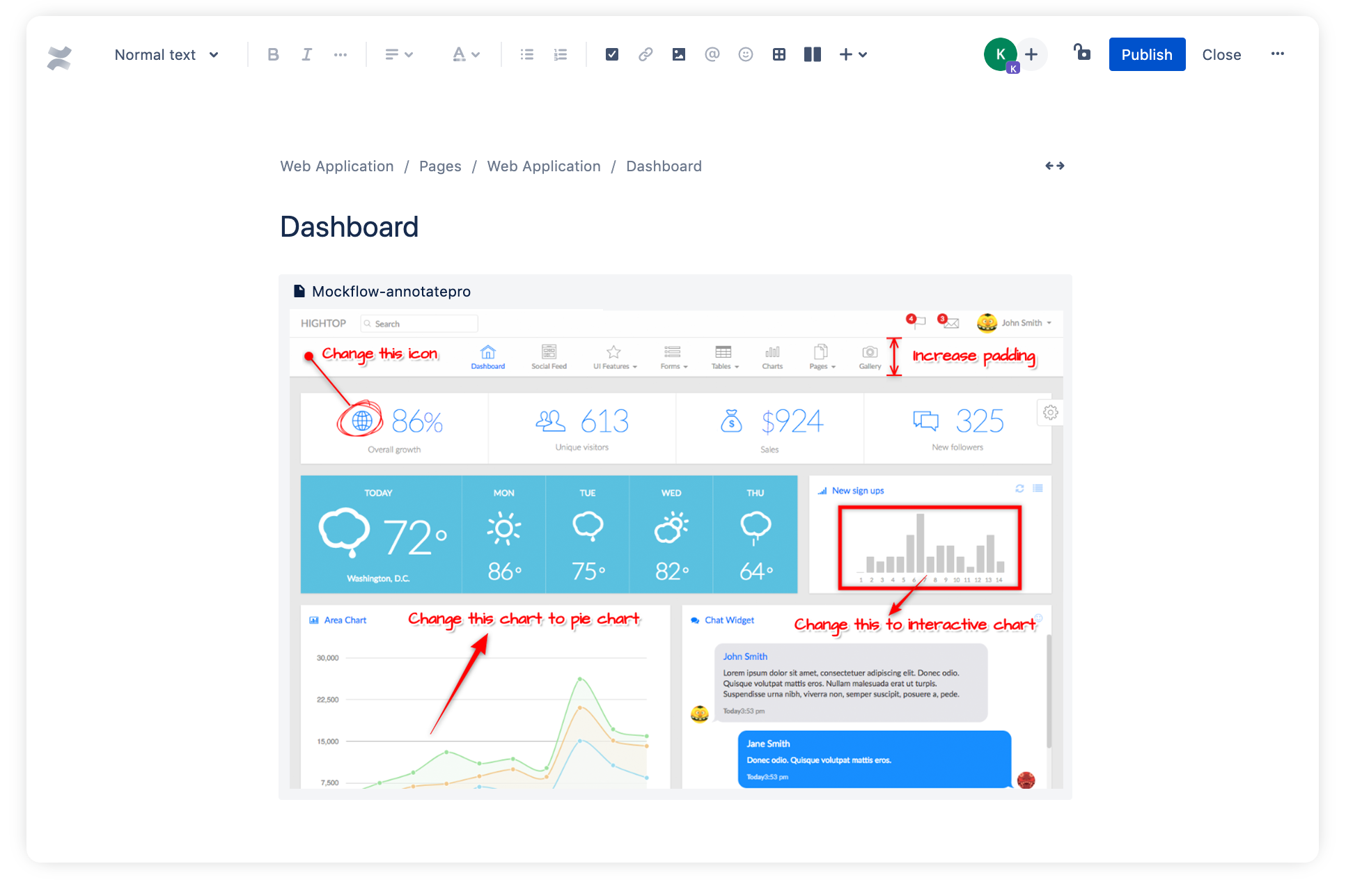
Annotated images inserted in a Confluence page
Get started

Add AnnotatePro to Confluence.

Install from the Atlassian Marketplace and start a free trial for your team.

Support

Learn how to use the AnnotatePro editor in the support portal, or contact us at support@mockflow.com.


MCPBrainstorm with MockFlow MCP

Add MockFlow as an MCP connector in Claude, Cursor, or any MCP-compatible AI assistant to generate flowcharts, mindmaps, architecture diagrams, and 16 types of visualizations.

Desktop App MCP Powerful
CLI Web MCP Developer
Loginless Web MCP Easiest

Built into the MockFlow Desktop App. AI creates visuals directly on your open canvas — no URLs, no waiting.

1
Open Desktop App → open a MockFlow project
2
In Claude Code / Cursor, run:
claude mcp add --transport http -s user mockflow-ideaboard http://localhost:21193/mcp
3
Ask: "Create a flowchart for..."

Best for: Designers, product teams, daily MockFlow users.

Download Desktop App →

Install from npm, log in via browser (OAuth), and boards are saved to your MockFlow account.

1
npm install -g @mockflow/ideaboard-mcp
2
mockflow-ideaboard-mcp login
3
mockflow-ideaboard-mcp

Best for: Developers using Claude Code, Cursor, or VS Code Copilot.

npm Package →

Add MockFlow as a connector in Claude.ai or ChatGPT. No installation, no account required. A new board is created and you get a shareable URL.

1
Open Claude.ai → Settings → Connectors
2
Paste this URL: https://app.mockflow.com/ideaboard/mcp
3
Ask Claude to create a flowchart — done!

Best for: Managers, marketers, anyone using Claude.ai or ChatGPT in the browser.

Welcome back

Don't have an account? Sign up

Faster ways in

Sign in with an account you already use.