8 Best Milanote Alternatives for Visual Collaboration in 2026
Introduction
You already know Milanote is not your only option. The harder part is figuring out which alternative actually fits the way you think and work.
Maybe you want a more active brainstorming space. Maybe you need stronger collaboration, better structure, or more help turning rough ideas into something useful. Whatever the trigger, comparing tools gets confusing fast because many of them solve completely different problems.
This guide breaks down eight Milanote alternatives without the usual feature overload. You will see what each tool is best at, where it fits, and which option makes the most sense for visual thinking, creative planning, research, collaboration, or execution.
Best Milanote alternatives at a glance
The best Milanote alternatives are MockFlow IdeaBoard for AI-powered visual collaboration, Miro for large team workshops, Notion for structured knowledge, Xmind for mind mapping, Canva Whiteboards for mood boards and visual content planning, ClickUp for project execution, FigJam for design collaboration, and Trello for simple task tracking.
Each tool supports a different next step, so the best choice depends on whether ideas need to be developed, organized, shared, presented, or moved into execution.
Tool | Best for | Why choose it | Starting price |
MockFlow IdeaBoard | AI-powered visual collaboration | Mood boards, storyboards, and mixed media, plus AI to turn them into a plan | Free (paid plans from $7/month) |
Miro | Large workshops | Supports broad team participation and structured whiteboarding sessions | Free (paid plans from $8/user/month) |
Notion | Knowledge management | Turns ideas into documents, databases, and connected team information | Free (paid plans from $10/user/month) |
Xmind | Mind mapping | Makes complex topics easier to break into branches and hierarchies | Free (paid plans from $4.92/year) |
Canva Whiteboards | Mood boards and visual content planning | Brings references, creative assets, and collaborative planning into one canvas | Free, with paid Canva plans available |
ClickUp | Project execution | Converts ideas into tasks, owners, deadlines, and tracked work | Free (paid plans from $7/user/month) |
FigJam | Design collaboration | Keeps brainstorming close to product and design workflows | Free (paid plans from $3/user/month) |
Trello | Visual task tracking | Organizes work through simple boards, lists, and cards | Free (paid plans from $5/user/month) |
Why look for an alternative to Milanote?
Milanote may still suit many creative workflows. The need for an alternative usually appears when the board can no longer support what needs to happen after ideas are captured.
Common reasons include:
- More AI support: Some users want help generating ideas, creating diagrams, grouping notes, or turning prompts into visual structures.
- Stronger collaboration: Larger teams may need better workshop tools, real-time editing, feedback, review, or integrations.
- More structure: Growing projects often require databases, owners, dependencies, timelines, or a central knowledge system.
- Specialized visual tools: Dedicated mind-mapping, whiteboarding, research, or design platforms may offer more depth for a specific task.
- A clearer path to execution: Teams may want to turn ideas into tasks, deadlines, workflows, and trackable projects.
- A different free plan: Anyone comparing a Milanote free alternative should check limits on boards, storage, collaborators, uploads, exports, and AI usage.
The best choice depends on the exact gap. The tools below cover AI-first brainstorming, whiteboarding, mind mapping, research, and project execution.
8 best Milanote alternatives in 2026
The best Milanote alternatives solve different problems, from personal research to team planning and project execution. Let’s get into the details of what each alternative offers and the things to consider before buying them.
1. MockFlow IdeaBoard
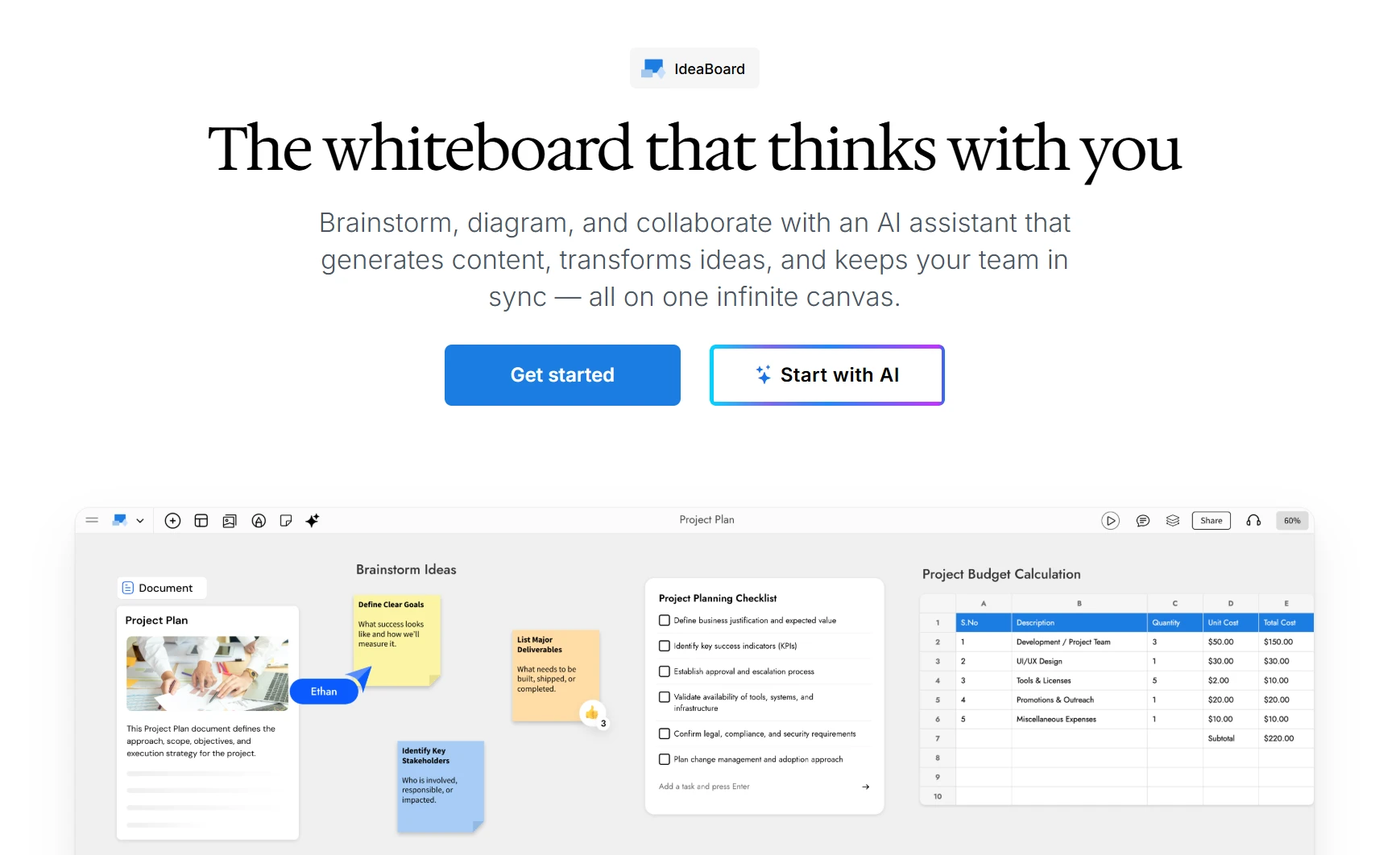
MockFlow IdeaBoard is an AI-powered infinite canvas built for the messy, visual early stage of creative work — collecting references, building mood boards, sketching storyboards, and shaping loose ideas into a plan. Like Milanote, it is a place to arrange images, notes, and links spatially. Unlike Milanote, it can help generate that visual material and then turn it into a structured board when the work needs to move forward.
What it offers
- Mood boards and mixed media: Upload high-quality images, embed video, and pull in links and notes, then arrange and cluster them freely on one canvas. Mida AI can also generate a mood board from a prompt to set an early visual direction.
- Native storyboard component: Add frames, scenes, and characters directly on the board — or generate them with AI — for storyboarding, shot planning, and narrative work, without stitching together separate images.
- Chrome extension: Capture a web page and turn it into a board, so references and inspiration from across the web land straight on the canvas.
- Creative templates: Start with mood board, storyboard, brainstorming, research, and planning templates instead of a blank canvas.
- MIDA AI: Generate, edit, expand, and reorganize board content through prompts, helping users move from a rough reference pile to a structured brief, plan, or workflow.
- Format conversion: Turn notes or a mood board into a mind map, workflow, or plan without rebuilding it manually, saving time during iteration.
- Real-time and asynchronous collaboration: Develop and review ideas together on the same board, comment on specific elements, and leave voice or video comments for richer creative feedback.
- Microsoft Teams support: Pin boards to channel tabs, open a live canvas during meetings, and post visual snapshots for teammates working asynchronously.
- MCP integration: Connect IdeaBoard with external workflows and tools like Claude and VS Code using the Model Context Protocol for extended automation.
Where it fits best
IdeaBoard is a strong Milanote alternative when creative work starts as a personal mood board or research pile but needs to become a shared, structured plan. A designer or creative team can collect references with the Chrome extension, build a mood board or storyboard, refine it together during a Teams meeting, and let AI turn the direction into a brief or campaign plan — all without moving to another tool.
What to consider
IdeaBoard covers broader workflows than a personal visual note-taking app. Users who only need a private space for simple notes and references may find a lighter tool more suitable. Offline and local-file storage are available on paid plans.
2. Miro
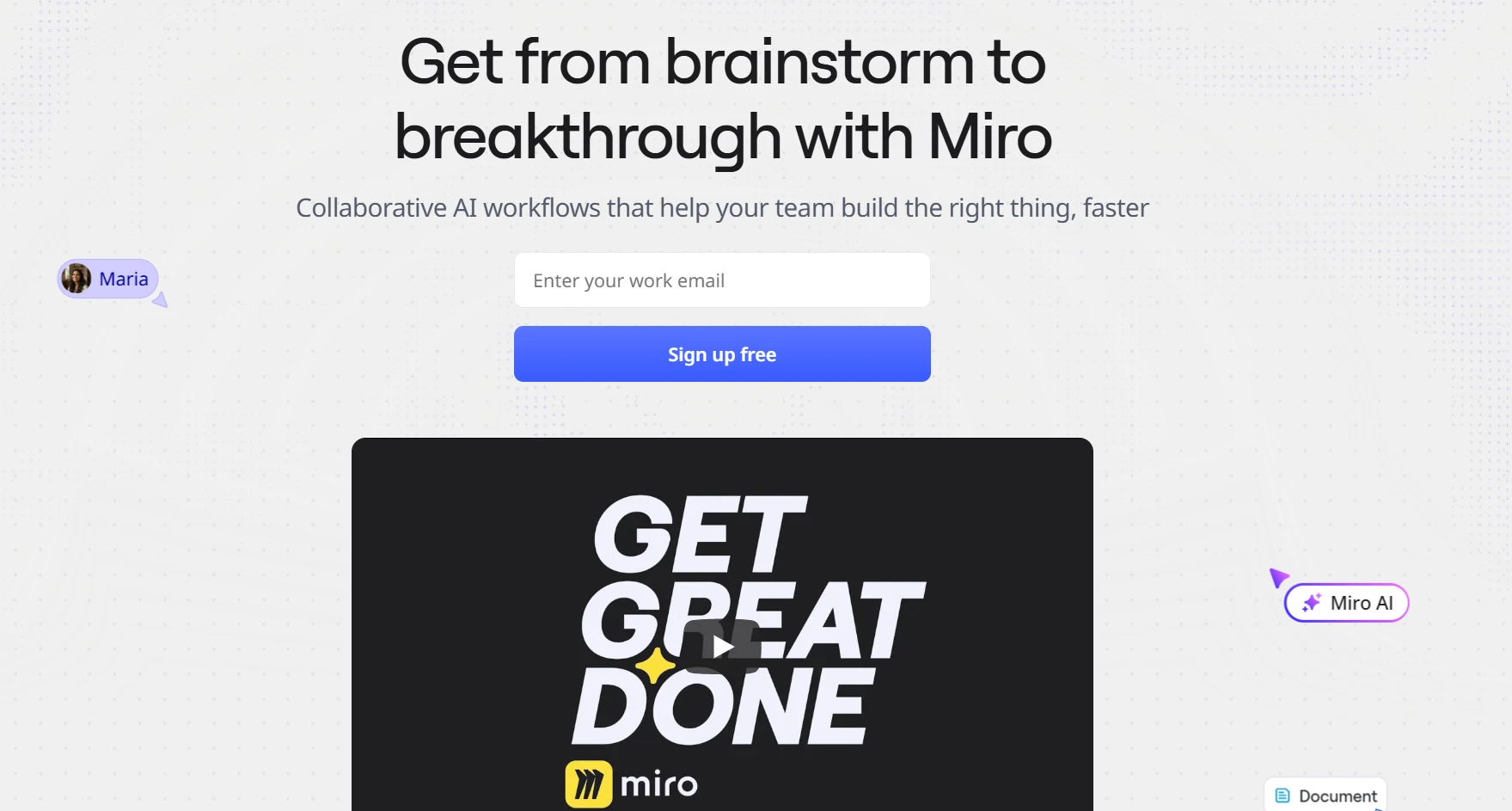
Miro is a broad visual workspace for workshops, research, diagrams, roadmaps, and collaborative planning. It uses an infinite multiplayer canvas, allowing several teams or functions to work across the same visual project.
What it offers
Miro combines free-form whiteboarding with structured tools and integrations, making it suitable for both open-ended ideation and organized workflows. It supports a wide range of use cases across teams that need to collaborate visually while maintaining structure.
Key capabilities include:
- Infinite canvas for brainstorming, mapping, and visual collaboration
- AI-assisted workflows for summarizing, clustering, and generating ideas
- Diagramming tools for flowcharts, systems, and technical visuals
- Templates for workshops, planning sessions, and frameworks
- Structured formats such as documents, tables, and slides
- Integrations with workplace tools to connect workflows across platforms
Where it fits best
Miro fits larger teams running cross-functional workshops, research synthesis, planning sessions, or complex visual projects. It is most relevant when many participants need to contribute, organize input, and review the same workspace.
What to consider
The platform covers many use cases, which may create unnecessary complexity for solo creatives or smaller groups with a focused workflow. Miro also works inside Microsoft Teams meetings, channels, chats, and calendar invites. Teams comparing it with IdeaBoard should therefore assess the depth and simplicity of the required Teams workflow instead of treating integration availability as the deciding factor.
Also read → Best Miro alternatives for visual collaboration in 2026
3. Notion
Notion is a structured workspace for notes, documents, databases, project information, and shared knowledge. It is often considered when visual ideas need to become a lasting system for documentation and ongoing work.
What it offers
Notion connects documents with databases and workflows, allowing teams to turn ideas into structured, reusable systems. It is designed for organizing information in a way that remains searchable and adaptable over time.
Core features include:
- Documents and pages for writing, planning, and collaboration
- Databases that function as flexible tables, boards, timelines, and lists
- Tasks and project tracking with customizable views
- Templates for recurring workflows and standardized content
- Charts and visualizations for tracking progress and data
- AI tools for writing assistance, summaries, search, and automation
Where it fits best
Notion fits content, operations, and product teams that need to turn scattered ideas into briefs, editorial calendars, project databases, or internal documentation. It is useful when information must remain connected, searchable, and reusable after the initial planning stage.
What to consider
Notion relies more on pages, blocks, and database views than spatial arrangement. It may feel restrictive for users who depend heavily on mood boards, loose visual clustering, or free-form concept development. A dedicated visual canvas may be more suitable when the creative process depends on seeing mixed media and relationships spread across one open workspace.
4. Xmind
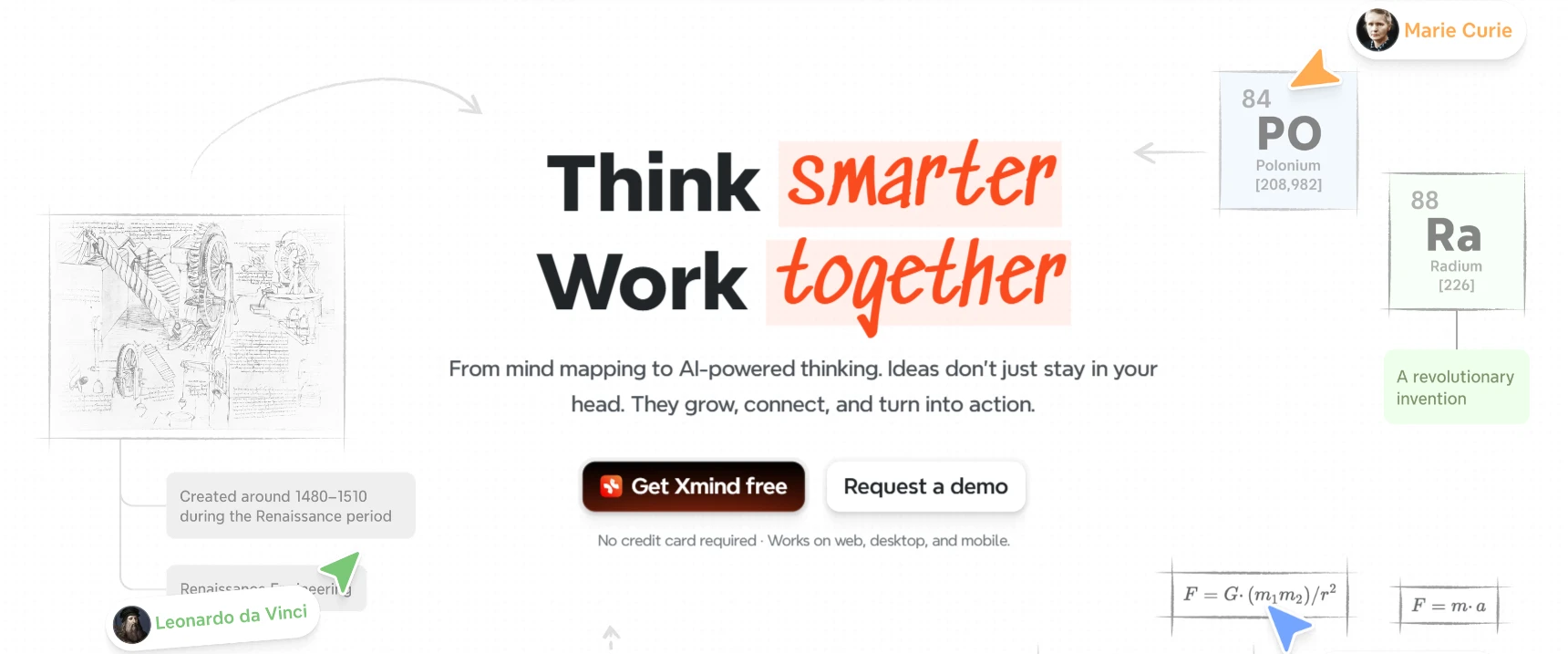
Xmind is a focused mind-mapping tool for developing ideas through branches, hierarchies, and visual relationships. Its AI features can turn prompts, notes, files, links, and other source material into structured maps.
What it offers
Xmind keeps the workspace centered on structured thinking. Users can move from an initial topic to connected themes, supporting points, and next steps without arranging every element manually.
Key capabilities include:
- Multiple map structures, including trees, timelines, and matrices
- AI-assisted idea generation, expansion, and reorganization
- Visual links between related topics
- Templates for planning and analysis
- Pitch Mode for presenting a mind map as slides
Where it fits best
Xmind fits writers, students, strategists, and solo creatives who mainly use Milanote to outline concepts or break complex subjects into clear parts. It is particularly relevant when hierarchy matters more than open-ended spatial arrangement.
What to consider
Xmind follows a defined mind-map structure. It provides less freedom for mixed-media mood boards, loose reference collections, or broader project tracking. Users combining images, notes, research, and workflows on one canvas may need a more general visual workspace.
5. Canva Whiteboards
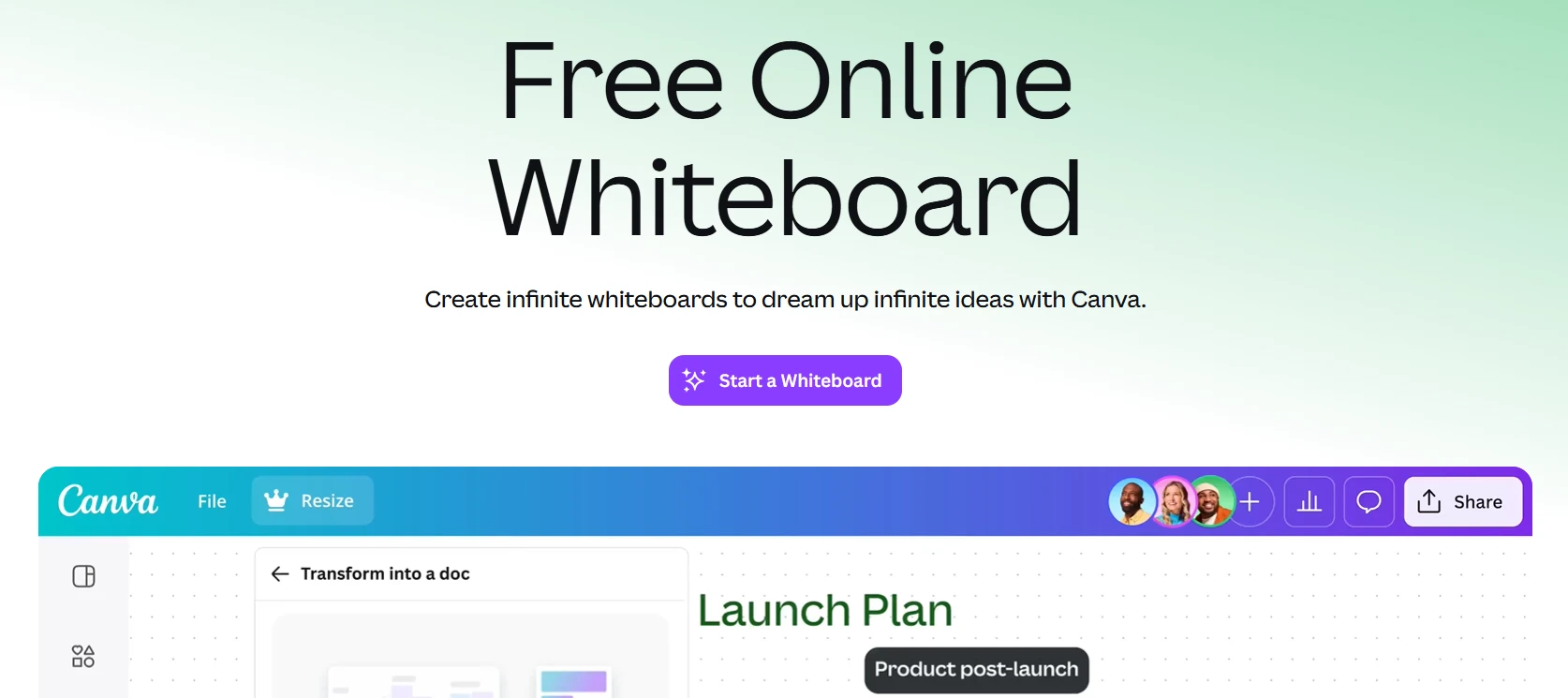
Canva Whiteboards is an infinite canvas for brainstorming, mood boards, diagrams, and visual content planning. It is relevant to creators and teams that already produce assets in Canva and want those assets to remain close to early-stage ideation.
What it offers
Canva Whiteboards combines free-form organization with Canva’s templates and visual asset library. Users can arrange uploaded files, graphics, notes, and diagrams across one shared board.
Key capabilities include:
- Infinite canvas with unlimited whiteboards
- Templates for mood boards, mind maps, flowcharts, and planning
- Sticky notes, shapes, connectors, and drawing tools
- AI-assisted sorting and summarization
- Real-time editing, comments, reactions, and voting
- Connections with presentations, documents, and other Canva formats
Where it fits best
Canva Whiteboards fits marketers, designers, content creators, and small teams that need to collect visual references, plan campaigns, or develop mood boards alongside their existing Canva assets.
What to consider
It focuses on visual creation and collaborative ideation. Teams needing detailed research capture, task dependencies, structured knowledge management, or persistent Microsoft Teams workflows may need a more specialized platform.
6. ClickUp
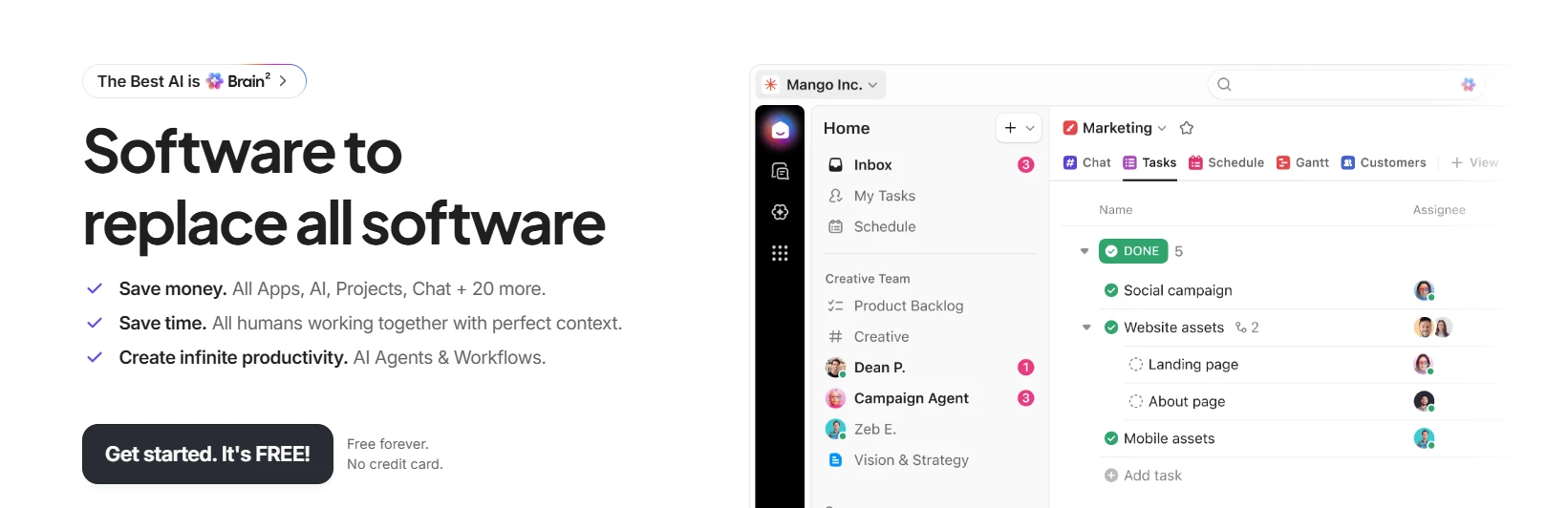
ClickUp is a work-management platform that connects ideas with tasks, documents, schedules, goals, and delivery. It is relevant when the main reason for leaving Milanote is the need to manage what happens after planning.
What it offers
ClickUp combines planning and execution in one workspace. Ideas captured in documents or whiteboards can sit alongside assigned tasks, project data, progress reporting, and automated workflows.
Key capabilities include:
- Tasks with owners, dates, priorities, and dependencies
- Collaborative documents
- Whiteboards for planning and mapping
- Dashboards for progress reporting
- Goals linked to ongoing work
- Automations for repetitive actions
- Context-aware AI across tasks, documents, and conversations
Where it fits best
ClickUp fits marketing, operations, product, and creative teams that need clearer ownership after ideation. It helps turn campaign concepts, content plans, or project ideas into scheduled and trackable work.
What to consider
Its range of work-management features requires more setup than a lightweight visual note-taking app. Individuals who only need mood boards, reference collections, or simple idea organization may find much of the platform unnecessary.
7. FigJam
FigJam is a collaborative whiteboard connected to the Figma design ecosystem. It gives teams a shared space for brainstorming, workshops, diagrams, and early-stage planning before work moves into detailed design.
What it offers
FigJam focuses on lightweight visual collaboration. Teams can capture ideas, organize discussion, and make simple decisions on the same board.
Key capabilities include:
- Sticky notes for capturing ideas and feedback
- Shapes and connectors for diagrams and flows
- Templates for workshops, planning, and brainstorming
- Comments and reactions for team input
- Voting sessions for narrowing down options
- Links between FigJam boards and Figma design files
These tools support real-time participation across product and design teams.
Where it fits best
FigJam fits product, UX, and design teams whose planning work feeds directly into Figma. It works well for user-flow discussions, design critiques, workshop exercises, and early concept alignment.
What to consider
Its value depends heavily on existing Figma use. Solo creators or Microsoft Teams-first organizations may gain less from the ecosystem connection and may prefer a standalone visual workspace.
Also read → 8 best FigJam alternatives for design collaboration in 2026
8. Trello
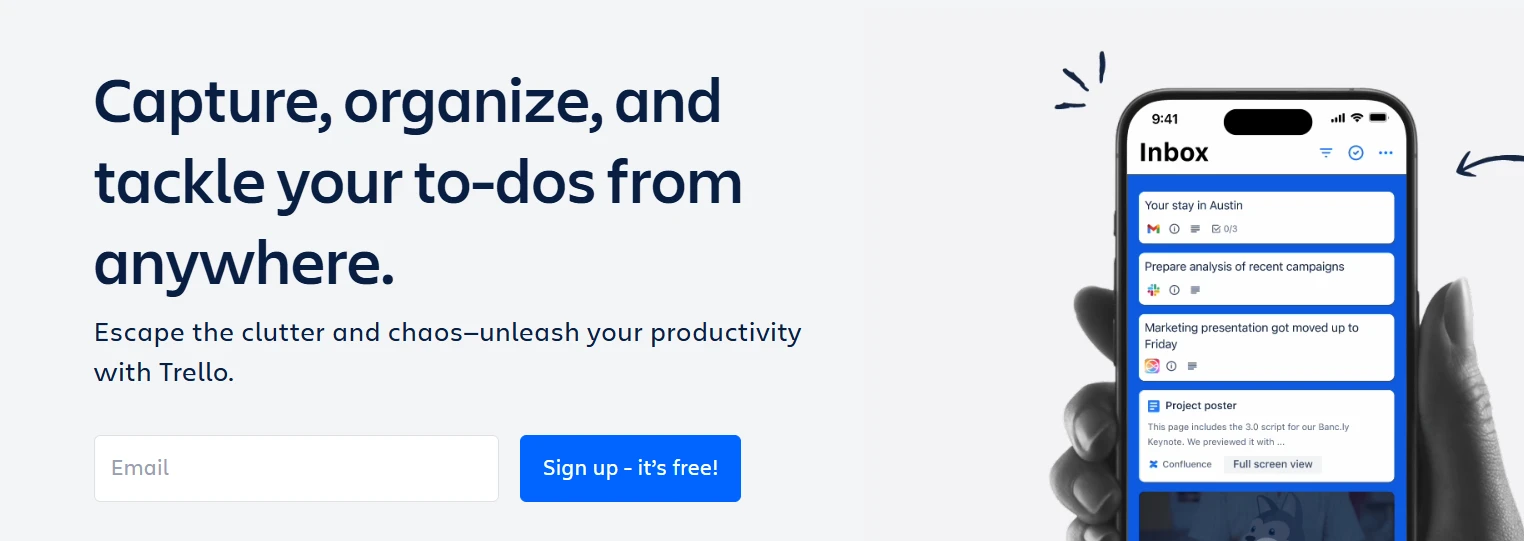
Trello is a visual Kanban tool that organizes work through boards, lists, and cards. It is designed for tracking progress across clear stages rather than supporting open-ended visual exploration.
What it offers
Trello gives teams a simple view of what needs attention and where each item stands. Cards hold the details required to move work forward.
Key capabilities include:
- Lists for workflow stages
- Cards for individual tasks or content items
- Owners, due dates, and reminders
- Checklists for smaller steps
- Attachments and comments
- Built-in automation for recurring actions
- Integrations through Power-Ups
These features provide lightweight project visibility without requiring a complex setup.
Where it fits best
Trello fits content pipelines, creative production schedules, editorial calendars, and small projects that move through defined stages. It is useful when Milanote is mainly being used to track progress rather than develop ideas spatially.
What to consider
Trello works best for linear task movement. It offers less support for mood boards, freeform brainstorming, mixed-media research, or arranging ideas across an infinite canvas.
What to compare before replacing Milanote
A Milanote replacement should fit the way ideas are captured, developed, shared, and turned into action. Before choosing a tool, compare these areas against the actual workflow.
1. Free-plan limits and storage:
Check board limits, upload size, object limits, AI credits, collaborator access, and export restrictions. A free plan may look suitable until active projects begin to grow.
2. Infinite canvas and mixed-media support:
Confirm whether the workspace can handle images, links, documents, notes, diagrams, and embedded content without forcing everything into a fixed layout.
3. Mood boards and visual note-taking:
Look at how easily references can be collected, grouped, moved, and reviewed. Some tools support open visual exploration, while others are built around pages, cards, or strict hierarchies.
4. AI generation and idea transformation:
Compare whether AI only writes text or can also generate diagrams, organize notes, expand ideas, and convert rough input into different visual formats.
Microsoft and LinkedIn found that 75% of global knowledge workers use AI at work, making AI support a practical consideration when comparing creative tools. MockFlow IdeaBoard is relevant here because its AI workflows support both idea generation and visual transformation on the canvas.
5. Solo versus multiplayer collaboration:
Decide whether the tool is mainly for private thinking or shared work. Teams may need real-time editing, comments, guest access, meeting support, and asynchronous review.
Gallup reports that 52% of U.S. employees in remote-capable roles work in hybrid arrangements, so a shared workspace should support participation during and after live sessions.
6. Integrations:
Check whether the tool connects with the platforms already used for communication, design, storage, and project work. IdeaBoard supports a growing set of visual collaboration integrations with tools like Claude and VS Code for connected team workflows.
7. Task management and execution:
Consider what happens after brainstorming. Some tools stop at idea organization, while others support owners, due dates, dependencies, and progress tracking.
8. Export, sharing, privacy, and guest access:
Review file formats, public-link controls, private boards, reviewer permissions, and offline options before moving active work.
A useful comparison should focus on workflow fit rather than feature count. This guide to the best visual collaboration tools can help narrow the options further.
So, which Milanote alternative should you choose?
For creative teams that want more than a place to collect notes and references, MockFlow IdeaBoard is the strongest Milanote alternative in this list.
It keeps the visual freedom of an infinite canvas while adding AI-assisted brainstorming, visual generation, templates, diagrams, mood boards, and real-time collaboration. That makes it easier to move from a rough idea to a structured board without switching between separate tools.
IdeaBoard is especially useful when creative work needs to become shared planning. Teams can develop ideas together, organize research, build visual workflows, and keep feedback connected to the board.
Milanote may still suit simple personal note-taking. For users who want AI support and a clearer path from ideation to collaboration, IdeaBoard offers a broader fit.
Start using MockFlow IdeaBoard and build the next idea visually.
FAQs
1. What are the best Milanote alternatives in 2026?
The best Milanote alternatives include MockFlow IdeaBoard, Miro, Notion, Xmind, Canva Whiteboards, ClickUp, FigJam, and Trello. Each suits a different need, from AI-assisted brainstorming and visual research to mind mapping, collaboration, and project execution.
2. What are the main limitations of Milanote?
Some users find Milanote limiting when it comes to advanced collaboration, structured project management, or scaling across larger teams. Free plan restrictions and lack of deeper integrations can also become challenges as projects grow.
3. What is the best free Milanote alternative?
The best free Milanote alternative depends on current plan limits for boards, storage, collaborators, exports, and AI usage. Compare what each tool allows before choosing, because a free plan may become restrictive as projects and teams grow.
4. Which Milanote alternative is best for creative projects?
IdeaBoard suits AI-assisted idea development and shared planning, Canva Whiteboards supports mood boards and visual content creation, FigJam fits design workflows, and Miro supports larger workshops involving participants from several teams.
5. What should you look for in a Milanote alternative?
Look for visual flexibility, mixed-media support, AI generation, collaboration, integrations, task management, export options, privacy, and free-plan limits. The right tool should support both how ideas are captured and what needs to happen after the initial creative stage.
8 Best Mural Alternatives for Whiteboarding and Remote Teams
Introduction: Why Look for Mural Alternatives? Teams rely on digital whiteboards to fuel creativity and keep workshops moving...
6 Best Microsoft Teams Collaboration Tools for Cross-Functional Teams
Microsoft Teams has become the central workspace for conversations, meetings, and day-to-day coordination. Yet many teams still...
10 Best Visual Collaboration Tools for Remote and Hybrid Teams in 2026
Introduction Let’s start with something we have all seen happen. A team tries to pick a visual collaboration tool, opens a...
