Best Visily Alternative: 9 Tools for UI Design and Prototyping
With Visily shutting down, you might be wondering how to carry your existing projects over to another design tool. Visily announced its closure for October 31, 2026, with permanent data deletion scheduled for November 30. If you're midway through designing a feature or refining a prototype, switching tools can disrupt your workflow.
Part of Visily's appeal was how easy it made UI design, even for people without extensive design experience. Naturally, you'd want a replacement that offers a similar experience while helping you carry your existing work forward.
Fortunately, there are several options worth exploring. MockFlow combines AI-powered wireframing and prototyping with a shared product design workspace. UX Pilot supports direct Visily file imports, while Figma offers more advanced UI design capabilities.
In this guide, we'll compare nine of the best Visily alternatives, explore ways to migrate your existing designs, and help you find the right tool for your team.
9 best Visily alternatives at a glance
The best Visily alternative for your team depends on how you want to recover your existing designs and continue working on them.
Here's a quick comparison to help you narrow down your options.
Tool | Best for | Migration route | Ease of use and design workflow | Standout AI and UI capabilities | Free access | Starting paid price |
MockFlow | Complete product design, from wireframing to development | Recreate screenshots or capture live applications with Clippy | Intuitive widget-based editor on a shared whiteboard | AI wireframes, native UI widgets, AI agent integrations | Free Basic plan | $9/editor/month |
UX Pilot | Recovering existing Visily boards | Direct ‘.vis’ file import | AI-assisted UX design workspace | Editable board migration, high-fidelity UI generation | Free plan | $19/month |
Uizard | Non-designers and early-stage mockups | Screenshot reconstruction | Beginner-friendly drag-and-drop editor | Autodesigner, sketch conversion | Free plan | $12/month |
Figma | Professional UI design systems | Previously exported Figma files | Advanced layer-based editor | Auto layout, reusable components, advanced prototyping | Free Starter plan | $16/full seat/month |
Balsamiq | Low-fidelity wireframing | Screenshot reconstruction | Sketch-style drag-and-drop editor | AI wireframing, interactive prototyping, MCP integration | 14-day free trial | $16/editor/month |
Relume | Marketing website design | Recreate from existing website requirements | Sitemap-to-wireframe workflow | AI sitemaps, website copy, reusable UI components | Free plan | $18/month |
Google Stitch | Exploring UI concepts for free | Images and design references | AI-first design workspace | Generative UI, front-end code generation | Free access | Free |
Sleek | Native-style mobile app design | Exported screen references | Mobile-focused design workflow | Consistent iOS and Android interface generation | Free plan | $20/month |
Magic Patterns | Interactive product feature validation | Design reference reconstruction | Prompt-to-prototype workflow | Design system-aware prototypes, GitHub integration | Free access | $17/month |
Starting paid prices reflect annual billing. Free plans may have usage or commercial-use restrictions.
How to export your Visily designs and move to another tool
Visily guaranteed access to its platform only until October 31, 2026. While permanent data deletion is scheduled for November 30, this doesn't guarantee that you can still access or export your boards.
If you can still access your Visily boards, open the project you want to save and click Export in the top-right corner.
Select the appropriate export option based on how you intend to use your designs:
- Image/PDF: Download individual screens as PNGs, JPGs or PDFs.
- Figma: Download your designs as ‘.vis’ files for compatible design editors.
- Code: Download your UI designs as source code for further development.
If you can no longer access your boards, here's how to recover and migrate your designs using the assets you already have.
What you have | How to recover and migrate your designs | Tools that can help |
Visily screenshots or image exports | Locate your downloaded PNG or JPG files and upload them to an image-to-wireframe generator. | MockFlow AI: Open a Wireframe on your board, select AI > Generate new and attach your screenshot. |
An existing website or web application | Open the live application in Chrome and identify the pages you want to recreate or redesign. | MockFlow Clippy: Install the Chrome extension, capture the page and select Import in MockFlow. |
Hand-drawn sketches | Photograph your sketches and save them as individual image files. | MockFlow AI or Uizard: Upload your sketches using their respective sketch-to-wireframe capabilities. |
Visily PDF exports | Convert individual screens within your PDF into PNG or JPG files. | MockFlow AI: Attach the extracted images using the Generate new option to recreate editable screens. |
Saved ‘.vis’ files | Locate the ‘.vis’ files downloaded through Visily's Export to Figma option. | UX Pilot: Open a design file and select Import > Visily > Choose ‘.vis’ files. |
Existing Figma designs | Open the Figma project where you previously imported your Visily designs. | Figma: Review the imported layers and continue editing directly. |
Exported source code | Extract your downloaded ZIP file and locate the HTML or framework-specific source files. | Cursor or Claude Code: Open the extracted project folder and continue developing your interface. |
No saved files | Search your team's downloads, shared folders and previous design presentations for screenshots or board exports. | Visily support: Email support@visily.ai to request recovery assistance. |
If you have screenshots of your Visily designs or a working version of your product, you can easily pick up where you left off using MockFlow:
- Recreate existing screenshots: Create a new Wireframe on your MockFlow board and select your device layout. Open the AI menu, choose Generate new, and attach your exported screenshot. MockFlow AI reconstructs the layout and readable text as editable UI widgets. You may need to restore original photographs, logos, and prototype connections manually.
- Capture your live product: Install the free MockFlow Clippy Chrome extension and open your application in Chrome. Select Wireframe this page, click Import in MockFlow, and choose your destination board. You can then import the captured screen as a low-fidelity wireframe or a high-fidelity design.
Say your team wants to add a reporting feature to an existing SaaS application. Capture the live dashboard using Clippy, refine its layout in MockFlow and generate additional reporting screens with AI. You can then connect these screens into a clickable prototype for your team to review.
If you're facing a similar situation, try bringing just one existing screen into MockFlow to see how the workflow fits your needs. You can start designing for free before committing to a full migration.
9 best Visily alternatives for UI design, wireframing and prototyping
Former Visily users can switch to dedicated AI wireframing platforms like MockFlow and Uizard, design tools like UX Pilot that support direct Visily file imports, or professional UI design platforms like Figma. There are also prompt-driven design tools and specialized prototyping platforms worth considering.
Let's look at what each offers and where it fits into your design workflow.
1. MockFlow
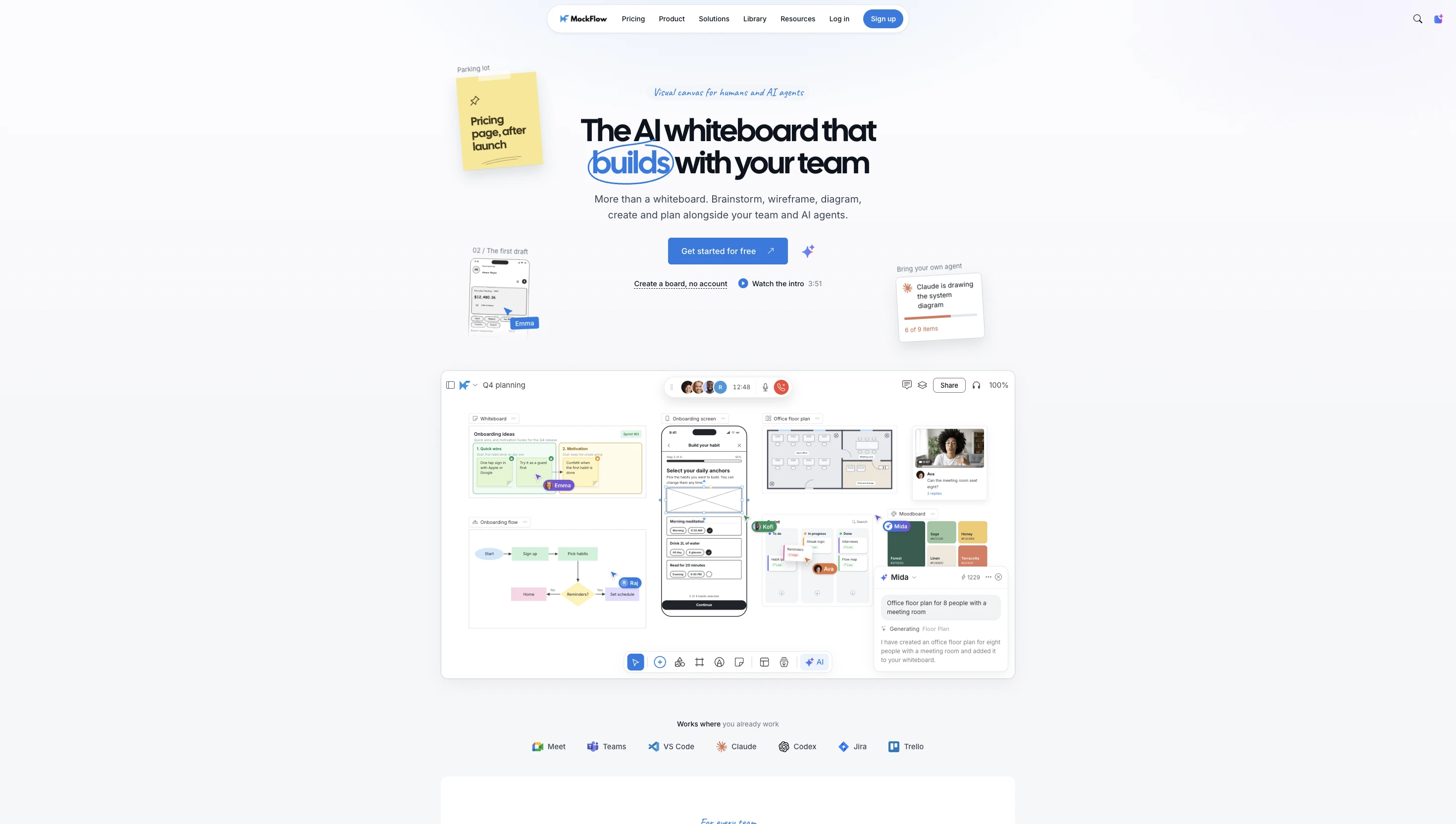
MockFlow is an AI-powered wireframing and prototyping platform with a shared whiteboard for the entire product design process. Teams can turn early ideas into editable UI designs, collaborate on product decisions and prepare screens for development within the same workspace. It also integrates with AI tools like Claude Code and Codex to support design-to-code workflows.
For teams switching from Visily, MockFlow offers a familiar, widget-based design experience without a steep learning curve. Its broader product design capabilities make it particularly suitable for teams looking to manage everything from early brainstorming to developer handoff in one place.
G2 rating: 4.2/5
Which Visily alternative lets you recreate and continue editing your Visily projects using AI?
MockFlow lets you recreate exported Visily screenshots as editable wireframes using AI, without manually rebuilding every screen. You can refine the recovered designs, generate new screens, and connect them into clickable prototypes, making it easy to continue your unfinished projects.
Key features:
- AI-powered wireframe generation: Generate device-specific screens from text prompts, screenshots or hand-drawn sketches. AI reconstructs layouts and readable text as individually editable UI widgets, with placeholders for original photographs and logos.
- Live application capture: Use Clippy to import existing websites and web applications, including interfaces behind a login. Capture them as low-fidelity wireframes, editable high-fidelity designs that retain the original visual styling, or clickable prototypes.
- Flexible UI design and prototyping: WireframePro provides native UI widgets and platform-specific UI kits for web, iOS, Android, and desktop. Use auto layout to maintain consistent spacing and alignment. Switch between fidelity levels with a click and let AI connect screens into interactive prototypes.
- AI-assisted brainstorming and diagramming: Explore product ideas with Mida, MockFlow's context-aware AI agent that reads your board and generates editable visual content. Organize ideas using mind maps and sticky notes or map product journeys using flowcharts. Ideate with specialized AI experts through Concept Builders.
- Template and prompt libraries: Access customizable templates for different stages of product development. Use the AI prompt library to generate visual content from ready-made instructions. The AI Prompt Box and recipe library also help teams standardize frequently used AI workflows directly on the whiteboard.
- Real-time collaboration: Work together with live cursors and contextual feedback. Conduct audio or video meetings directly on the whiteboard and present designs without switching platforms. Teams can also turn meeting transcripts into actionable boards on the Max plan.
- Annotations and client reviews: Add callouts and notes to explain each part of a wireframe. Clients and stakeholders join as free reviewers and leave pinned comments directly on the design, so feedback stays attached to the screen it refers to.
- Product planning and content creation: Convert wireframes into Kanban development tasks and manage upcoming releases alongside existing designs. Create moodboards to establish visual direction or produce launch graphics and animated product videos within the same workspace.
- Interactive board apps and automations: Use Artifacts for collaborative voting and planning poker, or build custom mini apps using AI. Automate board updates using connected tools like Jira, Slack, and Notion to keep project information current.
- AI agent integrations and developer handoff: Copy wireframes as detailed build prompts into Claude Code, Codex, or Cursor on paid plans. The MockFlow MCP server and Bridge let teams work with external AI agents without consuming MockFlow credits, subject to plan limits. Max users can also export editable Figma layers with auto layout or generate front-end code through Build mode.
Pricing:
- Basic: Free forever, with four projects, five reviewers, lite prototyping, and 100 monthly AI credits.
- Plus: $9/editor/month, with unlimited projects, unrestricted prototyping, audio meetings, and 800 monthly AI credits.
- Max: $14/editor/month, with Figma export, Build mode, team UI kits, video meetings, and 2,000 monthly AI credits.
Considerations:
- Direct '.vis' file imports aren't supported, but exported screenshots can be recreated as editable wireframes using AI.
- Original images, logos, and prototype connections may need minor adjustments after AI reconstruction.
Ready to move your designs over? Sign up for MockFlow for free and explore how it fits into your existing product design workflow.
2. UX Pilot
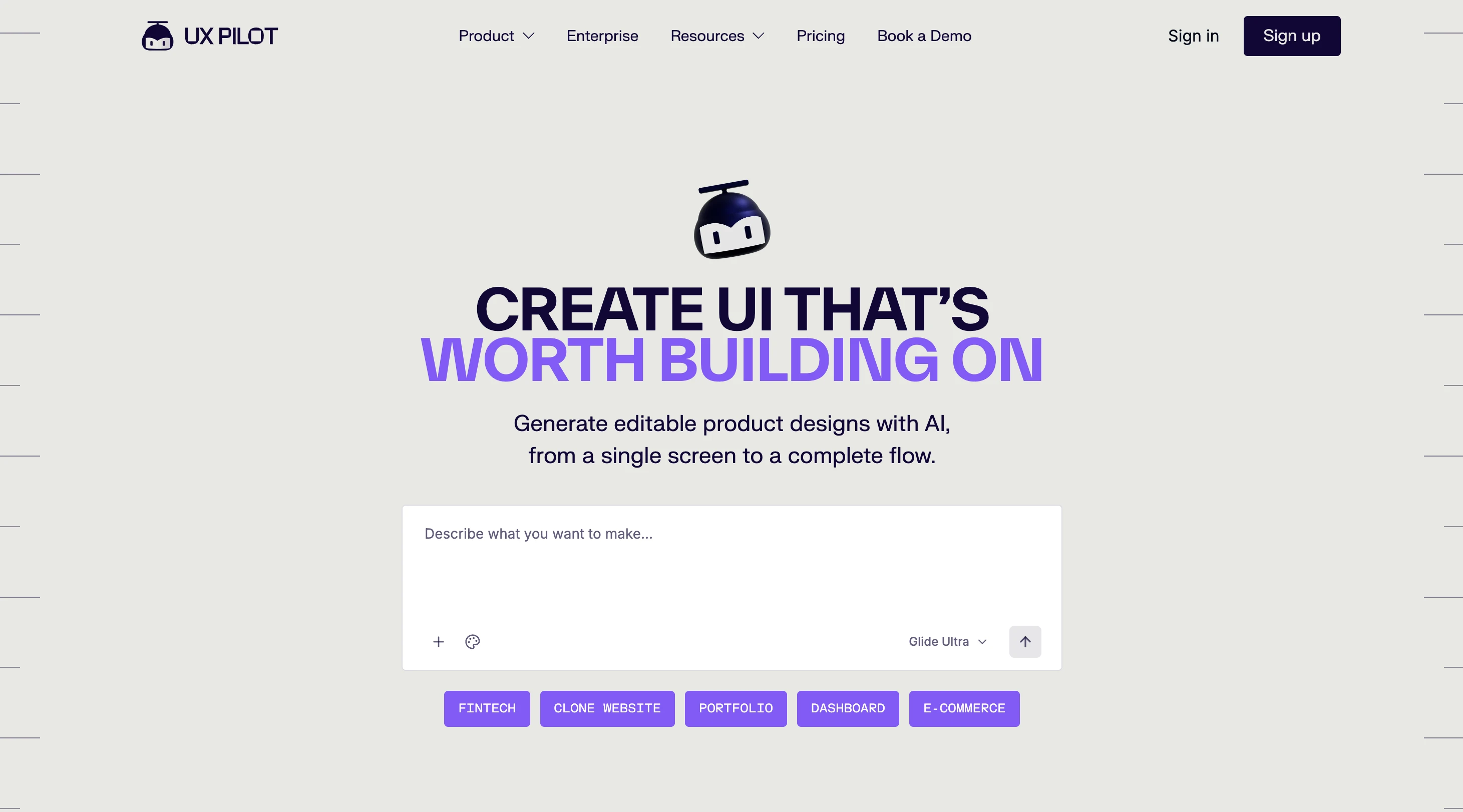
UX Pilot is an AI-powered UI/UX design platform that helps teams turn product requirements into detailed interface designs. It's particularly useful for former Visily users who have downloaded their ‘.vis’ files and want to preserve their editable designs while moving to another platform.
Which Visily alternative can directly import ‘.vis’ files?
UX Pilot supports direct ‘.vis’ file imports, allowing teams to recover editable designs and continue refining them. It also supports board-link and copy-and-paste migration methods, although these depend on continued access to Visily.
Key features:
- Visily file migration: Import saved ‘.vis’ files directly into an editable design workspace. This helps you preserve existing board layouts and continue refining individual screens without reconstructing them from screenshots.
- AI-powered UI generation: Use UX Pilot's Glide AI model to generate high-fidelity interface designs from natural language prompts. Refine the generated screens through subsequent design iterations as your product requirements evolve.
- Multi-screen design generation: Generate multiple related screens from a single product brief. This is particularly useful when exploring onboarding experiences or developing new features that require several connected interfaces.
- Design system integration: Incorporate your existing design system into AI-generated interfaces. This helps maintain visual consistency when extending an existing product or exploring new design directions.
- Figma integration and code export: Transfer generated interfaces to Figma for further refinement or export code on eligible plans. Designers can continue working in their preferred design environment before handing screens over to developers.
Considerations:
- Visily-hosted images and assets may become unavailable after permanent data deletion, even when importing saved '.vis' files.
- The free plan limits users to one project and daily AI credits, which may restrict larger design migrations.
Keep in mind that images relying on Visily-hosted assets may stop loading after permanent data deletion.
Pricing: Free plan available with daily AI credits and one project. Pro starts at $11/month and Teams at $31/user/month, billed annually. Enterprise pricing is customized.
3. Uizard
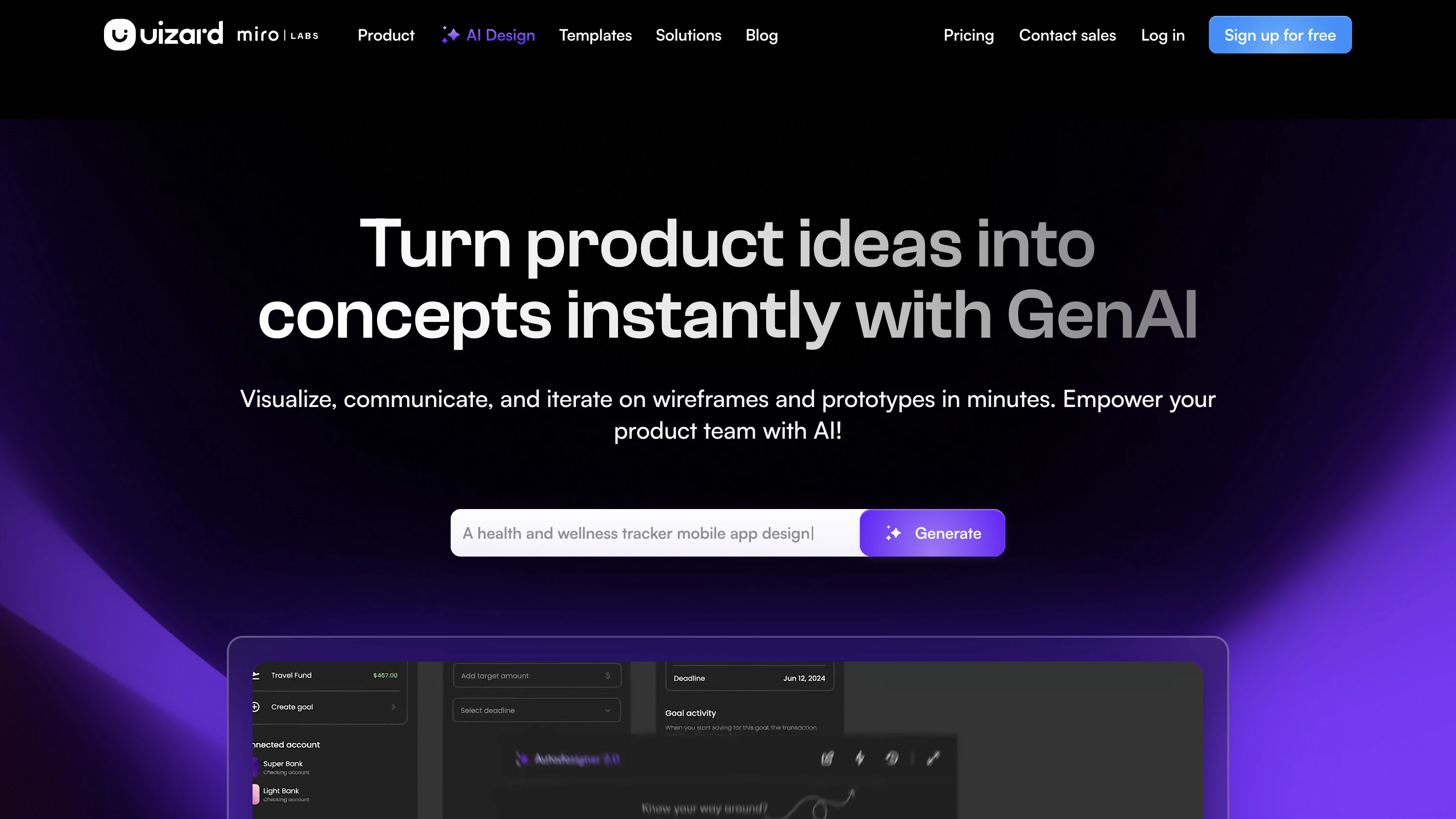
Uizard is a UI design and prototyping tool built for founders and product managers without extensive design experience. Its intuitive drag-and-drop editor makes it a suitable Visily alternative for teams that want to retain a familiar approach to creating mockups and validating early product ideas.
G2 rating: 4.5/5
Which Visily alternative is easy to use for non-designers?
Uizard offers a beginner-friendly design editor with ready-made templates and AI-assisted design capabilities. Former Visily users can recreate interfaces from screenshots, digitize hand-drawn sketches, and build interactive prototypes without learning complex design software.
Key features:
- AI-powered Autodesigner: Generate UI mockups for websites and applications using natural language prompts. Describe your product idea and refine the generated screens within the editor to better reflect your requirements.
- Screenshot Scanner: Upload screenshots of existing interfaces and convert them into editable designs. Former Visily users can use previously exported screen images to recover layouts and modify individual UI elements.
- Hand-drawn wireframe conversion: Turn photographs of paper sketches into editable digital designs. This is particularly useful for teams that prefer sketching initial concepts during brainstorming sessions before moving into UI design.
- Customizable components and templates: Start with premade templates for websites and applications. Use the drag-and-drop editor to customize UI components and adjust screen layouts without needing advanced design skills.
- Interactive prototyping and collaboration: Connect screens to simulate navigation and demonstrate how users would interact with your product. Share prototypes with stakeholders and collaborate on design changes before committing development resources.
Considerations:
- Primarily suited for early-stage UI design, so teams requiring advanced design systems and detailed interface control may find it limiting.
- Screenshot reconstruction may require manual refinements to restore visual details and interactions from existing Visily projects.
Pricing: Free plan includes two projects and three monthly AI generations. Pro starts at $12/month and Business at $39/month, billed annually. Enterprise pricing is customized.
4. Figma
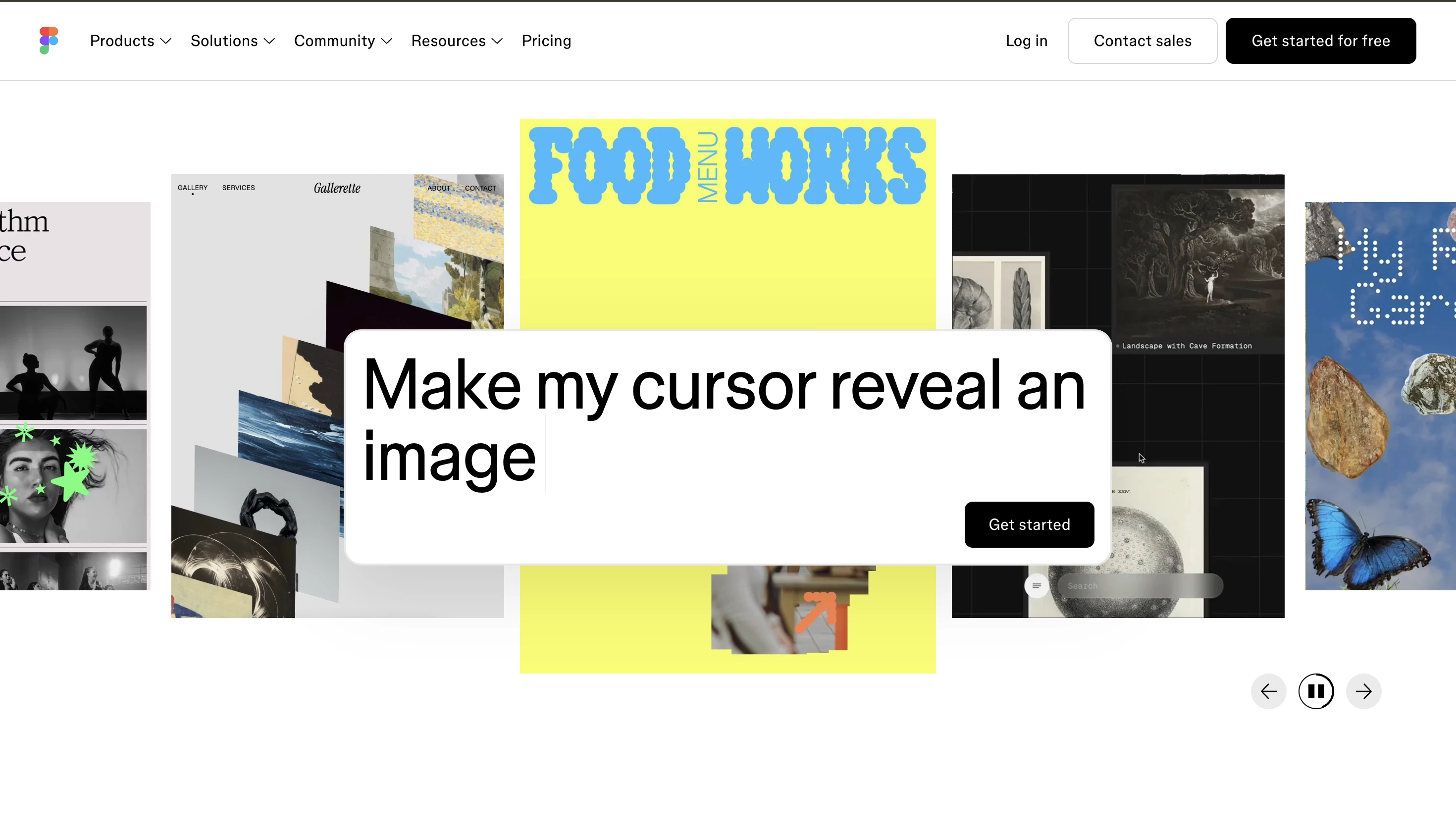
Figma is a professional UI design and prototyping platform for teams that need greater control over interface design. Its extensive design system capabilities make it particularly suitable for designers working on complex digital products that require consistent styling across multiple interfaces.
G2 rating: 4.7/5
Which Visily alternative is suitable for professional UI design and advanced prototyping?
Figma is a suitable Visily replacement for teams that need precise interface editing and advanced prototyping. Users who previously transferred their Visily designs to Figma can continue editing those files while developing more comprehensive design systems.
Key features:
- Advanced UI design: Create high-fidelity interfaces using vector editing and layer-based design controls. Designers can fine-tune individual interface elements and maintain greater control over complex screen layouts.
- Reusable design systems: Build shared component libraries with variants and variables. Reuse these components across projects to maintain visual consistency and simplify design updates as your product evolves.
- Auto layout: Create flexible interface structures that adapt as content changes. Define spacing, alignment and resizing behavior to design responsive layouts without manually repositioning every element.
- Interactive prototyping and collaboration: Create detailed interactions with transitions and conditional logic. Team members can simultaneously edit designs and leave contextual feedback within the same file.
- Figma Make: Generate functional prototypes using natural language prompts. Explore interactive product concepts and refine their behavior before moving into implementation.
- Developer handoff: Use Dev Mode to inspect design specifications and component properties. Developers can access relevant assets and implementation details directly from the design file.
Considerations:
- Its advanced interface and layer-based editing can involve a steeper learning curve for teams accustomed to Visily's simpler design experience.
- Recovering Visily projects depends on having previously transferred designs to Figma, as it doesn't directly import '.vis' files.
Pricing: Free Starter plan available. Professional full seats start at $16/month with annual billing. Dev seats cost $12/month and Collab seats cost $3/month. Organization and Enterprise plans are available.
Related Read: MockFlow vs Figma: Which Wireframing Tool Fits You
5. Balsamiq
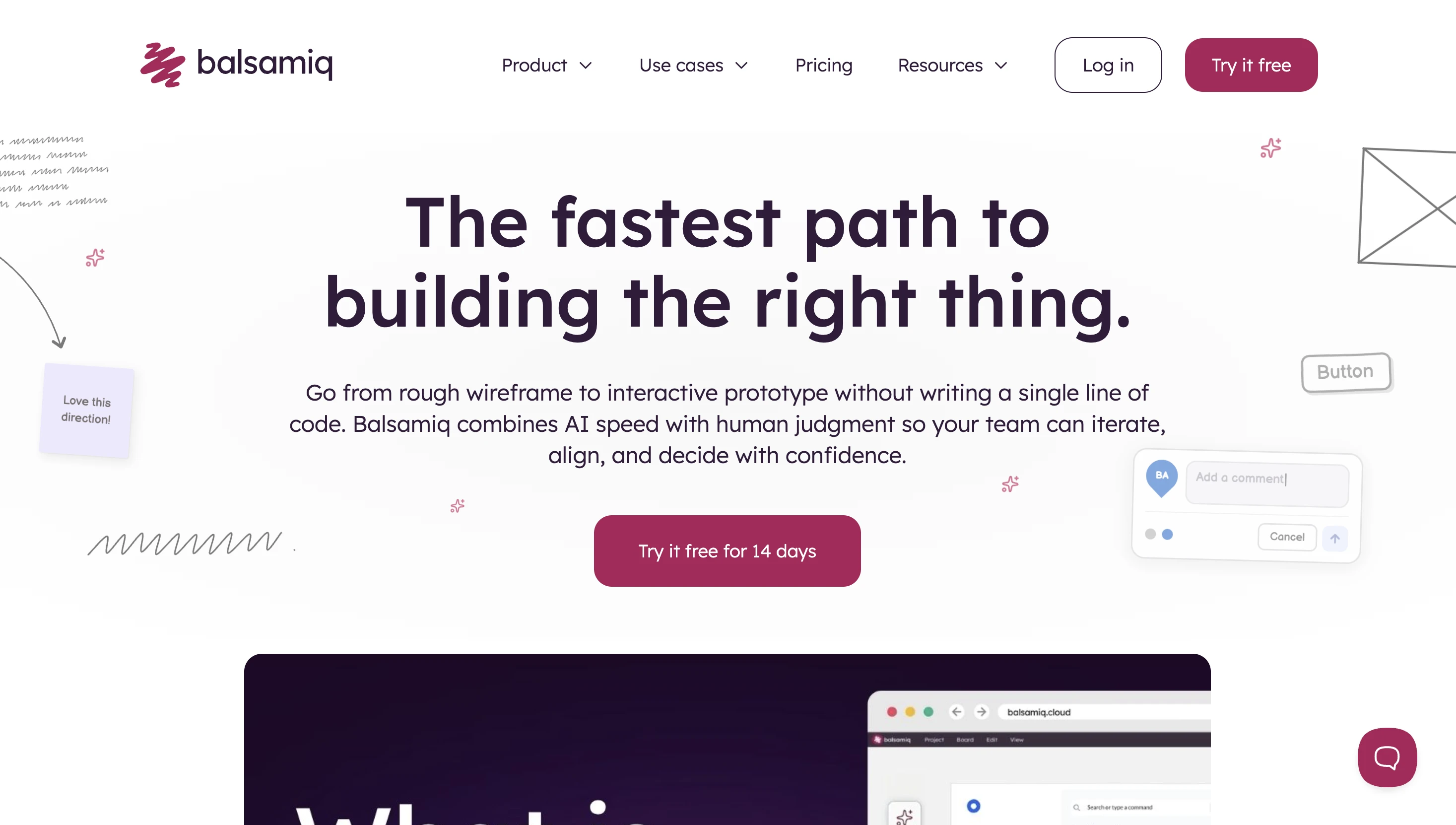
Balsamiq is a wireframing and prototyping tool designed for exploring product concepts through low-fidelity designs. Its sketch-style editor makes it particularly useful for former Visily users who want to focus on interface structure and functionality before refining the visual design.
Which Visily alternative is best suited for low-fidelity wireframing?
Balsamiq helps teams create low-fidelity wireframes using an intuitive drag-and-drop editor and AI-powered design generation. Former Visily users can convert exported screenshots into editable wireframes and develop interactive prototypes to validate product requirements.
Key features:
- Low-fidelity wireframing: Create sketch-style interface designs using premade UI components. The simplified visual approach keeps design discussions focused on screen structure and functionality.
- AI-powered wireframe generation: Generate editable wireframes from text prompts or convert existing screenshots and hand-drawn sketches into digital designs. Refine individual elements using follow-up AI instructions.
- Interactive prototyping: Turn wireframes into higher-fidelity interactive prototypes to demonstrate user journeys and gather stakeholder feedback before development.
- Reusable UI components and collaboration: Create custom components that can be reused across projects. Invite stakeholders to review wireframes and leave feedback directly within the workspace.
- MCP integration and exports: Connect Balsamiq with AI tools like Claude and Cursor through its MCP server. Export designs as PDFs or images for documentation and sharing.
Considerations:
- Its emphasis on sketch-style wireframing makes it less suitable for teams that primarily need polished, high-fidelity UI designs.
- There's no permanent free plan, so users must subscribe after the 14-day trial to continue using the tool.
Pricing: A 14-day free trial is available. Starter costs $16/editor/month, Teams costs $24/editor/month and Enterprise costs $35/editor/month, billed annually.
6. Relume
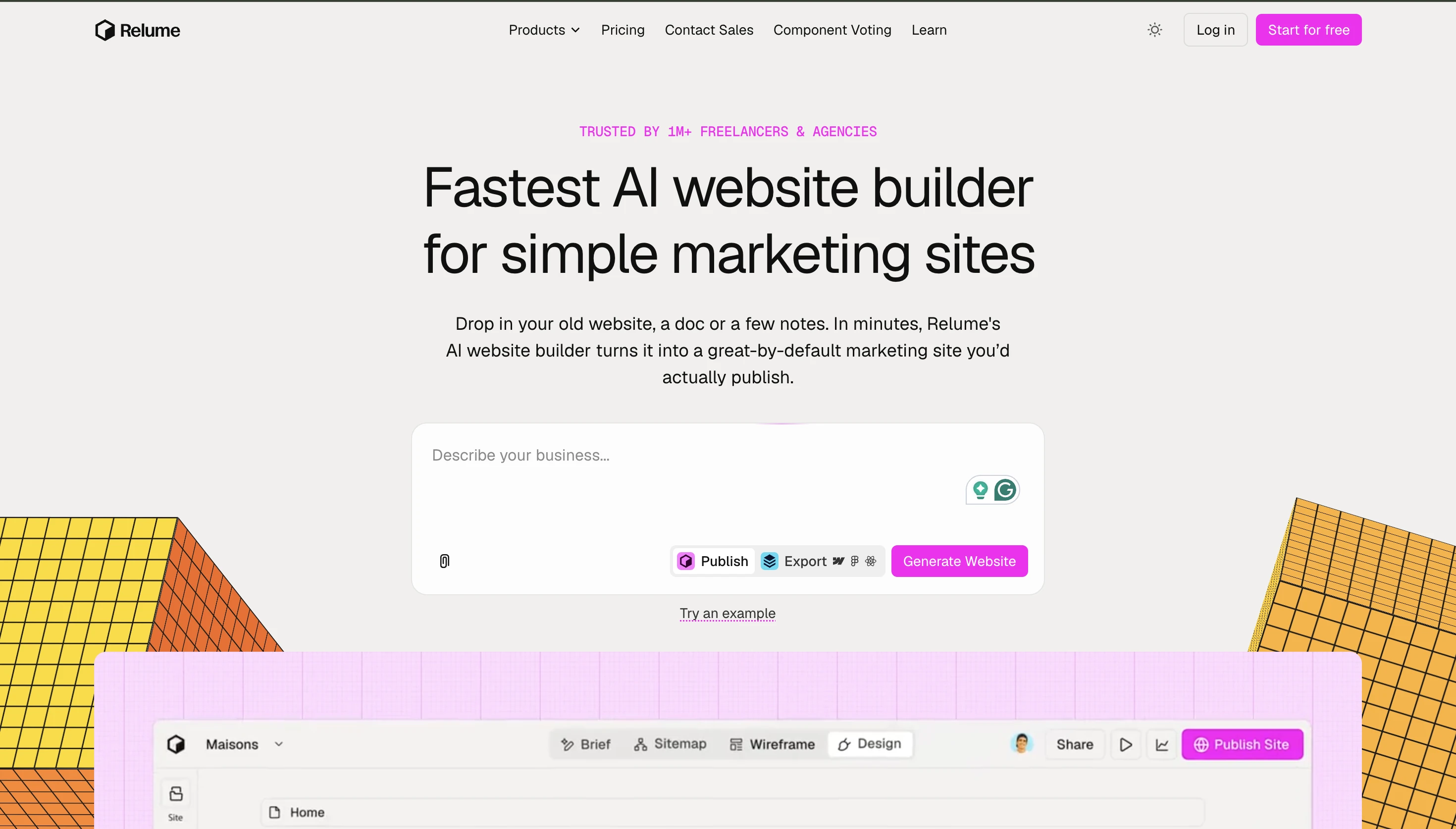
Relume is an AI-powered website design platform that helps teams plan and build marketing websites. It's particularly useful for former Visily users who primarily design websites and want to accelerate the process of defining page structures before moving into detailed design and development.
G2 rating: 3.4/5
Which Visily alternative is best suited for website design?
Relume helps teams generate website sitemaps, page wireframes and copy from a business description. Its reusable website components and integration with Figma, Webflow and React make it particularly useful for marketing websites.
Key features:
- AI sitemap generation: Describe your business and website requirements to generate a structured sitemap. Organize pages and establish the website hierarchy before designing individual layouts.
- AI-powered website wireframing: Turn sitemap pages into wireframes with relevant content sections. Customize the generated layouts using reusable website components to suit your project requirements.
- AI copy generation: Generate draft website copy alongside page layouts. Refine the messaging early in the design process to understand how content fits within each section.
- Style guide generation: Establish consistent typography, colors and spacing across your website. This helps maintain a unified visual direction as you develop additional pages.
- Design and development exports: Transfer website designs to Figma or export components to Webflow and React on eligible plans. Continue implementation using your preferred development platform.
Considerations:
- Primarily designed for marketing websites, making it less suitable for complex web applications and mobile interfaces.
- Its sitemap-driven workflow may feel restrictive for teams accustomed to freely designing individual application screens in Visily.
Pricing: Free plan available. The Pro AI workspace starts at $24/month, while paid Site Builder plans start at $18/month.
7. Google Stitch
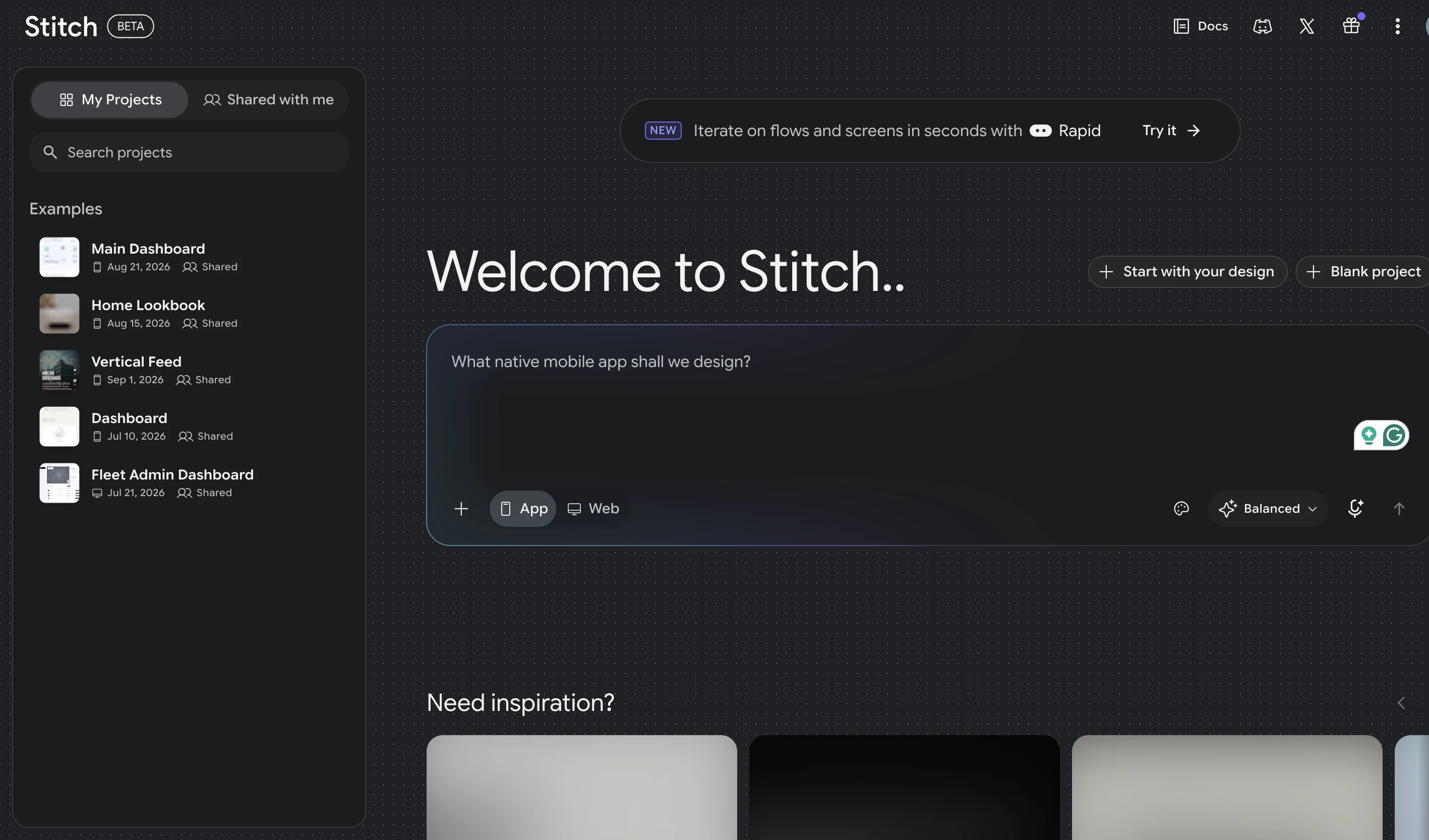
Google Stitch is an AI-native design workspace for generating high-fidelity interfaces and exploring different visual directions. Developed by Google Labs, it's particularly useful for former Visily users who want to experiment with AI-generated designs before investing in a dedicated UI design platform.
Which Visily alternative lets you generate front-end code from AI-designed interfaces?
Google Stitch lets you generate high-fidelity UI designs and corresponding front-end code from natural language prompts. This makes it useful for teams that want to explore interface concepts and move toward development without manually translating every design into code.
Key features:
- Text and voice-based design generation: Describe the interface you want to create through written prompts or voice instructions. You can also provide visual references to guide the generated designs.
- Real-time AI design assistance: Work with the Stitch Agent to refine interfaces through conversation. Request changes to layouts and visual elements as your product requirements evolve.
- High-fidelity UI exploration: Generate detailed interface concepts and experiment with different visual directions. This helps teams evaluate potential designs before investing time in manual refinement.
- Front-end code generation: Generate front-end code from your interface designs. Developers can use the output as a starting point for implementation and customize it according to technical requirements.
- Google AI ecosystem integration: Connect design exploration with Google's broader AI development tools, helping teams progress from initial interface concepts toward functional applications.
Considerations:
- Its AI-first workflow may require users to adapt if they prefer Visily's traditional drag-and-drop editing experience.
- Free AI generation is subject to usage limits, which can affect projects involving frequent design iterations.
Pricing: Free, subject to generation limits.
8. Sleek
Sleek is an AI-powered mobile app design platform specializing in iOS and Android interfaces. It's a suitable alternative for former Visily users whose primary focus is mobile app design and who want to maintain a consistent visual identity across their application screens.
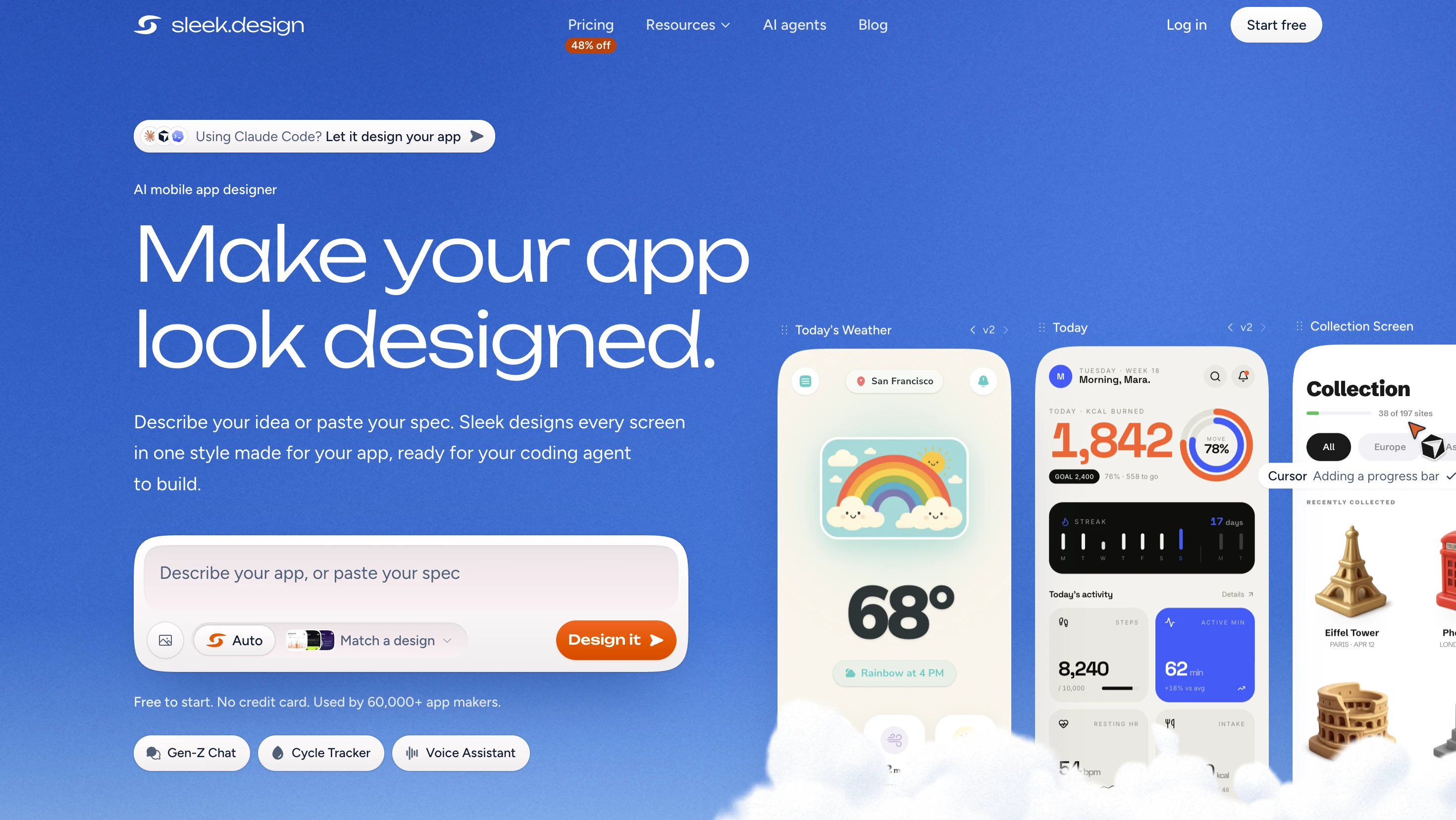
Which Visily alternative is best suited for mobile app design?
Sleek specializes in generating editable mobile app interfaces from text prompts and reference images. Former Visily users can reuse exported mobile screens as visual references, maintain consistent styling across user flows and export designs to Figma or code.
Key features:
- AI-powered mobile app design: Generate iOS and Android interfaces by describing your application requirements. Refine the generated layouts and components using the visual editor to suit your product's needs.
- Reference-based screen generation: Upload existing interface screenshots to guide AI-generated designs. This helps former Visily users retain familiar visual patterns when designing additional mobile screens.
- Consistent multi-screen design: Generate related application screens using a unified design system. Maintain consistent colors and typography across different features as your mobile application grows.
- Editable Figma exports: Transfer generated mobile interfaces to Figma as native, editable layers without requiring a separate plugin. Continue refining designs within your existing design workflow.
- Front-end code export: Export application screens as HTML or React with Tailwind CSS. Developers can use the generated code as a foundation for implementing the mobile interface.
Considerations:
- Its mobile-focused design workflow makes it less suitable for teams working on desktop applications or broader website projects.
- Existing Visily screens serve as visual references rather than directly imported editable projects, so some recreation is necessary.
Pricing: Free plan includes one project and 60 one-time AI credits. Starter begins at $20/month with annual billing or $29/month with monthly billing.
9. Magic Patterns
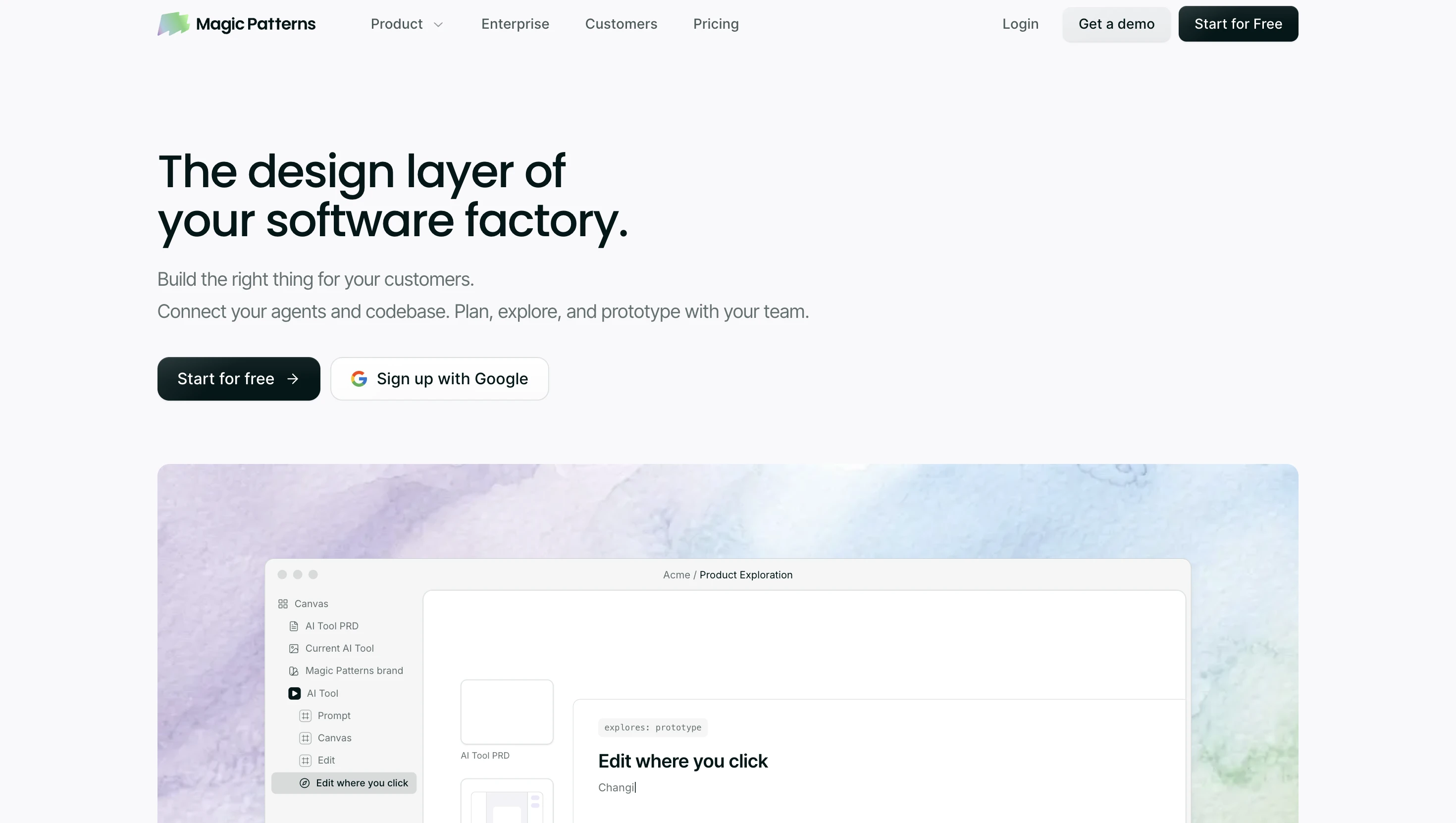
Magic Patterns is an AI prototyping platform designed for product teams that want to test new features within their existing design systems. Its emphasis on functional prototypes and engineering collaboration makes it a suitable option for former Visily users looking to validate product ideas before development.
G2 rating: 4.8/5
Can I prototype new features for my existing product after switching from Visily?
Yes. Magic Patterns generates interactive prototypes using existing design systems and product components. Teams can collaborate on feature concepts, test interactions and transfer approved designs into their development workflow through GitHub or AI coding tools.
Key features:
- AI-powered interactive prototyping: Generate functional product prototypes from natural language prompts. Explore how new features would look and behave before allocating engineering resources to their development.
- Design system integration: Import existing components and design tokens from sources such as Figma, Storybook or GitHub. Generate new interfaces that follow the visual patterns of your existing product.
- Collaborative design exploration: Work on prototypes with teammates in real time. Explore alternative feature concepts and collect stakeholder feedback within a shared design workspace.
- Two-way GitHub synchronization: Connect prototypes with your GitHub repository to exchange changes between designs and code. This helps designers and developers continue refining features after the initial handoff.
- Figma export and MCP integration: Export designs to Figma for further refinement or connect AI coding tools through the MCP server. Developers can access prototype code within their preferred development environment.
Considerations:
- Its focus on functional prototypes and existing design systems may be more than teams need for simple wireframing or early-stage UI exploration.
- Existing Visily projects cannot be directly imported as '.vis' files, requiring teams to recreate designs using references or available components.
Pricing: Free access with monthly AI credits. Starter starts at $20/month and Business at $100/month, billed monthly. Annual subscriptions offer a 15% discount. Enterprise pricing is customized.
Related Read: How to Choose the Perfect Wireframing Tool for Web and App Design
Which Visily alternative is right for your team?
The right Visily alternative should help you recover your existing work while supporting how your team wants to design going forward.
Consider these factors before making the switch.
What to consider | How to choose the right tool |
Existing design assets | Choose MockFlow if you have screenshots, sketches or a live application you want to redesign. Consider UX Pilot if you need to recover editable ‘.vis’ files. |
Your team's design experience | MockFlow and Uizard suit teams that need accessible, rapid wireframing. Figma offers more control for experienced designers working with complex interfaces and design systems. |
Preferred AI design workflow | Choose MockFlow if you want AI-assisted wireframing with manual editing control. Consider Google Stitch if you prefer exploring interface concepts through conversational prompts. |
Prototyping requirements | MockFlow and Uizard work well for clickable prototypes and early usability testing. Magic Patterns is worth exploring for functional prototypes based on existing product components. |
Product workflow management | Consider MockFlow if you want to manage brainstorming, diagramming, design reviews and development planning within a shared workspace. |
Budget and scalability | Look beyond subscription prices. Evaluate AI usage limits, collaboration features and developer handoff capabilities to understand whether the tool can support your growing product requirements. |
Before committing to a migration, recreate an existing screen or prototype a small feature using your shortlisted tools. This will help you assess how well each platform fits your team's everyday design workflow.
Move beyond Visily without starting your designs from scratch with MockFlow
When you've spent considerable time building your product designs in Visily, the last thing you want is to rebuild your work or spend weeks learning a new design process.
MockFlow makes the transition easier by offering a familiar approach to AI-powered wireframing with an intuitive, widget-based editor. Your team can recover existing designs and continue working on ongoing projects with minimal onboarding.
As your product evolves, MockFlow's shared whiteboard gives your team room to explore new ideas alongside existing designs. Keeping discussions and feedback directly on the board helps everyone understand design decisions and reduces the need to coordinate work across separate tools.
Sign up and switch to MockFlow for free for an easier transition from Visily without having to learn an entirely new design workflow.
FAQs
1. What is the best alternative to Visily?
MockFlow is a strong Visily alternative for teams that need accessible AI-powered wireframing, prototyping and product planning within a shared workspace. UX Pilot is suitable for importing saved ‘.vis’files, while Figma offers advanced capabilities for professional high-fidelity UI design.
2. Is Visily shutting down permanently?
Yes. According to Visily's official shutdown announcement, the platform was scheduled to close on October 31, 2026, with permanent user data deletion scheduled for November 30, 2026. Users should recover any accessible design assets before the deletion deadline.
3. Can I recover my Visily designs without the original project files?
Yes. If you have exported screenshots or PDFs, MockFlow can reconstruct their layouts as editable wireframes using AI. You can also capture a live version of your website or application using Clippy and continue designing from the existing interface.
4. Can I still export my Visily designs?
Visily only guaranteed platform access until October 31, 2026. If your boards remain accessible, export your designs and save the original visual assets. If you can no longer access your projects, contact support@visily.ai for recovery assistance.
5. Which tools can import Visily files?
UX Pilot supports direct ‘.vis’ file imports, allowing you to recover editable designs from previously downloaded files. Visily also offered a Figma plugin for transferring designs, although its functionality following the platform's shutdown is not guaranteed.
6. Can I switch from Visily to MockFlow without design experience?
Yes. MockFlow's intuitive editor uses editable UI widgets and ready-made templates to simplify interface design. Its AI-powered wireframe generator lets you recreate existing Visily screenshots or generate new screens from text prompts without extensive design experience.
Best Excalidraw Alternatives for Teams in 2026
Excalidraw is a popular tool that makes visual thinking feel quick and informal. One can open a browser, sketch an idea, map a...
12 Best Brainstorming Tools for Effective Idea Generation in 2026
Introduction Looking for the best brainstorming tools? You’ve come to the right place. Brainstorming should be exciting, but...
8 Best Flowchart Software for Easy Design & Collaboration in 2026
Introduction You’re staring at a tangled web of processes. Multiple teams are working on different parts of the project, and no...
