Wireframe your website.
Best way to brainstorm and design your website wireframes using super-easy editor, extensive UI kits, website wireframe templates & more. WireframePro is built into every MockFlow plan.

Your whiteboard to wireframe.
Easily brainstorm your ideas with the drag-and-drop editor and ready made UI components to quickly visualize and iterate through variations and feedback. Design on an infinite canvas or specific size, it's your choice!
Start with our Sketchy UI kit to keep your focus on functionality.
Explore the MockFlow wireframe editor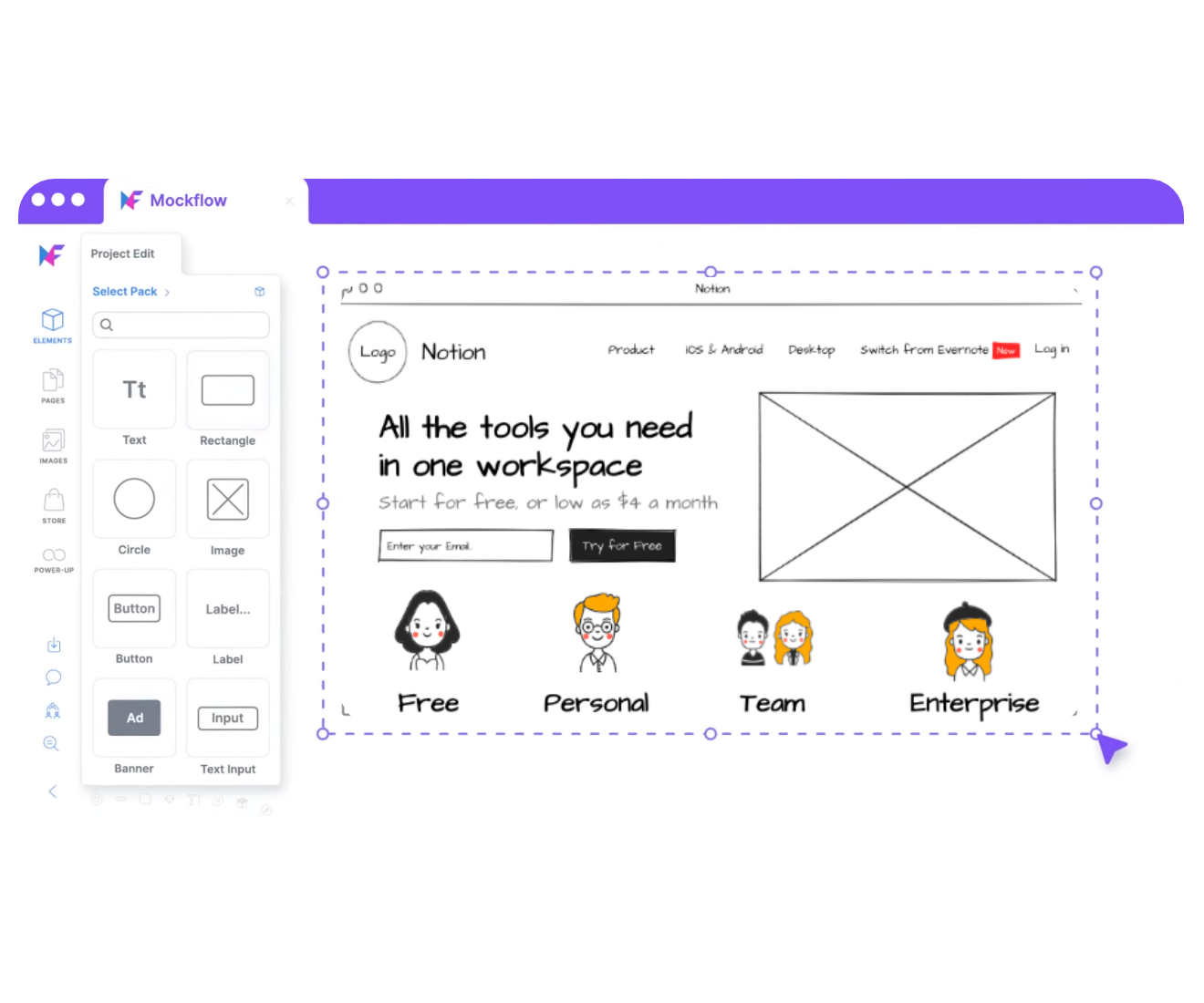
UI kits and templates for website wireframes.
Find every UI component you need from our collection of UI kits created by our in-house designers. From frameworks like Bootstrap, Tailwind etc to sector specific like Healthcare, Finance, etc, we have UI components and UI screens to expedite your website design process. Or, choose one of our templates to jumpstart your design process.
Explore UI kits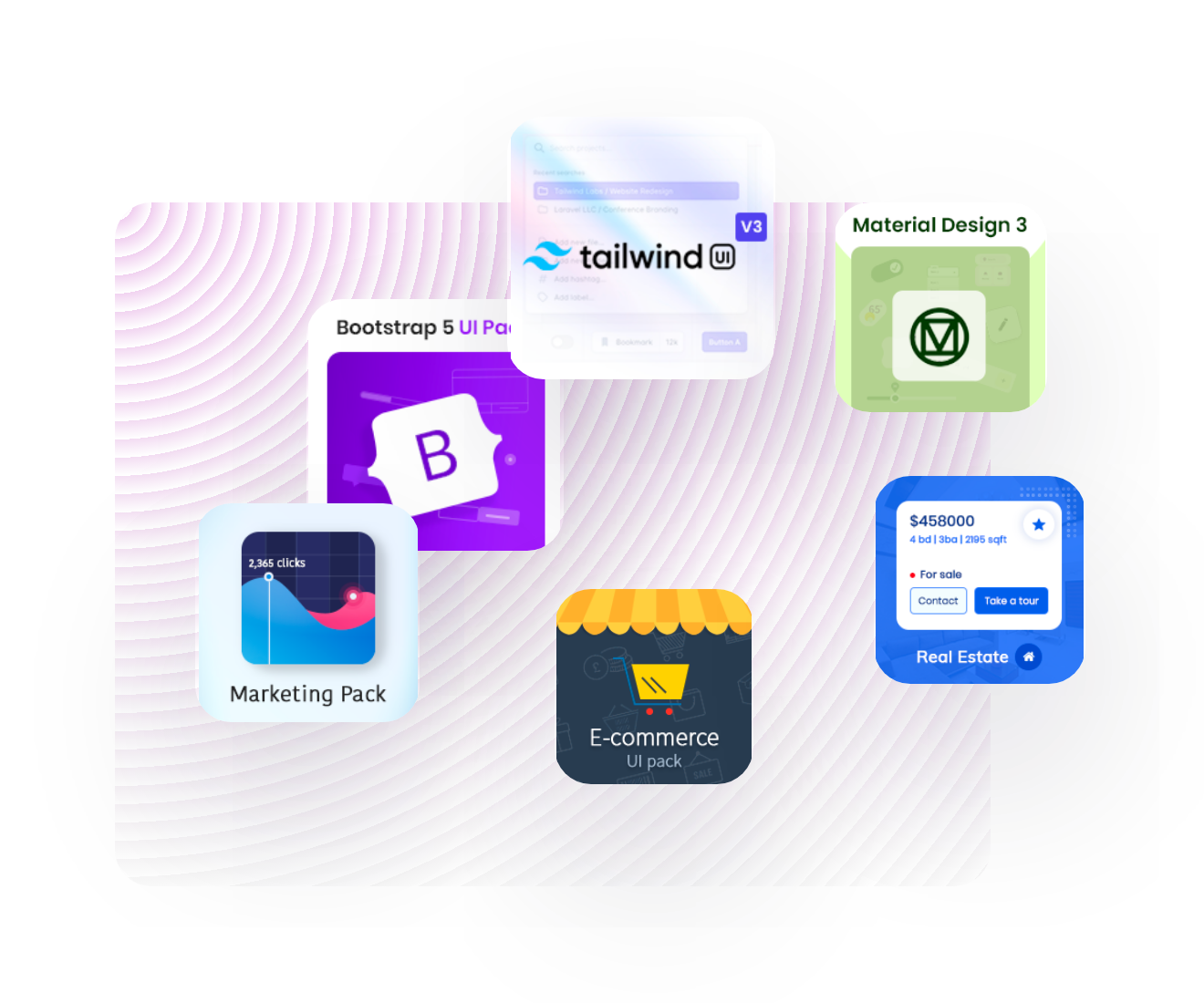
Create interactive prototypes.
Easily create clickable website prototypes with interactions, links to other pages and sections, allowing you to test navigation before development.
Explore prototyping featuresReady for development from the start.
Give developers clear specs and the page details they need while you wireframe. Explore website wireframe examples
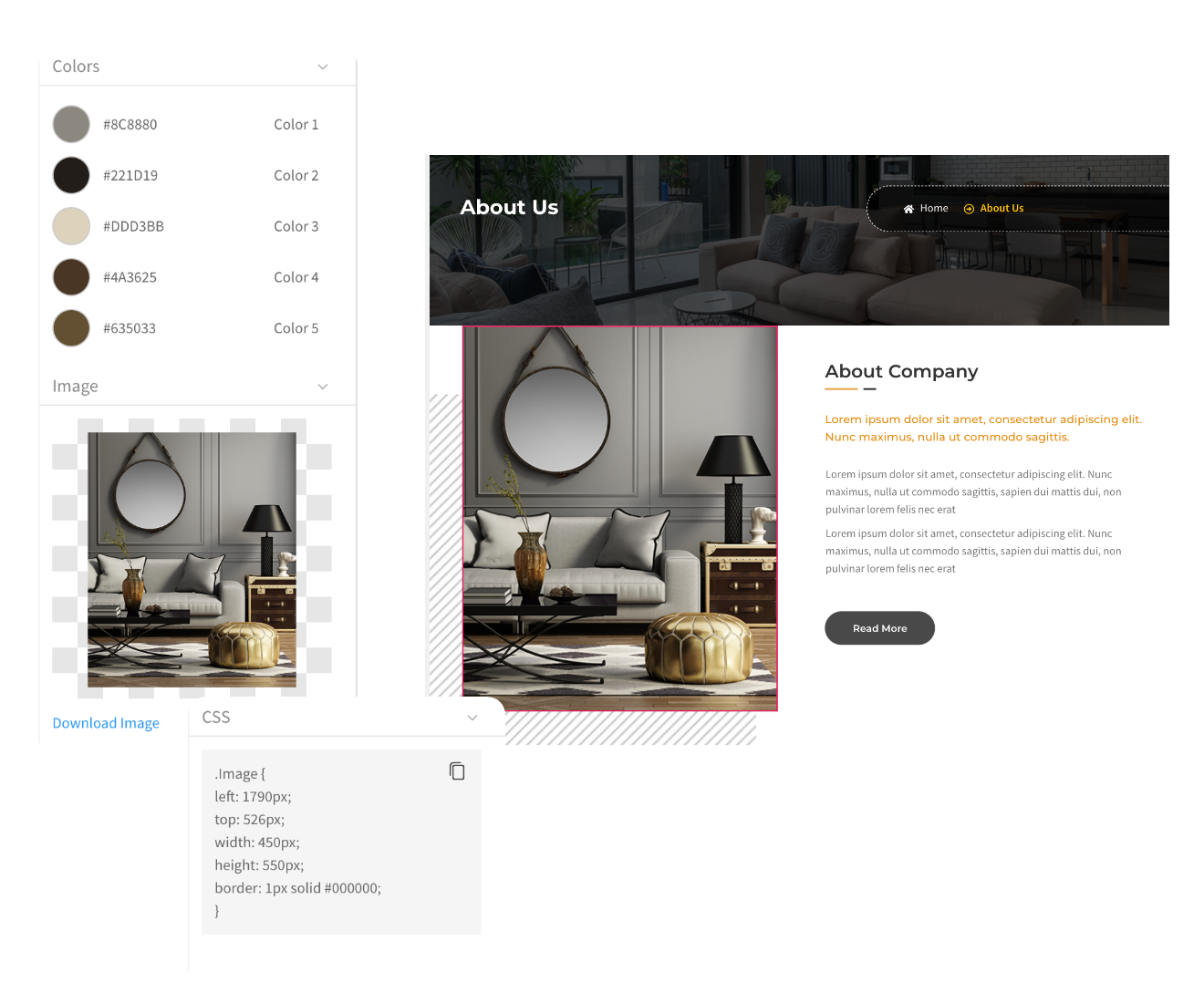
Hand over to developers with ease
Specs mode in MockFlow makes your design handovers to developers simple, ensuring no mistakes and enhanced clarity.

Plan SEO details early on
Use the SEO power up to add SEO details for your website page during the wireframing stage itself. The meta tags are just a click to copy for the developers.
3 ways to get started with wireframing your website.
Begin with components, a template or the MockFlow Wizard, whichever suits the project.

Brainstorm with layouts and UI components
Start with ready made website wireframe templates
Try MockFlow Wizard to create hi-fidelity website wireframes in 3 steps
Start making website wireframes in MockFlow today.
Describe your website and Mida drafts the first wireframe for you.




 Brainstorm with MockFlow MCP



