Create user flow diagrams online.
Improve user experience by designing user flow diagrams with the intuitive MockFlow user flow diagram tool.
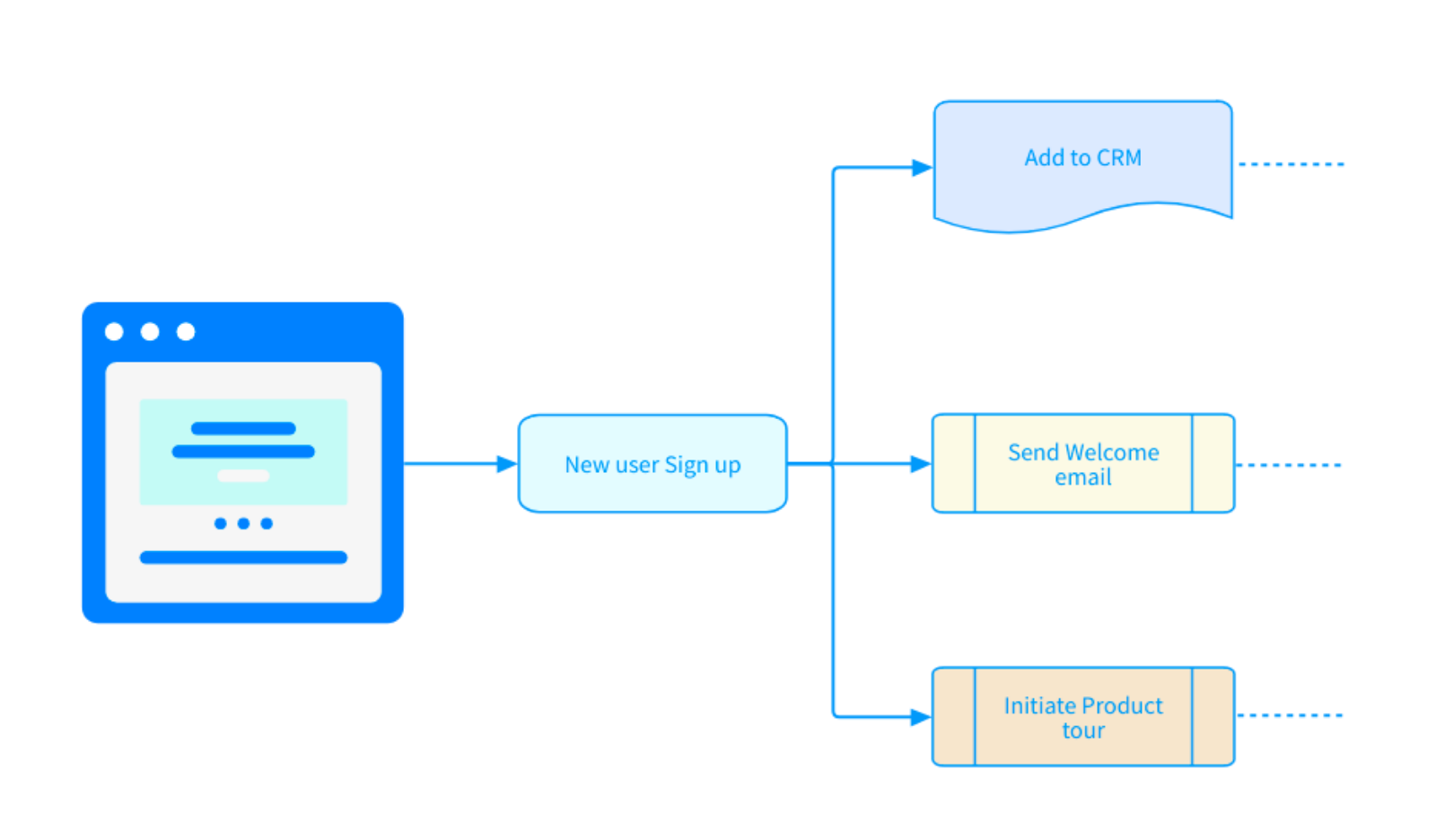
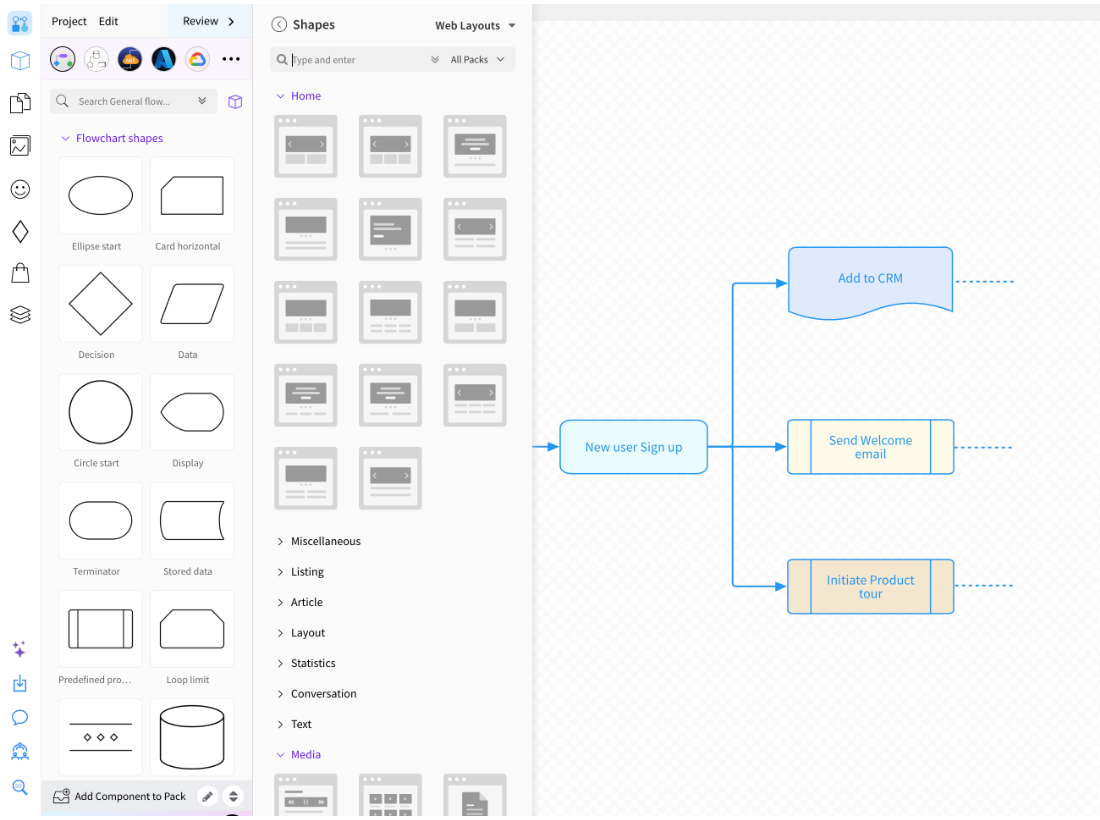
Brainstorm quickly and design faster.
Brainstorm user interface flow diagrams quickly in MockFlow with built in flowchart shapes, connectors, and mobile and web layout icons.
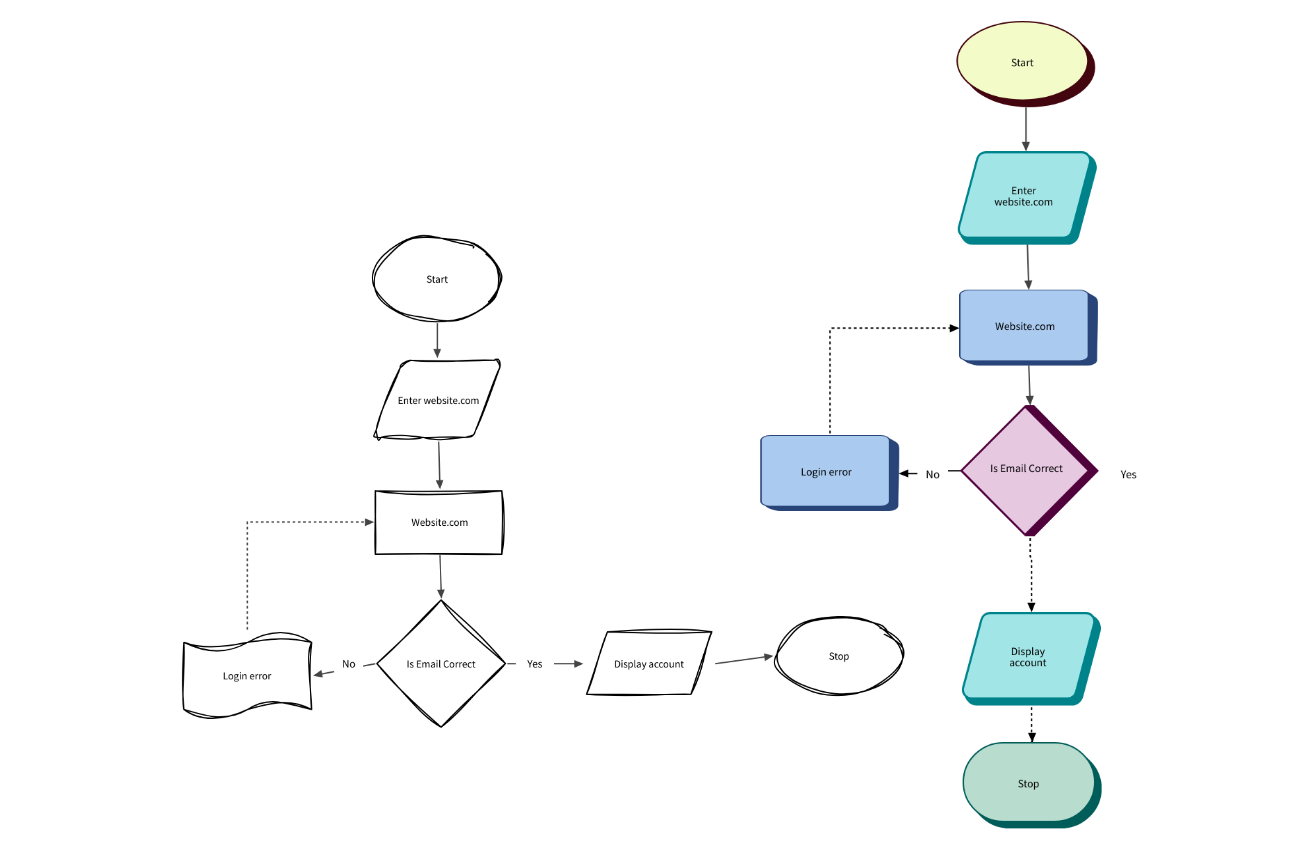
Style your user flow diagrams.
Tailor your user flow diagrams to your unique style: sketchy, plain, 3D, monochrome, or vibrant and colorful. Expedite your design process with MockFlow's pre-built component libraries, enabling quick iterations for seamlessly designing a rich user experience.
Describe a journey, get a user flow.
Name the screens, actions and decisions and AI draws the flow on the board.
"User flow diagram for an e-commerce checkout process from cart to payment confirmation"
User flow diagrams with AI
How users move through screens, actions and decision points in your product, generated from a description.
Open the user flow generatorShare with your team, work on desktop.
Iterate together in real time, or keep going in the desktop app.
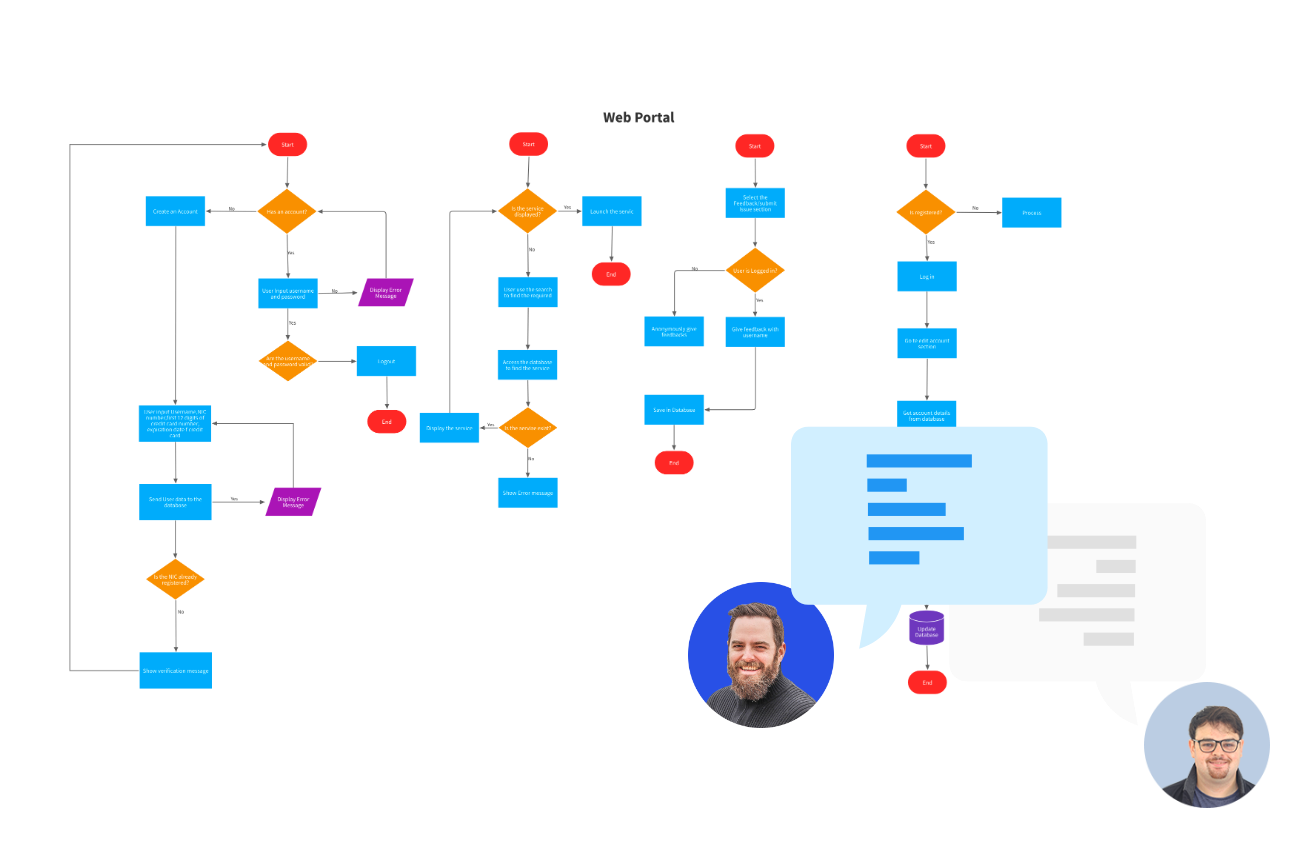
Collaborate and share easily
Share and iterate in real-time to enhance communication and bring collective creativity to your user flow design process. Export user flow diagrams to image format to share offline or share with a public link in one click to boost collaboration.
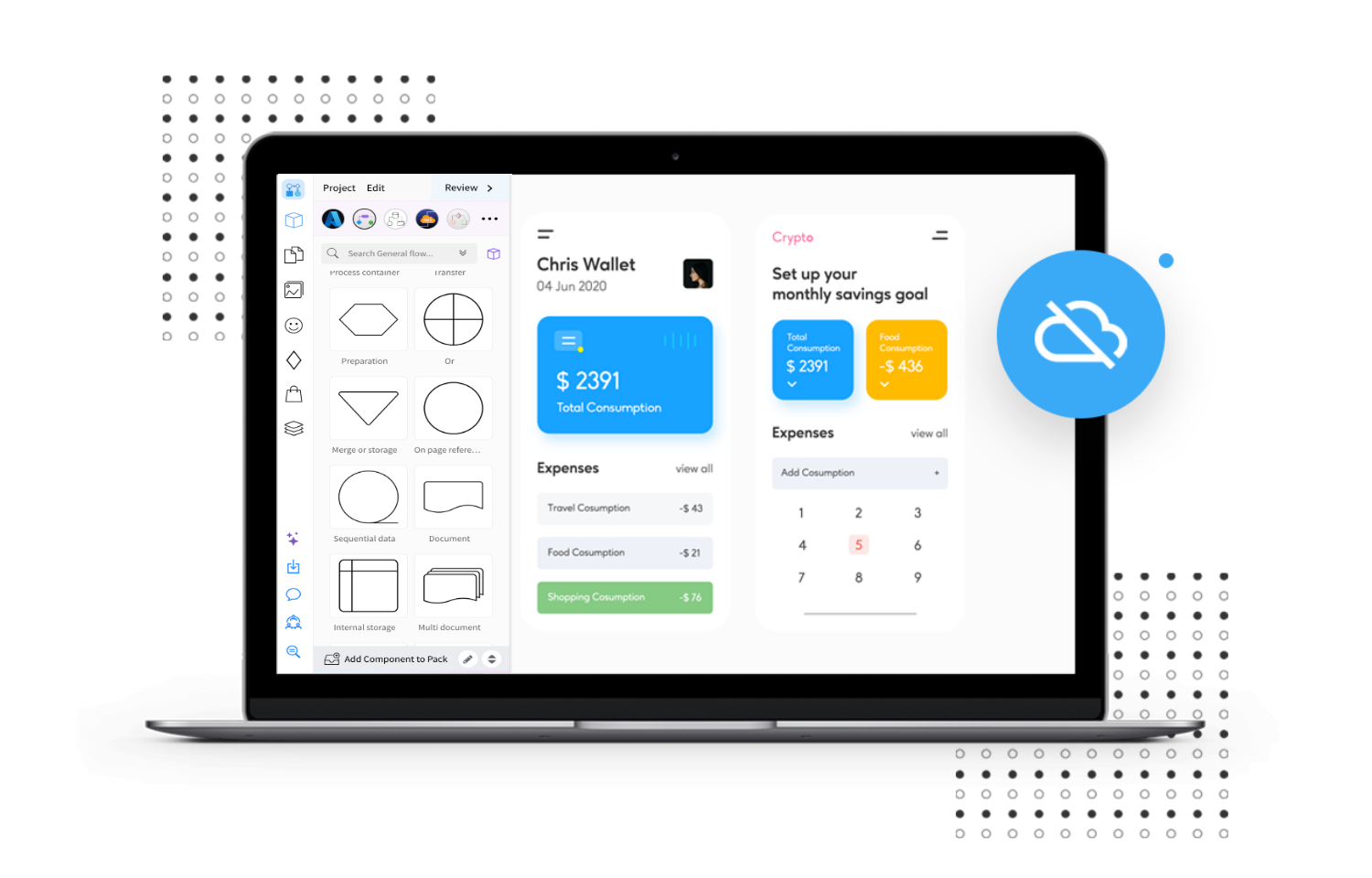
Create user flow diagrams offline
MockFlow offers a desktop app for both Windows and MacOS platforms for increased productivity and efficiency. Create and store user flow diagrams locally with the offline mode without any hassles.
Get the desktop appCreate user flow diagrams online with MockFlow.
Flow shapes, layout icons and AI on one board your whole team can edit.
Describe a user journey to Mida and it draws the flow on a new board.
AI user flow generator



 Brainstorm with MockFlow MCP



