New: Visual prompting for generating code in Visual Studio
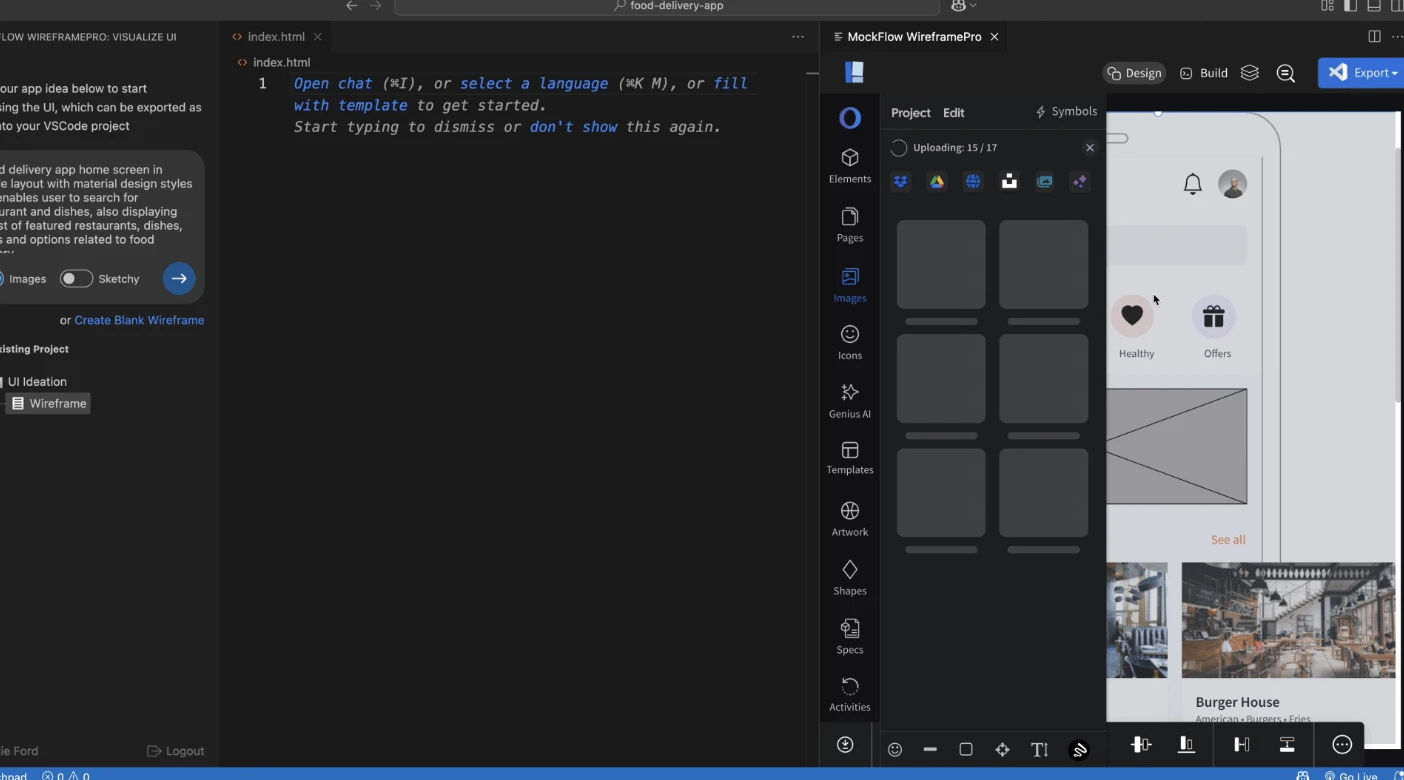
With the new MockFlow WireframePro extension for Visual Studio Code, you can instantly generate UI code through visual prompting. Simply draw your wireframes or leverage AI to bring your ideas to life, then convert them into production ready code in a click.
Bring ideas to life inside Visual Studio Code
MockFlow for Visual Studio Code lets you brainstorm and design UI ideas directly inside your favorite IDE. Use the built-in prompt box to have AI instantly generate your interface layout, or quickly sketch it yourself using the fastest visual UI design tool available.
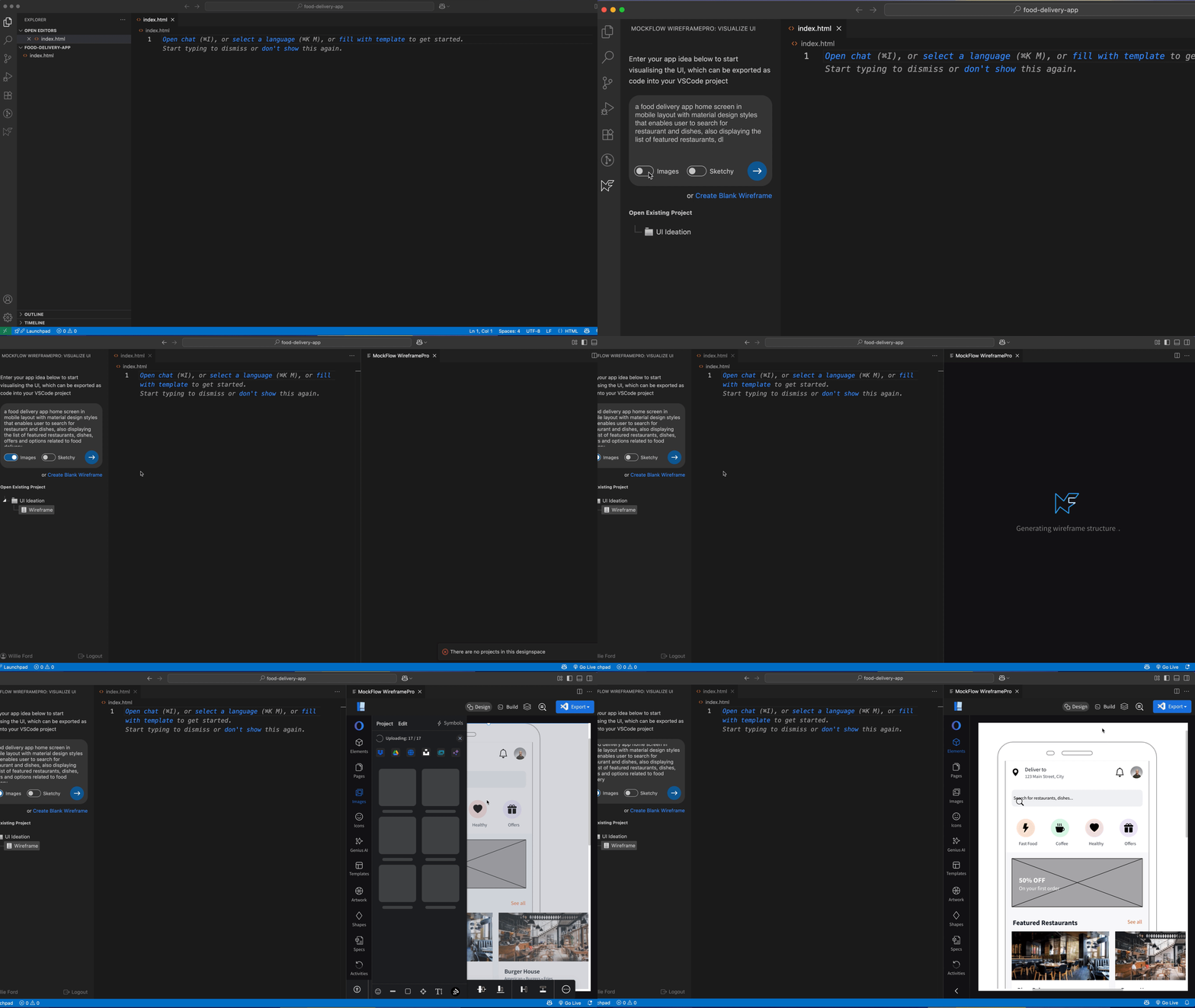
Tailored version for Visual Studio code
This extension integrates seamlessly with your Visual Studio Code IDE through a built-in MockFlow project sidebar, allowing you to create new wireframes or open existing ones. It also features a streamlined version of the WireframePro editor, ensuring a lighter, less cluttered editing experience inside Visual Studio Code.
Turn wireframes into actual code
With the integrated Build Mode in the MockFlow WireframePro extension, take your designs further by converting wireframes into clean, ready-to-use code and inserting it directly into your Visual Studio Code project files.
Build Mode lets you export any part of your wireframe whether it’s a single component, a section, or an entire page, into code. It supports all major frameworks in multiple versions, ensuring seamless integration with your project’s requirements.
Why brainstorming your UI is important
Wireframing is like sketching your ideas on a whiteboard, only better. It helps you brainstorm layouts, refine them quickly, and make changes before development begins. With rapid wireframing and code export, you can accelerate your workflow and save valuable development time.
Unlike other app builders, WireframePro extension only focuses on the UI that means it easily integrates with any new or existing Visual Studio projects and can be used as required.
The extension is available for Free in Visual Studio marketplace. Download and try now.
