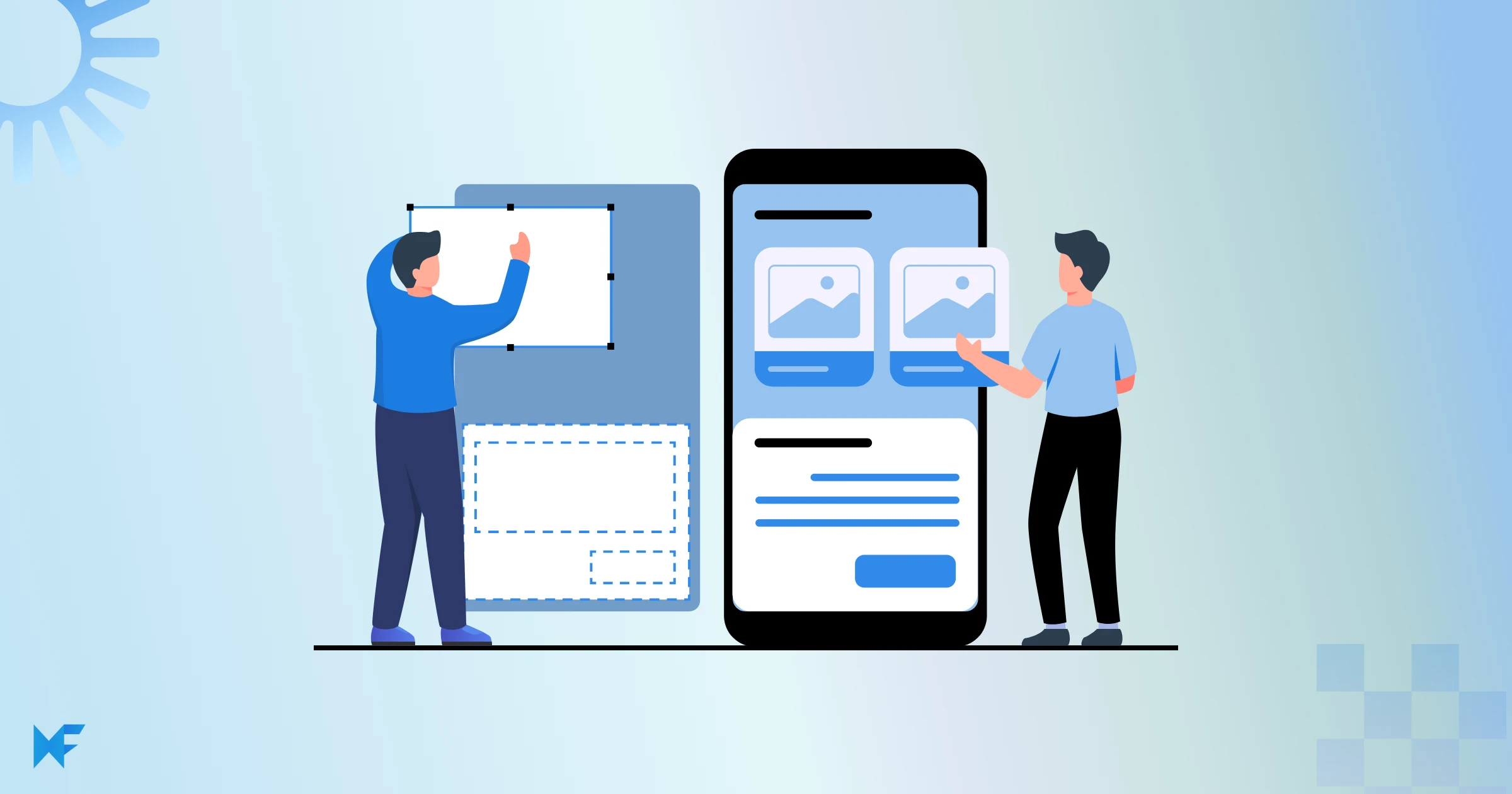
Wireframe vs Mockup vs Prototype: What’s the Difference?
Wireframes, mockups, and prototypes are three stages of the product design process. Wireframes define layout and structure, mockups add visual design and branding, and prototypes introduce interactivity to test user flows. Each is used at a different stage to move from idea to a usable product.
When designing a digital product, teams use wireframes, mockups, and prototypes—but these terms are often confused. While they may look similar, each serves a different purpose. This guide explains the difference, when to use each, and how they work together from early planning to interactive testing.
Wireframes: Building the Blueprint
What is a Wireframe?
Wireframe is like an architectural plan for a building. It is a simple, stripped-down visual representation that focuses solely on the layout and arrangement of elements. You won't find flashy colors or intricate design details here – it's all about mapping out where things go and how users will navigate through your creation.
If you want to get hands-on, check out our guide on how to create a wireframe step by step.
The Purpose of Wireframe
Wireframes provide a clear structural reference for designers, developers, and stakeholders before visual design begins. They help you:
- Define the hierarchy of information: What's most important? Where should it be placed?
- Structure the content: How do different pieces of information flow together?
- Plan user interactions: What happens when users click a button or follow a link?
- Collaborate and communicate: Wireframes are a universal language that helps designers, developers, and stakeholders align their vision.
When to use Wireframes
Wireframes initiate your design journey, representing its very inception. Turn to wireframe when you find yourself:
Conceptualizing: Use them to breathe life into your initial ideas before delving into the finer points.
Exploring Layouts: Test out various arrangements to unearth the most effective design configuration.
Collaborating: Use wireframes as a visual language to communicate your concepts to teammates and stakeholders seamlessly.
Tools for Creating Wireframes
You don't need to start from scratch with a pen and paper. There are numerous digital tools available that make creating wireframes a breeze. Some popular options include:
MockFlow: A beginner-friendly and intuitive wireframing tool that offers a robust editor, ready-to-use components, and collaboration features for teams working on early design concepts.
Choosing the right wireframing tool can significantly impact your design workflow. This guide on how to choose the perfect wireframing tool covers key features, collaboration needs, and usability considerations.
Balsamiq: Known for its hand-drawn style, perfect for quick conceptualization.
Figma: Offers collaborative features, making it easy for teams to work together.
Mockups: Adding visual context
Mockups build on wireframes by adding visual design. They focus on colors, typography, imagery, spacing, and branding to show how the final product will look, without introducing interaction.
What is a Mockup?
A mockup is like a detailed preview of your digital creation, where every color, every image, and every text element finds its place. It's a non-interactive visual representation that gives you and others a clear glimpse of how the final product will look.
The Purpose of Mockup
While wireframes lay down the structure and flow, mockups take center stage to reveal the visual allure. They act as captivating displays, breathing life into your design's visual identity. Each pixel, shade, and graphic element adds to the story, creating a harmonious balance between aesthetics and usability.
Balancing Beauty and Functionality
Within the world of mockups, achieving the perfect blend of aesthetics and function is an art. Mockups allow you to anticipate how design decisions will influence user experience. The captivating visuals and effortless usability work together, ensuring your creation not only captures attention but also fosters engagement.
When to use Mockups
Just like wireframes, mockups have their own ideal moments in the design journey. Turn to mockups when you find yourself:
Visualizing Design Elements: When you're ready to breathe life into the visual aspects of your creation, mockups step in to showcase colors, typography, images, and other design elements.
Polishing Aesthetics: Use mockups to refine the look and feel of your design. This is the stage where you fine-tune the visual details to ensure a cohesive and appealing presentation.
Getting Stakeholder Buy-In: Mockups provide a tangible vision that stakeholders and clients can understand and engage with. They offer a glimpse of the final product's visual charm, making it easier to garner approval and alignment.
User Testing Preparation: Before moving to the interactive prototype stage, mockups let you gather initial feedback on design aesthetics and layout. This helps in making informed decisions before investing more time and effort.
Design Handoff: When it's time to pass the design baton to the development team, mockups serve as a clear reference. Developers can look to mockups to accurately translate the envisioned visuals into code.
Tools for Creating Mockups
Designers wield an array of tools for this artistic endeavor. Noteworthy options include:
MockFlow: An intriguing tool that remarkably easily bridges the gap between wireframes and high-fidelity mockups. Its versatile nature allows you to effortlessly craft both wireframes and polished mockups within the same environment.
Adobe XD: A versatile platform offering a rich spectrum of design and prototyping capabilities.
Figma: Its collaborative essence extends seamlessly to crafting vibrant mockups, fostering team cohesion.
Prototypes: Breathing Life into Interactivity
Prototypes introduce interactivity into a design. They allow users to click, navigate, and experience flows, making them essential for usability testing and interaction validation before development. To understand how usability testing evaluates real user interactions and task success, refer to established UX guidelines on usability testing.
What is a Prototype
Picture this: you not only see your design but also navigate through it, just like your users would. That's the magic of prototypes. They're interactive models that breathe life into your static designs, enabling you to simulate user experiences, interactions, and journeys.
Purpose of Prototype
I'm sure you've already guessed it right – while mockups captivate us with their visual allure, prototypes propel us a step further. Acting as virtual playgrounds, prototypes are designed for more than just visual satisfaction. They're a crucial instrument for testing, refining, and actively engaging with the functionalities of your design. By embracing prototypes, you open the door to uncover potential pitfalls, explore the fluidity of user flows, and ensure that your design seamlessly caters to user needs. This dynamic journey empowers you to fine-tune every aspect before your creation takes center stage in the real world.
When to use Prototypes?
Just as wireframes and mockups have their designated moments in the product design process, prototypes also come into play at specific junctures. Let's explore when prototypes shine brightest and add immense value to your design journey:
Validation and Refinement: Prototypes shine when you need to validate concepts and refine functionalities, regardless of the stage in the design process. They offer a tangible platform to test your design's potential and ensure it aligns with user expectations.
User Experience Testing: Before you invest significant resources into development, prototypes allow you to gauge user interactions and identify any stumbling blocks. This user-centric approach lets you fine-tune your design to create a seamless experience.
Feedback Iteration: Prototypes provide a canvas for collaborative discussions. Use them to gather feedback from stakeholders, designers, and users. This iterative process ensures that the end product meets everyone's expectations.
Complex Interactions: When your design involves intricate interactions, such as animations, transitions, or multi-step processes, prototypes help you visualize and fine-tune these complexities.
Tools to Create Prototypes
Creating prototypes is an exciting journey in itself, facilitated by an array of tools and platforms. Some popular choices include:
MockFlow: If your requirement is a simple clickable prototype to showcase navigation between different screens/pages, MockFlow is the perfect choice.
InVision: Known for its intuitive interface and collaborative features.
Proto.io: Offers a robust set of interactive features and animation options.
Axure RP: Ideal for more complex interactions and dynamic user flows.
Key Differences - Wireframe vs. Mockups Vs Prototypes
The table below highlights the key differences between wireframes, mockups, and prototypes across fidelity, interactivity, and purpose.
Aspect | Wireframes | Mockups | Prototypes |
Fidelity | Low | High | Variable, from low to high |
Interactivity | Minimal or none | Limited | Interactive, simulating experiences |
Purpose | The structural planning, ideation | Visual design, stakeholder approval | User testing, interaction refinement |
Useful Scenarios | Early ideation, layout exploration | Visual design presentation | Testing user experience, refinement |
Which One Should You Choose for Your Project?
- Choose wireframes when you need to define structure, layout, and content hierarchy.
- Choose mockups when you want to finalize visual design, branding, and presentation.
- Choose prototypes when you need to test interactions, user flows, and usability before development.
In most real-world projects, teams use all three in sequence: wireframe → mockup → prototype.
The Product Design Process: Weaving the Trio Together
Wireframes, mockups, and prototypes work best when used as an iterative sequence. Wireframes clarify structure, mockups finalize visual design, and prototypes validate interactions. Feedback from prototypes often leads to improvements in both wireframes and mockups, helping teams reduce rework before development.
A Progression of Phases
Envision your design journey as a sequence of stages, where wireframes act as the initial notes, establishing the framework and sequence. Subsequently, mockups enter the scene, enhancing this foundation with vibrant visuals that enrich the design's aesthetic appeal. However, it's the prototypes that breathe vitality into this progression, harmonizing interactions and metamorphosing static designs into a dynamic user-centered experience.
Iteration: The The Pulse of Advancement
Design thrives on iteration, prioritizing flexibility over rigidity. Insights gleaned from wireframes pave the way for refining mockups and prototypes. Much like honing a craft, design iterations, guided by the clarity of wireframe insights, sculpt the harmonious composition of your digital creation.
Transitioning with Finesse, Mastering with Unity
Transitioning from wireframes to prototypes might feel like a leap, but it's a natural progression. Keep the following tips in mind for a seamless flow:
- Uphold Fundamental Concepts: Let your wireframes lay a strong foundation, ensuring your prototypes remain rooted in the core design concepts.
- Visualize Interactions: As you move into mockups, anticipate potential interactions. This foresight aids the eventual transition to prototypes.
- Leverage Feedback: Use feedback from prototypes to enhance both wireframes and mockups. Every insight gained refines the overall design.
Conclusion
Wireframes, mockups, and prototypes each play a distinct role in the product design process. Wireframes define structure, mockups refine visual design, and prototypes validate interactions. Using them in the right sequence helps teams reduce risk, improve usability, and move efficiently from concept to development.
FAQs
Is a wireframe the same as a prototype?
No. A wireframe focuses on layout and structure, while a prototype is interactive and used to test user flows and usability.
Can mockups be interactive?
Mockups are usually static. Interactivity is typically introduced at the prototype stage.
Do I need wireframes, mockups, and prototypes for every project?
Not always, but using all three helps reduce design risk and improves clarity before development.
What comes first: wireframe or mockup?
Wireframes usually come first, followed by mockups and then prototypes.

The Core Skills Behind Every Good UX Designer
UX design is one of the most in-demand careers in tech, and building the right skill set is the first step toward getting hired....
Decision Tree Diagram: Symbols, Examples, and How to Create One
Introduction Some decisions look simple until you start mapping the consequences. Teams debate possibilities endlessly because...

14 Tips for Creating Effective Wireframes - Master Wireframing
UI designers and product designers all over the world are familiar with the concept of wireframing, and for a good reason. It is...
