Free wireframe templates

Website, dashboard and mobile app wireframes to edit on a MockFlow board.

Start exploring
WireframePro app templates
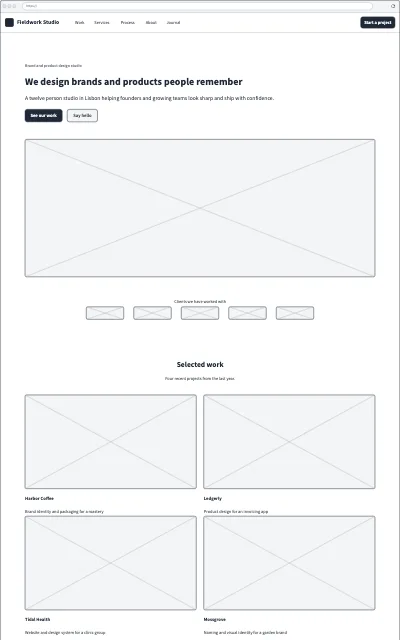
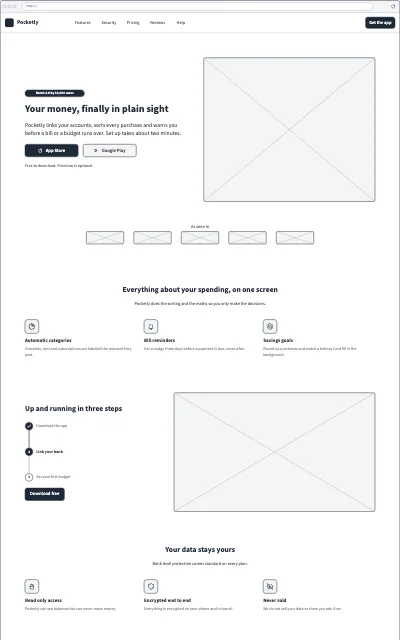
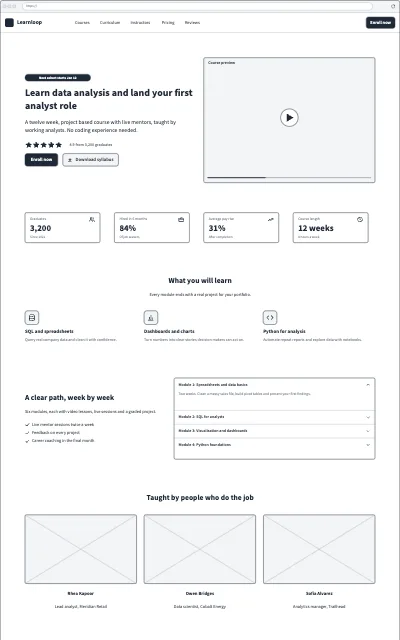
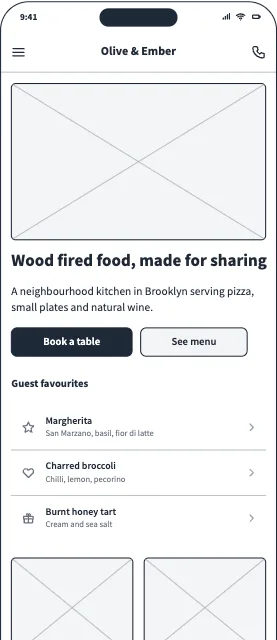
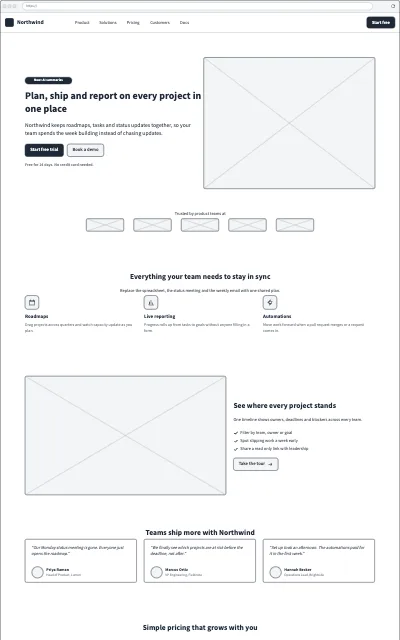
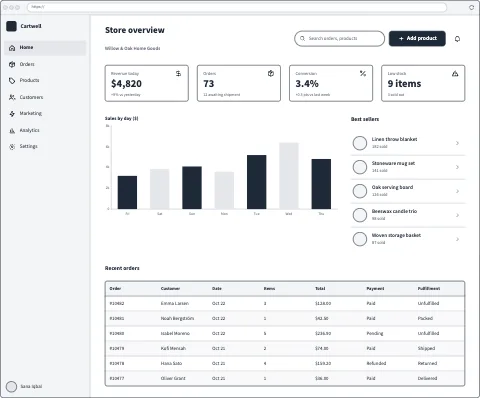
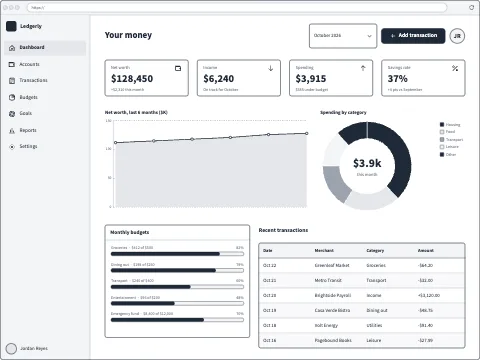
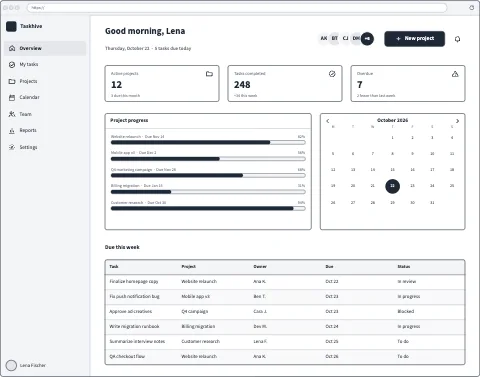
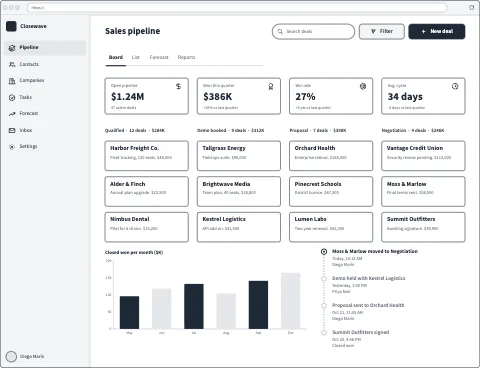
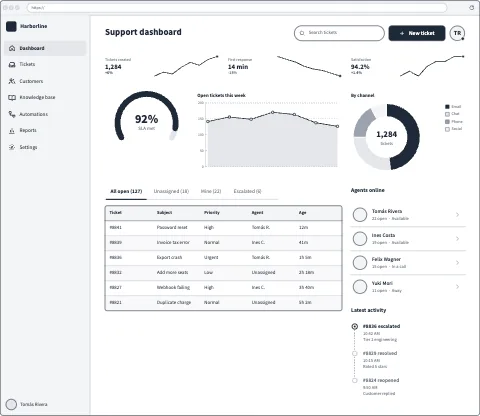
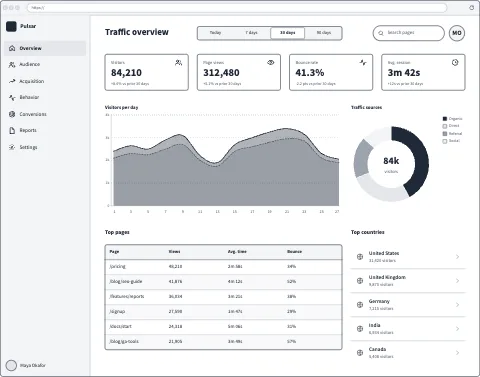
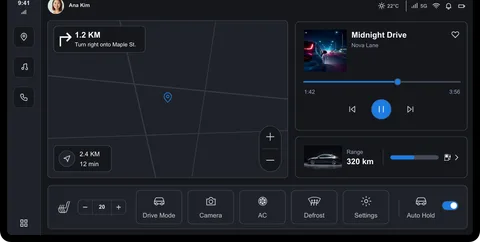
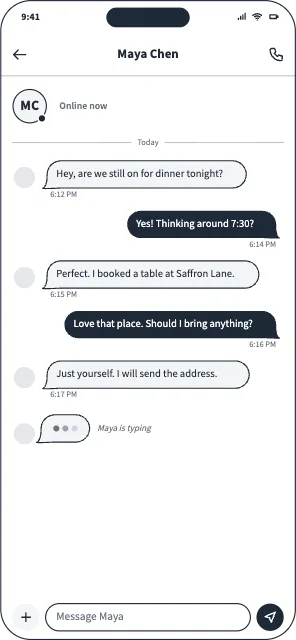
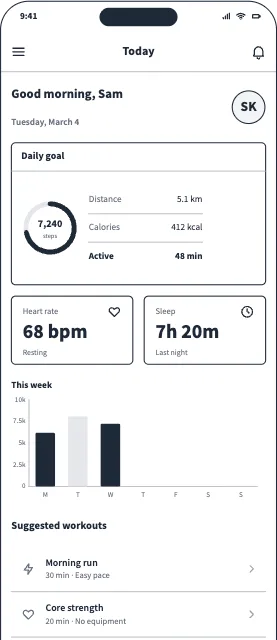
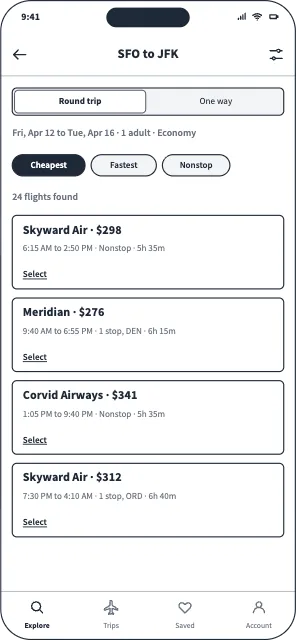
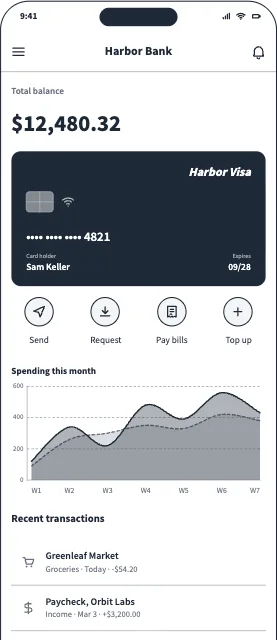
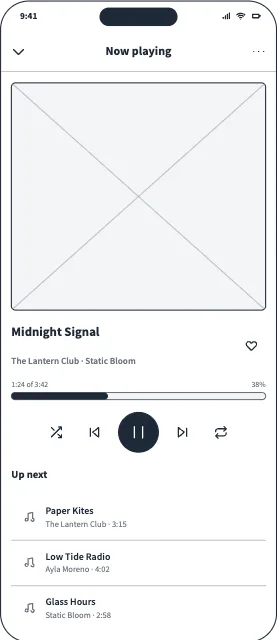
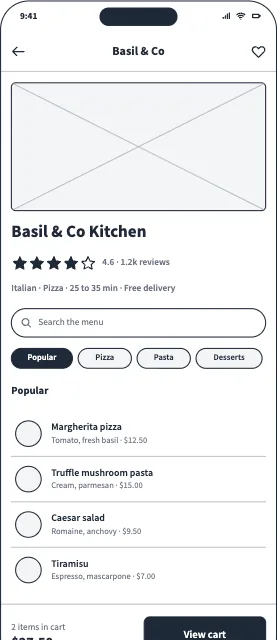
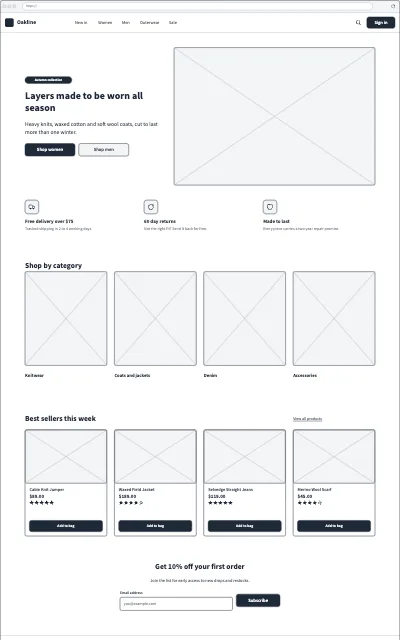
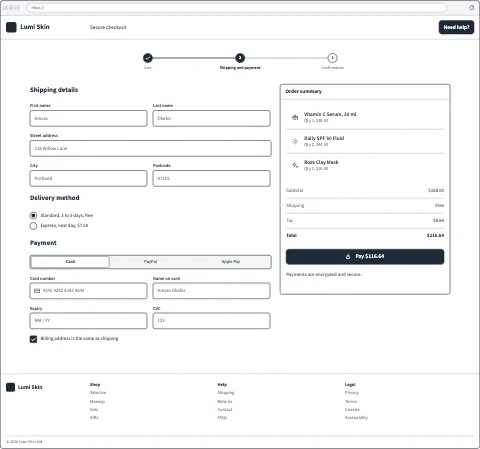
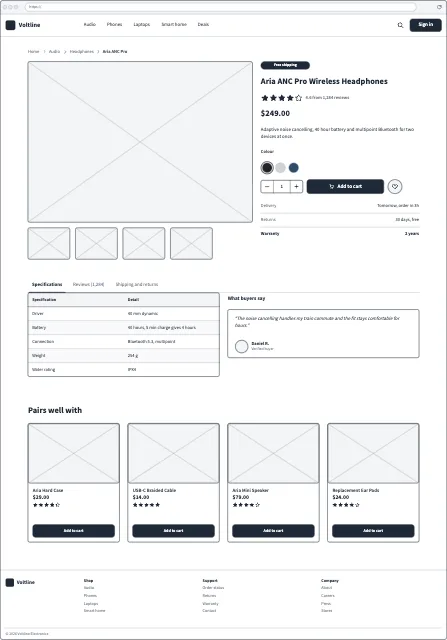
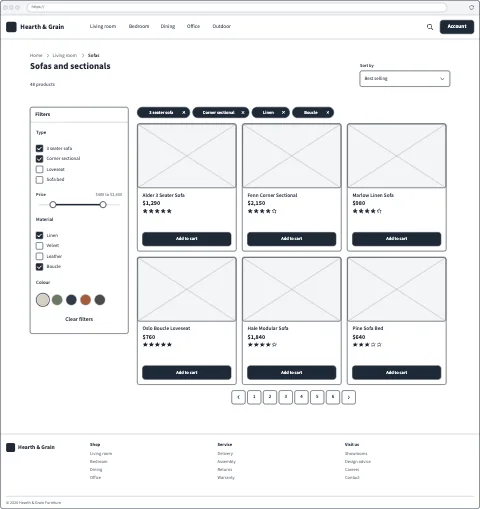
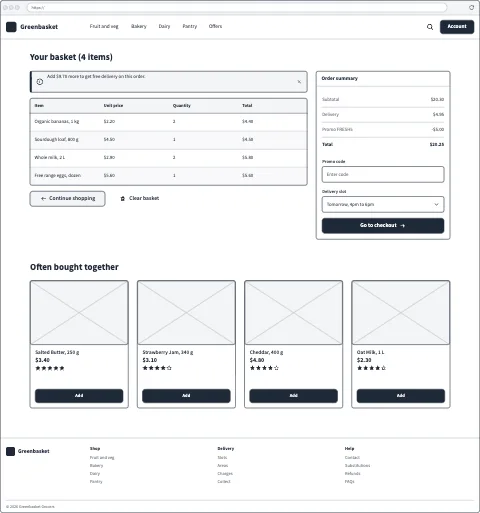
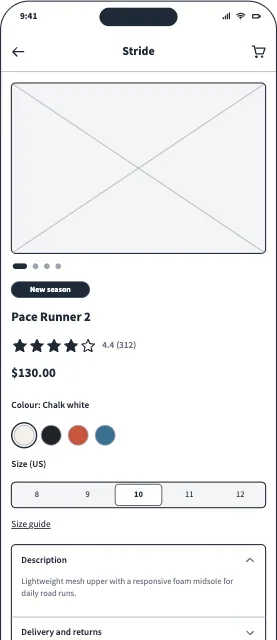
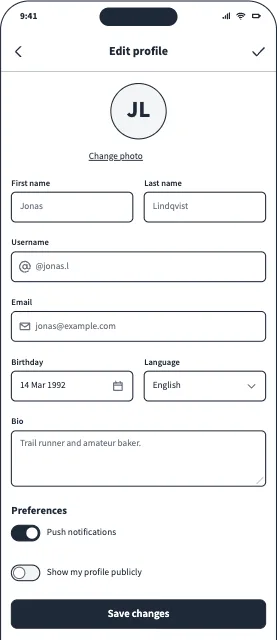
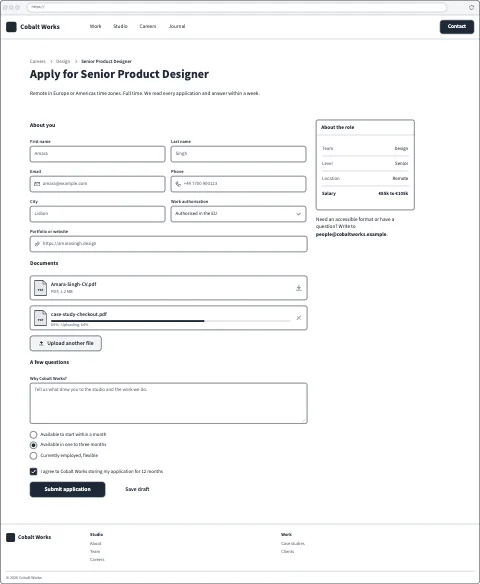
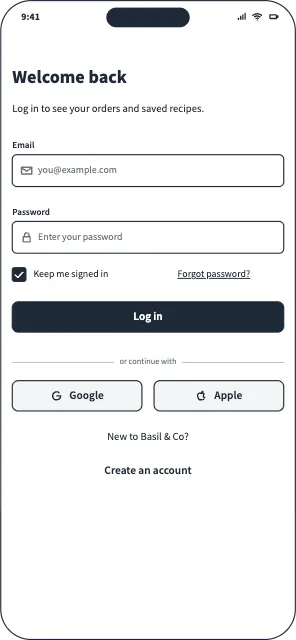
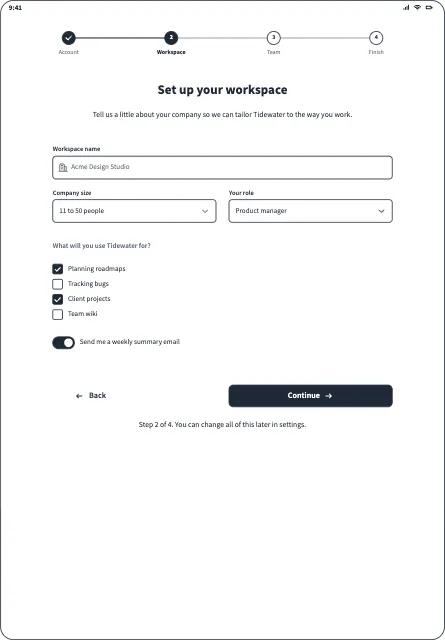
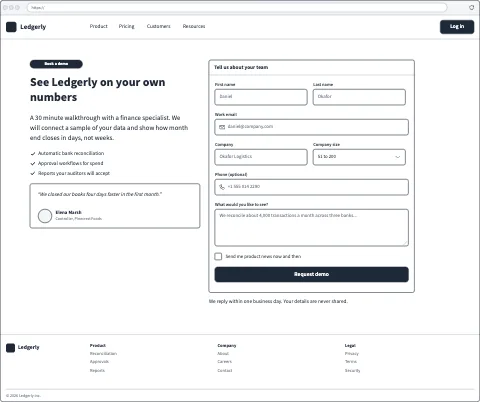
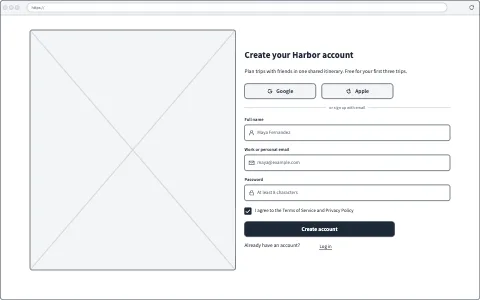
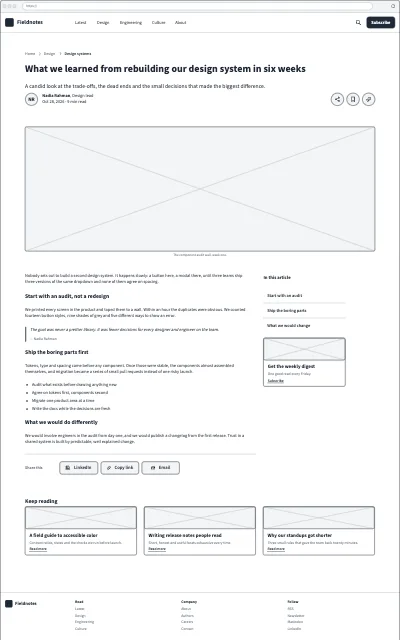
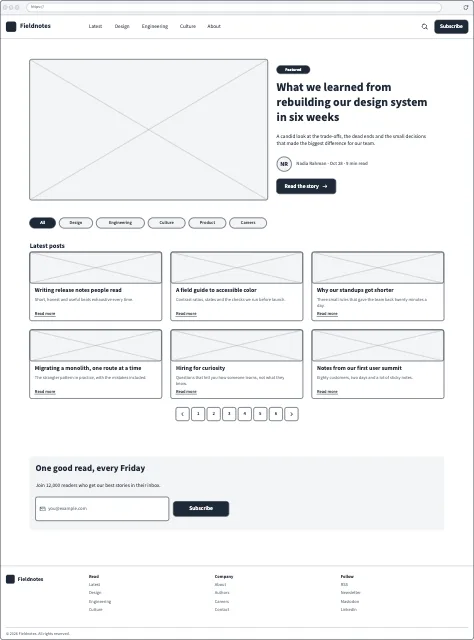
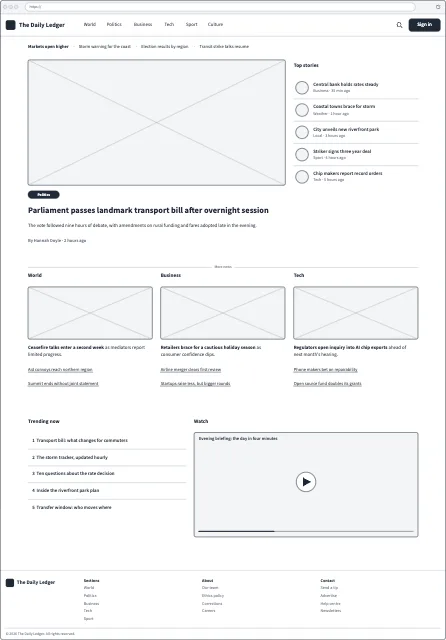
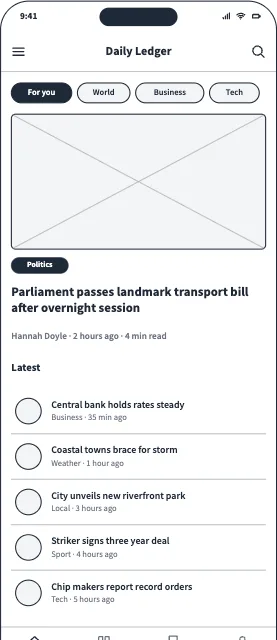
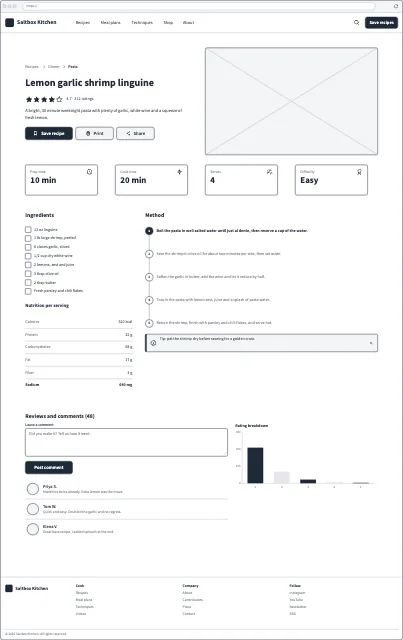
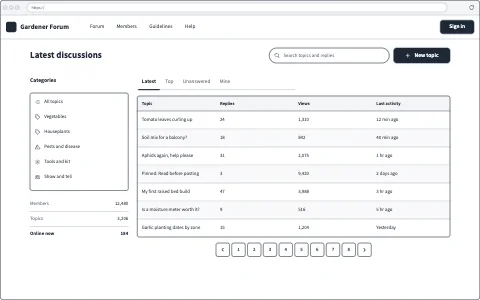
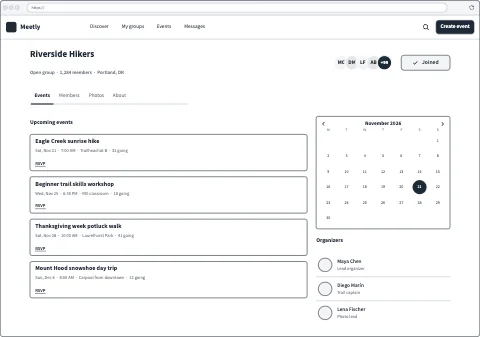
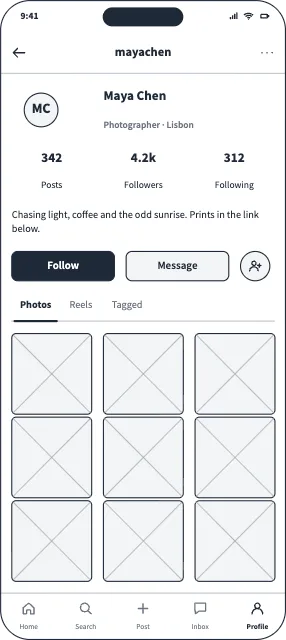
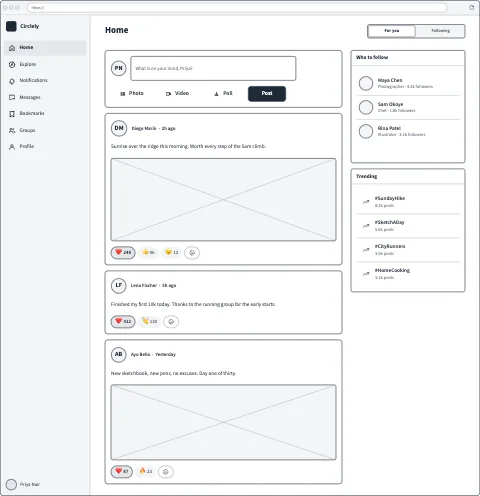
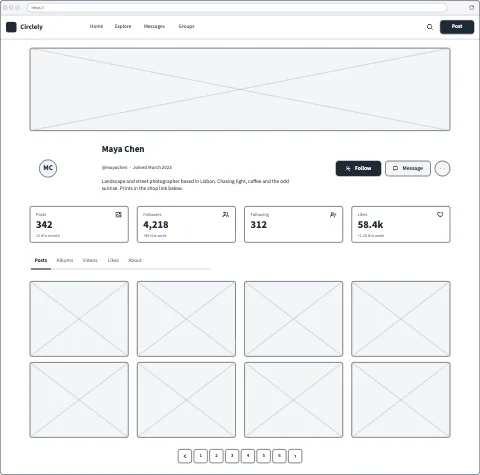
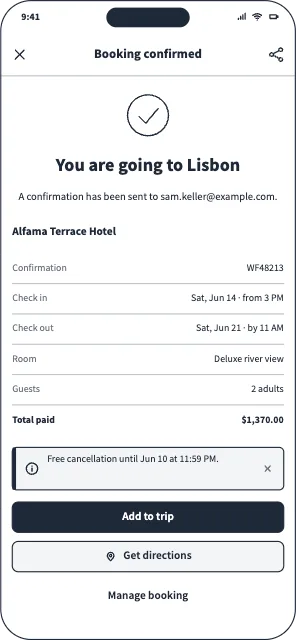
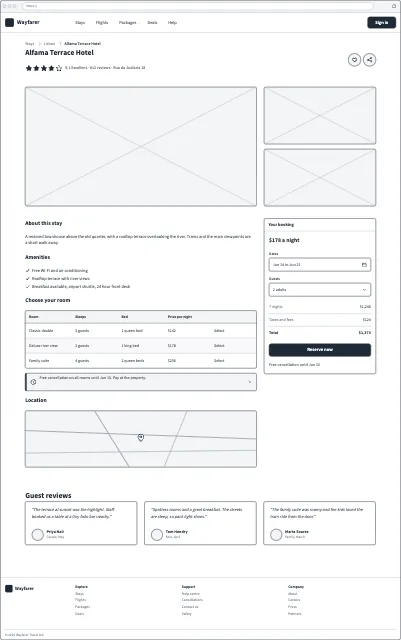
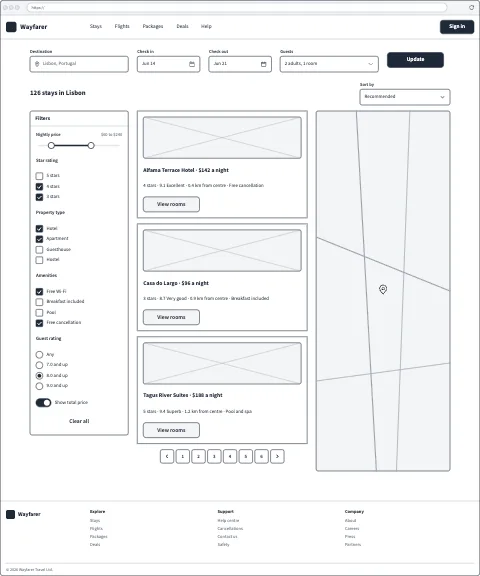
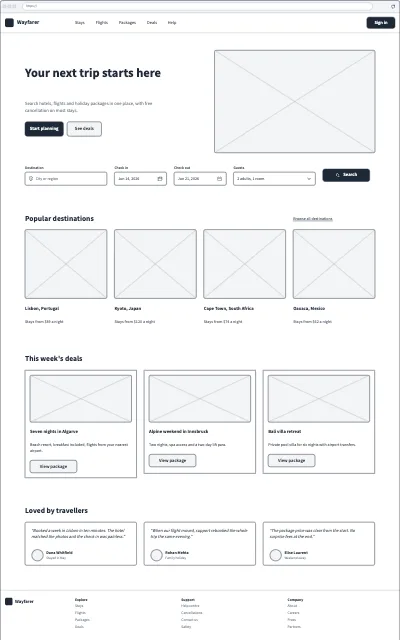
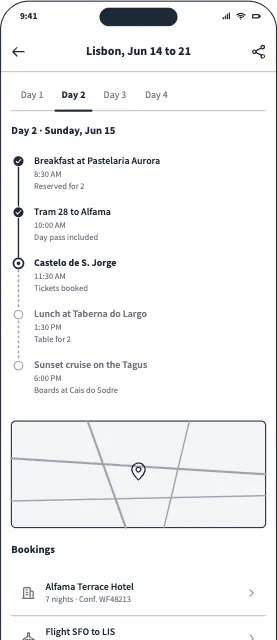
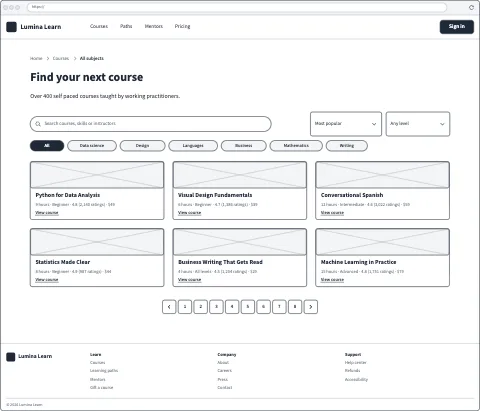
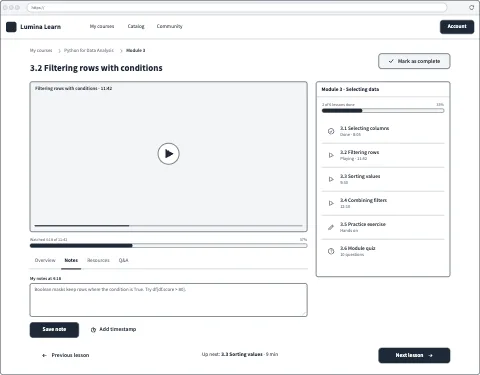
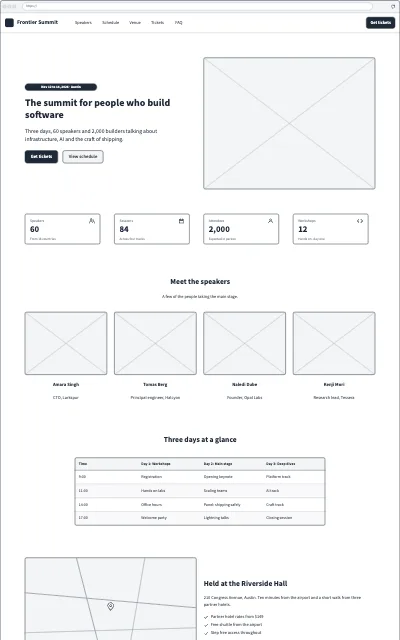
Conference Event Page Conference Event Page Landing pages Desktop Design Agency Portfolio Design Agency Portfolio Landing pages Desktop Mobile App Download Mobile App Download Landing pages Desktop Online Course Enrollment Online Course Enrollment Landing pages Desktop Restaurant Mobile Landing Restaurant Mobile Landing Landing pages Mobile SaaS Product Launch SaaS Product Launch Landing pages Desktop E-commerce Store Admin E-commerce Store Admin Dashboards Desktop Personal Finance Dashboard Personal Finance Dashboard Dashboards Desktop Project Management Overview Project Management Overview Dashboards Desktop Sales Pipeline Board Sales Pipeline Board Dashboards Desktop Support Helpdesk Dashboard Support Helpdesk Dashboard Dashboards Desktop Web Analytics Overview Web Analytics Overview Dashboards Desktop Automotive HMI Automotive HMI Dashboards Desktop Chat Conversation Thread Chat Conversation Thread Mobile apps Mobile Fitness Tracker Home Fitness Tracker Home Mobile apps Mobile Flight Search Results Flight Search Results Mobile apps Mobile Mobile Banking Home Mobile Banking Home Mobile apps Mobile Music Now Playing Music Now Playing Mobile apps Mobile Restaurant Menu Ordering Restaurant Menu Ordering Mobile apps Mobile Apparel Store Home Apparel Store Home E-commerce Desktop Cosmetics Checkout Cosmetics Checkout E-commerce Desktop Electronics Product Detail Electronics Product Detail E-commerce Desktop Furniture Product Listing Furniture Product Listing E-commerce Desktop Grocery Shopping Cart Grocery Shopping Cart E-commerce Desktop Sneaker Product Page Sneaker Product Page E-commerce Mobile Edit Profile Settings Edit Profile Settings Forms Mobile Job Application Job Application Forms Desktop Log In Log In Forms Mobile Multi-step Onboarding Multi-step Onboarding Forms Tablet Request a Demo Request a Demo Forms Desktop Sign Up with Social Buttons Sign Up with Social Buttons Forms Desktop Article Reading Page Article Reading Page Blog & news Desktop Blog Home Blog Home Blog & news Desktop News Portal Front Page News Portal Front Page Blog & news Desktop News Reader App News Reader App Blog & news Mobile Recipe Page Recipe Page Blog & news Desktop Community Forum Threads Community Forum Threads Social & community Desktop Group Events Listing Group Events Listing Social & community Desktop Mobile Profile Screen Mobile Profile Screen Social & community Mobile Social Feed Home Social Feed Home Social & community Desktop User Profile Page User Profile Page Social & community Desktop Booking Confirmation Booking Confirmation Travel & booking Mobile Hotel Room Detail Hotel Room Detail Travel & booking Desktop Hotel Search Results with Map Hotel Search Results with Map Travel & booking Desktop Travel Agency Home Travel Agency Home Travel & booking Desktop Trip Itinerary Timeline Trip Itinerary Timeline Travel & booking Mobile Course Catalog Course Catalog Education Desktop Lesson Player Lesson Player Education Desktop
Get started

Your next wireframe, ready in minutes.

MCPBrainstorm with MockFlow MCP

Add MockFlow as an MCP connector in Claude, Cursor, or any MCP-compatible AI assistant to generate flowcharts, mindmaps, architecture diagrams, and 16 types of visualizations.

Desktop App MCP Powerful
CLI Web MCP Developer
Web MCP Easiest

Built into the MockFlow Desktop App. AI creates visuals directly on your open canvas — no URLs, no waiting.

1
Open Desktop App → open a MockFlow project
2
In Claude Code / Cursor, run:
claude mcp add --transport http -s user mockflow-ideaboard http://localhost:21193/mcp
3
Ask: "Create a flowchart for..."

Best for: Designers, product teams, daily MockFlow users.

Download Desktop App →

Install from npm, log in via browser (OAuth), and boards are saved to your MockFlow account.

1
npm install -g @mockflow/ideaboard-mcp
2
mockflow-ideaboard-mcp login
3
mockflow-ideaboard-mcp

Best for: Developers using Claude Code, Cursor, or VS Code Copilot.

npm Package →

Add MockFlow as a connector in Claude.ai or ChatGPT. No installation. A new board is created and you get a shareable URL.

1
Open Claude.ai → Settings → Connectors
2
Paste this URL, then click Connect and sign in to MockFlow: https://app.mockflow.com/ideaboard/connector/mcp
3
Ask Claude to create a flowchart — done!

ChatGPT or no account: no login needed, use https://app.mockflow.com/ideaboard/mcp

Best for: Managers, marketers, anyone using Claude.ai or ChatGPT in the browser.

Welcome back

Don't have an account? Sign up

Faster ways in

Sign in with an account you already use.